



Here is how most teams use AI assistants today: they export data from their project tool, copy it into a spreadsheet, paste it into the chat window, ask a question, and then do it all over again when the data changes. It works. But it is also manual, slow, and one step away from working with outdated information.
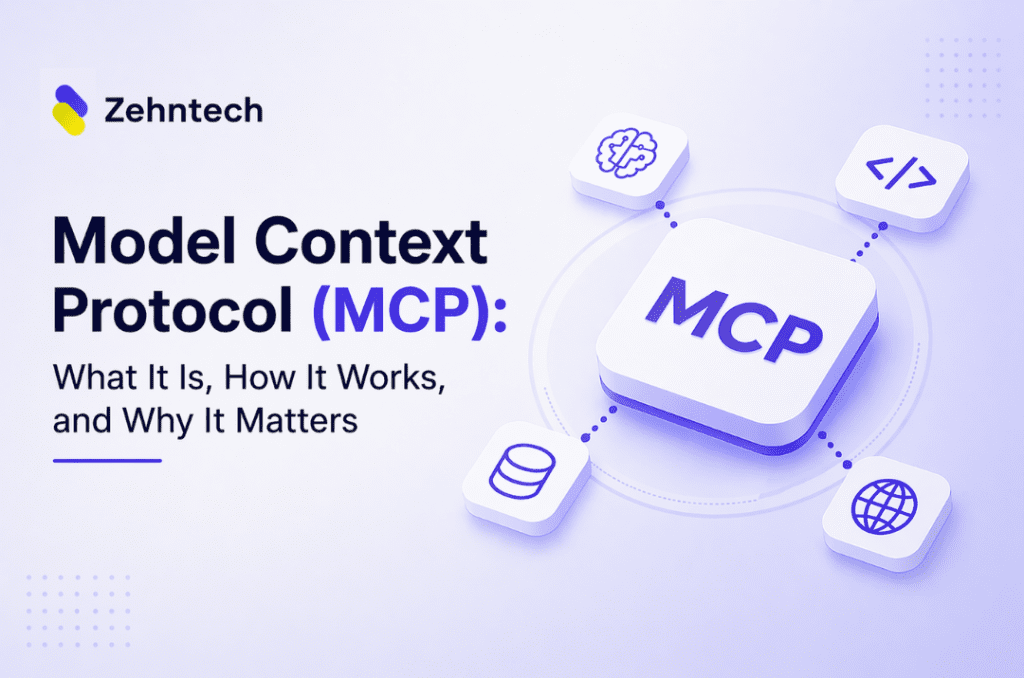
Model Context Protocol (MCP) is the open standard that removes that step entirely. Instead of relying on what you paste into a chat, an AI assistant with MCP support connects directly to the system where the data lives and retrieves it on its own.
Anthropic introduced MCP in November 2024. OpenAI adopted it by March 2025. Microsoft, Google DeepMind, and the broader developer tooling ecosystem followed. Search interest for the term grew from zero to over 40,000 monthly searches within months of launch. MCP has become the integration layer the AI industry was building toward — a single standard that any tool can implement and any AI assistant can use.
This post explains what MCP is, how it works technically, what it enables for businesses, and what to look for when evaluating MCP support in the tools you already use.
What Problem Does MCP Actually Solve?
MCP solves two problems at once. It removes the manual step of copying data into your AI assistant before every session. It also eliminates custom integration work between AI tools and data platforms. Any MCP-compatible AI connects to any MCP-compatible server — no bespoke integration code required for each pairing.
The copy-paste problem
AI assistants are genuinely useful. But every time you want one to help with real work — analyzing a report, summarizing a project status, drafting a response based on a customer record — you first have to get the relevant data in front of it. That means exporting, copying, and pasting. Every session, every time the data changes.
This is not a small inefficiency. For teams that rely on AI assistants daily, it adds up to a significant amount of time spent doing data retrieval instead of work.
The N×M integration problem
There is a deeper issue for organizations running multiple tools and multiple AI systems. Before MCP, every AI-to-tool connection required a custom integration. If you had 10 AI tools and 20 data platforms, you were potentially managing up to 200 separate custom integrations. Engineers call this the N×M integration problem — each new AI or tool added to the stack multiplies the integration work required.
MCP solves both problems with one approach:
- AI assistants connect directly to live data sources, removing the manual extraction step.
- Any MCP-compatible AI can connect to any MCP-compatible server without custom integration work for each pairing.
Build the server once. Every compatible AI assistant can use it.
How Does MCP Work?
MCP uses a client-server model with three components:
- MCP Host — the AI assistant the user interacts with (Claude, ChatGPT, Microsoft Copilot, etc.)
- MCP Client — the component inside the host that manages connections to external systems.
- MCP Server — a lightweight program built by an external platform that exposes its data and actions to MCP-compatible clients.
┌──────────────────────────────────────────────────────┐
│                      MCP Host                        │
│            (Claude, ChatGPT, Copilot, etc.)          │
│                                                      │
│   ┌──────────────────────────────────────────────┐   │
│   │                  MCP Client                  │   │
│   └────────┬──────────────┬──────────────────────┘   │
└────────────┼──────────────┼──────────────────────────┘
             │              │
    ┌─────────▼──────┐  ┌───▼──────────┐
    │  MCP Server A  │  │ MCP Server B │
    │  (CRM / ERP)   │  │   (GitHub)   │
    └────────────────┘  └──────────────┘
When a user asks a question, the MCP host checks whether a connected MCP server can help. If yes, the client sends a structured request to the server. The server queries its own system and returns a structured response. The AI uses that to answer the user — all without the user leaving the chat interface.
What is happening under the hood?
MCP messages use JSON-RPC 2.0 — a lightweight remote procedure call protocol that defines a standard structure for requests and responses. Servers communicate over either stdio (for local processes) or HTTP with SSE (for remote servers over a network).
A simplified MCP tool call looks like this:
					// MCP tool call — simplified JSON-RPC 2.0 format
{
  "jsonrpc": "2.0",
  "method": "tools/call",
  "params": {
    "name": "get_open_invoices",
    "arguments": {
      "client_id": "acme-corp",
      "status": "overdue"
    }
  },
  "id": 1
}
If you are familiar with the Language Server Protocol (LSP) — the standard that lets code editors communicate with language analyzers — MCP follows the same design philosophy: define the message format once, and any client can talk to any server.
What Can an AI Assistant Do Through MCP?
The capabilities depend on what the MCP server exposes. Servers support three types of interactions:
Resources
Data the AI can read. Examples: customer records, project issues, financial reports, inventory levels, support tickets. The server controls what is exposed — the AI can only read what the administrator allows.
Tools
Actions the AI can perform. Examples: creating a task, updating a record, triggering a workflow, running a search query. Write access requires explicit configuration on the server side.
Prompts
Pre-built templates the server provides to structure AI responses for specific tasks — useful for standardizing how your team interacts with connected systems.
A well-configured MCP server turns an AI assistant into a live interface to your systems — not a static chatbot, but a tool that reads current data and takes directed action on your behalf.
What Are the Benefits?
Live data, not stale exports. The AI works with what is in the system right now — not a CSV from yesterday or a snapshot from last week.
Fewer manual steps. Users stop copying data between systems. They ask a question and get an answer pulled directly from the source.
One interface for multiple tools. A single AI assistant can connect to multiple MCP servers. Teams work from one place instead of switching between systems to gather context.
Standardized, not bespoke. Because MCP is an open standard, any platform that builds an MCP server is immediately compatible with every MCP-capable AI assistant. The integration work is done once — not once per AI tool.
User control. MCP servers are configurable. Administrators define exactly what data the AI can read and what actions it can take. Write access requires explicit permission.
How Is MCP Different from a Traditional API Integration?
MCP is not a replacement for APIs — it is built on top of them. The difference is in who does the work and how flexible the result is.
A traditional API integration is purpose-built and point-to-point. A developer writes code that connects System A to System B in a specific way. Change the connection and you change the code. At scale, managing dozens of these integrations becomes its own engineering overhead.
An MCP server is designed to be discovered and used by any compatible AI assistant. Once a platform ships an MCP server, every AI host that supports the protocol can use it — without custom work for each pairing.
The analogy that maps well: a traditional API integration is a direct phone line between two specific offices. MCP is a switchboard — any office on the network can connect to any other, using the same dialing standard.
Which AI Assistants Support MCP?
MCP is an open standard. Adoption has grown quickly.
- Claude (Anthropic) — introduced MCP in November 2024. Full support across Claude desktop and API.
- ChatGPT (OpenAI) — added MCP support in March 2025, available through its tool-use interface.
- Microsoft Copilot — building MCP compatibility across Microsoft 365 and enterprise tools.
- Cursor, VS Code (GitHub Copilot), and developer tools — multiple IDE and coding assistant platforms now support MCP servers natively.
The MCP Registry, launched in September 2025, is a public catalog of available MCP servers that makes discovery straightforward for both developers and end users. Because the standard is open, the ecosystem continues to expand.
Is MCP Secure?
MCP servers are configured by the platform that builds them. Security is governed at the server level.
Core principles across well-implemented MCP servers:
- Read vs. write separation. Servers can be configured for read-only access. Write actions require explicit configuration.
- Scope control. Servers expose only what the administrator defines. The AI has no access outside that scope.
- User authorization. All actions are initiated by a user. The AI does not act autonomously — it responds to explicit requests.
- Authentication. MCP servers using HTTP transport support OAuth 2.0, ensuring only authenticated users can trigger actions.
What risks should you watch out for?
Security researchers have identified vulnerabilities in some MCP implementations, including prompt injection and tool poisoning — where malicious inputs or servers attempt to hijack the AI’s behavior. These are active areas of development in the specification. When deploying MCP servers, use verified sources and review permissions carefully.
MCP does not reduce security by default. Like any integration layer, its security is a function of how the server is configured and how access is managed.
What Does MCP Mean for Businesses?
This is where MCP moves from a developer topic to a business one.
Most enterprise software stacks are collections of disconnected tools — a CRM, an ERP, a project management platform, a support desk, a finance system. Data lives in each of them. Getting a clear picture across systems has always required manual effort: exports, reports, dashboards built by IT, and updates that are already out of date by the time they are ready.
MCP creates a new layer between your AI assistant and your existing tools.
MCP for Sales and CRM Teams
A sales manager can ask their AI assistant for a summary of open deals, recent customer interactions, and overdue invoices — pulling from three systems without leaving one interface. No switching tabs, no manual report exports.
MCP for Operations and Finance
An operations lead can ask for a project health report across all active engagements — retrieved live from the project management system, not from a manually assembled spreadsheet. A finance team can query overdue invoices by region — the response comes from the ERP in real time.
MCP for Development Teams
A developer can ask their AI coding assistant to create a GitHub issue, update a Jira ticket, and log the change in Slack — all through a single prompt. The AI handles cross-tool coordination while the developer stays focused on the work.
The common thread is that AI assistants stop being isolated tools and start operating as a live interface to your software stack.
For teams already building AI automation, MCP is the missing connective layer. For teams considering it, the question is which of your existing tools already support the protocol — and which are building toward it.
Work with Zehntech on AI Integration
If you’re evaluating how MCP fits into your existing software stack — or want to understand what AI integration looks like in practice for your business — get in touch with the Zehntech team. We work with businesses to connect AI tools to the systems they already use.
