


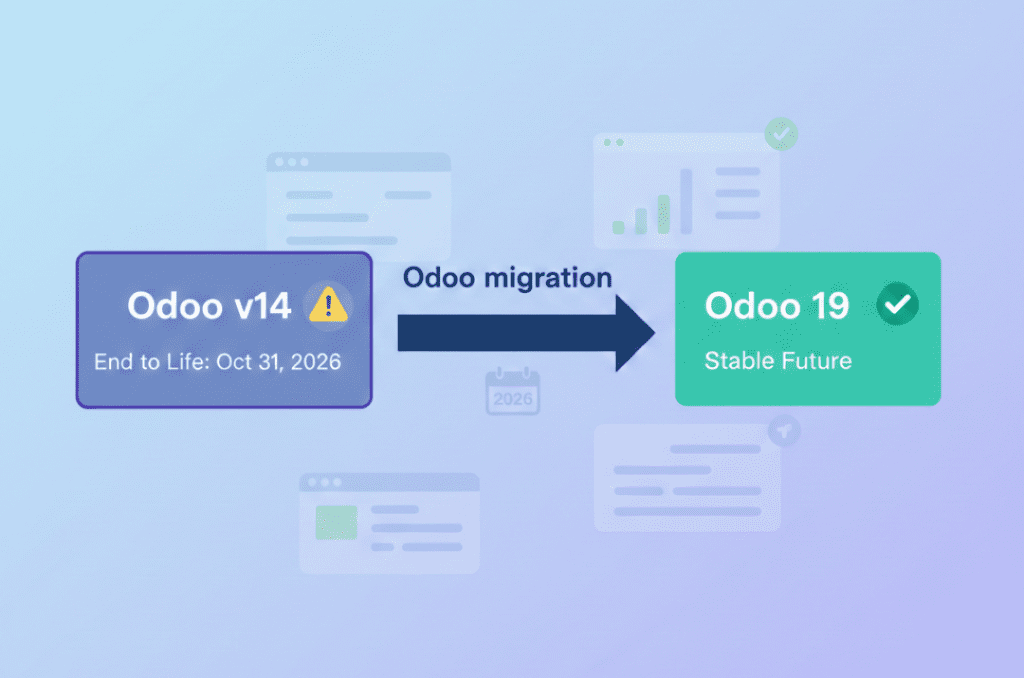
If you’re still running your business on Odoo v14, you now have a hard stop on the calendar 31 October 2026. That’s when Odoo v14 will reach the end of life on Odoo.sh, and any database still on that version will be blocked from normal use. It’s not just a technical detail it’s a real business continuity risk if you ignore it.
Over the years, we’ve seen many companies underestimate ERP end‑of‑life notices. Everything looks fine until one Monday morning nothing works and support says, “You needed to upgrade months ago.” With Odoo v14 end of life now clearly defined, you have the chance to avoid that.
What Exactly Happens at Odoo v14 End of Life?
Odoo has introduced a clear 6‑year lifecycle for versions hosted on Odoo.sh. Once a version is six years old, it is phased out on 31 October of that year.
For Odoo v14 that means:
- Phase‑out date: 31 October 2026 on Odoo.sh.
- Odoo v14 databases will be permanently blocked as production environments after that date.
- Your project and upgrade tools remain visible, but you can’t keep using Odoo v14 for daily operations.
This is why you must plan an Odoo v14 upgrade and not assume you can “stretch it a bit longer.”
The Hidden Cost: 25% Legacy Surcharge
The lifecycle change is tied to a pricing change. Odoo now charges a 25% legacy surcharge for customers who stay on older Enterprise versions beyond the normal support window.
In practice:
- If you run an older version (such as v14) outside the three most recent releases, your Enterprise contract is surcharged by 25% from a certain age onward.
- Odoo checks which version you’re using (around April) and applies to the surcharge if you’re on a legacy release.
So, staying on Odoo v14 doesn’t just bring risk—it also quietly makes your subscription more expensive. The budget you burn on surcharge could fund a well‑planned Odoo migration instead.
Operational and Security Risks of Staying on v14
Cost aside, there’s another angle risk as a version approaches end of life, ongoing improvements and fixes focus more on current versions.
If you cling to Odoo v14 too long:
- You increase your security exposure as new threats are primarily addressed in newer versions.
- You make audits and compliance harder because you’re running on a near‑EOL ERP stack.
- You depend on third‑party apps and connectors that may quietly stop supporting v14.
We’ve seen companies discover the problem only when a critical integration stops working in peak season, and that’s the worst time to realize you need an urgent Odoo ERP upgrade strategy.
Turning End of Life into an Upgrade Opportunity
The good news: Odoo v14 end of life forces a conversation you probably needed anyway. A well‑designed Odoo migration helps you:
- Move to a modern version (e.g., Odoo 19) with a much longer support runway.
- Clean up old customizations, unused modules, and fragile integrations as part of the upgrade.
- Align your Odoo ERP upgrade strategy with where your business is going, not just where it was in 2020.
Instead of a rushed “lift and shift” treat your Odoo v14 upgrade as a chance to improve processes, performance, and user experience.
A Simple Odoo v14 Upgrade Roadmap
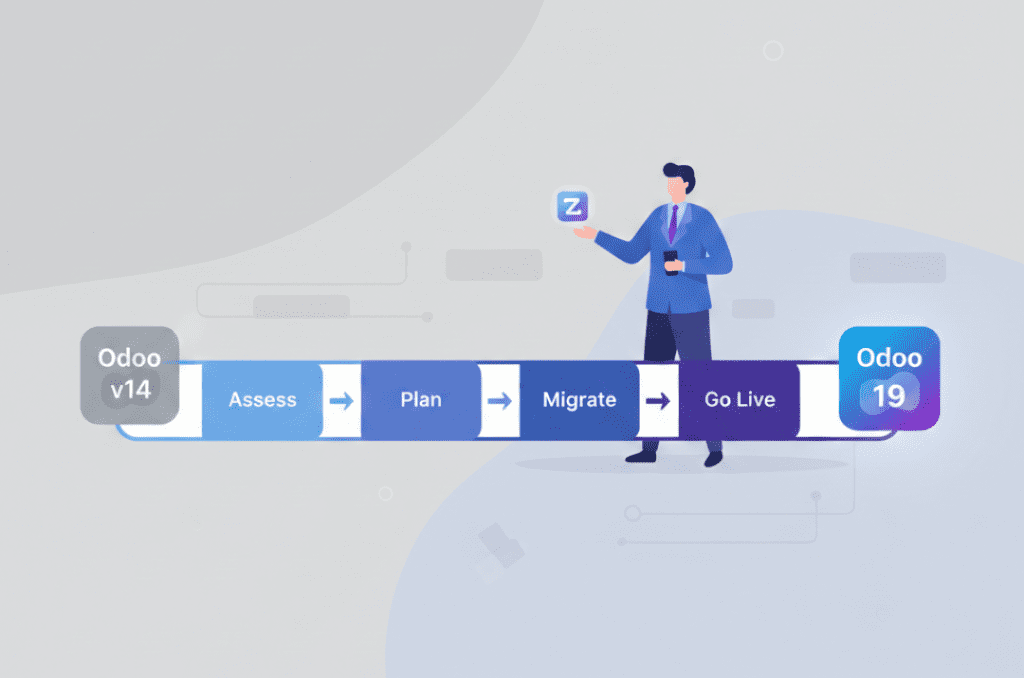
Here’s a lean, practical roadmap many clients follow when preparing for Odoo v14 end of life.
Here’s a lean, practical roadmap many clients follow when preparing for Odoo v14 end of life. Assess Your Current Odoo v14 Setup
1. Assess Your Current Odoo v14 Setup
- List all modules (official, community, custom).
- Map critical processes: sales, purchasing, inventory, manufacturing, accounting.
- Identify high‑risk items: unsupported apps, direct database changes, undocumented Studio tweaks.
This gives you a realistic picture of your Odoo database migration effort.
2. Design Your Target Version and Hosting
- Choose a stable target version (often Odoo 19) with a clear future support horizon.
- Decide whether to stay on Odoo.sh or move to another hosting option.
- Decide what to keep as‑is, what to redesign, and what to drop entirely.
This is your core Odoo ERP upgrade strategy.
3. Run a Pilot Odoo Migration
- Clone your Odoo v14 database into a test environment.
- Perform a trial migration and validate real‑world scenarios.
- Fix gaps (reports, workflows, integrations) before touching production.
A good pilot reduces surprises when you cut over.
4. Plan Cutover and Hypercare
- Schedule a realistic cutover window before 31 October 2026.
- Define rollback steps, just in case.
- Provide “hyper care” support for a few weeks so users get quick help with issues.
Finally, decommission v14 properly—archive it for reference, but stop using it.
How Zehntech Helps with Odoo Migration
Zehntech’s Odoo migration services focus on:
- Thorough assessment before promising timelines or prices.
- Secure, step‑by‑step Odoo database migration with backups and rollback plans.
- Process‑driven design so your Odoo v14 upgrade actually improves how teams work, not just the version number.
Whether you are on Odoo.sh or your own infrastructure, having an experienced partner dramatically reduces the risk around Odoo v14 at the end of life.
Quick Readiness Checklist
Ask yourself:
- Do we have a clear plan and budget for leaving Odoo v14 before 31 October 2026?
- Do we understand how the 25% legacy surcharge will hit our Odoo bill if we delay?
- Have we already run, or at least scheduled, a test migration of our Odoo v14 database?
If the honest answer is “not yet” it’s time to move this project higher on your 2026 priority list.
Conclusion: Act Before the Platform Forces Your Hand
Odoo v14 end of life on 31 October 2026 is baked into Odoo.sh lifecycle rules and the platform will block v14 databases after that date. Add the legacy surcharge, and waiting quietly becomes both riskier and more expensive.
