Structured Checklists for Every Odoo Milestone. Track milestone completion with dynamic progress bars, multi-status items, and role-based access — directly inside your Odoo project workflow.
Checklist for Milestones is an Odoo module that adds structured, trackable checklists to project milestones. Instead of relying on notes or external tools to manage milestone requirements, your team works from a single source of truth — with real-time progress visibility and controlled access. Every milestone gets a clear completion path. No guesswork, no lost requirements.
Attach multiple checklists to a single milestone, each tracking a different aspect of completion. Complex milestones often require parallel workstreams — this keeps them organized without flattening everything into one list.
Mark each checklist item as To Do, In Progress, Cancelled, or Done. Binary done/not-done tracking misses work already underway and intentionally descoped items, leading to inaccurate progress reporting.
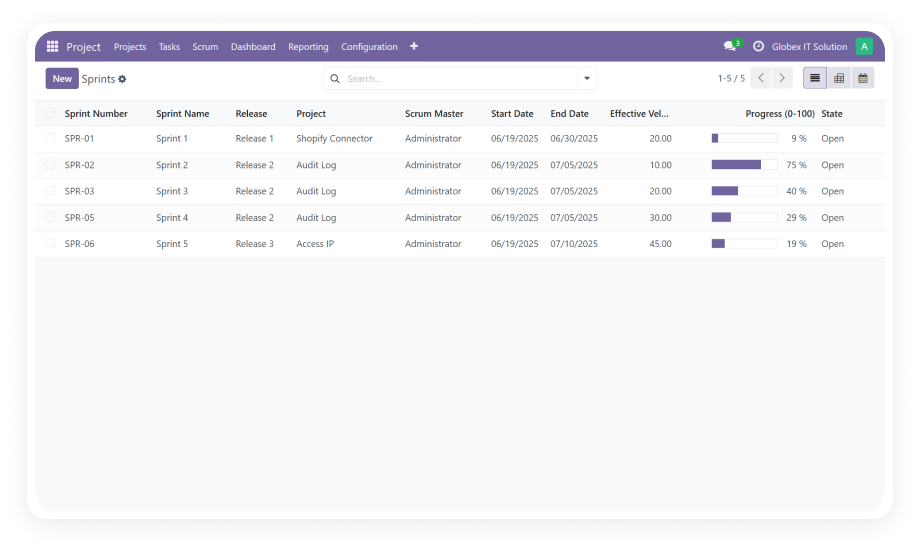
Real-time progress bars display completion percentage in form, tree, and Kanban views. Project managers see milestone health at a glance without opening individual records — faster decisions, fewer status meetings.
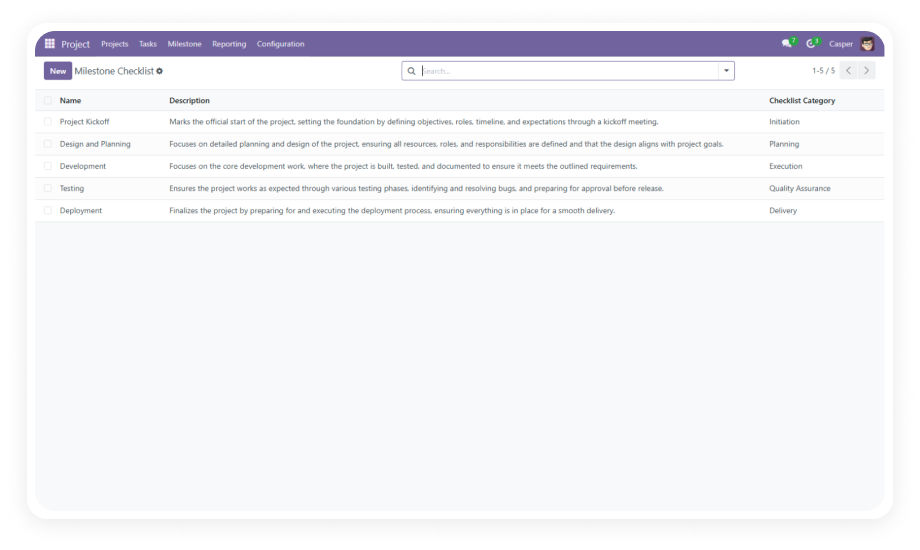
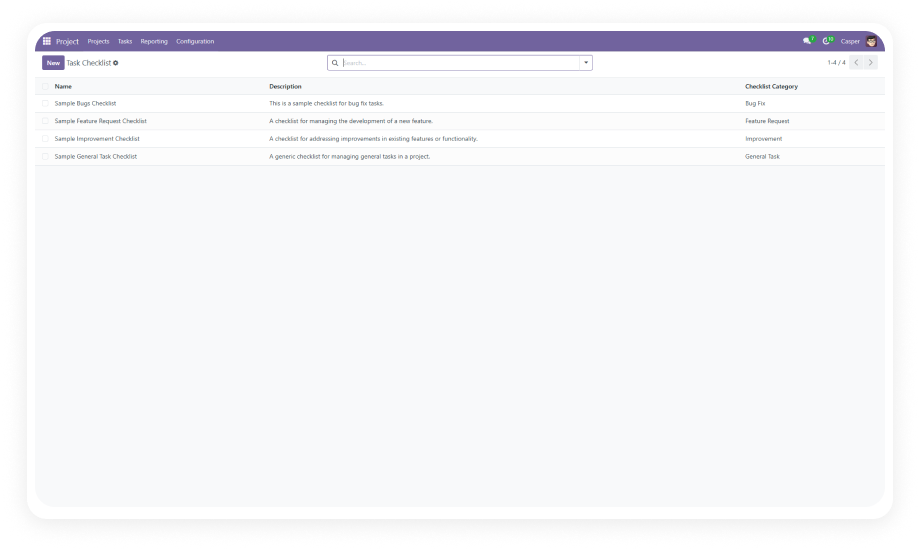
Start from pre-built sample templates to accelerate checklist creation. Eliminates repetitive setup when milestones follow similar patterns, ensuring consistency across projects.
Restrict checklist creation and editing permissions by user group assignment. Prevents unauthorized changes to milestone criteria while maintaining transparency for the broader team.
Add, remove, or modify checklist items at any point during the milestone lifecycle. Project scope evolves — your checklist structure should evolve with it without breaking existing progress data.
Choose your Odoo version and explore interactive documentation
No development environment. No custom code. No consultant required for standard setup.
Download from the Odoo App Store. Navigate to Apps, search "Checklist for Milestones," and click Install. No server restart needed.
Go to Settings and assign checklist permissions to the appropriate user groups. Define who can create, edit, and view milestone checklists.
Use included sample templates or create your own reusable checklist structures for common milestone types.
Open any project milestone, attach checklists, and start tracking. Progress bars update automatically across form, tree, and Kanban views.
Give your project team clear completion criteria and real-time progress visibility on every milestone — without leaving Odoo. Install in under a minute and start tracking today. Includes lifetime updates and 90 days of dedicated technical support.
You have successfully subscribed to the newsletter
There was an error while trying to send your request. Please try again.