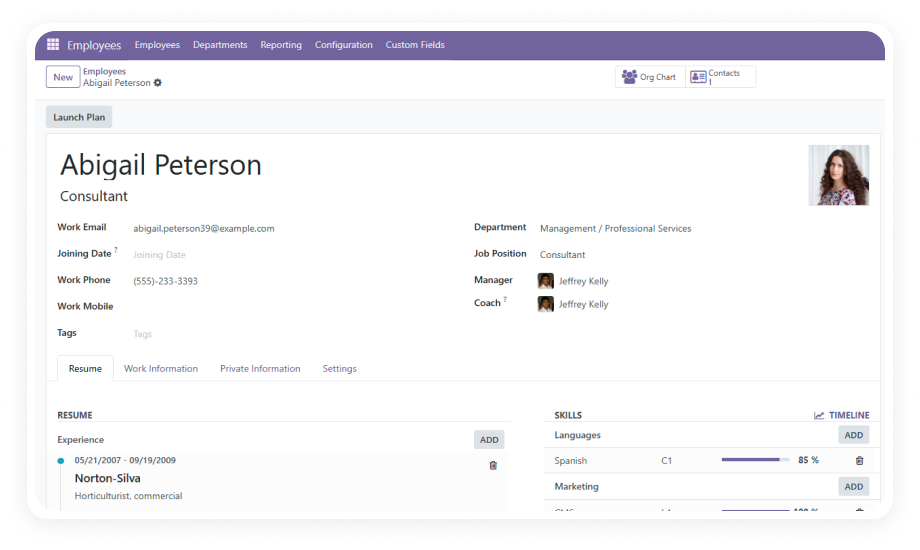
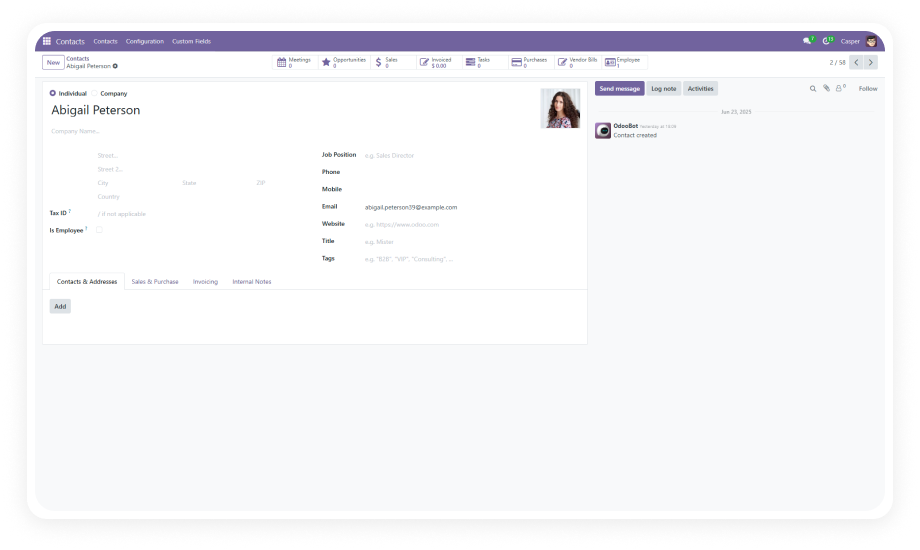
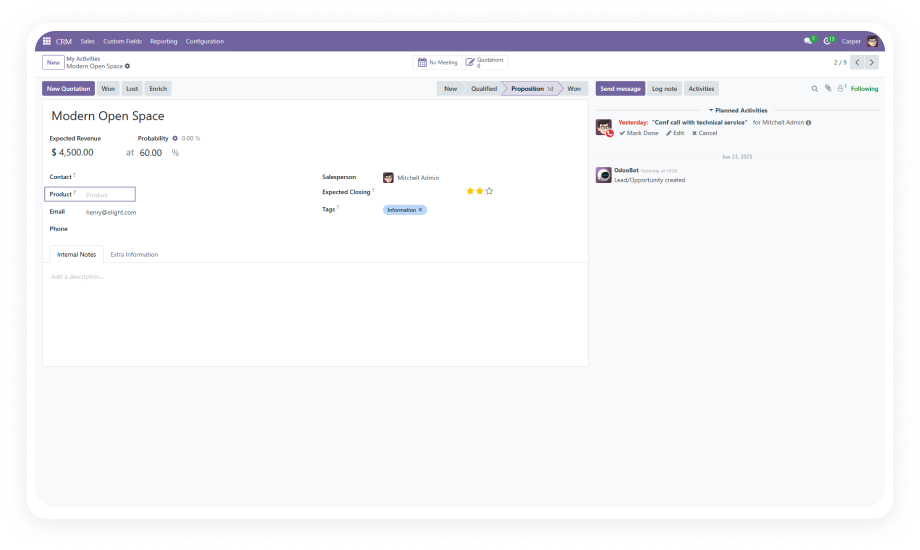
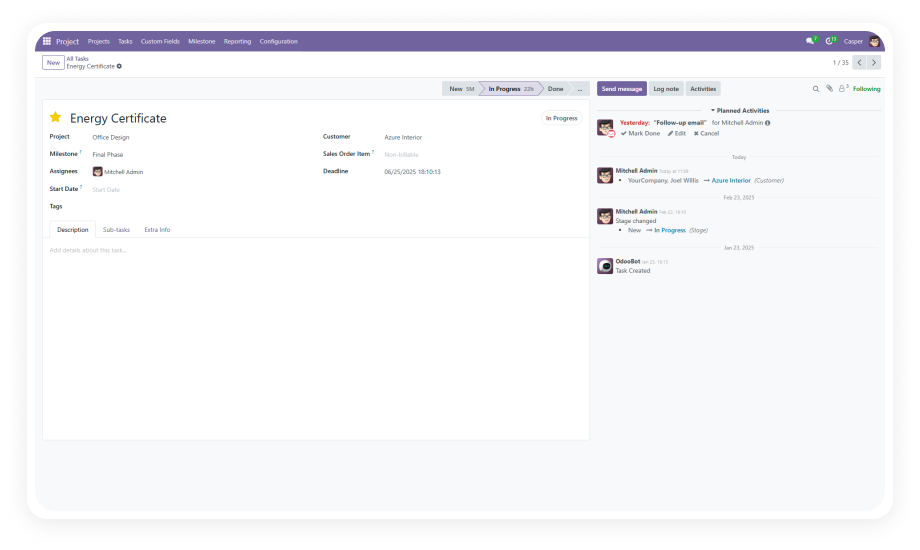
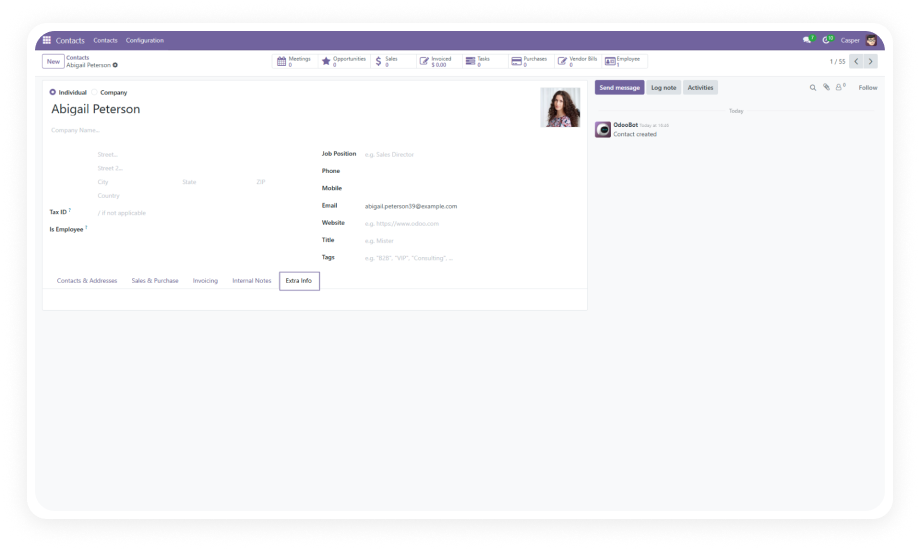
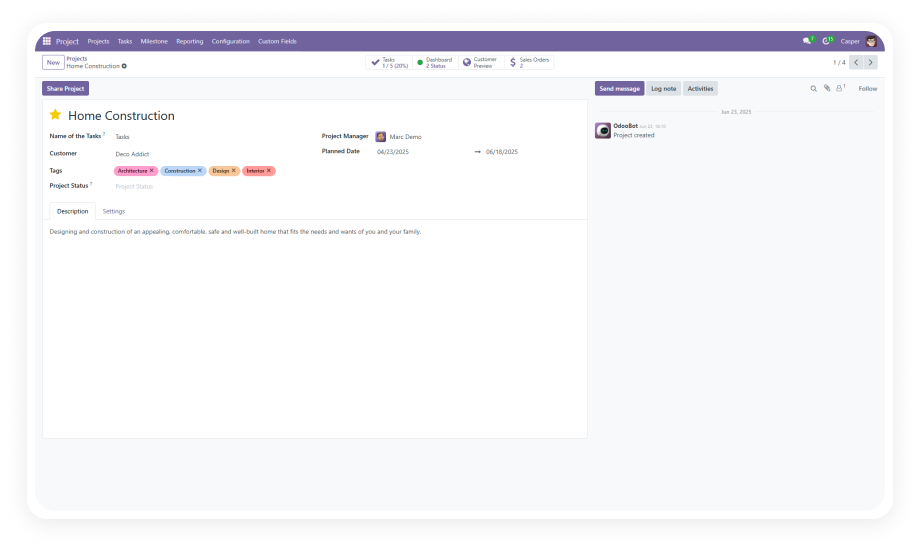
Create new fields directly from the Odoo interface without any programming knowledge. Select your field type, name it, configure its properties, and it appears on the employee form immediately.
Why it matters: HR teams can respond to new data requirements in minutes instead of waiting days or weeks for development.
Choose from text inputs, numeric values, selection dropdowns, checkboxes, date pickers, and relational fields. Each type comes with appropriate validation and input controls.
Why it matters: your employee data structure matches your actual business needs — not a one-size-fits-all text field workaround.
Create custom fields that reference other Odoo models — customers (res.partner), products, sales orders, or any model in your system.
Why it matters: employee records become connected to the broader business context, enabling cross-referencing without manual data duplication.
Position custom fields anywhere within the employee form layout. Place them in existing sections or group them logically based on your organization's data flow.
Why it matters: the form stays clean and usable instead of dumping all custom data into a single catch-all section.
Mark any custom field as mandatory. When a field is required, users cannot save the employee record without providing a value — enforcing data completeness at the point of entry.
Why it matters: eliminates incomplete records that create downstream reporting gaps and compliance issues.
Modify field configurations after creation — update labels, change field types, adjust required status, or reposition fields on the form.
Why it matters: your data structure adapts to changing business needs without recreating fields from scratch.
Remove custom fields that are no longer needed. Clean deletion ensures the employee form stays uncluttered and relevant.
Why it matters: forms stay focused on current requirements instead of accumulating legacy fields that confuse users.
Manage which custom fields are visible on the employee form. Show or hide fields based on current operational needs without permanently deleting them.
Why it matters: administrators can stage field deployments or temporarily suppress fields during transitions without losing configuration.
The entire workflow — creation, configuration, editing, deletion — is handled through the standard Odoo interface. No Python, no XML, no module development.
Why it matters: HR teams and operations managers maintain full autonomy over employee data structure without IT dependencies.