Join us at GITEX 2025! Discover our solutions at Hall 4, Booth H-30 Schedule a Meeting Today.
Automate Marketing Initiatives with Salesforce Marketing Cloud Learn More
Join us at GITEX 2024! Discover our solutions at Hall 4, Booth H-30 Book your live demo today.
Zehntech Odoo App

Custom Fields for Contact — No-Code Field Builder for Odoo Contacts

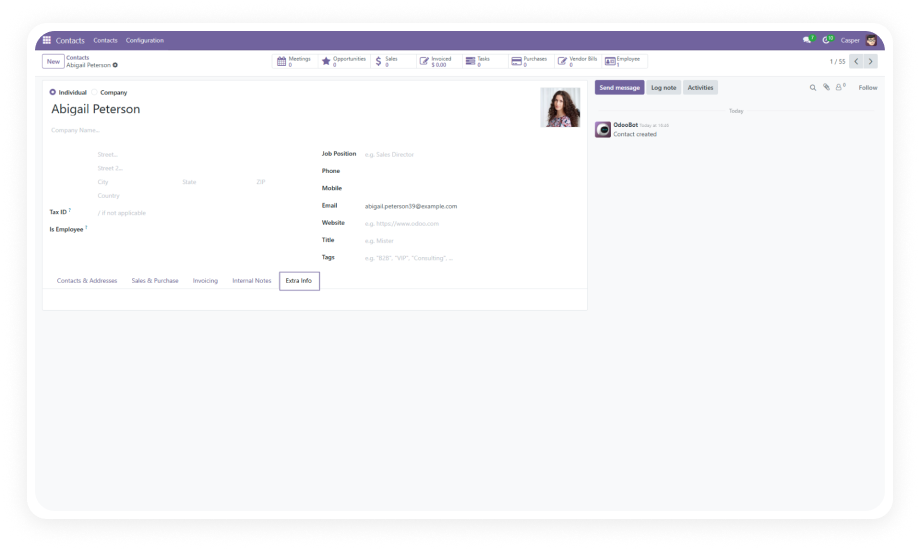
Add, edit, and manage custom fields on Odoo contact forms without writing a single line of code.

No coding or developer needed
Supports 8+ field types
Many2one & One2many relationships
Lifetime updates included
Works across Community & Enterprise
$14.93
V19, 18, 17, 16
Custom Fields for Contact — Odoo no-code field builder module

What is Custom Fields For Contact?

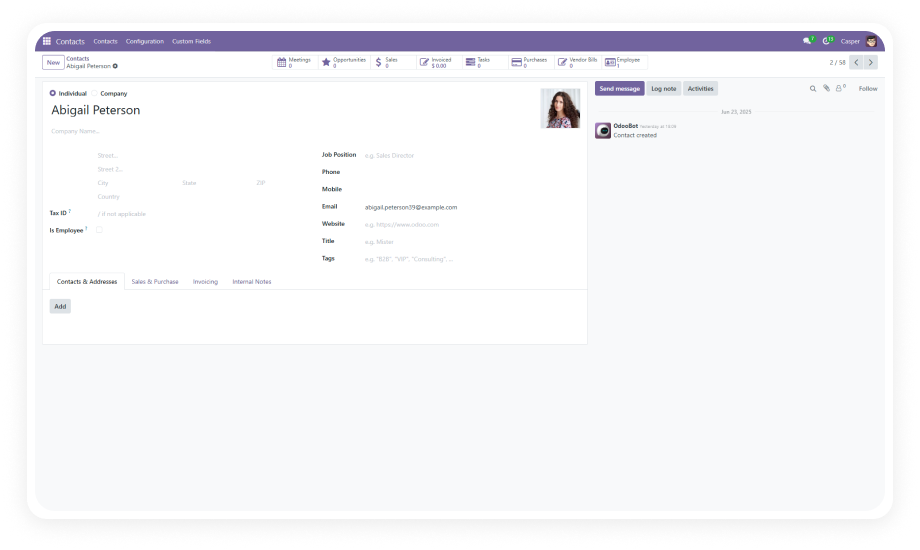
Custom Fields for Contact is an Odoo module by Zehntech Technologies that lets business users add, edit, and delete custom fields directly on the Contacts form — without any coding expertise. It provides a clean, no-code interface for creating text, integer, float, date, selection, many2one, and one2many fields, with full control over positioning, labels, and required field validation.

Create custom fields in seconds — no developer involvement
Supports text, character, integer, float, dropdown, date, and relational fields
Link fields to other Odoo models via many2one and one2many relationships
Control field placement anywhere on the contact form
Set fields as mandatory with real-time validation enforcement

How Custom Fields for Contact Solves Contact Data Limitations

Problem
Zehntech Custom Fields for Contact Solution
Standard contact form lacks fields for your specific data needs
Add unlimited custom fields without modifying source code
Adding fields requires a developer and custom module creation
No-code interface lets business users create fields directly
Removing deprecated fields risks breaking the system
Safe single-click field deletion with proper cleanup
No way to link contact records to other models without code
Many2one and one2many relational fields connect contacts to any model
Field labels are fixed and cannot be changed after creation
Quick editing of labels, types, and options at any time
Custom fields always appear at the bottom of the form
Flexible positioning gives full control over field placement
No validation enforcement on custom-added fields
Required field manager with real-time validation prevents incomplete data
Every form customization requires a new development cycle
Self-service field management eliminates recurring development costs
Dropdown options are limited to what developers configure
Business users create and modify selection options independently

Features

1

Effortless Field Creation

Add custom fields to the contact form through a simple, guided interface. Select your field type, enter a label, choose positioning — done.

Why it matters: business teams ship form changes in seconds instead of waiting days or weeks for developer availability.

2

Wide Range of Field Types

Supports text, character, integer, float, dropdown/selection, date, many2one, and one2many fields.

Why it matters: whether you need a free-text note, a numeric score, a date reference, or a full relational link to another model, the module handles it natively without compromises.

3

Model Relationship Integration

Create many2one and one2many relational fields that link contacts to other Odoo models — Customers, Products, Sales Orders, or any model in your instance.

Why it matters: your contact records become interconnected hubs of business data rather than isolated name-and-address entries.

4

Flexible Field Positioning

Control exactly where custom fields appear on the contact form. Place fields in logical groupings alongside related native fields.

Why it matters: form usability depends on field placement — scattered or bottom-stacked fields reduce data entry speed and increase errors.

5

Required Field Manager

Designate any custom field as mandatory and enforce completion with real-time validation.

Why it matters: critical data points like compliance IDs, account tiers, or contract references cannot be skipped, ensuring data quality at the point of entry.

6

Quick Field Editing

Modify field labels, types, and selection options after creation without deleting and recreating.

Why it matters: business requirements change — renaming a field or adjusting dropdown options should take seconds, not a development ticket.

7

Seamless Field Deletion

Remove outdated or unnecessary fields with a single click. The module handles cleanup safely.

Why it matters: form clutter accumulates over time, and the ability to remove fields without developer intervention keeps your contact form lean and relevant.

8

No Technical Skills Required

The entire workflow — creation, editing, positioning, validation, deletion — operates through a user-friendly interface designed for business users.

Why it matters: IT bottlenecks disappear when the people who understand the data requirements can manage the form themselves.

Who Gets The Most Out Of This Module

Role
Primary Use Case
Key Outcome
CRM Manager
Adding industry codes and account tiers to contact records
Segmented contact data for targeted outreach and reporting
Operations Director
Tracking compliance identifiers and certification dates
Regulatory data captured at source without separate systems
Sales Manager
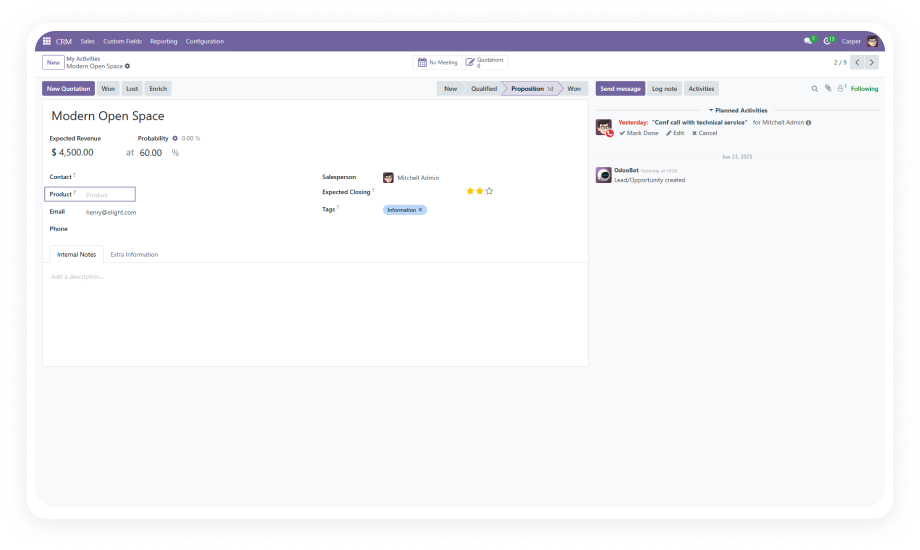
Linking contacts to product interests and sales orders via relational fields
Complete prospect context visible directly on the contact card
HR Administrator
Adding employee-related references and internal classification fields
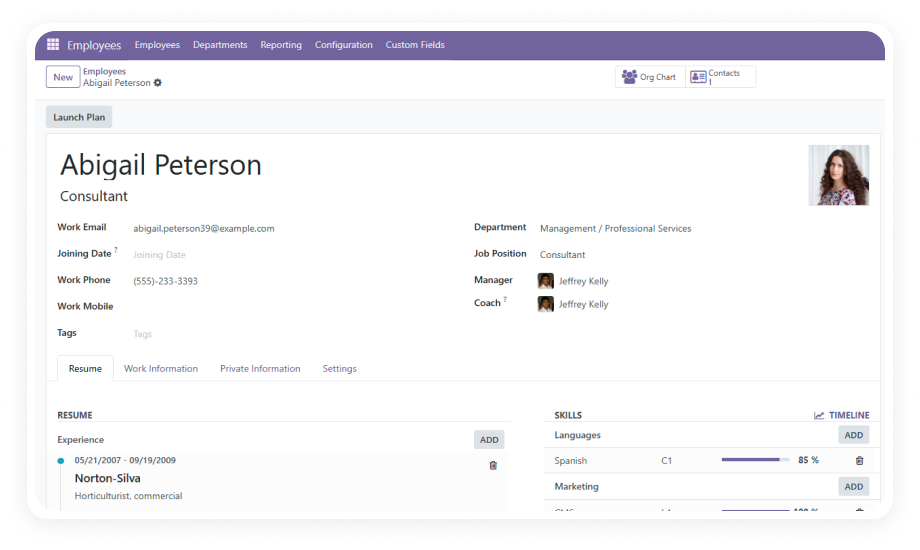
Unified contact-employee records without switching modules
Account Manager
Capturing contract terms, renewal dates, and service levels per contact
Critical account data accessible without opening external tools
IT Manager
Managing form customization requests from multiple departments
Self-service field management eliminates recurring development tickets
Finance Controller
Adding payment terms, credit limits, and billing codes to contacts
Financial context embedded in contact records for faster processing

Versions & Documentation

Choose your Odoo version and explore interactive documentation

Documentation coming soon for this version.

Native Odoo vs Zehntech Custom Fields for Contact

Capability
Zehntech Custom Fields for Contact
Native Odoo
Add custom fields without coding
Yes — no-code interface
No — requires developer
Text and character field creation
Yes
No — needs Studio or code
Integer and float field types
Yes
No — needs Studio or code
Date field creation
Yes
No — needs Studio or code
Selection/dropdown fields
Yes — with editable options
No — needs Studio or code
Many2one relational fields
Yes — link to any model
No — developer required
One2many relational fields
Yes — full relationship support
No — developer required
Field positioning control
Yes — place anywhere on form
No
Required field validation
Yes — real-time enforcement
No — only on native fields
Edit fields after creation
Yes — labels, types, options
No
Delete fields safely
Yes — single click removal
No — requires code changes
No Odoo Studio dependency
Yes — standalone module
Requires Studio ($$$) or code

Get Started In Minutes

No development environment. No custom code. No consultant required for standard setup.

01

Download

Purchase the Custom Fields for Contact module from the Odoo App Store. Upload to your Odoo instance via the Apps menu or place in your custom addons directory.

02

Install

Navigate to Apps, update the app list, search for "Custom Fields for Contact," and click Install. Dependencies (Contacts, Discuss) will be resolved automatically.

03

Create Your First Custom Field

Open the Contacts module, access the custom fields configuration, select your field type (text, integer, date, selection, relational), set the label, choose positioning on the form, and save.

04

Manage Ongoing

Edit labels, adjust field types, add selection options, set required validation, reposition fields, or delete deprecated fields — all from the same no-code interface. No developer needed for any changes.

Technical Compatibility

Parameter
Module Technical Name
Odoo Versions
Editions
Hosting
Dependencies
License
Lines of Code
Author
Support
Pricing
Details
zehntech_custom_fields_for_contact
16.0 · 17.0 · 18.0 · 19.0
Community · Enterprise
Odoo Online · Odoo.sh · On Premise
Contacts (contacts), Discuss (mail)
OPL-1 (Odoo Proprietary License v1.0)
779
Zehntech Technologies Inc.
$14.93 — one-time purchase, lifetime updates
Custom Fields for Contact — FAQ illustration

Frequently Asked Questions

  • Adds custom fields to the Odoo Contacts form without any coding
  • Supports text, character, integer, float, date, selection, many2one, and one2many field types
  • Provides full control over field positioning, labels, and required validation
  • Allows editing and deletion of custom fields through a no-code interface
  • Text and character fields for free-form data entry
  • Integer and float fields for numeric values
  • Date fields for temporal data
  • Selection/dropdown fields with user-configurable options
  • Many2one fields linking to any Odoo model
  • One2many fields for full relational connections
  • No — the module works independently of Odoo Studio
  • No developer access or technical skills required
  • Business users manage all field operations through the built-in interface
  • No recurring Studio subscription costs needed
  • Yes — the Required Field Manager lets you designate any custom field as mandatory
  • Real-time validation prevents saving incomplete records
  • Ensures critical data is always captured at the point of entry
  • Toggle required status on or off at any time without developer intervention
  • Odoo 16, 17, 18, and 19
  • Works with both Community and Enterprise editions
  • Compatible with Odoo Online, Odoo.sh, and On Premise deployments
  • Lifetime updates included — one purchase covers all future patches for your version

Your Contact Form Should Capture What Your Business Actually Needs

"One-Time Purchase. No Subscription. No Recurring Fees."

Stop waiting on developers to add fields. Stop paying for Odoo Studio subscriptions. Custom Fields for Contact gives your team full control over the contact form — add any field type, position it anywhere, enforce validation, and manage changes independently.

Zehntech Odoo experts ready to help


          You have successfully subscribed to the newsletter

          There was an error while trying to send your request. Please try again.

          Zehntech will use the information you provide on this form to be in touch with you and to provide updates and marketing.