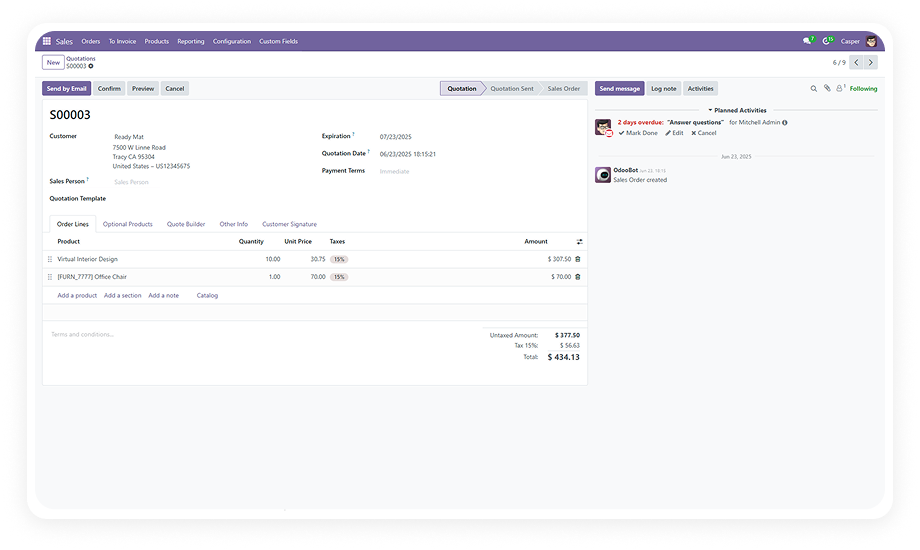
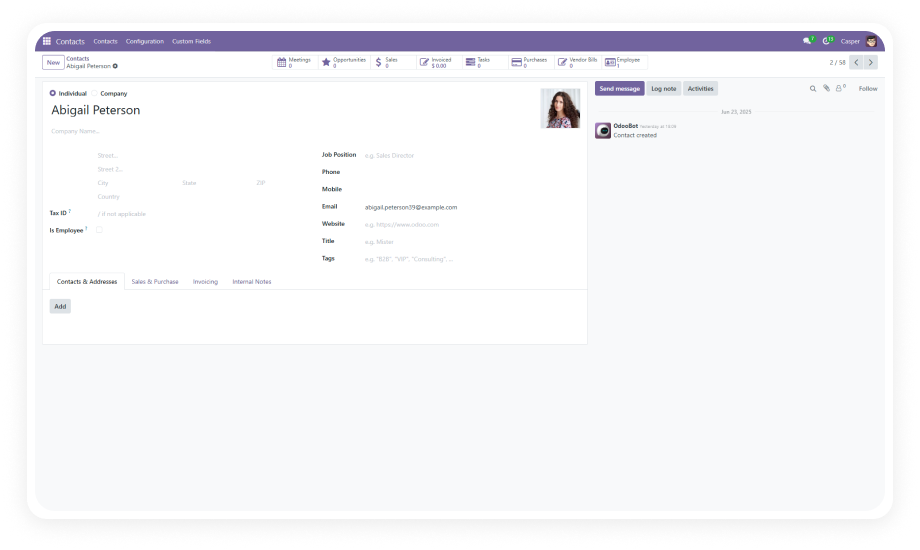
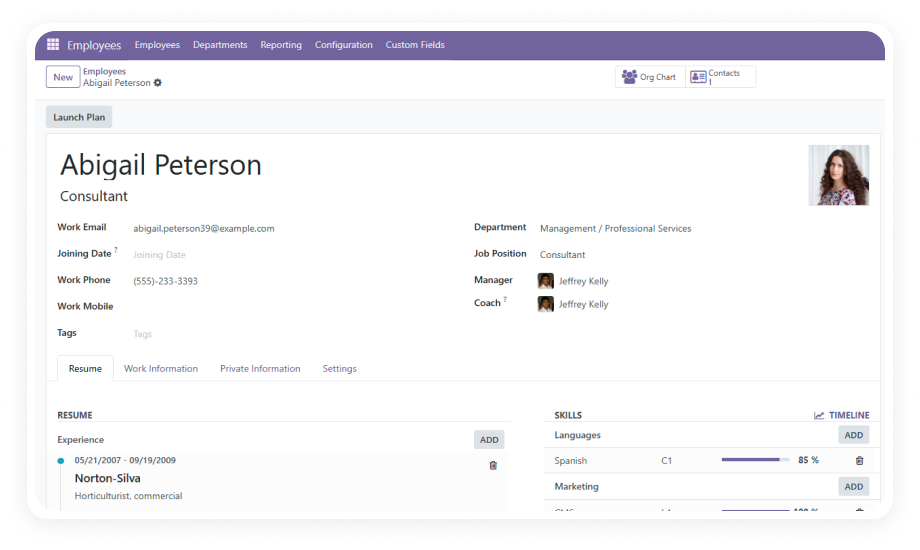
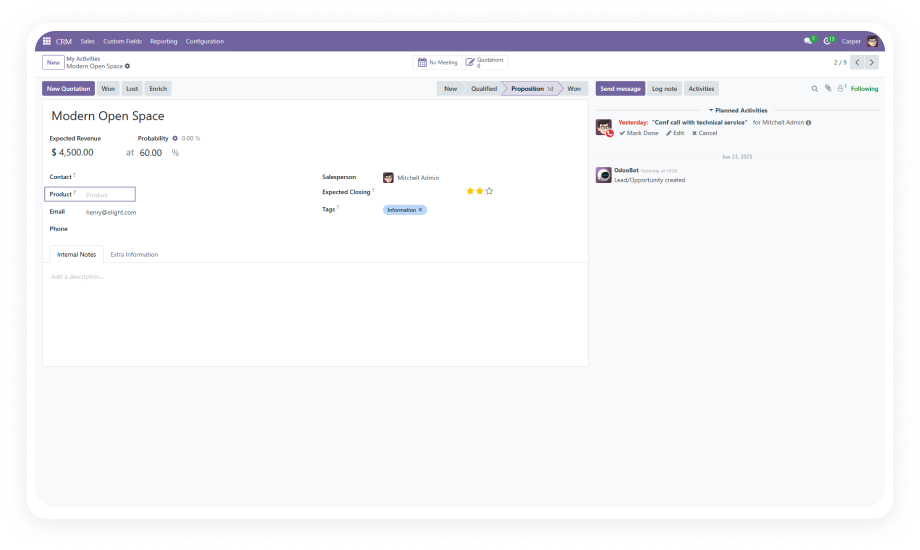
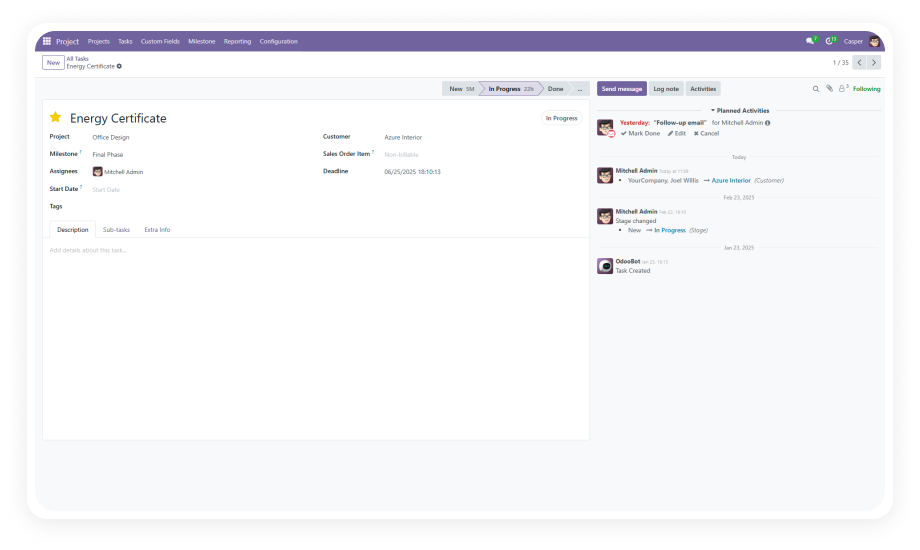
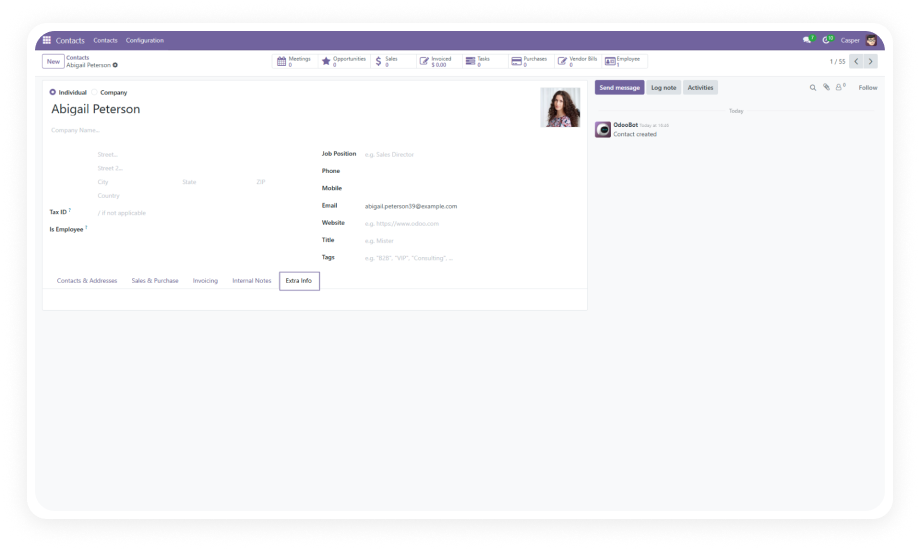
Add custom fields to your Sales Order form through a simple, guided interface. No coding expertise required — select your field type, set a label, and the field appears on your form immediately.
Why it matters: business users and administrators can respond to new data requirements in minutes, not days.
Choose from text inputs, numerical fields, dropdown selections, checkboxes, date pickers, and more. Each type comes with appropriate input validation and display formatting.
Why it matters: you can capture any category of business data — from free-text notes to structured selections — directly on the Sales Order.
Create relational fields that link to other Odoo models such as customers, products, and purchase orders. Pull related data directly into your Sales Order form without duplicating information.
Why it matters: relational fields maintain data integrity and eliminate manual re-entry across connected business objects.
Control exactly where each custom field appears within the Sales Order form layout. Place fields in logical groups, near related standard fields, or in dedicated custom sections.
Why it matters: proper positioning ensures a clean, intuitive form experience for users who fill out Sales Orders daily.
Designate any custom field as mandatory with real-time validation. Users cannot confirm or save the Sales Order until all required custom fields are completed.
Why it matters: critical business data is never missed — the system enforces completeness before the order moves forward.
Include your custom fields in printed Quotation and Sales Order PDF reports. Choose which fields appear in reports during configuration.
Why it matters: custom data flows through to customer-facing documents and internal records without manual formatting.
Modify field labels, types, and options at any time after creation. Changes take effect immediately across all new and existing Sales Order forms.
Why it matters: as business requirements evolve, your custom fields evolve with them — no rebuild required.
Remove outdated or unnecessary custom fields cleanly through the admin interface. No developer intervention, no orphaned data, no form errors.
Why it matters: form maintenance stays manageable over time, preventing clutter and confusion for end users.