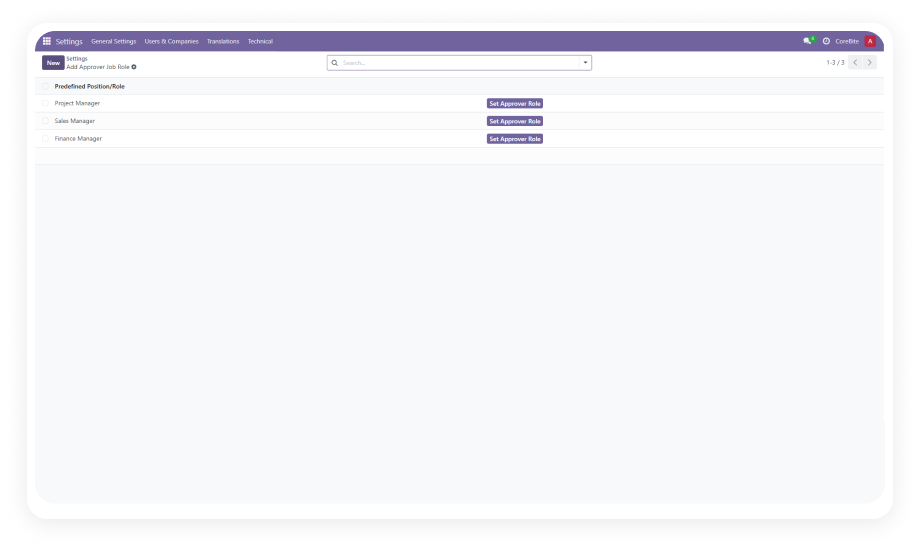
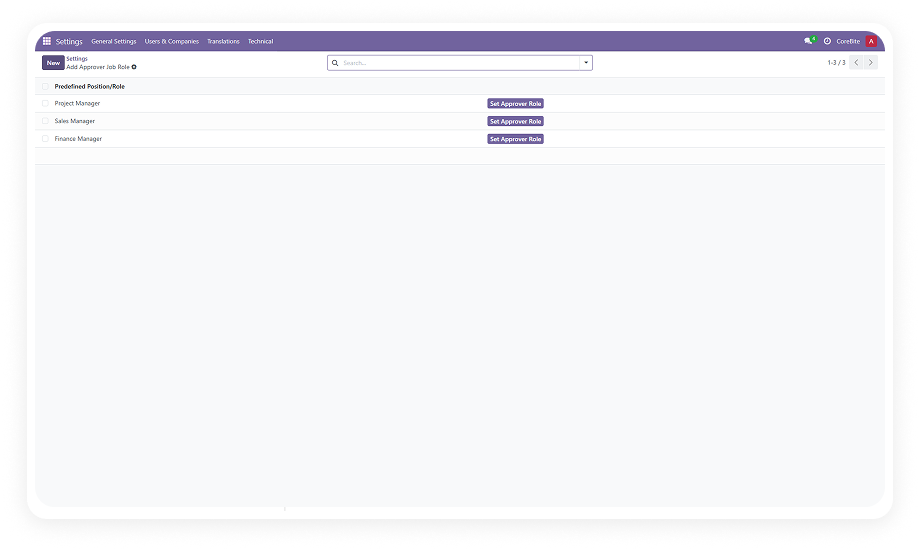
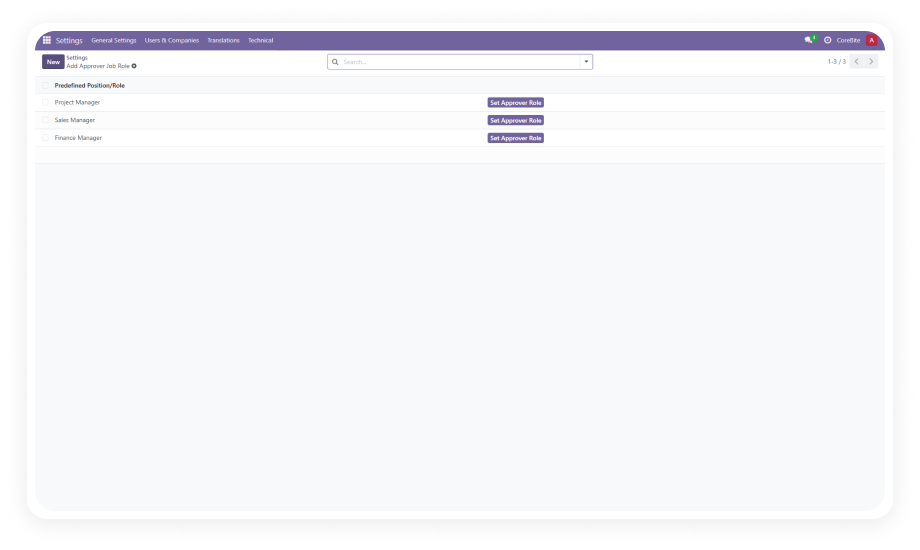
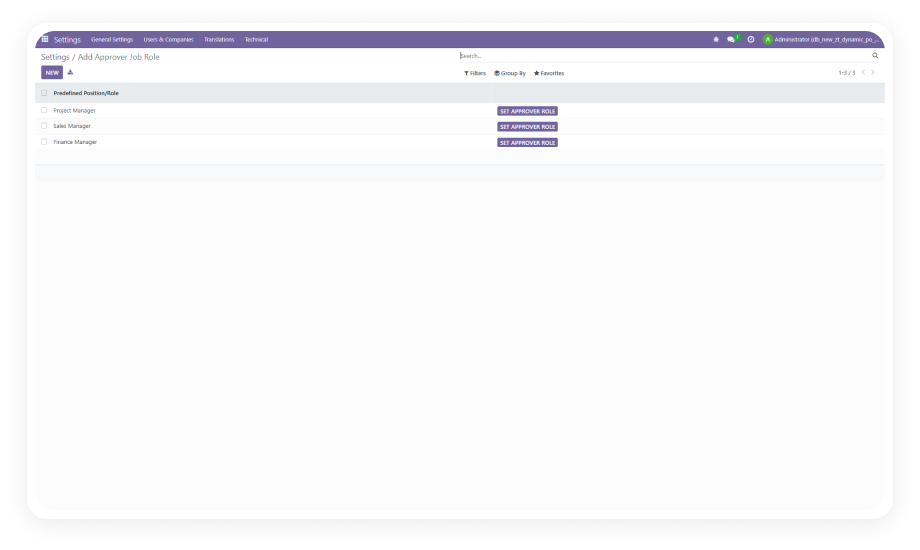
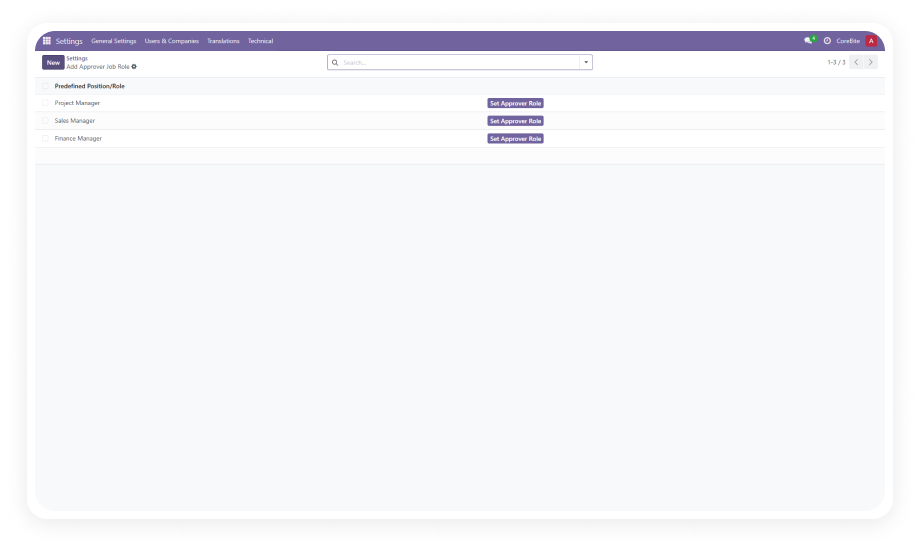
The module ships with pre-built approver roles ready to use upon installation. You can also create additional custom roles aligned with your organization's specific hierarchy — department heads, finance controllers, C-suite, or any authority level your policy requires.
Why it matters: your approval structure mirrors your actual organizational chart without custom development.
Build approval routes that define the exact sequence of approvers an expense must pass through. Each route can include multiple stages with different approver roles, creating a true multi-level approval chain from submission to final authorization.
Why it matters: high-value or sensitive expenses get the oversight they require while routine claims move through faster paths.
Define approval routes with or without amount limits. Route expenses under $500 to a team lead only, expenses between $500 and $5,000 through a manager and finance, and expenses above $5,000 to executive approval.
Why it matters: approval effort scales proportionally with financial risk — small purchases do not get trapped in heavyweight processes.
Assign expense categories (travel, office supplies, client entertainment, equipment) to specific approval routes. When an employee selects a category, the system automatically identifies and applies the matching route without manual intervention.
Why it matters: different expense types follow appropriate approval paths without relying on employees to select the right route.
Configure a deadline (in days) for each approval stage. If an approver does not act within the specified timeframe, the system automatically transitions the expense to "Approved" status and notifies the next person in the sequence.
Why it matters: no single unresponsive approver can indefinitely block employee reimbursements or create operational bottlenecks.
Automated email notifications go to relevant parties — expense creators, current approvers, and next-in-sequence approvers — at each stage of the approval process. Approvers receive alerts when action is needed; creators receive updates as their request progresses.
Why it matters: everyone stays informed without manual follow-up, reducing "where is my expense?" inquiries to zero.
The expense form displays live approval status reflecting each approver's action or deadline-triggered transitions. At a glance, anyone authorized can see who has approved, who is currently reviewing, and what stage the request is at.
Why it matters: complete audit trail and transparency eliminate confusion about approval progress.