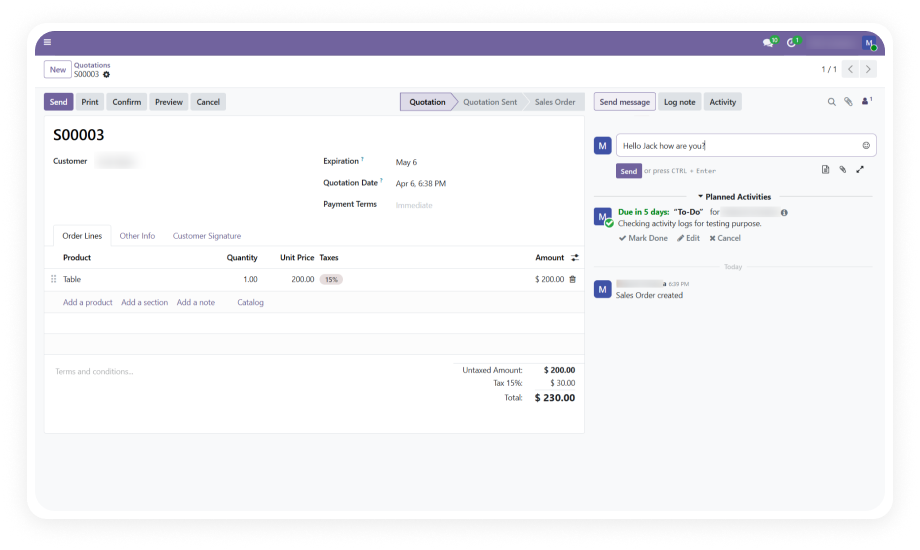
When an activity with a due date is created in Odoo and assigned to a user, the system automatically pushes a notification to that user's Microsoft Teams activity feed with relevant context.
Why it matters: Team members who spend their day in Microsoft Teams never miss an Odoo assignment.
From any Odoo record with a chatter section — sales orders, project tasks, contacts, invoices — users can compose a message and select a Microsoft Teams user from a dropdown.
Why it matters: Conversations about specific records stay contextual without forcing anyone to switch applications.
Calendar events created in Odoo automatically sync to Microsoft Teams and Outlook. Events created in Teams or Outlook sync back to Odoo through webhooks and daily cron job fallbacks.
Why it matters: Teams maintain a single unified calendar regardless of which platform they use to schedule.
A scheduled cron job runs daily and sends reminder notifications to Teams for all upcoming Odoo activities that are due. This acts as a safety net beyond the initial assignment notification.
Why it matters: Even if a user misses the first notification, the daily reminder ensures nothing falls through the cracks.
When a calendar event is marked as an online meeting in Odoo, the module automatically generates a Microsoft Teams meeting link and attaches it to the event for all attendees.
Why it matters: Online meeting setup becomes a one-step process inside Odoo instead of requiring manual Teams meeting creation.
Changes to calendar events in Microsoft Teams or Outlook are pushed to Odoo in real time via webhook subscriptions. Rescheduled meetings, cancelled events, and new invitations appear within seconds.
Why it matters: The Odoo calendar always reflects current reality without waiting for a scheduled sync job.
For scenarios requiring a specific historical sync or a targeted refresh, the module provides a manual sync wizard that lets administrators select a custom date range and trigger synchronization on demand.
Why it matters: Administrators retain full control for initial setup, troubleshooting, or syncing historical events.
The module tracks Microsoft Graph Event IDs alongside Odoo calendar event records, ensuring that a synced event is never recreated. Both directions reference these IDs before creating new entries.
Why it matters: Users never see phantom duplicate events cluttering their calendars, maintaining trust in the sync system.
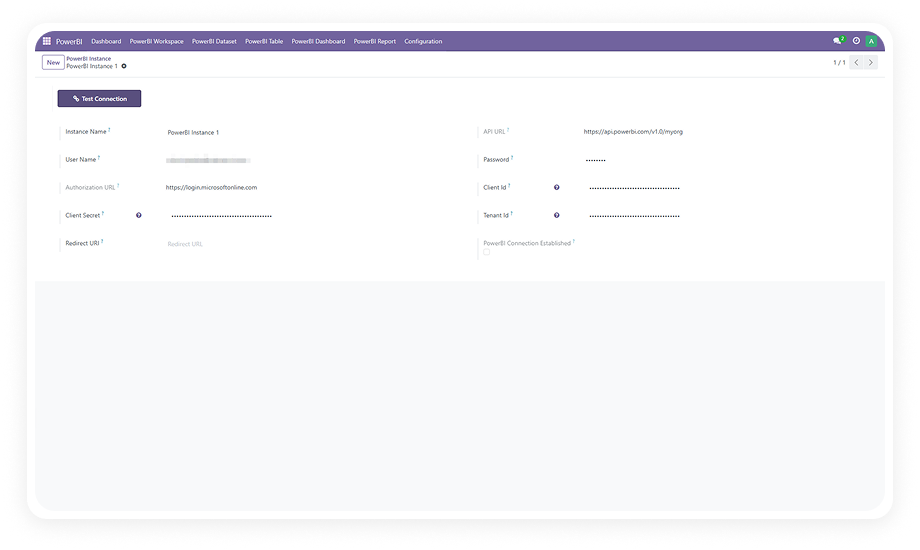
All communication between Odoo and Microsoft Teams flows through Azure AD OAuth authentication using Application Client ID, Tenant ID, and Client Secret credentials verified against Microsoft's enterprise directory.
Why it matters: Data transfer meets the same security standards your organization applies to all Microsoft 365 integrations.
Calendar sync respects user-level boundaries — each user's events sync independently based on their authenticated Microsoft identity. Private events remain private, and users control what appears in their connected calendars.
Why it matters: Privacy is preserved across the integration, and individual users maintain control over synchronized content.