Join us at GITEX 2025! Discover our solutions at Hall 4, Booth H-30 Schedule a Meeting Today.
Automate Marketing Initiatives with Salesforce Marketing Cloud Learn More
Join us at GITEX 2024! Discover our solutions at Hall 4, Booth H-30 Book your live demo today.
Zehntech Odoo App

Checklist for Milestones

Structured Checklists for Every Odoo Milestone. Track milestone completion with dynamic progress bars, multi-status items, and role-based access — directly inside your Odoo project workflow.

Compatible with Odoo 16, 17, 18 & 19
Community & Enterprise Supported
Odoo Online, Odoo.sh & On-Premise
90 Days Dedicated Support
Lifetime Updates Included
$14.93
V19, 18, 17, 16
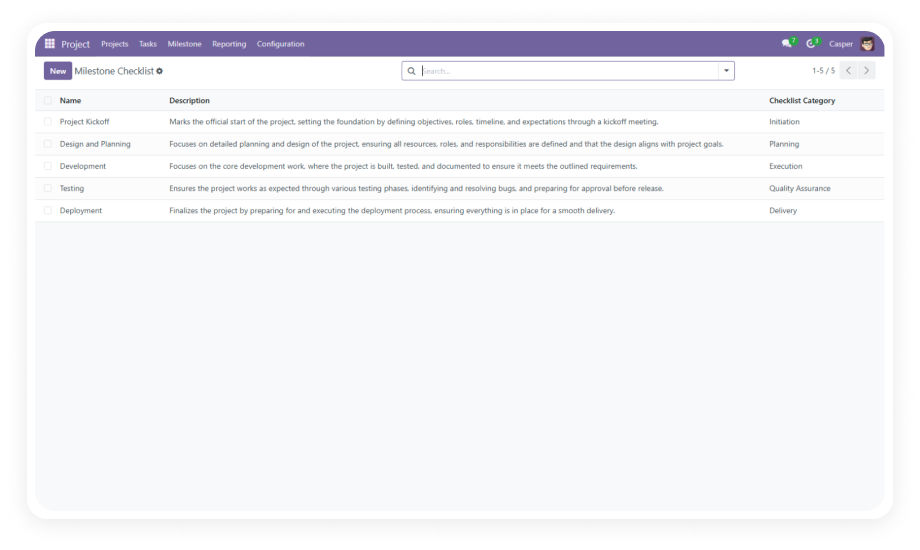
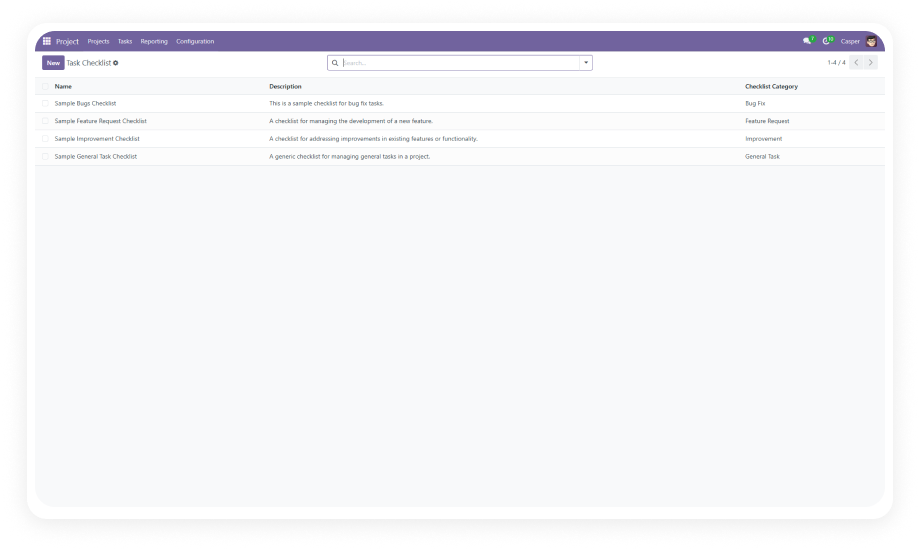
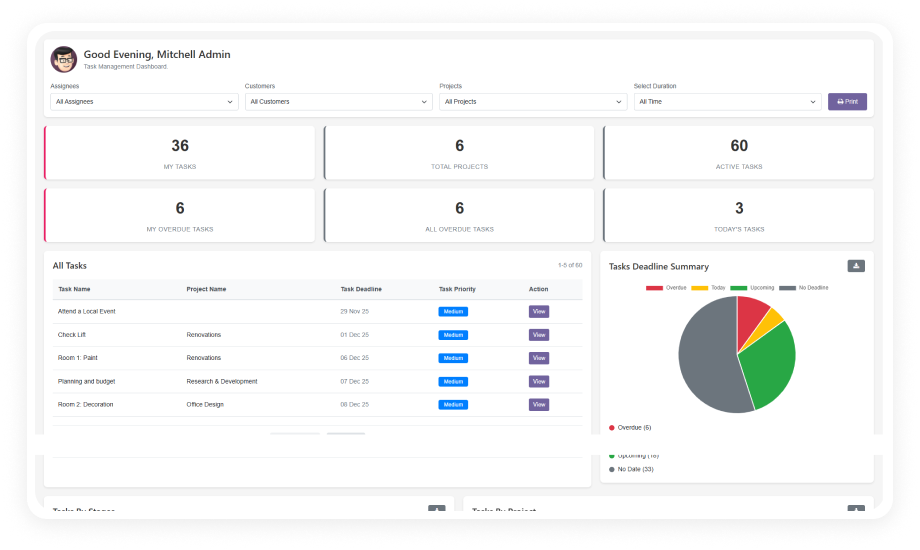
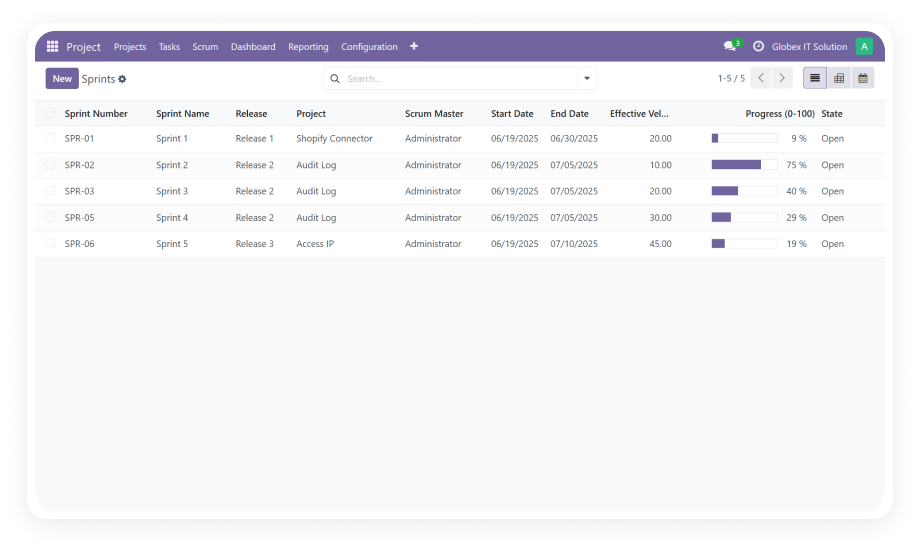
Checklist for Milestones Odoo Module Interface

What is Checklist for Milestones?

Checklist for Milestones is an Odoo module that adds structured, trackable checklists to project milestones. Instead of relying on notes or external tools to manage milestone requirements, your team works from a single source of truth — with real-time progress visibility and controlled access. Every milestone gets a clear completion path. No guesswork, no lost requirements.

Attach multiple checklists to any milestone
Track items across four statuses
Dynamic progress bars in all views
Role-based security groups
Sample templates included

How Checklist for Milestones Solves Unstructured Milestone Tracking

Problem
Zehntech Solution
Milestone requirements live in spreadsheets or sticky notes
Checklists attached directly to milestone records in Odoo
No visibility into milestone completion percentage
Dynamic progress bar updates in real time across all views
Anyone can modify milestone criteria without accountability
Role-based security restricts access by user group
Single binary status (done/not done) for complex milestones
Four-status tracking: To Do, In Progress, Cancelled, Done
Repetitive checklist creation for similar milestones
Sample templates and reusable checklist structures
Progress hidden inside individual records
Kanban and tree views display progress bars at a glance
No way to add items as scope evolves
Dynamically add, remove, or modify items at any time
Switching between tools to track project progress
Everything stays inside the native Odoo project workflow

Features

1

Multi-Checklist Attachment per Milestone

Attach multiple checklists to a single milestone, each tracking a different aspect of completion. Complex milestones often require parallel workstreams — this keeps them organized without flattening everything into one list.

2

Four-Status Item Tracking

Mark each checklist item as To Do, In Progress, Cancelled, or Done. Binary done/not-done tracking misses work already underway and intentionally descoped items, leading to inaccurate progress reporting.

3

Dynamic Progress Bar Visualization

Real-time progress bars display completion percentage in form, tree, and Kanban views. Project managers see milestone health at a glance without opening individual records — faster decisions, fewer status meetings.

4

Sample Checklist Templates

Start from pre-built sample templates to accelerate checklist creation. Eliminates repetitive setup when milestones follow similar patterns, ensuring consistency across projects.

5

Role-Based Security Access

Restrict checklist creation and editing permissions by user group assignment. Prevents unauthorized changes to milestone criteria while maintaining transparency for the broader team.

6

Dynamic Checklist Modification

Add, remove, or modify checklist items at any point during the milestone lifecycle. Project scope evolves — your checklist structure should evolve with it without breaking existing progress data.

Who Gets The Most Out Of This Module

Role
Primary Use Case
Key Outcome
Project Manager
Monitor milestone completion across all projects from Kanban view
Instant visibility without manual status collection
Team Lead
Assign structured checklists to sprint milestones
Clear deliverable expectations for every team member
Operations Manager
Standardize milestone criteria with reusable templates
Consistent quality gates across departments
Product Owner
Track feature milestone readiness before release
Confidence that all requirements are met before sign-off
QA Lead
Attach testing checklists to quality milestones
Nothing ships without documented verification
Executive Stakeholder
Review progress bars in tree view for portfolio oversight
High-level progress without operational noise

Versions & Documentation

Choose your Odoo version and explore interactive documentation

Native Odoo vs Zehntech Checklist for Milestones

Capability
Zehntech Checklist
Native Odoo
Checklists on milestones
Yes — multiple per milestone
Not available
Multi-status item tracking
To Do, In Progress, Cancelled, Done
Not available
Dynamic progress bar
Form, tree, and Kanban views
Not available
Checklist templates
Sample templates included
Not available
Role-based checklist security
User group assignment
Not available
Dynamic item modification
Add/remove/edit anytime
Not available
Visual progress in Kanban
Progress bar on milestone cards
Not available
Visual progress in tree view
Progress bar in list columns
Not available
Multiple checklists per record
Yes
Not available
Custom checklist categories
Fully configurable
Not available
No custom development required
Install and configure
Would require custom module

Get Started In Minutes

No development environment. No custom code. No consultant required for standard setup.

01

Install

Download from the Odoo App Store. Navigate to Apps, search "Checklist for Milestones," and click Install. No server restart needed.

02

Configure Access

Go to Settings and assign checklist permissions to the appropriate user groups. Define who can create, edit, and view milestone checklists.

03

Set Up Templates

Use included sample templates or create your own reusable checklist structures for common milestone types.

04

Attach & Track

Open any project milestone, attach checklists, and start tracking. Progress bars update automatically across form, tree, and Kanban views.

Technical Details & Compatibility

Requirement
Odoo Versions
Editions
Hosting
Dependencies
Third-Party Dependencies
Custom Dev Required
Install Time
Server Restart
Data Migration
Module Conflicts
License
Last Tested
Support
Details
16.0 · 17.0 · 18.0 · 19.0
Community · Enterprise
Odoo Online · On-Premise · Odoo.sh
Project (project), Discuss (mail)
None
No
Under 1 minute
Not required
Not required
None known
OPL-1
Odoo 19.0 — May 2026
Checklist for Milestones — FAQ illustration

Frequently Asked Questions

Yes. Install directly from the Odoo App Store — no coding required. Configure checklists, templates, and security groups through the standard Odoo interface. Works immediately after installation with zero technical setup.
Fully compatible with both Odoo Community and Enterprise editions. Also works on Odoo Online, Odoo.sh, and on-premise deployments. No edition-specific limitations on functionality.
Open any project milestone and attach one or more checklists. Each checklist item supports four statuses: To Do, In Progress, Cancelled, Done. A dynamic progress bar calculates and displays completion percentage in real time. Progress is visible in form view, tree view, and Kanban view simultaneously.
Odoo 16, 17, 18, and 19 are all supported. Purchase includes lifetime updates as new versions are released. Migration between versions is supported through Zehntech's technical team.
Role-based security restricts access by user group assignment. Admins define which groups can create, edit, or only view checklists. Ensures milestone criteria remain controlled while progress stays visible to all.

One-Time Purchase.
No Subscription.
No Recurring Fees.

Give your project team clear completion criteria and real-time progress visibility on every milestone — without leaving Odoo. Install in under a minute and start tracking today. Includes lifetime updates and 90 days of dedicated technical support.

Zehntech Odoo experts ready to help


          You have successfully subscribed to the newsletter

          There was an error while trying to send your request. Please try again.

          Zehntech will use the information you provide on this form to be in touch with you and to provide updates and marketing.