Join us at GITEX 2025! Discover our solutions at Hall 4, Booth H-30 Schedule a Meeting Today.
Automate Marketing Initiatives with Salesforce Marketing Cloud Learn More
Join us at GITEX 2024! Discover our solutions at Hall 4, Booth H-30 Book your live demo today.
Zehntech Odoo App

Odoo Partner Ledger Report in XLS and PDF

Complete Financial Visibility Per Partner. Consolidate invoices, payments, and balances for every customer and vendor into a single, exportable partner ledger report. Access opening balances, transaction histories, and closing balances — then export to PDF or Excel in seconds.

Compatible with Odoo 16, 17, 18 & 19
Multi-Currency Support for International Operations
Community & Enterprise Supported
No Custom Development Required
Trusted by 500+ Businesses Across 12+ Countries
$24.89
V19, 18, 17, 16
Odoo Partner Ledger Report — PDF and Excel financial reporting

What is Odoo Partner Ledger Report?

Odoo Partner Ledger Report is a financial reporting module that consolidates all partner-related transactions — invoices, payments, credit notes, and adjustments — into a unified ledger view per customer or vendor. It eliminates the manual effort of piecing together financial activity from scattered Odoo records, giving finance teams instant access to opening balances, detailed transaction lines, and closing balances with one-click PDF and Excel export.

Consolidated partner financial history
Opening & closing balance tracking
PDF & Excel export
Multi-currency support
Customer & vendor filtering

How Partner Ledger Report Solves Financial Reporting Gaps

Problem
Zehntech Partner Ledger Solution
Native Odoo lacks a dedicated partner ledger report consolidating all financial activity
Generates a complete ledger per partner showing invoices, payments, and balances in one view
No easy way to see opening and closing balances for a specific partner and period
Automatically calculates and displays opening balance, transaction totals, and closing balance
Generating reports for multiple partners requires repetitive manual steps
Select multiple partners at once and generate consolidated or individual ledgers simultaneously
Exporting partner financial data to Excel or PDF requires custom development or workarounds
One-click export to professionally formatted PDF or structured Excel directly from the report
Multi-currency transactions are difficult to reconcile in standard Odoo views
Built-in currency filtering shows transactions in specific currencies for accurate reconciliation
Partner type filtering (customer vs vendor) not available in standard reporting
Dedicated partner type filter lets teams isolate accounts receivable or accounts payable instantly
Finance teams must open individual partner records to reconstruct transaction history
Centralized reporting interface accessible from Contacts or Reporting menu eliminates record hopping
Month-end closing requires manual balance verification across partners
Automated balance summaries per partner reduce manual verification effort during close periods

Every Partner Transaction. One Ledger. Full Financial Control.

1

Consolidated Partner Ledger View

Generates a complete financial ledger per partner combining invoices, payments, credit notes, and journal entries into a single chronological report.

Why it matters: finance teams stop navigating between multiple Odoo records and immediately see the full picture of each partner's financial relationship.

2

Opening & Closing Balance Tracking

Automatically calculates and displays opening balances based on transactions prior to the selected date range, then sums period activity to produce accurate closing balances.

Why it matters: balance verification during month-end close becomes instant instead of requiring manual spreadsheet calculations.

3

Multi-Partner Report Generation

Select and generate ledger reports for multiple partners simultaneously rather than running individual reports one at a time.

Why it matters: batch reporting saves significant time during reconciliation periods when finance teams need to review dozens or hundreds of partner accounts.

4

PDF Export with Professional Formatting

Exports the partner ledger as a structured, print-ready PDF document with clearly formatted financial tables and balance summaries.

Why it matters: audit documentation and management presentations require polished output — this format is ready to share without any post-export formatting.

5

Excel (XLSX) Export for Analysis

Downloads partner ledger data as a structured Excel file with organized columns for amounts, dates, document references, and balances.

Why it matters: finance analysts can immediately apply pivot tables, VLOOKUP formulas, and custom sorting without reformatting raw data exports.

6

Multi-Currency Transaction Support

Handles transactions recorded in multiple currencies and allows filtering by specific currency for targeted reporting.

Why it matters: businesses operating internationally can reconcile partner accounts per currency without manual conversion or data extraction workarounds.

7

Partner Type Filtering (Customer/Vendor)

Dedicated filter options to isolate ledgers for customers only, vendors only, or both partner types in a single report.

Why it matters: accounts receivable and accounts payable teams can focus exclusively on their domain without seeing irrelevant partner categories.

8

Date Range Filtering

Apply custom date ranges to generate period-specific partner ledgers — monthly, quarterly, annually, or any custom period.

Why it matters: period-specific reporting is essential for financial closing, audit preparation, and cash flow analysis without cluttering results with out-of-scope transactions.

9

Dual Access Points

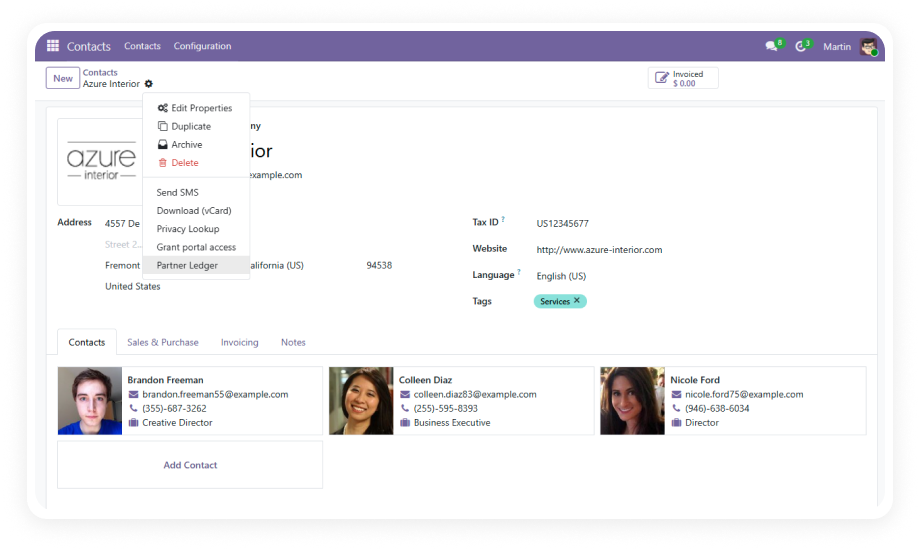
Access the Partner Ledger Report from either the Contacts module (per-partner context) or the Reporting menu (global context).

Why it matters: users who start from a specific partner record and users who need a global overview both reach the same powerful report without unnecessary navigation.

Who Gets The Most Out Of This Module

Role
Primary Use Case
Key Outcome
Accountant
Generate period-end partner ledgers with opening and closing balances
Faster month-end close with verified balance sheets per partner
Accounts Receivable Manager
Pull customer-only ledgers to track outstanding invoices and payment history
Clear visibility into who owes what and payment patterns over time
Accounts Payable Manager
Generate vendor-specific ledgers for payment verification and reconciliation
Accurate vendor payment records for dispute resolution and planning
Finance Director
Export consolidated partner reports in PDF for board reviews and audit submissions
Audit-ready financial documentation without spreadsheet construction
External Auditor
Request structured Excel exports of partner ledgers for specific fiscal periods
Clean, structured data that integrates directly into audit workpapers
Business Owner
View customer financial history before extending credit or renegotiating terms
Data-driven credit decisions based on complete transaction history
Multi-Currency Controller
Filter partner ledgers by currency for international reconciliation
Currency-specific partner balances without manual conversion calculations
⚠  Not the right fit for: Teams that only need a basic list of invoices without consolidated opening/closing balances or multi-partner batch reporting.

Versions & Documentation

Choose your Odoo version and explore interactive documentation

Admin Documentation

User Documentation

Admin Documentation

User Documentation

Admin Documentation

User Documentation

Admin Documentation

User Documentation

Native Odoo vs Zehntech Partner Ledger Report

Capability
Zehntech Partner Ledger Report
Native Odoo
Dedicated partner ledger report (all transactions per partner)
✔ Available
Not available
Opening balance calculation for selected period
✔ Automatic
Not available
Closing balance with automatic period summation
✔ Automatic
Not available
Multi-partner batch report generation
✔ Available
Not available
Filter by partner type (customer/vendor)
✔ Dedicated filter
Basic
Date range filtering for period-specific ledgers
✔ Custom ranges
Basic
Multi-currency transaction filtering
✔ Per-currency filter
Not available
One-click PDF export with professional formatting
✔ Available
Not available
One-click Excel (XLSX) export with structured columns
✔ Available
Not available
Access from both Contacts and Reporting menus
✔ Dual access points
Not available
Consolidated invoice, payment, and balance view per partner
✔ Unified view
Not available
Non-technical interface for finance teams
✔ No dev required
Basic

Get Started In Minutes

No development environment. No custom code. No consultant required for standard setup.

01

Purchase & Install

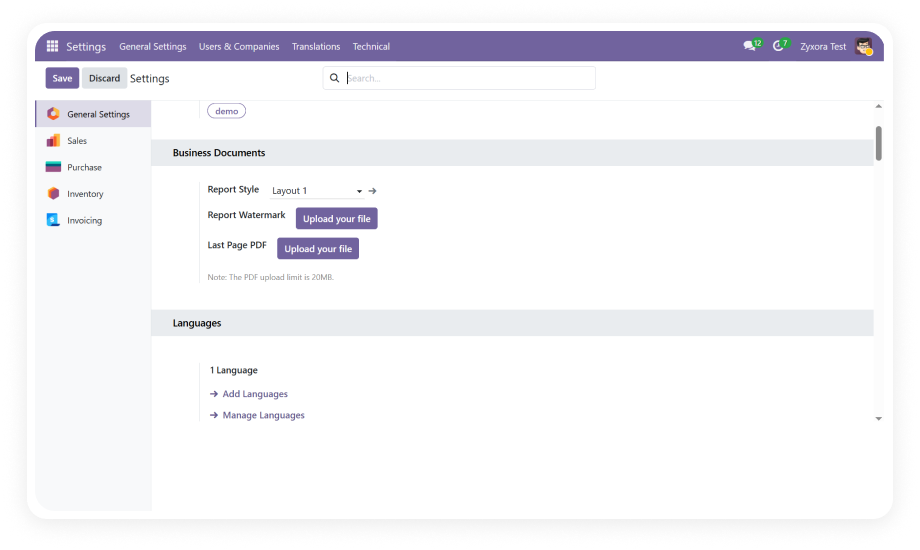
Purchase Odoo Partner Ledger Report from the Odoo App Store for Odoo 16, 17, 18, or 19. Navigate to your Apps menu, search for "zehntech_partner_ledger_reports," and click Install. No server restart required — the process takes under two minutes.

02

Access the Partner Ledger Report

Once installed, access the Partner Ledger Report from either the Contacts module or the Reporting section. All filter controls are visible immediately — no additional configuration wizard needed.

03

Configure Filters & Generate Report

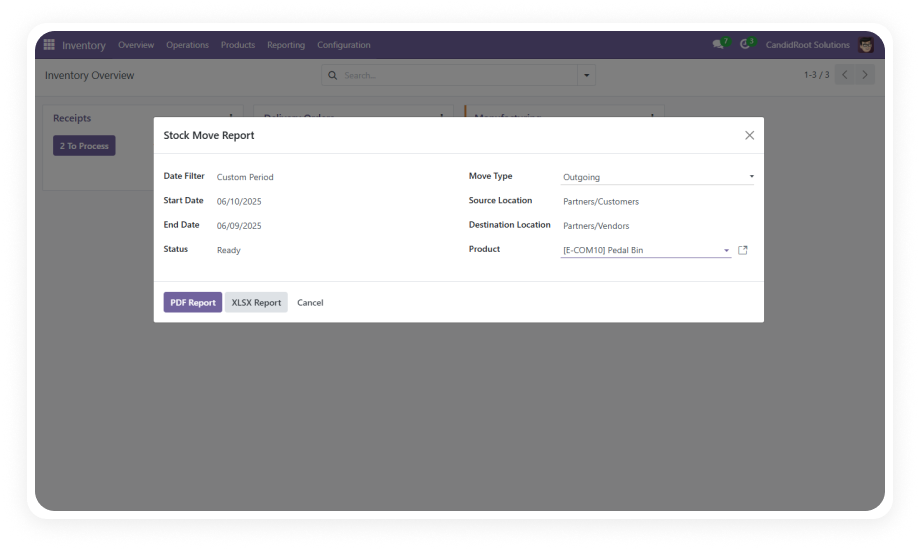
Select your target partners (individual or multiple), define the date range, choose a currency if needed, and filter by partner type. Generate the report to see consolidated ledgers with opening balances, itemized transactions, and closing balances.

04

Export to PDF or Excel

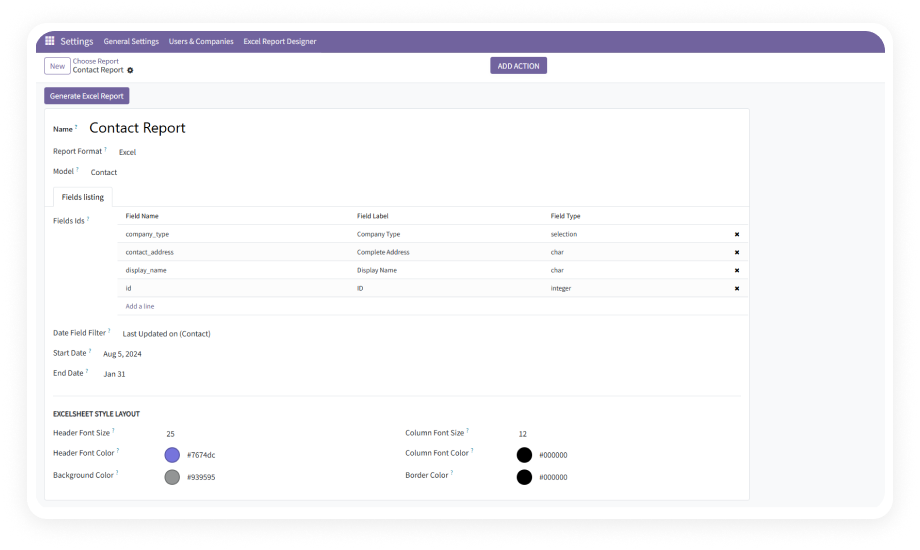
Click the export button to download a professionally formatted PDF suitable for audits and management reviews, or an Excel (XLSX) file structured for further analysis and reconciliation. Both formats generate instantly.

Technical Details & Compatibility

Requirement
Odoo Versions
Editions
Hosting
Dependencies
Third-Party Dependencies
Custom Dev Required
Install Time
Server Restart
Data Migration
Module Conflicts
License
Last Tested
Lines of Code
Support
Details
16.0 · 17.0 · 18.0 · 19.0
Community · Enterprise · Odoo.sh
Odoo Online · On-Premise · Odoo.sh
Contacts (contacts) · Invoicing (account) · Discuss (mail)
None
No
Under 5 minutes
Not required
Not required
None known
LGPL-3
Odoo 19.0 — May 2026
964
FAQ

Frequently Asked Questions

Yes. Odoo Partner Ledger Report installs directly from the Odoo App Store with no custom code, no developer environment, and no technical consultant required. It works immediately after installation on Odoo Community, Enterprise, and Odoo.sh across versions 16 through 19.
Yes. The module fully supports multi-currency operations. You can filter partner ledgers by specific currencies to view and reconcile transactions in USD, EUR, GBP, or any currency configured in your Odoo instance. Currency-specific balances are calculated accurately.
Yes. PDF exports deliver professionally structured financial tables with balance summaries — ready for audits, management reviews, and compliance documentation. Excel (XLSX) exports provide organized columns with transaction dates, references, amounts, and balances — ready for pivot tables and further financial analysis.
Yes. The module supports batch partner selection, allowing you to generate ledger reports for dozens or hundreds of partners simultaneously. This is particularly valuable during month-end close when finance teams need to verify balances across all active customers or vendors.
Yes. When you select a date range, the module automatically calculates the opening balance based on all transactions recorded before the start date. All transactions within the selected period are listed chronologically, and the closing balance is computed as the sum of the opening balance plus period activity.

Ready to See Every Partner's Financial History in One Report?

One-Time Purchase. No Subscription. No Recurring Fees. Your finance team already manages invoices and payments in Odoo — Partner Ledger Report adds the consolidated reporting layer that native Odoo does not provide. Includes lifetime updates and 90 days of dedicated technical support.

Zehntech Odoo experts


          You have successfully subscribed to the newsletter

          There was an error while trying to send your request. Please try again.

          Zehntech will use the information you provide on this form to be in touch with you and to provide updates and marketing.