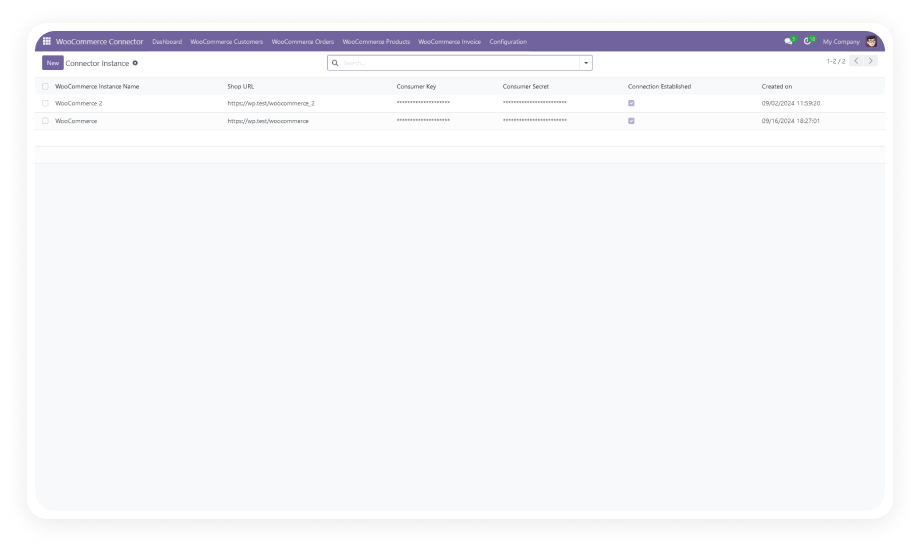
Connect an unlimited number of WooCommerce stores to a single Odoo instance. Each store is configured independently with its own credentials, sync rules, and data mappings.
Why it matters: businesses operating multiple brands, regions, or product lines manage all storefronts from one centralized ERP without switching contexts.
Sync product data — including names, descriptions, prices, images, variants, SKUs, and attributes — between WooCommerce and Odoo in both directions. Changes made in either system propagate to the other automatically.
Why it matters: your product catalog stays consistent across platforms without manual updates, reducing listing errors and saving hours of data entry per week.
Every WooCommerce order is automatically created in Odoo Sales with full line-item detail, customer information, shipping data, and payment status. Order status updates in Odoo flow back to WooCommerce.
Why it matters: fulfillment teams work from Odoo without monitoring WooCommerce separately, and customers see accurate order status on the storefront.
Customer records created during WooCommerce checkout are automatically synced to Odoo Contacts with addresses, email, phone, and order history. Duplicate detection prevents redundant records.
Why it matters: sales and support teams have a complete, unified customer view in Odoo without manual imports or data reconciliation.
Stock quantities in Odoo Inventory are synchronized with WooCommerce in real time. When a sale occurs, a receipt is processed, or a manual adjustment is made in Odoo, the corresponding WooCommerce stock level updates immediately.
Why it matters: prevents overselling, reduces stockout notifications to customers, and eliminates end-of-day batch reconciliation workflows.
WooCommerce product categories and tags are mapped to Odoo equivalents and synchronized automatically. New categories or tags created in either system are replicated to the other.
Why it matters: product organization stays consistent across your catalog and storefront without manual category management in two places.
The connector uses WooCommerce webhooks to trigger instant data updates in Odoo the moment events occur — new orders, product changes, customer registrations, and inventory adjustments.
Why it matters: unlike scheduled cron-based sync that introduces delays, webhook automation delivers data in seconds, keeping both systems current for time-sensitive operations like order fulfillment.
Create and manage WooCommerce webhooks directly from the Odoo interface without accessing WooCommerce admin or writing API calls. A single click registers all necessary webhook endpoints.
Why it matters: non-technical administrators can configure real-time sync without developer involvement, reducing setup time from hours to minutes.
Every sync operation — imports, exports, and webhook events — is recorded with timestamps, data payloads, status indicators, and error details. Logs are filterable and searchable from within Odoo.
Why it matters: when a sync issue arises, support teams can pinpoint exactly what happened, when, and why — without guessing or recreating the problem.
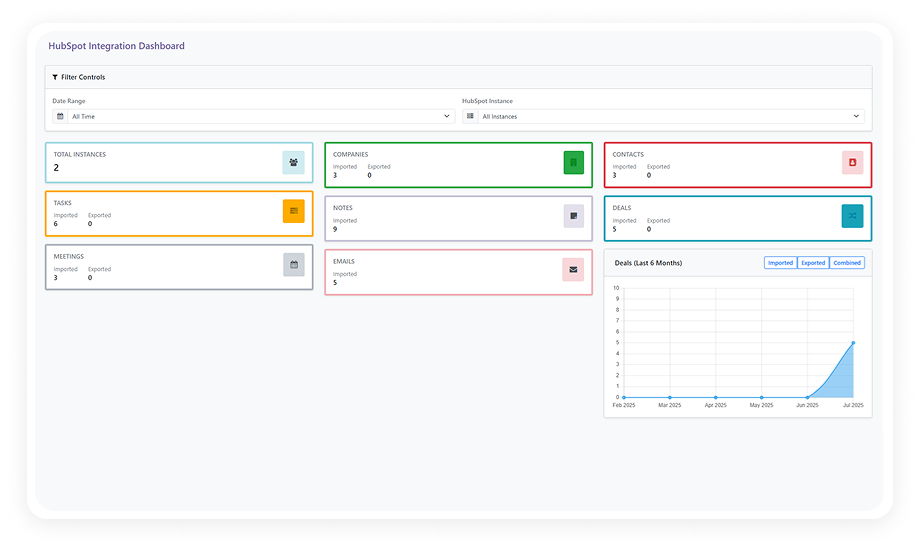
A dedicated dashboard inside Odoo displays key metrics about your WooCommerce operations: sync status, recent activity, pending items, error counts, and store-level performance indicators.
Why it matters: operations managers get a single-screen view of their entire e-commerce ecosystem health without opening multiple tools or generating manual reports.