






Automate Marketing Initiatives with Salesforce Marketing Cloud Learn More

4 Ways to Achieve a Successful Learning Management System Implementation

With an ever-increasing number of students preferring e-learning to classroom learning, higher number of organizations finding a competitive advantage and revenue growth with the use of learning management systems and e-learning, it is obvious that the businesses are keen on learning management system implementation.

The e-learning industry is fast-growing and is predicted to become a $300million market by 2021. With that, no organization wants to leave out on the chance to leverage this market and they are actively looking for ways in which they can successfully implement an LMS for their operational systems.

This article describes four successful ways for LMS implementation. Each way follows a different approach and is preferrable for its own reasons. You need to figure out what will suit your business and strategy the best and choose accordingly.

Let’s move on to the LMS Implementation Types.

Types of LMS Implementation

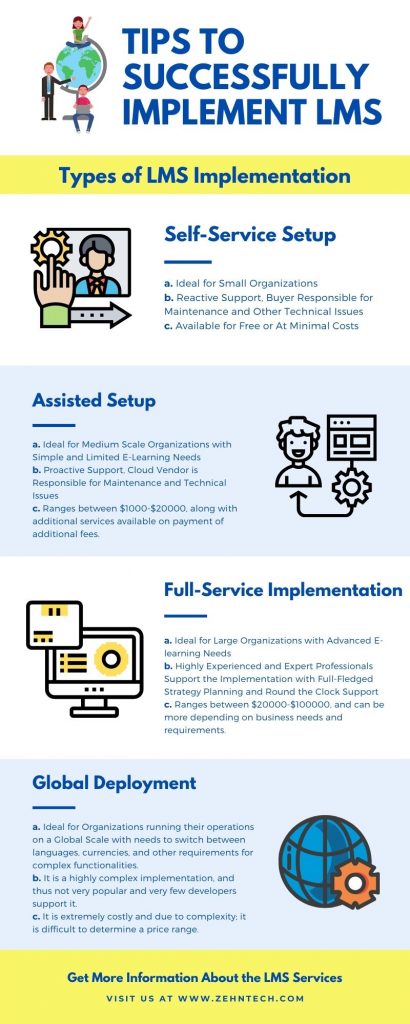
Self Service Setup

These are the simplest for of LMS implementation systems. Cloud Computing Technology is in the vogue and with that SaaS application development has taken tremendous pace. Self-Service LMS Implementations make use of this technology. Since the LMS is on a SaaS based cloud application, it is already implemented and the user only has to configure the system. Once done, the user can start benefitting from the available courses and modules over the LMS.

The user can take it on a trial basis. Generally, a 30-days trial is period is made available by the cloud vendors. After this trial, the users can decide if they want to continue with the LMS or not. If they are willing, they can go in for monthly or yearly subscription.

This comes in as a convenient and comfortable way and is best suited for the ones with basic and minimal needs for a learning management system.

Assisted Setup

This is more or less similar to the self-service setup, except that here there is an ongoing proactive support from the cloud vendor providing the LMS implementation. In the self-service setup, the support is provided only when the customer asks for it. However, in the assisted setup, while the customer keeps using the LMS over the cloud platform, the cloud vendor provides support and maintenance for the LMS, advising on critical decisions and other technical stuff.

With such support it is easier for the organizations to focus on the learning part and better leverage the LMS. The form of implementation suits the businesses with very clear, straightforward, and limited e-learning needs and requirements.

Full Service LMS Implementation

This way of LMS implementation has been in practice ever since the advent of e-learning and learning management systems and it still stands to be the most preferred form of LMS implementation among businesses. In fact, if you are an organization with vast and complicated LMS needs and requirements, you must go for this setup.

This setup involves experienced and expert LMS implementation professionals at your service who prepare and plan a full-fledged learning management implementation strategy and guide you through the entire process. Additionally, they provide proactive support for the LMS so that you can have the best experience from it with great content management and learning.

A place for big ideas.

Reimagine organizational performance while delivering a delightful experience through optimized operations.

Global Deployment

This kind of LMS implementation is highly complex and goes beyond mere e-learning. It involves complex integrations, customizations, business process redesigning, talent management, e-commerce integration and support, and a lot more which makes these systems extremely difficult and costly to implement. Additionally, due to the complexity and technicalities involved in the implementation, only a handful of developers work on the global deployment and implementation of learning management systems.

Yellow Illustration Volunteering Infographic 1

Conclusion

However, despite the complexity, these systems work extremely well for the organizations with their business spread globally and high needs for e-learning solutions.

So, these are the four different ways in which you can carry out a learning management system implementation. The implementation highly depends on your business needs and requirements as well as the costs you are willing to incur. So, you need to analyze thoroughly and then take the decision.


Top Stories

The Complete Guide to Odoo in 2026
The Complete Guide to Odoo in 2026: Implementation, Customisation, Integration, Migration and Cost
What Odoo actually is Odoo is a suite of business applications built on a shared database — CRM, sales, inventory, manufacturing, accounting, HR, website, point of sale, and several dozen more. The applications are modular. You switch on the ones you need and leave the rest off. The architectural point
How to Connect WooCommerce to Odoo
How to Connect WooCommerce to Odoo — Complete Setup Guide
Connecting WooCommerce to Odoo does not require a developer, a middleware tool, or weeks of implementation. The Zehntech Odoo WooCommerce Connector gives you real-time bi-directional sync between your WooCommerce store and your Odoo backend — set up in under 15 minutes. This guide is for Odoo administrators, eCommerce operations managers,
How to Connect Odoo to ShipStation — Step by Step Setup Guide
How to Connect Odoo to ShipStation A Step-by-Step Setup Guide
This guide walks you through connecting Odoo to ShipStation using the Zehntech Odoo ShipStation Connector — from generating your API credentials in ShipStation to your first automated order push and tracking import. Most setups take under 10 minutes. Prerequisites Before you begin: Odoo version: v17, v18 or v19 (Online, Odoo.sh
AI Agents Are Transforming Odoo ERP Operations in 2026
How AI Agents Are Transforming Odoo ERP Operations in 2026
Most ERP systems already hold the information needed to make better decisions. The problem is the work between the data and the decision: opening several modules, filtering records, exporting spreadsheets, comparing numbers and then updating Odoo manually. AI agents are beginning to remove that gap. Unlike a chatbot that only
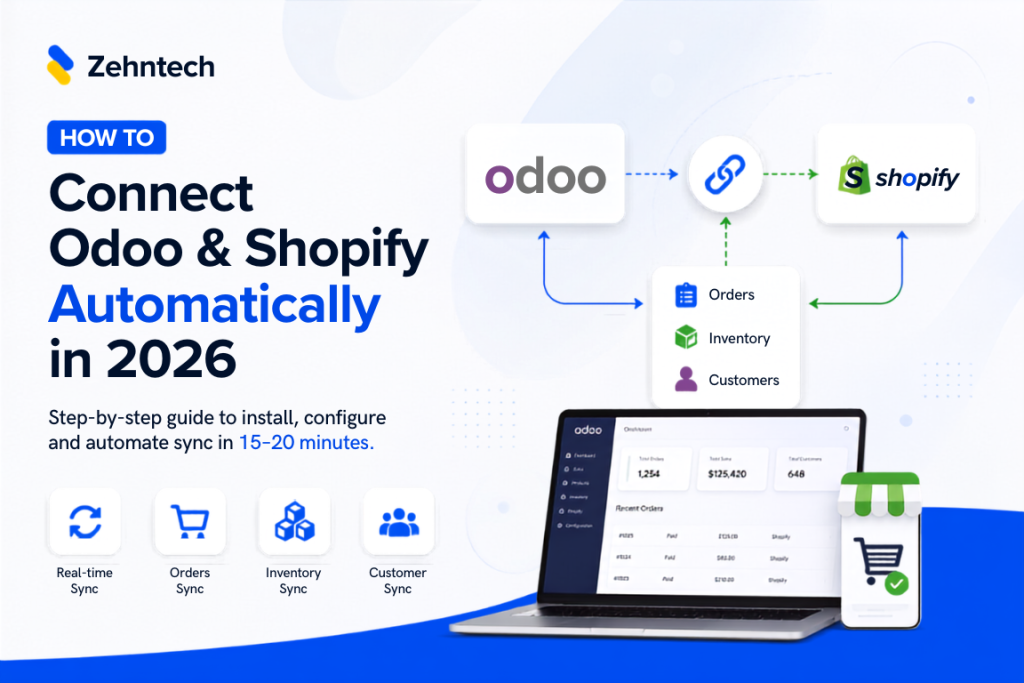
Connect Odoo & Shopify Automatically in 2026
How to Connect Odoo and Shopify Automatically (2026 Guide)
If you're running Shopify for your storefront and Odoo for everything behind it — inventory, accounting, fulfillment — you already know the two don't talk to each other out of the box. This guide walks through exactly how to connect them so orders, stock, and customer data sync automatically, with
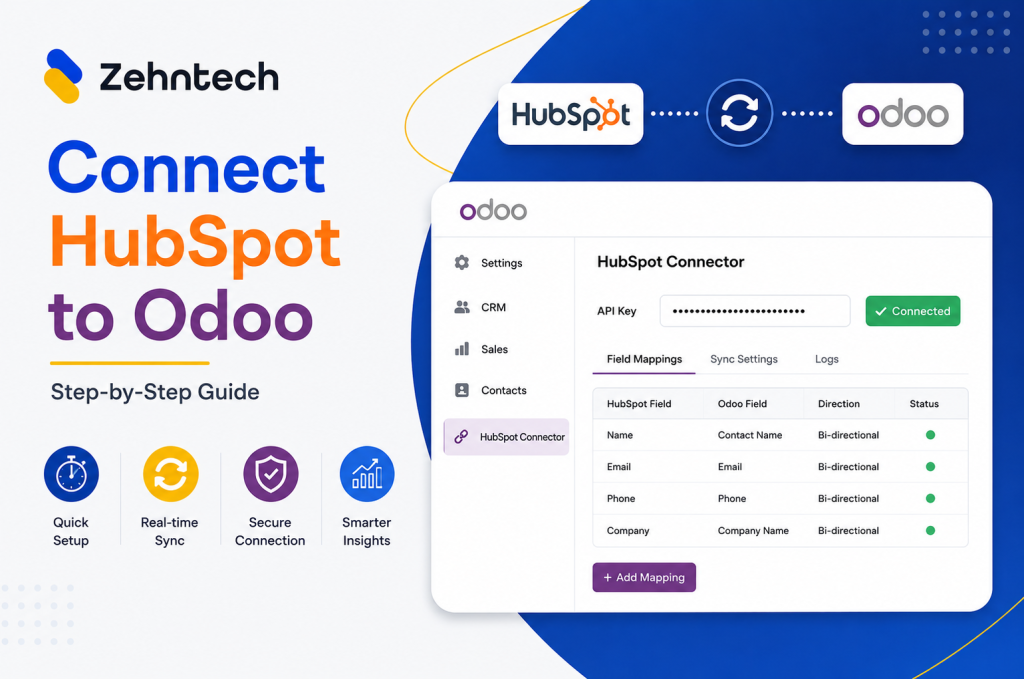
Odoo Hubspot Connector
How to connect hubSpot to odoo a step-by-step setup guide
This guide walks you through connecting HubSpot to Odoo using the Zehntech Odoo HubSpot Connector from generating your API key in HubSpot to your first live sync. Most teams complete this in under 10 minutes. Prerequisites Before you begin: Odoo version: v16, v17, v18 or v19 (Online, Odoo.sh or On-Premise)

          Success!!

          Keep an eye on your inbox for the PDF, it's on its way!

          If you don't see it in your inbox, don't forget to give your junk folder a quick peek. Just in case.


              You have successfully subscribed to the newsletter

              There was an error while trying to send your request. Please try again.

              Zehntech will use the information you provide on this form to be in touch with you and to provide updates and marketing.