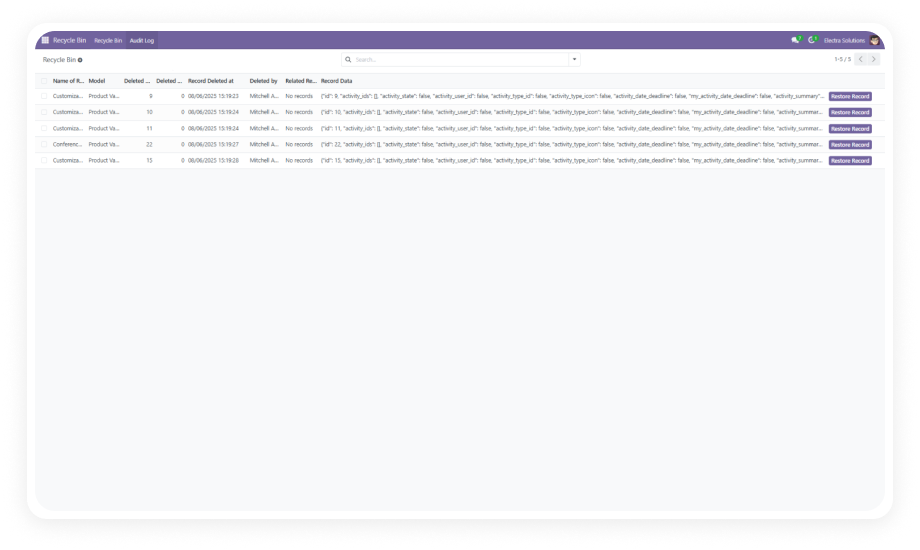
Know exactly who did what, when, and on which record — across every model in your Odoo instance. Advanced Audit Log delivers enterprise-grade activity tracking, role-controlled visibility, intelligent notifications, and automatic log hygiene in a single zero-code module.
Advanced Audit Log is an Odoo module that captures every Create, Read, Update, and Delete operation across your chosen data models — giving administrators, compliance teams, and operations managers a precise, filterable record of all user activity. It replaces manual change tracking, informal chatter notes, and expensive third-party audit tools with a native, configurable layer built directly into Odoo. With RBAC controls and automatic cleanup, it keeps your audit data accurate, secure, and database-friendly without ongoing maintenance.
CRUD activity tracking per model
Role-based log access control
Session & request-level filtering
Critical action alerts
Automated log retention management
One module. Full operational transparency. No spreadsheets or external tools.
Selective logging is impossible — either log everything or nothing
Granular rule configuration lets administrators enable only the operations and models that matter
Enterprise-Grade Audit Capabilities Built Into Odoo
1
Full CRUD Operation Logging
Administrators define audit rules at the model level — selecting which Create, Read, Update, and Delete events get recorded for each data object. Logging is applied selectively, so teams capture exactly the operations that matter without flooding the database with noise.
Why it matters: you maintain a complete, verifiable activity trail for any model in Odoo without logging overhead on models that don't need it.
2
Log Grouping and Filtering
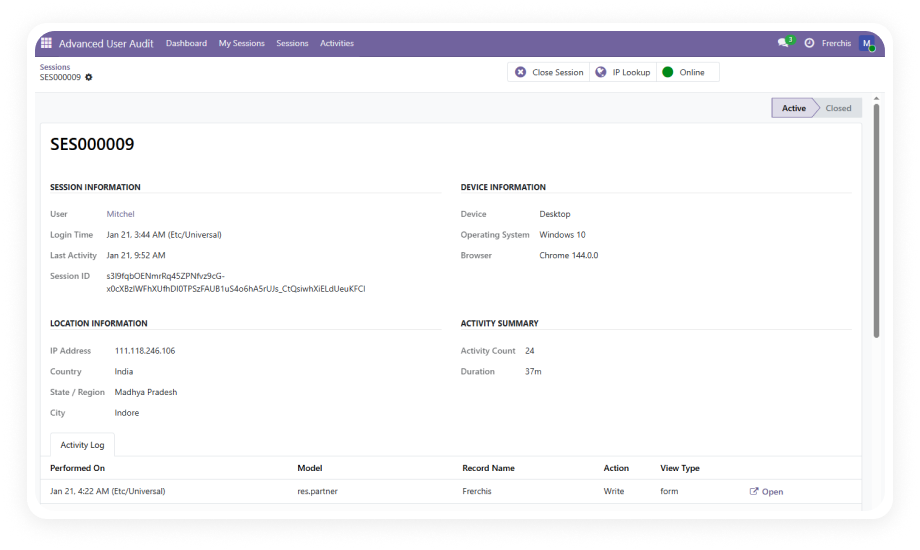
Audit records can be grouped and filtered by user, session, date, data model, and HTTP request — making it fast to isolate specific activity windows, investigate individual users, or review changes to a particular model.
Why it matters: investigations that used to take hours of manual cross-referencing become targeted queries that surface evidence in seconds.
3
Automatic Log Cleanup
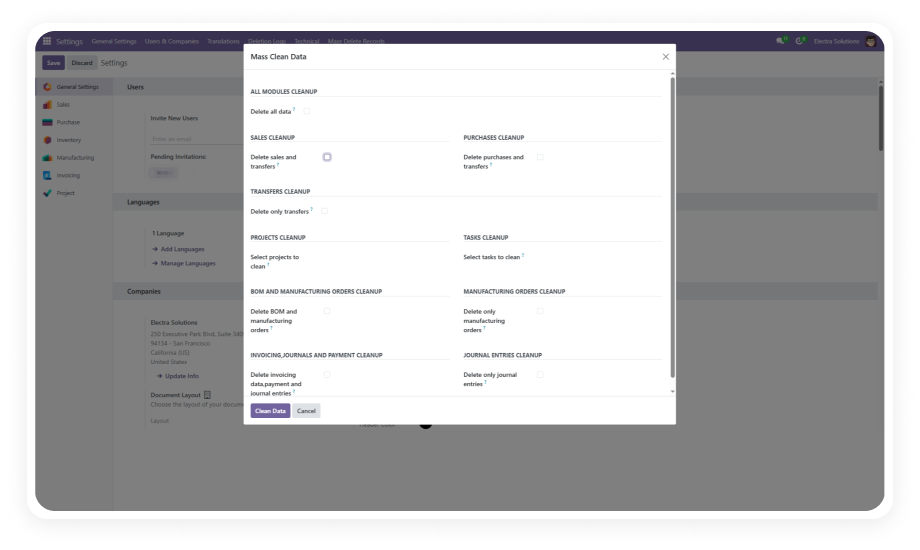
The module automatically purges audit records older than six months by default, with the retention window fully customizable to match your organization's compliance policy.
Why it matters: audit log buildup is one of the most common causes of Odoo performance degradation — automatic cleanup eliminates this risk without requiring manual database maintenance.
4
Role-Based Access Control (RBAC)
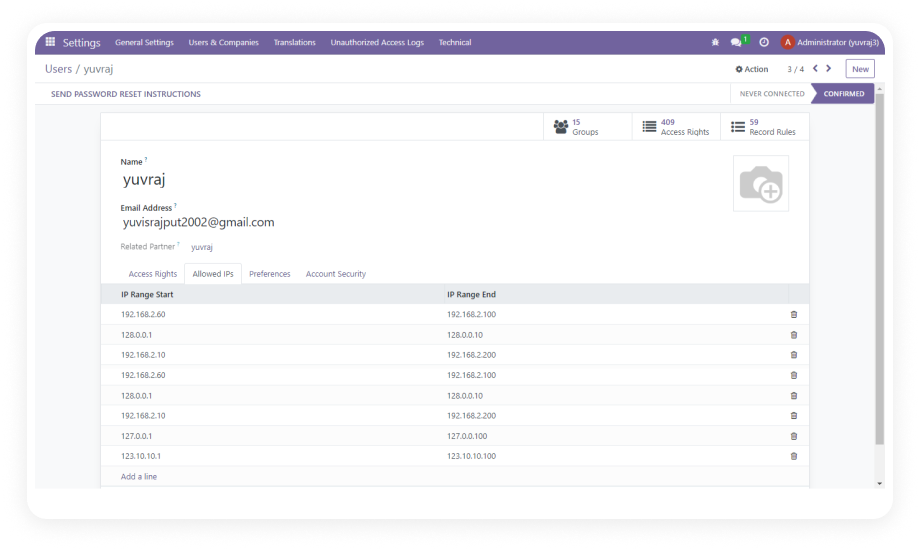
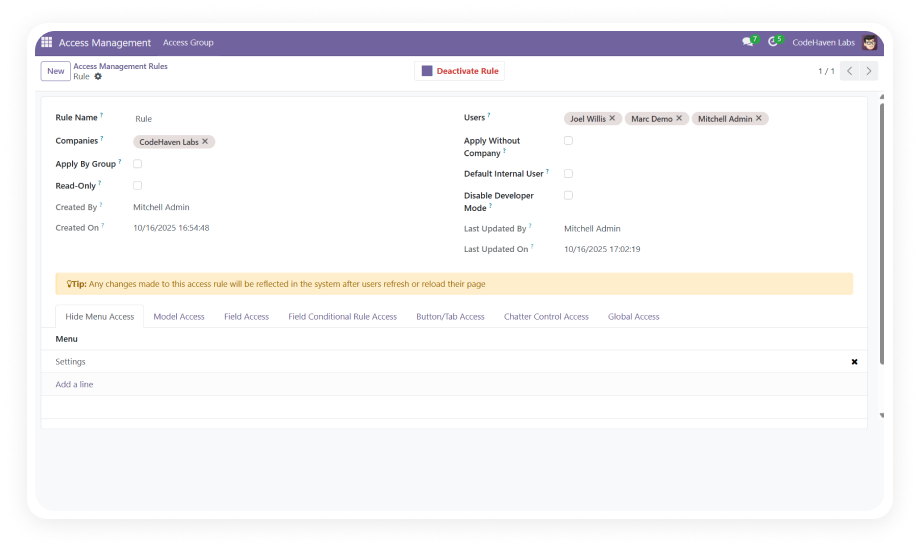
Predefined access roles restrict who can view, search, and manage audit logs within Odoo. Sensitive compliance data stays visible only to authorized administrators and auditors — not the general user population.
Why it matters: audit logs often contain details about confidential operations; RBAC ensures that access to this data is itself governed and auditable.
5
Audit Log Notifications
The module sends real-time alerts to administrators when critical actions occur — including record deletions and sensitive user operations. Notifications are delivered through Odoo's native notification system, requiring no external integrations.
Why it matters: immediate awareness of high-risk actions allows administrators to respond before damage escalates, not after a scheduled review.
Who Gets The Most Out Of This Module
Role
Primary Use Case
Key Outcome
Odoo Administrator
Monitor all user activity across sensitive models and respond to anomalies in real time
Full operational visibility with instant access to filterable audit records
Compliance Officer
Generate evidence trails for internal audits, regulatory reviews, and data governance processes
Audit-ready documentation with user, timestamp, and operation detail for every tracked event
IT Security Manager
Detect unauthorized deletions, privilege misuse, and suspicious access patterns across Odoo
Proactive security posture with RBAC-controlled log access and critical action alerts
Operations Manager
Maintain accountability standards across teams working in shared Odoo environments
Clear record of who changed what, eliminating finger-pointing and reducing error investigation time
Finance Manager
Track modifications to financial records, journal entries, and payment data
Tamper-evident record layer over sensitive accounting models without custom development
Business Owner / CTO
Enforce data governance policies and demonstrate due diligence in regulated industries
Enterprise-grade audit infrastructure at zero cost — no consultant engagement required
⚠ Not the right fit for: Teams that need full GDPR compliance tooling, data anonymisation, or retention policies — this module tracks field-level changes only.
Versions & Documentation
Choose your Odoo version and explore interactive documentation.
Real-time alerts on critical actions and deletions
✓ Available
Not available
Selective logging to minimize database load
✓ Available
Not available
Centralized audit log management in Settings
✓ Available
Not available
No custom development required to configure
✓ Zero-code setup
Not applicable
Supports Community, Enterprise, and Odoo.sh
✓ All editions
Basic (chatter only, Enterprise has audit trail add-on)
Get Started In Minutes
No development environment. No custom code. No consultant required for standard setup.
01
Install from the Odoo App Store
Search for "Advanced Audit Log" or "zehntech_auditlogs" in the Odoo App Store. Download for your version — available for Odoo 16, 17, 18, and 19 on Community, Enterprise, and Odoo.sh. Place in addons directory or install via the Apps menu.
02
Activate and update your Odoo instance
Update your module list and install Advanced Audit Log through the Odoo Apps interface. No server restart required. Installs cleanly alongside your existing configuration — no data migration, no model conflicts.
03
Configure audit rules for your models
Go to Settings > Technical > Audit and create rules by selecting data models to monitor. For each model, choose which operations — Create, Read, Update, Delete — to track. Works for standard and custom models alike.
04
Review logs, assign roles, and set notifications
Access your live audit log at Settings > Technical > Audit > Logs. Assign RBAC roles, configure alerts for critical operations, and adjust the automatic cleanup retention window to fit your compliance requirements.
Yes. Advanced Audit Log installs directly from the Odoo App Store and is configured entirely through the Odoo Settings interface.
No code changes, no external tools, and no consultant is required for standard setup.
The full feature set — CRUD tracking, RBAC, notifications, and auto-cleanup — is available out of the box.
Yes. The module is fully compatible with Odoo Community, Enterprise, and Odoo.sh across versions 16, 17, 18, and 19.
The only dependency is Discuss (mail), which is included in all Odoo editions.
There are no Enterprise-only features required to use Advanced Audit Log.
Administrators create audit rules by selecting a data model (e.g., Sales Order, Invoice, Contact) and choosing which operations — Create, Read, Update, Delete — to log.
Every matching action is recorded with the user's identity, timestamp, session ID, and HTTP request reference.
Logs are accessible and searchable at Settings > Technical > Audit > Logs.
Advanced Audit Log supports Odoo 16, 17, 18, and 19.
It is compatible with Community, Enterprise, and Odoo.sh editions across all four versions.
Interactive documentation is available for each supported version in the Versions & Documentation section above.
The module automatically deletes audit records older than six months by default, preventing uncontrolled log growth from degrading database performance.
The retention period is fully configurable — organizations can set shorter windows for minimal storage or longer windows for extended compliance documentation.
Cleanup runs automatically, requiring no scheduled manual intervention from administrators.
Ready to Bring Full Accountability to Your Odoo Operations?
Your team already uses Odoo to run daily operations — Advanced Audit Log adds the visibility layer that makes every action traceable, every change auditable, and every deletion documented. Install it once and gain permanent, enterprise-grade audit infrastructure across your entire Odoo environment.
Includes lifetime updates and 90 days of dedicated technical support.