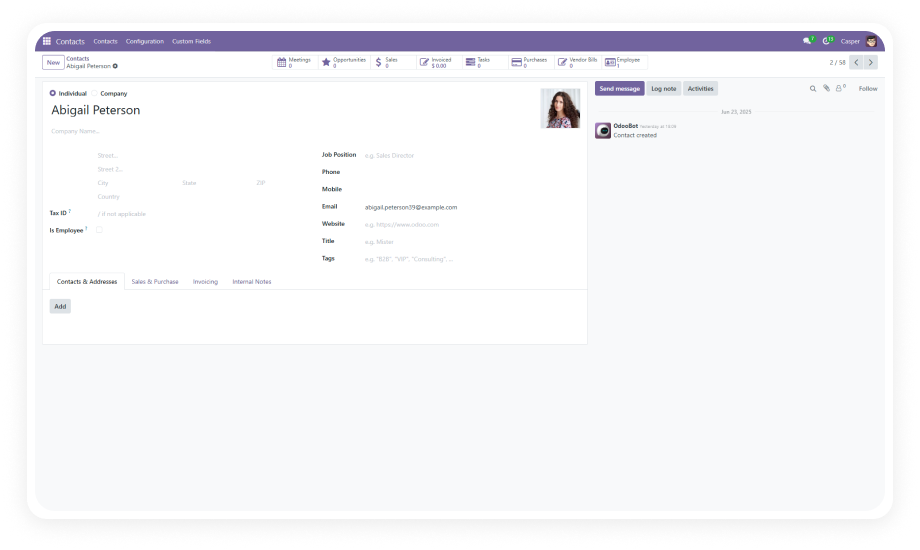
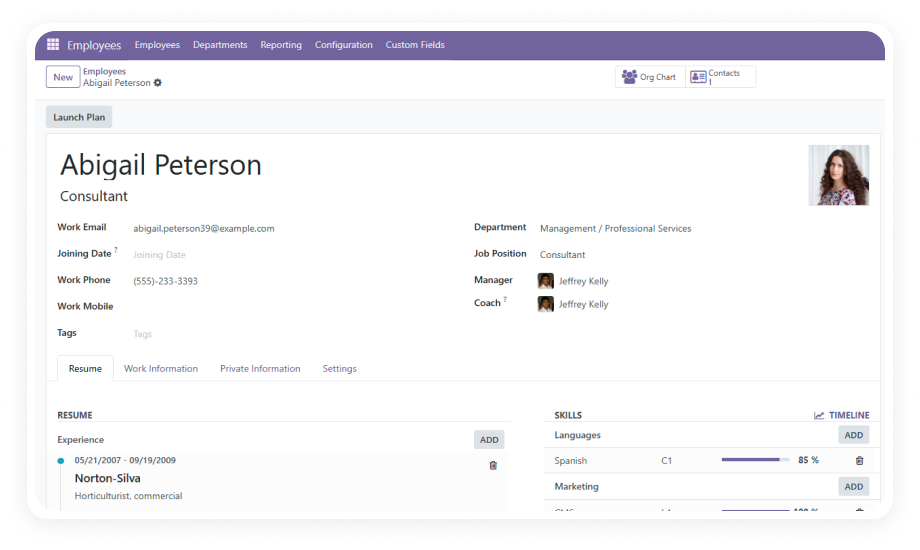
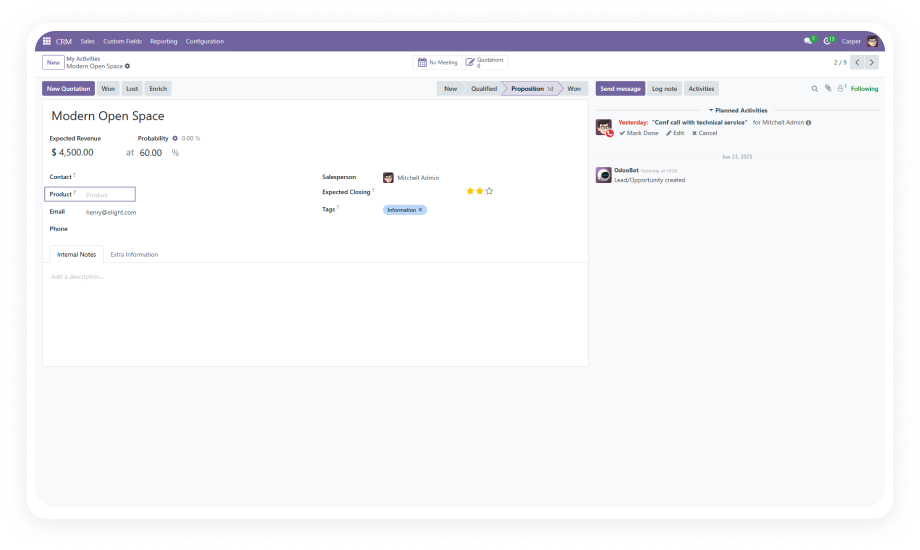
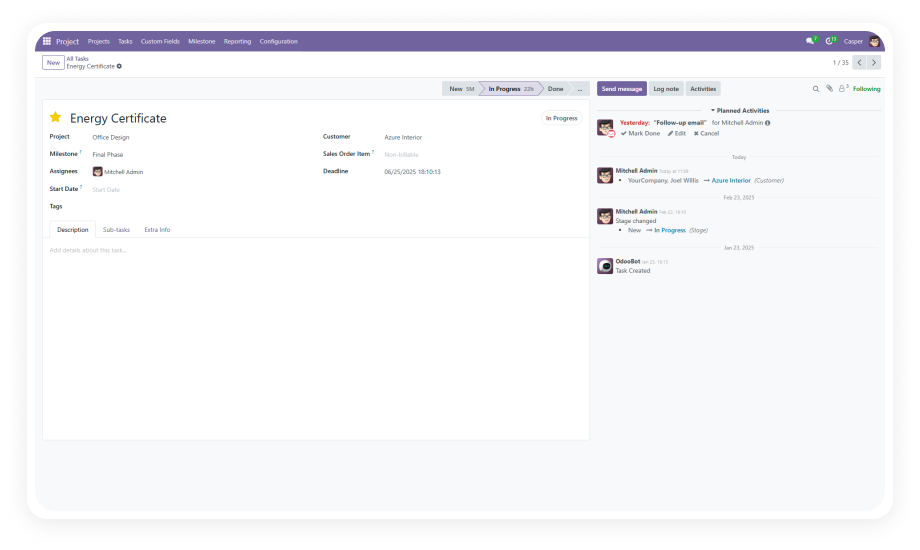
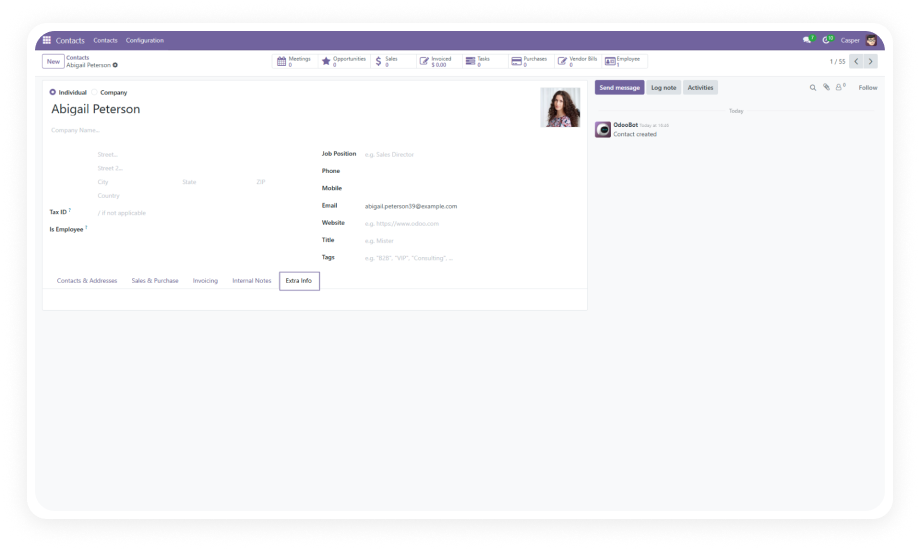
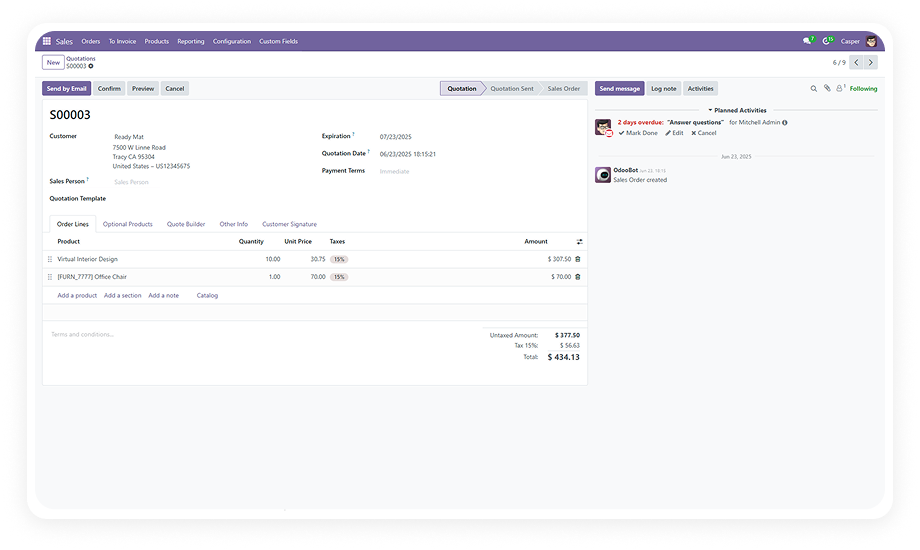
Add custom fields to the contact form through a simple, guided interface. Select your field type, enter a label, choose positioning — done.
Why it matters: business teams ship form changes in seconds instead of waiting days or weeks for developer availability.
Supports text, character, integer, float, dropdown/selection, date, many2one, and one2many fields.
Why it matters: whether you need a free-text note, a numeric score, a date reference, or a full relational link to another model, the module handles it natively without compromises.
Create many2one and one2many relational fields that link contacts to other Odoo models — Customers, Products, Sales Orders, or any model in your instance.
Why it matters: your contact records become interconnected hubs of business data rather than isolated name-and-address entries.
Control exactly where custom fields appear on the contact form. Place fields in logical groupings alongside related native fields.
Why it matters: form usability depends on field placement — scattered or bottom-stacked fields reduce data entry speed and increase errors.
Designate any custom field as mandatory and enforce completion with real-time validation.
Why it matters: critical data points like compliance IDs, account tiers, or contract references cannot be skipped, ensuring data quality at the point of entry.
Modify field labels, types, and selection options after creation without deleting and recreating.
Why it matters: business requirements change — renaming a field or adjusting dropdown options should take seconds, not a development ticket.
Remove outdated or unnecessary fields with a single click. The module handles cleanup safely.
Why it matters: form clutter accumulates over time, and the ability to remove fields without developer intervention keeps your contact form lean and relevant.
The entire workflow — creation, editing, positioning, validation, deletion — operates through a user-friendly interface designed for business users.
Why it matters: IT bottlenecks disappear when the people who understand the data requirements can manage the form themselves.