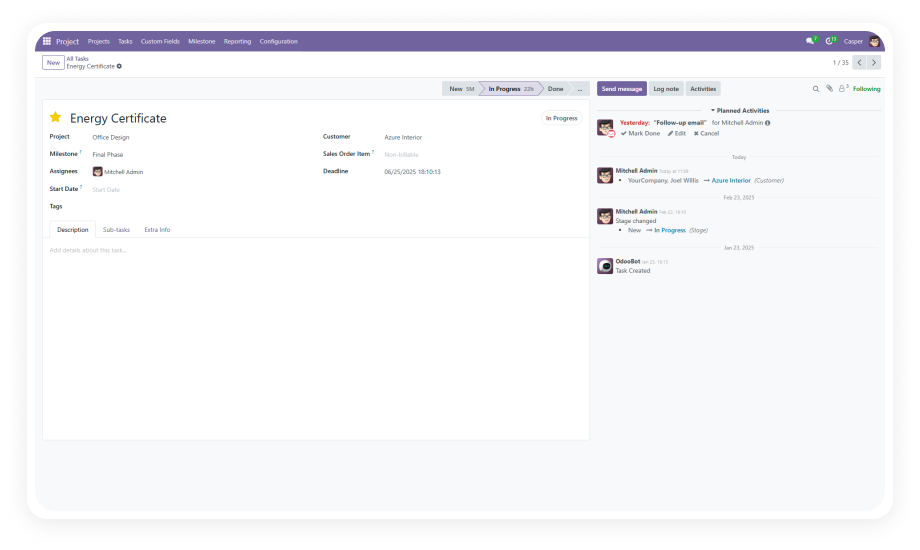
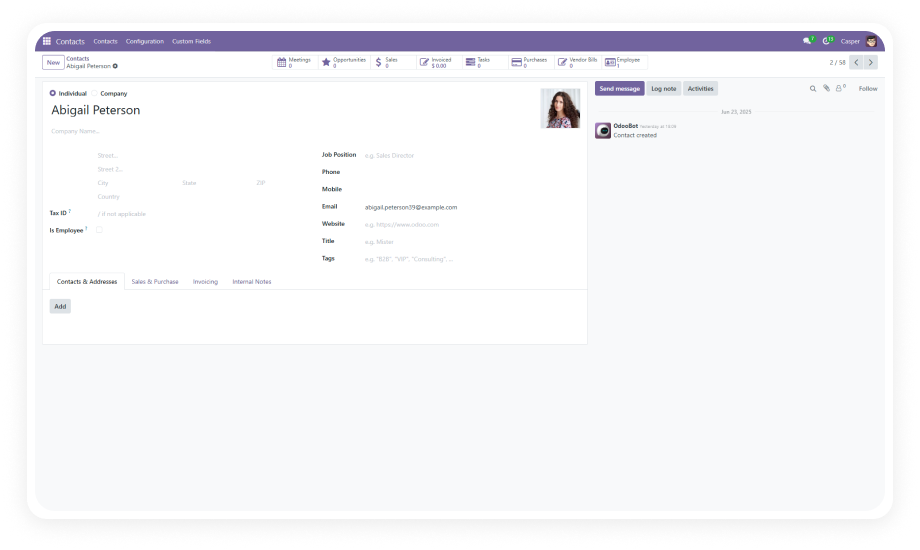
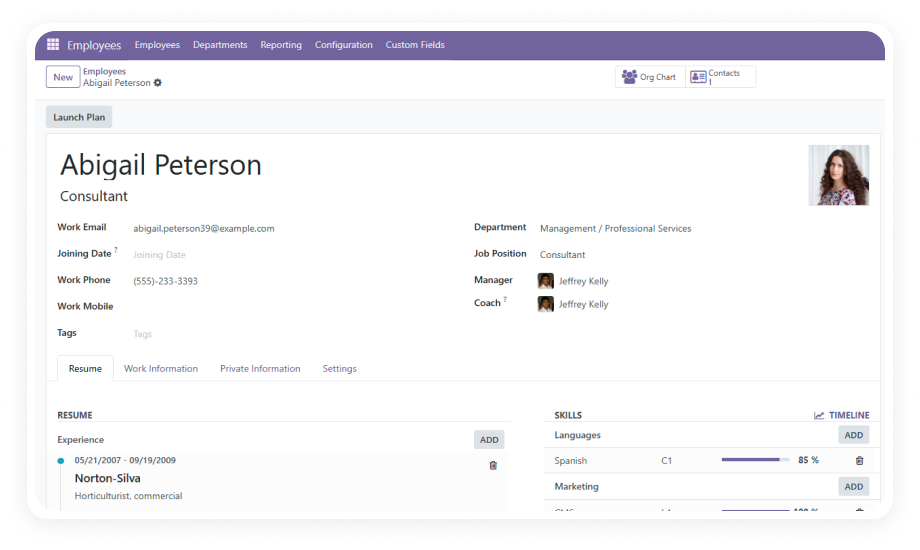
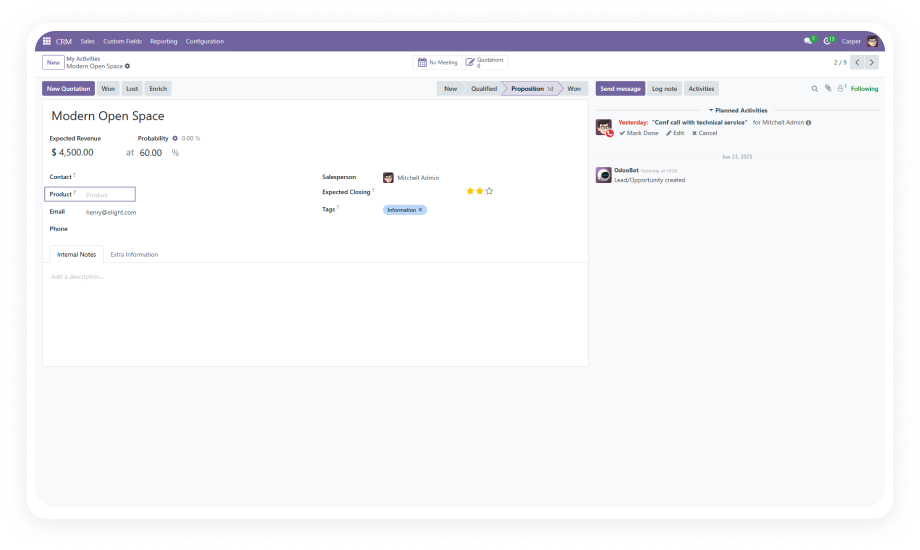
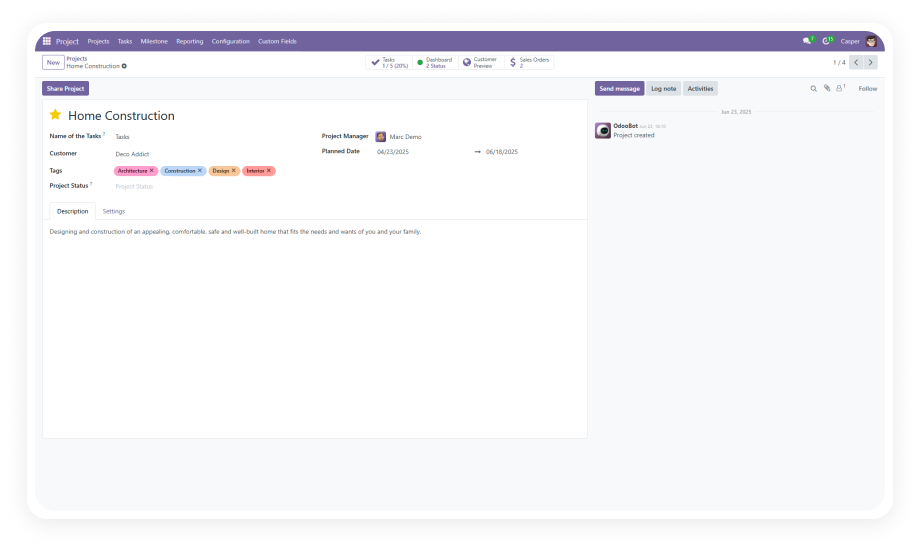
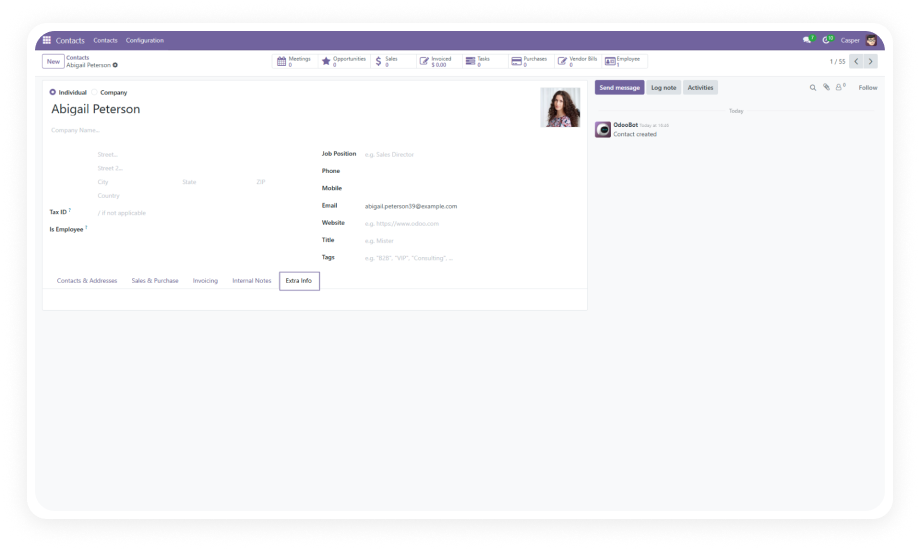
Add Any Field to Odoo Task Forms Without Code. Extend your Odoo task forms with exactly the fields your workflow demands. Create text, numeric, date, selection, and relational fields directly from an intuitive admin interface — no developer, no custom code, no waiting.
Custom Fields For Task is an Odoo module that lets administrators add, edit, delete, and position custom fields on task forms — without writing a single line of code. It supports diverse field types including text, character, integer, float, selection, date, many2one, and one2many — covering everything from simple text inputs to complex relational links between Odoo models. Instead of submitting a development request every time your project team needs a new data point on a task, this module puts field creation directly in the hands of functional users. Fields appear instantly on task forms, can be marked as required, and are fully manageable from a centralized tree view. One module. Complete control over your task form structure. Zero development overhead.
How Custom Fields For Task Solves Odoo Task Form Limitations
Problem
Zehntech Solution
Adding a new field to task forms requires a developer
Non-technical interface lets any admin create fields instantly
Custom development delays block project teams from capturing critical data
Fields are live on task forms immediately after creation — no deployment cycles
Standard task forms lack industry-specific or process-specific fields
Unlimited custom fields of any supported type can be added to match your exact workflow
No way to enforce mandatory data entry on custom task fields
Required field designation ensures users cannot save tasks without completing critical fields
Custom fields appear in random positions, breaking form usability
Configurable field placement lets you position each field exactly where it belongs
Editing or removing custom fields requires developer intervention
Full CRUD operations (create, read, update, delete) available from an intuitive tree view
Relational data between tasks and other Odoo models is inaccessible on task forms
Many2one and one2many field types link tasks directly to related Odoo records
Managing custom fields across multiple tasks has no centralized interface
Dedicated tree view provides a single management point for all custom task fields
Everything You Need to Customize Odoo Task Forms
1
Non-Technical Field Creation Interface
Create custom fields through an intuitive, form-based interface designed for functional users — not developers. Select your field type, configure properties, and deploy to task forms in seconds.
2
Multiple Field Type Support
Choose from text, character (char), integer, float, selection (dropdown), date, many2one, and one2many field types to match your exact data requirements.
3
Required Field Designation
Mark any custom field as required so users cannot save a task without completing it. Mandatory fields enforce data quality at the point of entry.
4
Customizable Field Placement
Control exactly where each custom field appears within the task form layout. Well-positioned fields keep forms logical and usable, reducing friction for end users.
5
Full CRUD Field Management
Create, read, update, and delete custom fields at any time from a centralized tree view interface. As your processes evolve, your task forms evolve with them.
6
Many2one Relational Fields
Link task fields to records in other Odoo models using many2one relationships. Tasks gain direct access to related data — keeping context visible without navigating away.
7
One2many Relational Fields
Create one2many fields that display related child records directly within the task form. Complex task workflows can be managed within a single task view.
8
Selection/Dropdown Fields
Define dropdown fields with custom options tailored to your business vocabulary — statuses, categories, priorities, or any controlled list.
9
Tree View Field Management
All custom fields are visible and manageable from a dedicated tree view that shows field name, type, and status at a glance.
10
Real-Time Form Updates
Custom fields appear on task forms immediately after creation — no page refresh delays, no cache clearing, no server restart required.
Who Gets The Most Out Of This Module
Role
Primary Use Case
Key Outcome
Project Manager
Add tracking fields specific to each project type (budget codes, risk levels)
Task forms capture exactly the data each project needs
Odoo Administrator
Manage custom field lifecycle across all task forms
Full control over field creation, editing, positioning without developer support
Operations Director
Enforce mandatory fields for compliance or process adherence
Data consistency guaranteed across every task
Team Lead
Add selection fields for custom statuses or priority levels
Teams work with terminology that matches their actual process
Business Analyst
Create relational fields linking tasks to external data
Reporting gains direct access to contextual data
IT Manager
Reduce custom development requests for simple task form changes
Development resources stay focused on high-value work
Versions & Documentation
Choose your Odoo version and explore interactive documentation
No development environment. No custom code. No consultant required for standard setup.
01
Install from Odoo App Store
Search for zehntech_custom_fields_for_task in your Odoo Apps menu and click Install. Compatible with Odoo 16, 17, 18, and 19. Requires Project and Discuss modules.
02
Access Custom Fields Interface
Navigate to the Projects section in your Odoo backend. Open the custom fields configuration interface where all field management operations are centralized.
03
Create Custom Fields
Click to create a new field. Select the field type, define the label, configure its position on the task form, and set whether it is required. Fields appear immediately.
04
Manage and Iterate
Use the tree view to review, edit, reposition, or delete fields as your workflow evolves. No restart needed — changes reflect in real time on all task forms.
Yes — Custom Fields For Task provides an intuitive, non-technical interface for creating fields. Any Odoo administrator can create, edit, position, and delete fields without coding. Fields appear on task forms immediately after creation with no deployment steps required.
Text and character (char) fields for short and long text input. Integer and float fields for numeric data. Selection (dropdown) fields with custom-defined options. Date fields for date-based data capture. Many2one and one2many relational fields linking tasks to other Odoo models.
The module supports Odoo 16, 17, 18, and 19. Both Community and Enterprise editions are fully compatible. It works across Odoo Online, Odoo.sh, and On-Premise hosting environments.
Yes — the required field designation feature lets you mark any custom field as mandatory. Users cannot save a task without completing required custom fields. This enforces data quality and consistency across all tasks in your project workflow.
Yes — customizable field placement lets you set the exact position of each field on the task form. Fields can be organized logically to match your team's workflow and data entry patterns. Repositioning can be done at any time from the field management interface without code changes.
Custom Fields Family — Extend Any Odoo Form Without Code
One-Time Purchase. No Subscription. No Recurring Fees.
Your project team already works in Odoo tasks every day — Custom Fields For Task gives them the exact data fields they need without waiting on developers, submitting change requests, or compromising on generic form layouts. In under 5 minutes, your task forms capture precisely the information your business requires. $14.93 one-time. Lifetime updates. 90 days of dedicated technical support.