The e-commerce landscape is progressing rapidly, and businesses are continuously seeking ways to enhance efficiency and customer engagement. One transformative strategy is integrating third-party applications with Odoo (e.g., Odoo and Third-Party CRM Integration), a comprehensive suite of business management tools. This integration has been shown to increase functionality by as much as 40%, a significant leap in operational efficiency and customer service. This article explores the how and why of this integration, providing insights and actionable tips, especially for e-commerce and small businesses.
1. Types of Odoo Integration Services
- Odoo and Third-Party CRM Integration: For the purpose of betterment of customer data analysis and engagement strategies, the CRM systems are integrated.
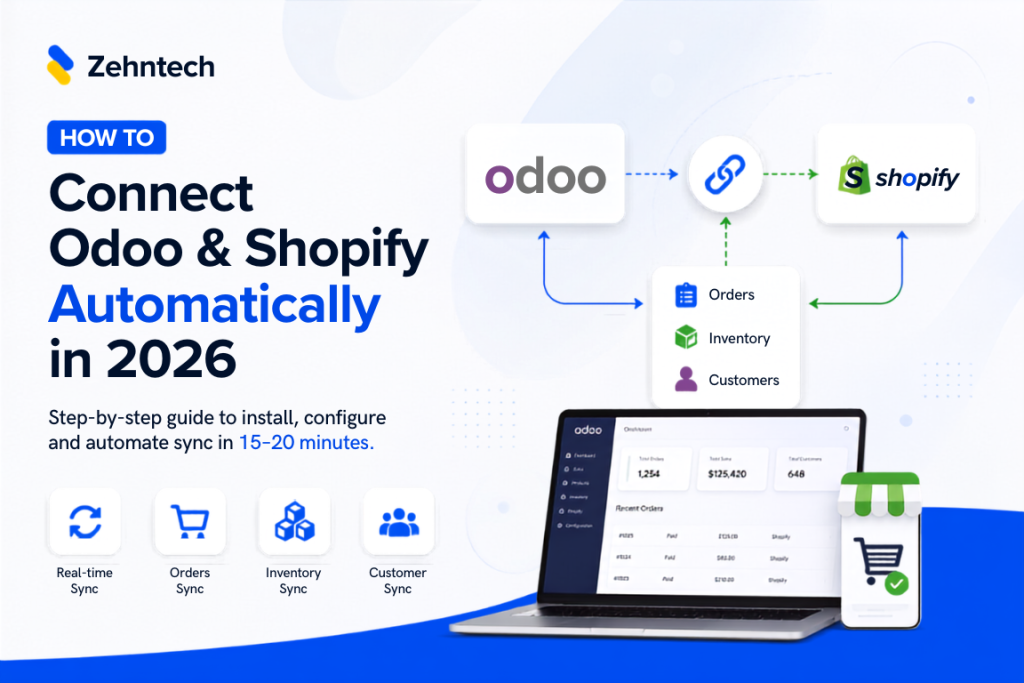
- Integrating with E-commerce Platform: For the purpose of streamlined e-commerce operations, Odoo can be connected with e-commerce platforms like Shopify, Magento, or WooCommerce. For example: Bavarian Autosport, a leading retailer of BMW and MINI parts, faced challenges in managing its high-volume orders and inventory due to an inefficient integration between its e-commerce platform and backend system. In 2015, they sought a solution to streamline their operations and enhance customer service. After evaluating options, they chose Odoo ERP for its stability and reliability, integrating it with their existing Magento e-commerce platform. This integration improved customer purchasing experiences and business function continuity. The unified system between open-source ERP and e-commerce software significantly bolstered Bavarian Autosport’s position as a top retailer in their sector ( Website 1).
- Integrating with Payment Gateway: For the purpose of authentic, efficient, and secure online transactions, integrating payment services like PayPal, Stripe, etc.
- Integrating with Shipping and Logistics: For the purpose of real-time tracking and efficient delivery management integration with shipping carriers and logistics services.
- Integrating with Social Media: For the purpose of enhanced social media marketing and customer engagement, integrate with platforms like Facebook, Instagram, or Twitter.
2. Key Odoo Third-party Integrations Using APIs
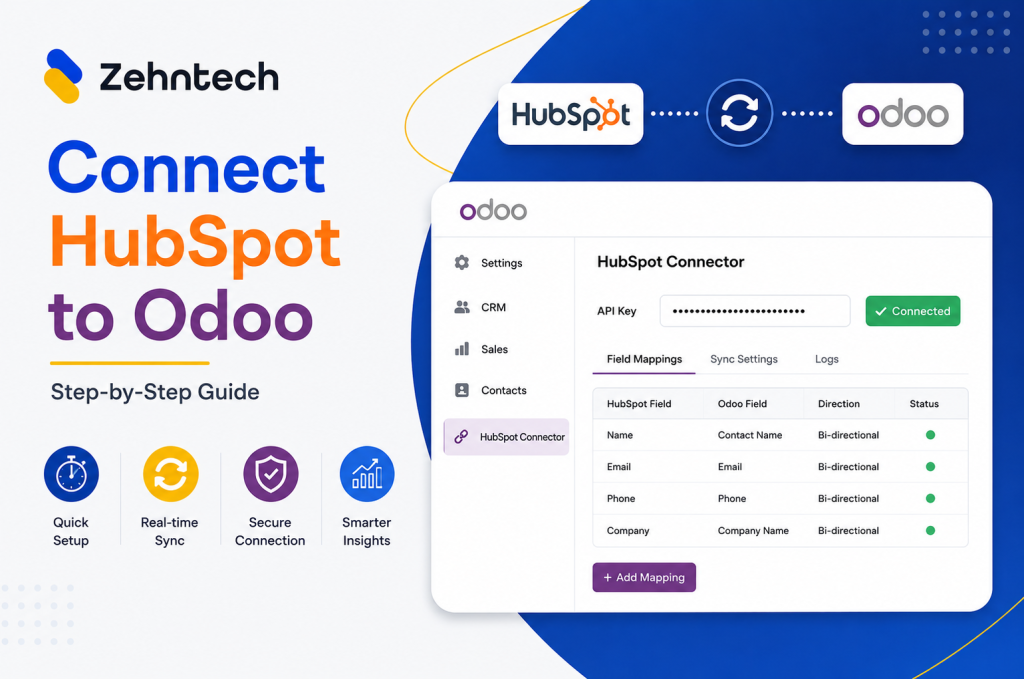
- Salesforce Integration: Syncing Salesforce CRM with Odoo (Odoo and Third-Party CRM Integration) for advanced customer data management and sales tracking.
- QuickBooks Integration: Linking accounting software like QuickBooks for real-time financial data synchronization.
- Google Apps Integration: Incorporating Google services (like Gmail, Calendar, and Drive) for improved collaboration and communication.
3. Understanding the Basics: Odoo and Third-Party CRM Integration
Odoo is an open-source set of business management applications, including CRM, e-commerce, billing, accounting, manufacturing, warehouse, project management, and inventory management. One of its key strengths is its flexibility and ability to integrate with various third-party applications, especially CRM systems.
Odoo and Third-Party CRM Integration refers to the process of Odoo integration with external software. This integration allows businesses to leverage the strengths of both Odoo and the third-party CRM. For instance, a business might use Odoo for inventory management and a specialized CRM for customer engagement. Integrating the two systems ensures seamless data flow and functionality, enhancing overall business operations.
4. Why It Matters: Maximizing Odoo Capabilities through Integration
Odoo and Third-Party CRM Integration is crucial for several reasons:
- Enhanced Customer Insights: By combining the data handling capabilities of Odoo with the customer relationship expertise of specialized CRMs, businesses gain a more comprehensive understanding of their customers.
- Streamlined Operations: Integration eliminates the need for manual data entry between systems, reducing errors and saving time.
- Customization and Flexibility: Businesses can choose the best CRM system that fits their required specific needs and seamlessly integrate it with Odoo, ensuring a tailored approach to customer relationship management.
5. How It Works: Odoo Integration with External Software
Odoo and Third-Party CRM Integration typically involves the following steps:
- Identifying the Right CRM: Select a CRM that complements Odoo’s capabilities and meets the specific needs of the business.
- API Usage: Utilize Application Programming Interfaces (APIs) for integration. Odoo provides robust APIs that allow third-party applications to connect and interact with its system.
- Data Mapping and Synchronization: Establish how data will be transferred between Odoo and the CRM. This includes mapping fields and ensuring that data syncs correctly and in real-time to maintain data integrity.
- Testing and Validation: Before full deployment, it’s crucial to test the integration thoroughly to ensure that all components work seamlessly together.
6. Benefits of Odoo Integration in E-commerce
- Enhanced E-commerce Efficiency: Successful Odoo integrations with third-party e-commerce platforms (like Shopify or WooCommerce) streamline the online selling process. This integration can lead to a 40% increase in functionality by automating tasks like order processing, inventory updates, and customer data management.
- Accurate Inventory Management: By syncing e-commerce sales with Odoo’s inventory management, businesses can maintain real-time accuracy in stock levels. This reduces the risk of overselling and helps in planning restocks more efficiently.
- Personalized Customer Experiences: Odoo and third-party CRM integration provide a 360-degree view of customer interactions. This enables e-commerce businesses to offer personalized experiences, targeted marketing, and improved customer service, contributing to increased sales and customer loyalty.
- Data-Driven Decision Making: The integration facilitates the aggregation and analysis of data from various sources, providing significant insights into customer behavior, sales trends, and operational efficiency. These insights are critical for strategic decision-making and can significantly enhance e-commerce success.
- Scalability for Growing Businesses: As e-commerce businesses grow, their operational complexity increases. Odoo’s integration capabilities allow for the addition of new functionalities and the handling of increased volumes without compromising on performance.
7. Popular Integration Scenarios in E-commerce
- CRM and E-commerce Integration: Syncing a CRM system with an e-commerce platform through Odoo enhances customer relationship management by providing detailed insights into customer preferences and buying behavior.
- Payment Gateway Integration: Integrating various payment gateways with Odoo ensures a smooth and secure checkout experience for customers, which is essential for e-commerce success.
- Multi-channel Sales Integration: Successful Odoo integrations with platforms like Amazon, eBay, and others allow e-commerce businesses to manage multiple sales channels efficiently from a single system, expanding their market reach and increasing sales opportunities.
8. Practical Applications: Odoo Integration Tips for Small Businesses
Small businesses can particularly benefit from successful Odoo integrations:
- Cost-Effective Solutions: Small businesses often operate with limited budgets. Odoo’s open-source nature and the ability to integrate with cost-effective or even free CRM solutions can be financially advantageous.
- Scalability: As the business grows, its systems and processes must evolve. Odoo and its integrated CRM solutions can scale with the business, adding new features and capabilities as needed.
- Improved Customer Service: Small businesses can enhance their customer service through Odoo and Third-Party CRM Integration. This integration provides a more holistic view of the customer, enabling personalized service and better customer engagement.
9. Challenges and Considerations in Odoo and Third-Party CRM Integration
Odoo and Its Importance in Business Management
- Challenge: Not all third-party applications may seamlessly integrate with Odoo. Compatibility issues can arise due to different technologies or outdated versions.
- Consideration: Businesses should conduct thorough compatibility checks and ensure both Odoo and the third-party applications are on compatible versions.
Data Security and Privacy Concerns:
Challenge: Integrating with external applications can expose business data to additional security risks. Ensuring data privacy, especially in e-commerce, is critical.
Consideration: Implement robust security protocols and choose third-party applications with strong security features. In accordance with data protection regulations like GDPR is also essential.
Complexity in Implementation:
Challenge: Setting up and customizing integrations can be complex, requiring technical expertise.
Consideration: Businesses may need to invest in training for their IT staff or hire external consultants for a smooth integration process.
Maintenance and Support:
Challenge: Integrated systems require ongoing maintenance and support, which can be resource-intensive.
Consideration: Plan for regular maintenance and allocate resources for ongoing support. Choose third-party vendors that offer reliable support.
Cost Implications:
Challenge: While Odoo itself is cost-effective, adding Odoo and Third-Party CRM Integration can increase overall costs.
Consideration: Carefully evaluate the cost-benefit ratio of each integration. Prioritize integrations that offer the most value in terms of functionality and efficiency gains.
Performance Overheads:
Challenge: Integrating multiple systems can sometimes lead to performance problems, such as slower response times or system lags.
Consideration: Monitor system performance post-integration and optimize as needed. Ensure that the hosting environment can handle the increased load.
Change Management:
Challenge: Integrating new systems can disrupt existing workflows and require employees to adapt to new processes.
Consideration: Implement effective change management strategies, including training sessions and clear communication about the benefits and changes brought by the integration.
Scalability and Futureproofing:
Challenge: As the business grows, its systems need to scale accordingly. Successful Odoo integrations that work today may not suffice tomorrow.
Consideration: Choose integrations that offer scalability and flexibility. Regularly review and update the integrations to align with business growth and evolving needs.
Conclusion
Odoo and Third-Party CRM Integration offer a pathway to significantly enhance business functionality, as evidenced by the potential 40% increase in operational efficiency. This strategy empowers businesses to not only streamline their operations but also to gain deeper insights into their customer base, leading to more informed decision-making and improved customer relationships.
FAQs
1: Does integrating third-party apps with Odoo really improve e-commerce functionality by 40%?
Answer: While the exact improvement can vary, many businesses report significant increases in efficiency and functionality, often around 40%, due to streamlined processes, enhanced data accuracy, and improved customer engagement.
2: What kind of Odoo and Third-Party CRM Integration are most beneficial for small e-commerce businesses?
Answer: Small e-commerce businesses often benefit from CRMs that offer advanced customer segmentation, personalized marketing tools, and efficient customer service modules, as these features directly enhance customer interaction and sales.
3: How long does it typically take for Odoo and third-party CRM integration, and is it a complex process?
Answer: The time and complexity depend on the specific applications and the business’s existing infrastructure. Simple integrations may take a few days, while more complex ones might take weeks. It’s important to have a clear plan and possibly seek expert assistance.
4: Can Odoo integration help in managing multi-channel e-commerce strategies?
Answer: Yes, Odoo’s ability to integrate with various e-commerce platforms and applications supports efficient multi-channel management, allowing businesses to synchronize their operations across different sales channels seamlessly.
- 1. Types of Odoo Integration Services
- 2. Key Odoo Third-party Integrations Using APIs
- 3. Understanding the Basics: Odoo and Third-Party CRM Integration
- 4. Why It Matters: Maximizing Odoo Capabilities through Integration
- 5. How It Works: Odoo Integration with External Software
- 6. Benefits of Odoo Integration in E-commerce
- 7. Popular Integration Scenarios in E-commerce
- 8. Practical Applications: Odoo Integration Tips for Small Businesses
- 9. Challenges and Considerations in Odoo and Third-Party CRM Integration
- Conclusion
- FAQs