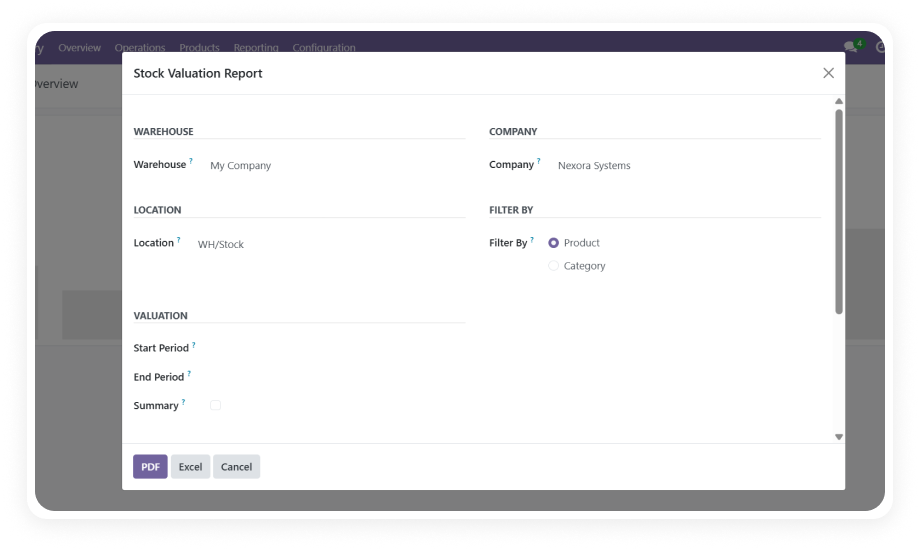
Generates detailed reports covering all movement types — incoming receipts, outgoing deliveries, internal transfers, and manufacturing moves — in a single unified view.
Why it matters: operations teams no longer need to cross-reference multiple Odoo records to build a complete picture of stock activity.
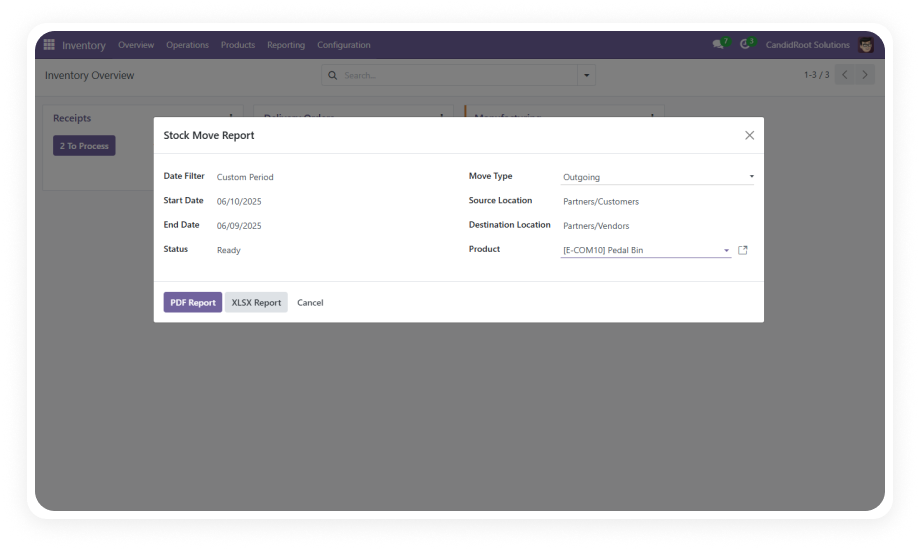
Filter stock moves by product, date range, source location, destination location, move type, and status simultaneously.
Why it matters: layered filters let analysts pinpoint exactly the movements they need without scrolling through irrelevant data.
Choose from built-in date presets including This Week, Last Month, and This Year alongside custom date range entry.
Why it matters: preset date options eliminate manual date input for the most common reporting periods, reducing errors and saving time on recurring reports.
Dedicated filters for Incoming, Outgoing, Internal, and Manufacturing move types allow users to isolate specific operational flows.
Why it matters: logistics and procurement teams can generate type-specific reports without any extra configuration.
Filter movements by state — Draft, Ready, Done, or Cancelled — to focus reports on completed transactions or investigate pending moves.
Why it matters: accurate period-end reporting requires excluding draft records, and this filter makes that a single click.
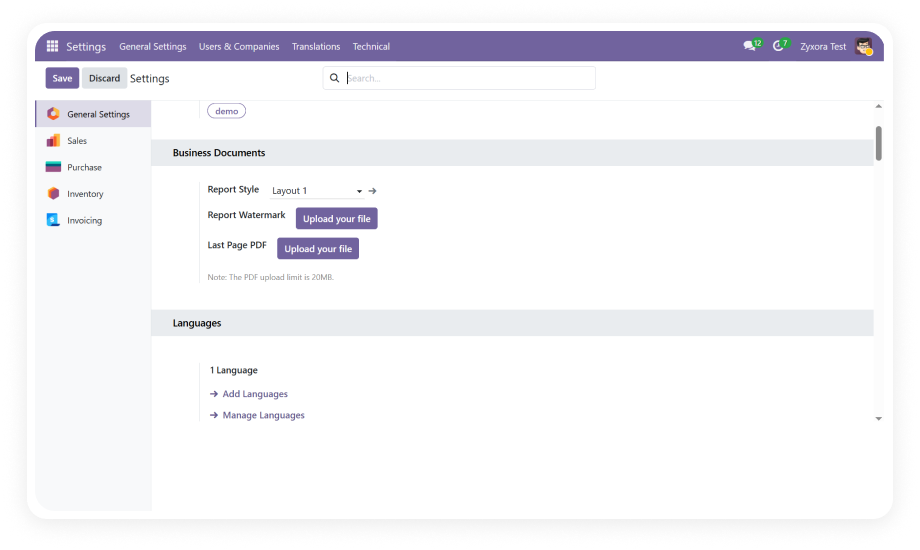
Exports reports as polished, print-ready PDF documents with company logo and styled table layouts.
Why it matters: branded PDF reports are ready for management reviews, audits, or supplier meetings without any post-export formatting.
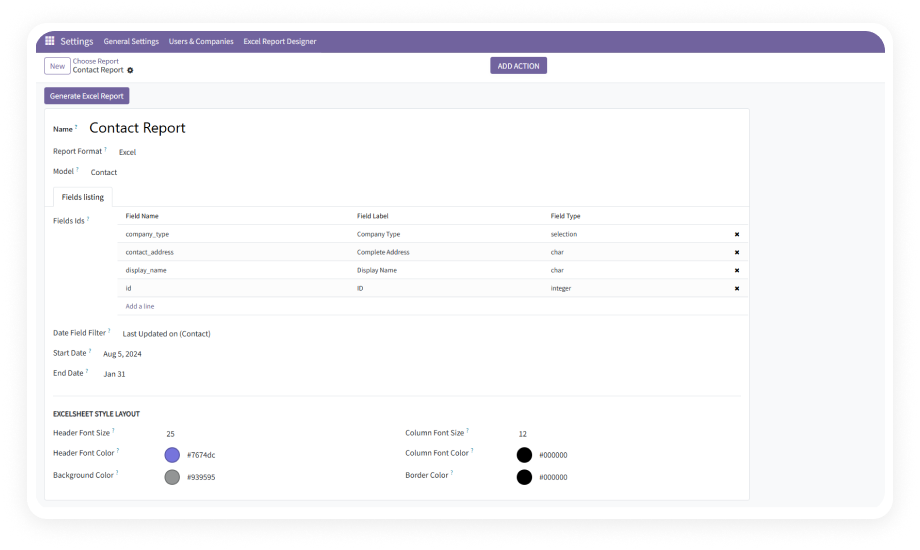
Downloads structured XLSX files with clearly defined columns optimized for analysis, filtering, and record-keeping in spreadsheet tools.
Why it matters: finance and operations teams can import movement data directly into their existing Excel-based workflows without reformatting.
The module interface and report output support German, French, Spanish, and Japanese in addition to English.
Why it matters: international teams and multi-country deployments can use the module in their native language, reducing input errors and improving adoption.
The report interface is designed for minimal effort — filters apply visually, results preview instantly, and exports require no technical knowledge.
Why it matters: warehouse staff and operations managers can run their own reports independently, reducing dependency on Odoo administrators or IT support.