Join us at GITEX 2025! Discover our solutions at Hall 4, Booth H-30 Schedule a Meeting Today.
Automate Marketing Initiatives with Salesforce Marketing Cloud Learn More
Join us at GITEX 2024! Discover our solutions at Hall 4, Booth H-30 Book your live demo today.
Zehntech Odoo App

Custom Fields For Opportunity

Extend Your Odoo CRM Without Code. Add custom fields to opportunity forms in seconds. Text, numbers, dates, selections, relational links. Position them where you need them. Make them required when it matters.

Compatible with Odoo 16, 17, 18 & 19
Text, Numeric, Date, Selection, Many2one & One2many Fields
No Python, XML, or Studio Dependency
Flexible Field Positioning & Required Validation
Link Fields to Any Odoo Model
$14.93
V19, 18, 17, 16
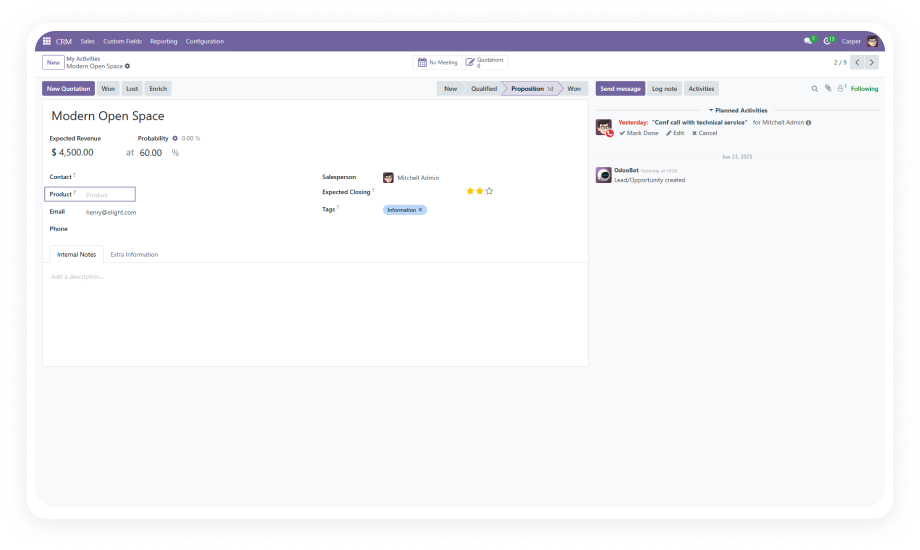
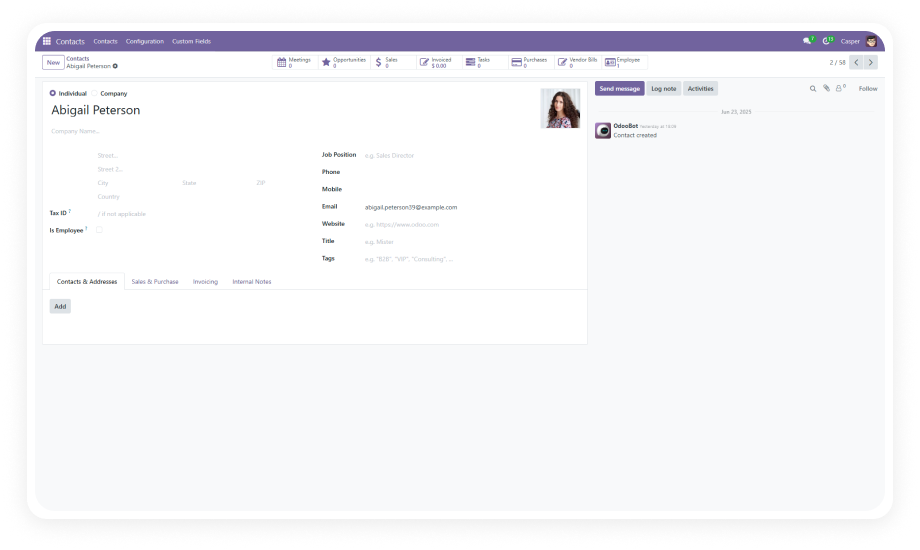
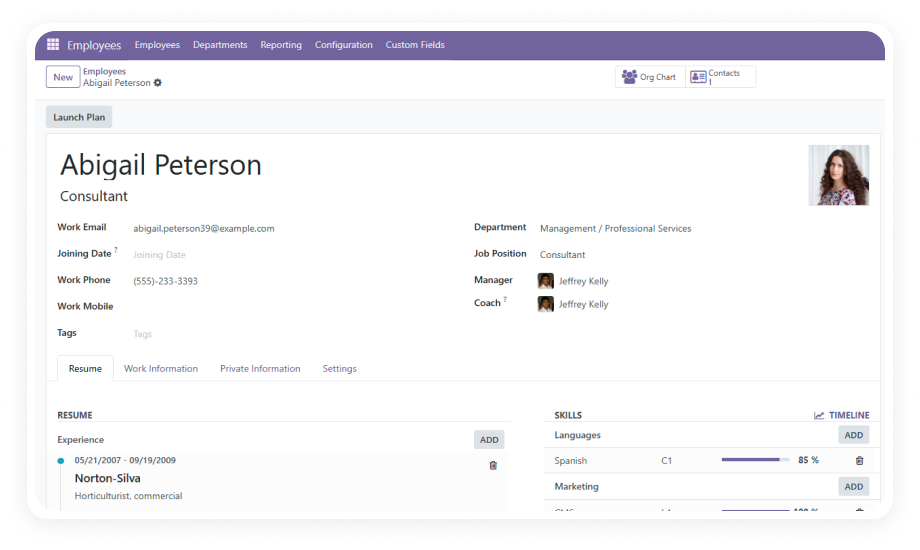
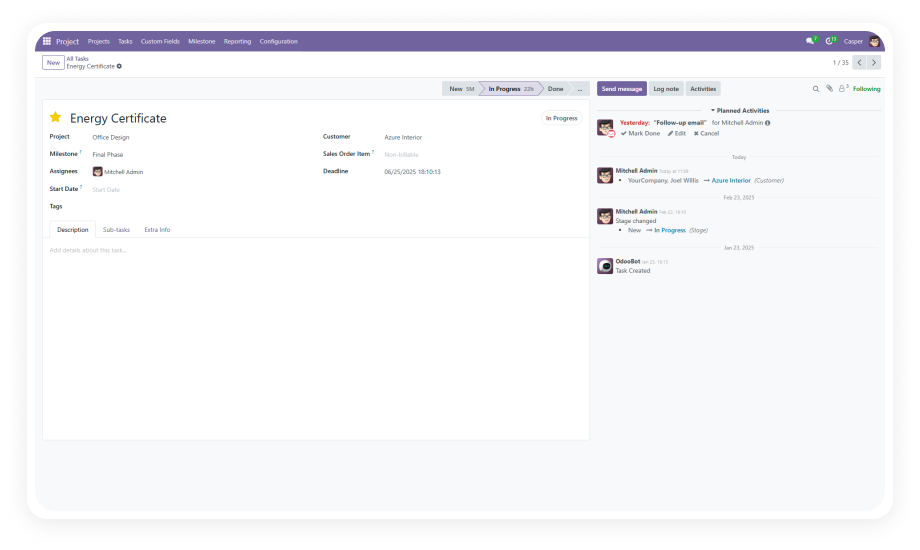
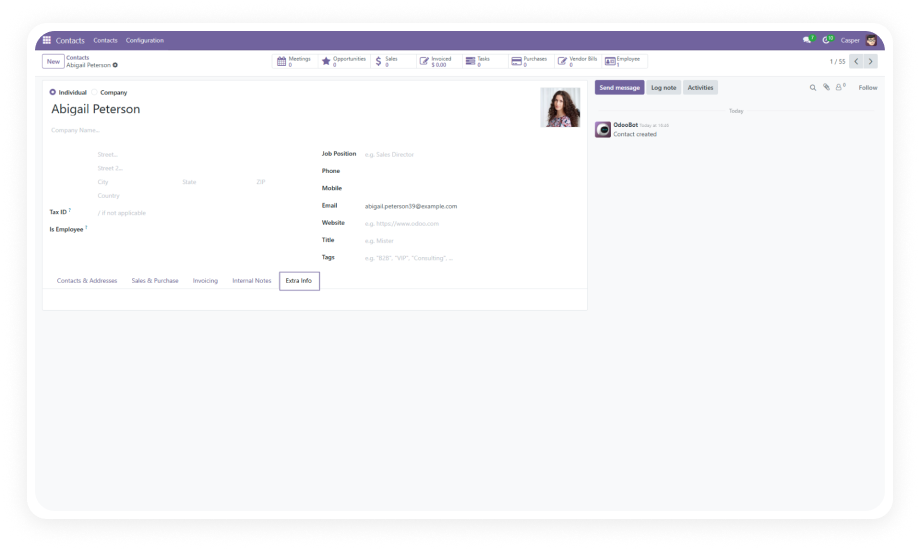
Custom Fields For Opportunity Odoo Module Interface

What Does This Module Do?

Custom Fields For Opportunity gives CRM teams the ability to add, edit, and remove custom fields on Odoo opportunity forms — without developer involvement. It supports multiple field types including text, numeric, date, selection, many2one, and one2many. Fields can be positioned precisely within forms, linked to related Odoo models, and set as mandatory with real-time validation. No Python. No XML. No Studio dependency. Just open the configuration, define your field, and it appears on every opportunity.

Text Fields
Numeric Fields
Date Fields
Selection/Dropdowns
Many2one Relations
One2many Relations
Required Validation
Flexible Positioning

The Problem It Solves

Challenge
Zehntech Solution
CRM forms lack industry-specific fields
Add unlimited custom fields tailored to your business
Developers needed for every form change
Zero-code field creation, editing, and deletion
Data scattered across spreadsheets
Capture everything directly on the opportunity form
No relational data linking on opportunities
Many2one and one2many fields connect to any Odoo model
Inconsistent data entry across teams
Required field validation enforces data standards
Rigid form layouts
Flexible field positioning within opportunity forms
Outdated fields cluttering the UI
Seamless field deletion removes irrelevant data points
Slow iteration on CRM workflows
Instant field creation — no deployment cycles needed

Key Features

1

Effortless Field Creation

Add custom fields to opportunity forms without any coding knowledge. Define labels, types, and properties through an intuitive interface — fields appear immediately.

2

Wide Range of Field Types

Choose from text, numeric, selection, date, many2one, and one2many field types. Cover every data capture scenario from simple notes to complex relational lookups.

3

Model Relationship Integration

Link custom fields to other Odoo models — customers, products, sales orders, and more. Many2one and one2many relationships bring contextual data directly into your pipeline.

4

Flexible Field Positioning

Control exactly where custom fields appear within the opportunity form. Place fields in logical groupings that match your team's workflow.

5

Required Field Manager

Designate any custom field as mandatory. Real-time validation ensures reps fill in critical information before saving — no more incomplete records.

6

Quick Field Editing

Modify field labels, types, and options at any time. Adapt your CRM data model as business requirements evolve without downtime or developer sprints.

7

Seamless Field Deletion

Remove outdated or irrelevant custom fields cleanly. Keep your opportunity forms lean and focused on current business needs.

8

No-Code Architecture

The entire module operates through a configuration-driven interface. Business users and CRM admins maintain full control without technical dependencies.

Use Cases

Industry
Use Case
Key Benefit
Real Estate Agencies
Track property type, square footage, budget range, preferred location
Link to property listing records via relational fields
SaaS Sales Teams
Capture trial start date, expected seats, integration requirements
Enforce required fields for qualification criteria
Manufacturing Companies
Add product specifications, quantity estimates, delivery timelines
Link opportunities to product models for accurate quoting
Recruitment Firms
Track candidate count, role type, salary range, start date expectations
Required fields ensure complete briefs
Healthcare Equipment Distributors
Record equipment type, compliance requirements, installation timeline
Link to product catalog entries for streamlined follow-up
Financial Services
Capture investment amount, risk profile, expected close quarter
Mandatory fields enforce compliance data collection

Versions & Documentation

Choose your Odoo version and explore interactive documentation

With vs. Without Custom Fields For Opportunity

Capability
With This Module
Without This Module
Add fields to opportunity forms
No-code interface
Requires developer
Text and numeric fields
One-click creation
Manual XML editing
Selection/dropdown fields
Built-in support
Custom development
Date fields on opportunities
Instant configuration
Code changes needed
Many2one relational fields
Link to any Odoo model
Developer effort
One2many relational fields
Visual setup
Complex development
Field position control
Flexible positioning UI
Template editing
Required field validation
Toggle on/off per field
Python logic needed
Edit existing field properties
In-place editing
Redeploy module
Delete unused fields
Clean removal interface
Database intervention
Time to add a new field
Under 60 seconds
Hours to days

Implementation Guide

Get started in minutes — no development environment or consultant required.

01

Install the Module

Purchase from the Odoo App Store and install via your Odoo instance's Apps menu. Auto-configures dependencies (CRM, Calendar, Contacts, Discuss).

02

Access Custom Fields Configuration

Navigate to the CRM module and open the custom fields management interface.

03

Define Your Fields

Create fields by selecting the type, entering a label, choosing the position, and setting validation rules. Link relational fields as needed.

04

Validate and Use

Open any opportunity form to confirm your fields appear correctly. Changes take effect immediately.

Technical Compatibility

Requirement
Odoo Versions
Deployment
Dependencies
License
Lines of Code
Languages
Technical Name
Support
Updates
Custom Dev Required
Details
16.0 · 17.0 · 18.0 · 19.0
Odoo Online · Odoo.sh · On Premise
CRM, Calendar, Contacts, Discuss
OPL-1
843
Python, XML
zehntech_custom_fields_for_opportunity
Lifetime updates included
No
Custom Fields For Opportunity — FAQ illustration

Frequently Asked Questions

Yes. This module provides a complete no-code interface for creating, editing, and deleting custom fields on opportunity forms. No Python or XML knowledge required.
Text, numeric, selection (dropdowns), date, many2one (links to a single related record), and one2many (links to multiple related records). This covers virtually every data capture need.
Yes. The module is fully compatible with all three deployment options — Odoo Online (SaaS), Odoo.sh (PaaS), and self-hosted on-premise installations.
Absolutely. Many2one and one2many field types allow you to create relational links between opportunity custom fields and any existing Odoo model — including customers, products, and sales orders.
One-time purchase at $14.93. No subscription. No recurring fees. Lifetime updates are included with your purchase.

One-Time Purchase.
No Subscription.
No Recurring Fees.

Your CRM should capture your data — not force you into a generic template. Add the fields that matter. Link to the models that count. Enforce the standards that keep your pipeline clean. Supports Odoo 19, 18, 17, and 16. Works on Odoo Online, Odoo.sh, and On Premise.

Zehntech Odoo experts ready to help


          You have successfully subscribed to the newsletter

          There was an error while trying to send your request. Please try again.

          Zehntech will use the information you provide on this form to be in touch with you and to provide updates and marketing.