Join us at GITEX 2025! Discover our solutions at Hall 4, Booth H-30 Schedule a Meeting Today.
Automate Marketing Initiatives with Salesforce Marketing Cloud Learn More
Join us at GITEX 2024! Discover our solutions at Hall 4, Booth H-30 Book your live demo today.
Zehntech Odoo App

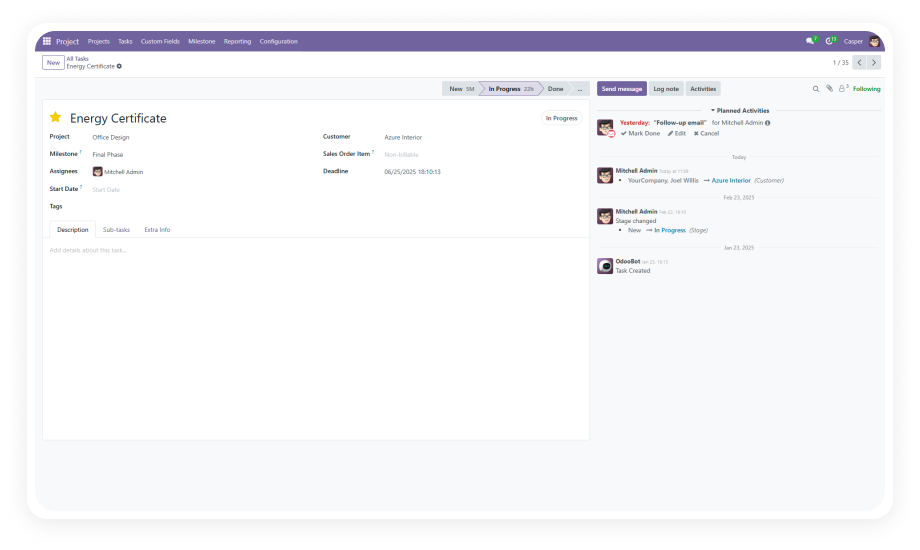
Add Custom Fields to Your Odoo Project Form — No Code Required

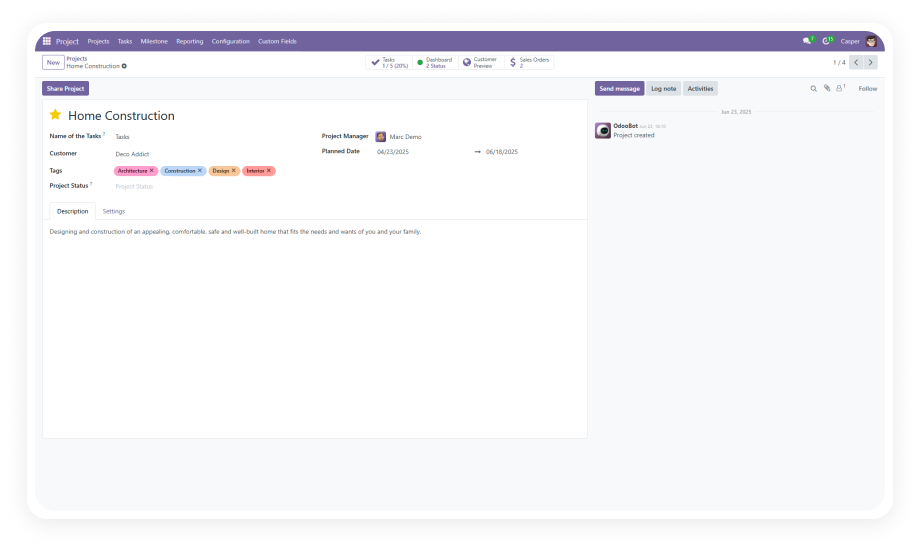
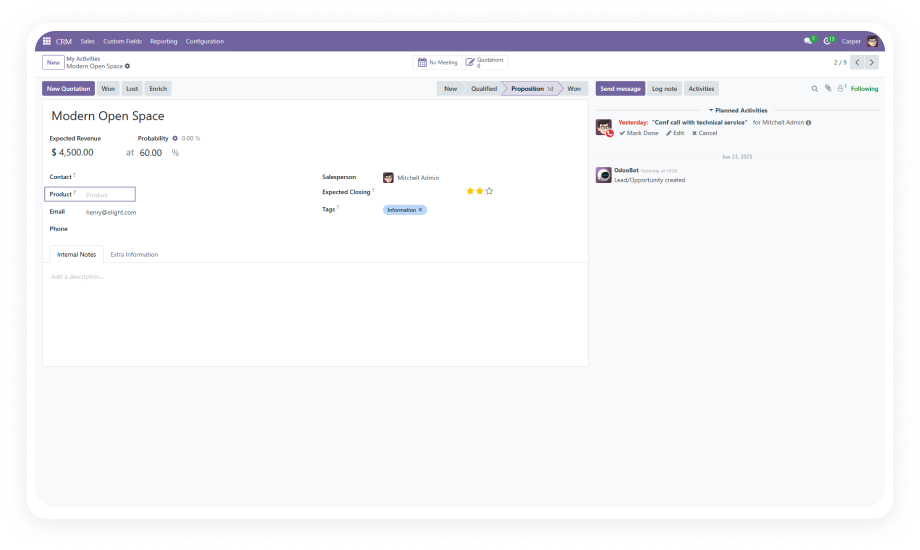
Extend your Odoo Project module with custom fields in minutes. Add text, numbers, dropdowns, dates, relational links, and more — all through a simple point-and-click interface. No developer needed.

Compatible with Odoo 19, 18, 17 & 16
No Python, No XML, No Studio
9 Field Types Supported
Required Field Validation
Lifetime Updates Included
$14.93
V19, 18, 17, 16
Custom Fields For Project Form — Odoo project customization module

What Does This App Do?

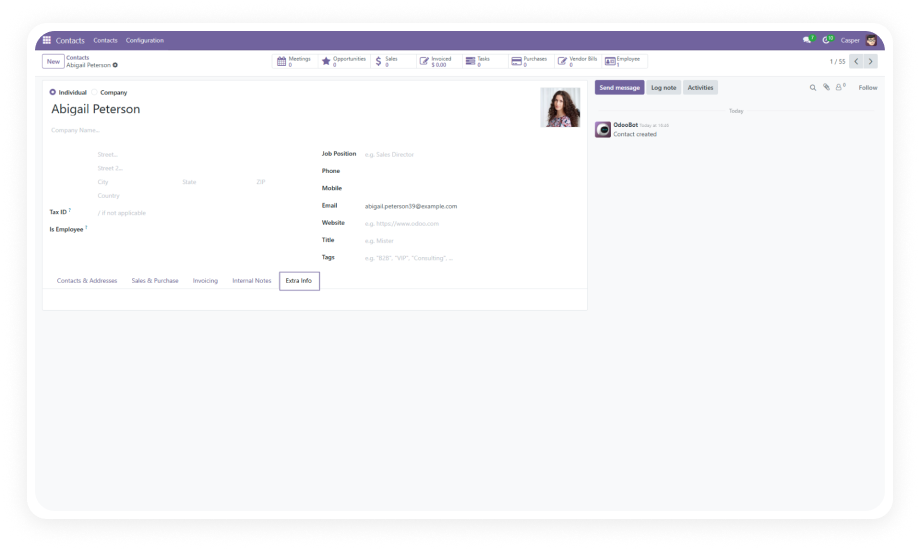
Custom Fields For Project Form lets you add, edit, and remove custom fields on the Odoo Project form — entirely through the UI. No Python, no XML, no studio. Choose from character, integer, float, text, selection, boolean, date, many2one, and one2many field types. Mark fields as required, control their placement, and link them to related models like customers or products.

No-code field creation
9 field types
Required field validation
Relational field support
Flexible positioning

One module. Complete control over your project form structure. Zero developer overhead.

Problems It Solves

Challenge
How This App Solves It
Need additional data fields on project forms
Add unlimited custom fields through a no-code interface
Hiring developers for simple form changes
Eliminate developer dependency with self-service field creation
Rigid project forms that don't match your workflow
Tailor every project form to your exact business process
Inconsistent data entry across projects
Set fields as required with real-time validation
Difficulty linking projects to related records
Use many2one and one2many fields to connect to any model
Outdated or irrelevant fields cluttering forms
Delete obsolete fields instantly with one click
Field labels that don't match your terminology
Edit labels, types, and options on the fly
Inability to position fields logically on forms
Flexible field positioning to control exact placement
Different teams need different project data
Create team-specific fields without affecting other workflows
Tracking numeric KPIs within project records
Add integer and float fields for metrics and calculations

Key Features

1

Effortless Field Creation

Add custom fields to your project form through an intuitive interface. No coding, no XML editing, no technical expertise required. Just click, configure, and save.

Why it matters: empowers business users to customize Odoo without waiting on developers.

2

Wide Range of Field Types

Choose from character, integer, float, text, selection (dropdown), checkbox (boolean), date picker, many2one, and one2many fields. Every common data type is covered.

Why it matters: capture any type of project data without compromise.

3

Seamless Field Deletion

Remove fields that are no longer needed with a single click. Keep your project forms clean and relevant as your business evolves.

Why it matters: maintain form clarity without developer intervention.

4

Quick Field Editing

Modify field labels, change field types, and update selection options without disrupting existing workflows or losing data context.

Why it matters: adapt quickly to changing business requirements.

5

Model Relationship Integration

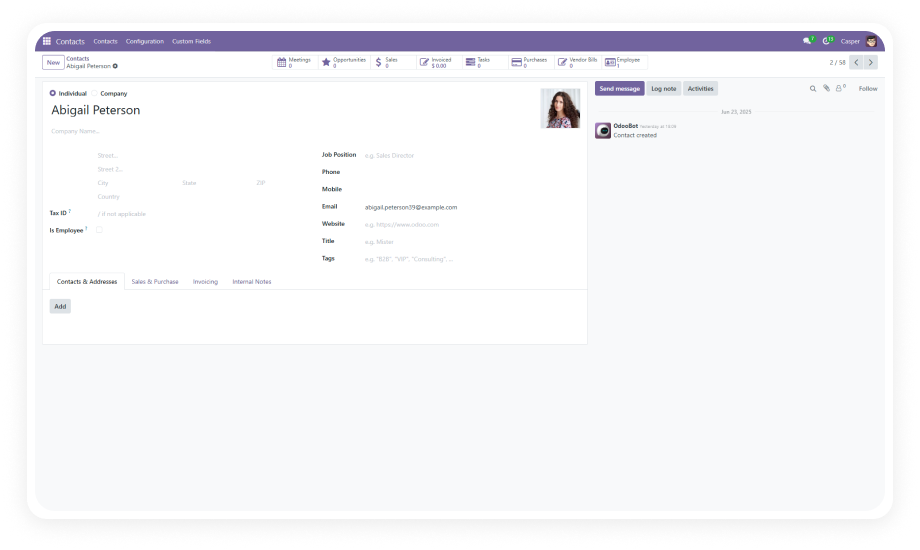
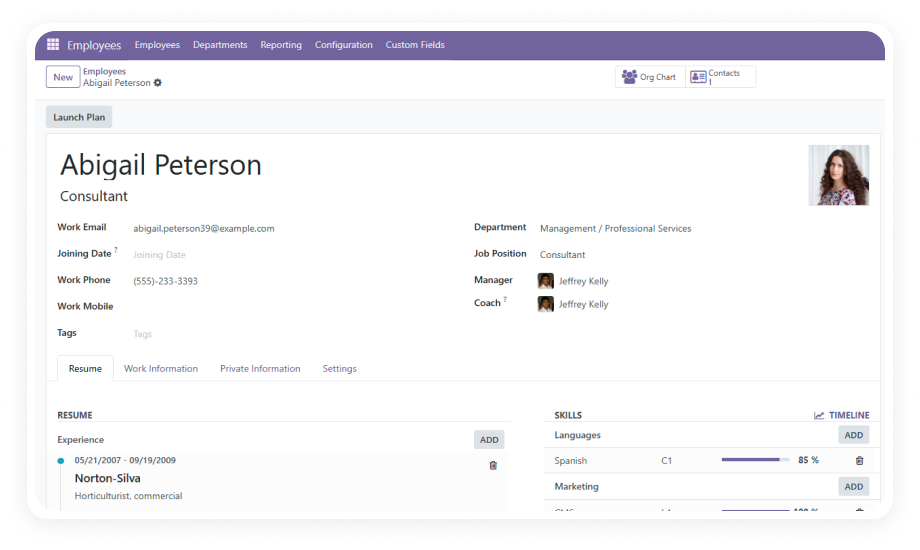
Create many2one and one2many fields that link to related Odoo models — customers, products, employees, or any other record type in your system.

Why it matters: connect project data to your entire Odoo ecosystem.

6

Flexible Field Positioning

Control exactly where custom fields appear on your project form. Place them in logical groupings that match how your team actually works.

Why it matters: optimize form layout for user efficiency.

7

Required Field Manager

Designate any custom field as mandatory. Real-time validation ensures users cannot save a project record without completing required fields.

Why it matters: enforce data quality and compliance standards.

8

No-Code Interface

The entire workflow — creating, editing, positioning, and deleting fields — happens through Odoo's standard UI. Zero terminal commands, zero code deployments.

Why it matters: self-service customization without technical risk.

9

Multi-Version Support

Works across Odoo 16, 17, 18, and 19. Upgrade your Odoo instance without losing your custom field configurations.

Why it matters: future-proof your customizations across Odoo upgrades.

Use Cases

Industry
Custom Fields Needed
Outcome
Project Management Offices
Project priority, budget category, internal sponsor, strategic alignment score
Complete project metadata tracking directly on the project form
Construction & Engineering
Site address, permit numbers, safety classification, project phase
All site-specific data linked to related records in one place
Marketing Agencies
Client brand guidelines, campaign type dropdowns, target audience segments, launch dates
Campaign data organized without cluttering the default form
IT Service Providers
SLA tier selections, escalation contacts, infrastructure type, deployment environment
Service-level data captured on every project record
Consulting Firms
Engagement type, billing method, partner responsible, client industry
Complete engagement records with mandatory validation
Manufacturing Operations
Production line references, quality standard dropdowns, expected output quantities
Manufacturing metrics tracked alongside project management

Versions & Documentation

Choose your Odoo version and explore interactive documentation

Documentation coming soon for this version.

Why Choose This Over Alternatives?

Capability
Custom Fields For Project Form
Without This Module
No-code field creation
✔ Yes
Yes
One-time cost
✔ $14.93
Subscription required
Character fields
✔ Yes
Yes
Integer & Float fields
✔ Yes
Yes
Selection (dropdown) fields
✔ Yes
Yes
Boolean (checkbox) fields
✔ Yes
Yes
Date picker fields
✔ Yes
Yes
Many2one relational fields
✔ Yes
Yes
One2many relational fields
✔ Yes
Limited
Required field validation
✔ Yes
Yes
Field positioning control
✔ Yes
Yes
Quick field deletion
✔ Yes
Yes
No recurring fees
✔ Yes
No
Multi-version support (16–19)
✔ Yes
Version-locked
Lightweight (794 lines)
✔ Yes
Heavy platform add-on

How to Get Started

No development environment. No custom code. No consultant required for standard setup.

01

Download

Purchase the module from the Odoo App Store and download the package for your Odoo version.

02

Deploy

Place the zehntech_custom_fields_projects folder in your Odoo custom addons directory. Restart the Odoo service to register the new module.

03

Install

Navigate to Apps, update the app list, search for "Custom Fields For Project Form," and click Install.

04

Configure

Open any project form. Use the custom fields interface to add, position, and configure your new fields. Set required validations as needed.

Technical Compatibility

Parameter
Odoo Versions
Deployment
Dependencies
License
Lines of Code
Technical Name
Support
Updates
Details
16.0 · 17.0 · 18.0 · 19.0
Odoo Online · Odoo.sh · On-Premise
Project module, Discuss (mail) module
OPL-1 (Odoo Proprietary License v1.0)
794
zehntech_custom_fields_projects
Lifetime updates included
Custom Fields For Project Form — FAQ illustration

Frequently Asked Questions

  • Yes — this app provides a complete no-code interface for adding, editing, and deleting custom fields on the Project form.
  • No developer or technical skill is required.
  • All field management happens through Odoo's standard UI.
  • Character, integer, float, text, selection (dropdown), boolean (checkbox), date picker, many2one, and one2many.
  • These cover virtually every data capture scenario.
  • Relational fields let you link to any model in your Odoo system.
  • Yes — the module is fully compatible with all three deployment modes.
  • Install and configure the same way regardless of your hosting environment.
  • No special server configuration required.
  • Yes — the Required Field Manager lets you mark any custom field as mandatory.
  • Real-time validation prevents saving incomplete records.
  • Enforce data quality standards across your organization.
  • One-time purchase at $14.93.
  • No subscription. No recurring fees.
  • Lifetime updates are included with your purchase.

Start Customizing Your
Project Forms Today

Add the exact fields your team needs. No code. No developers. No delays.

Zehntech Odoo experts ready to help


          You have successfully subscribed to the newsletter

          There was an error while trying to send your request. Please try again.

          Zehntech will use the information you provide on this form to be in touch with you and to provide updates and marketing.