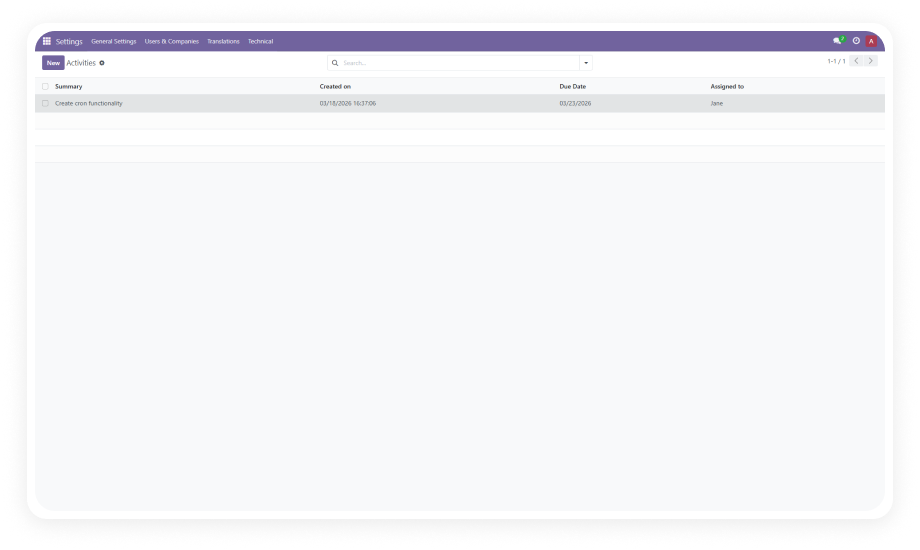
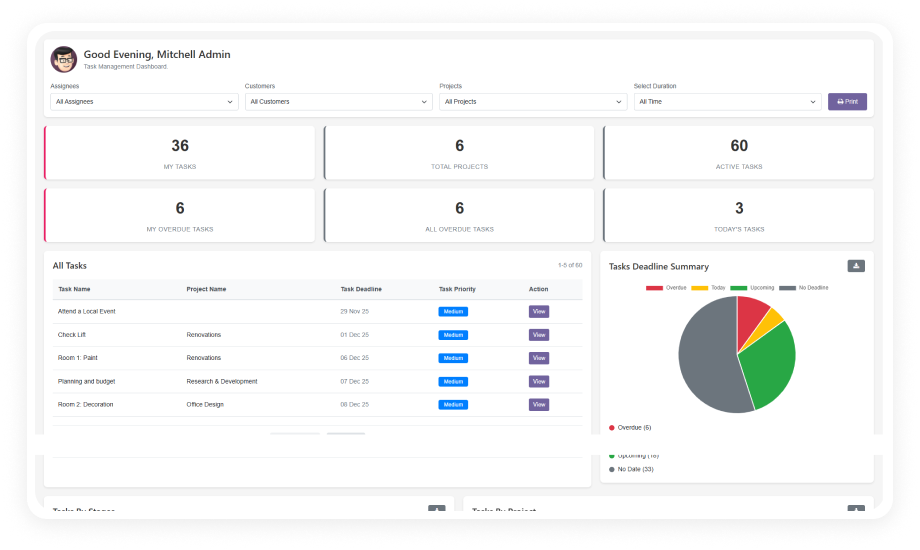
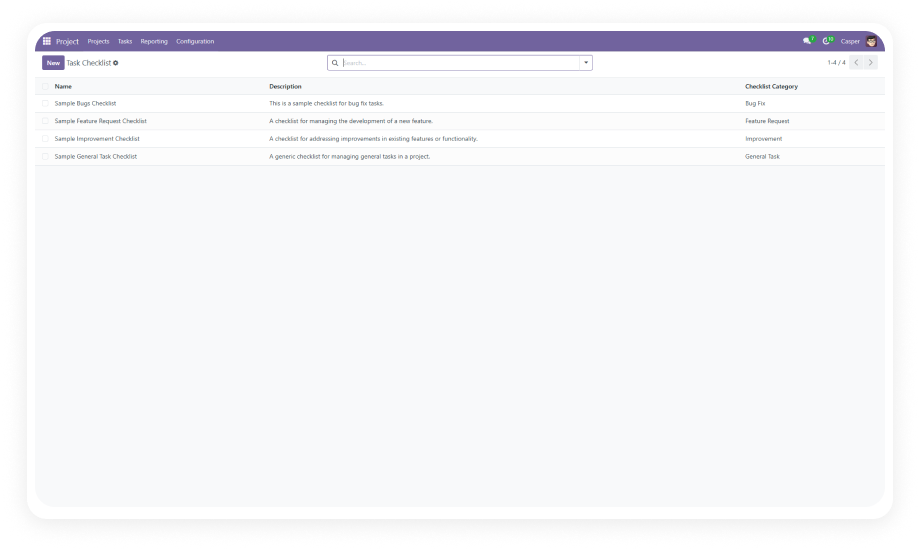
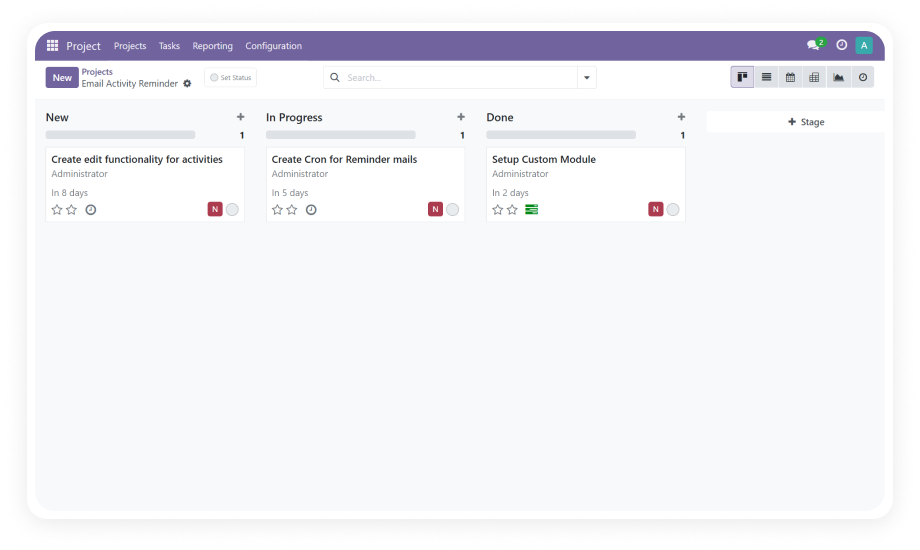
View and manage all activities with full deadline tracking from a centralized admin interface. See which activities are approaching their deadline, currently due, or already overdue — and take corrective action directly.
Why it matters: Administrators gain instant organization-wide visibility into activity health without pulling reports from individual modules.
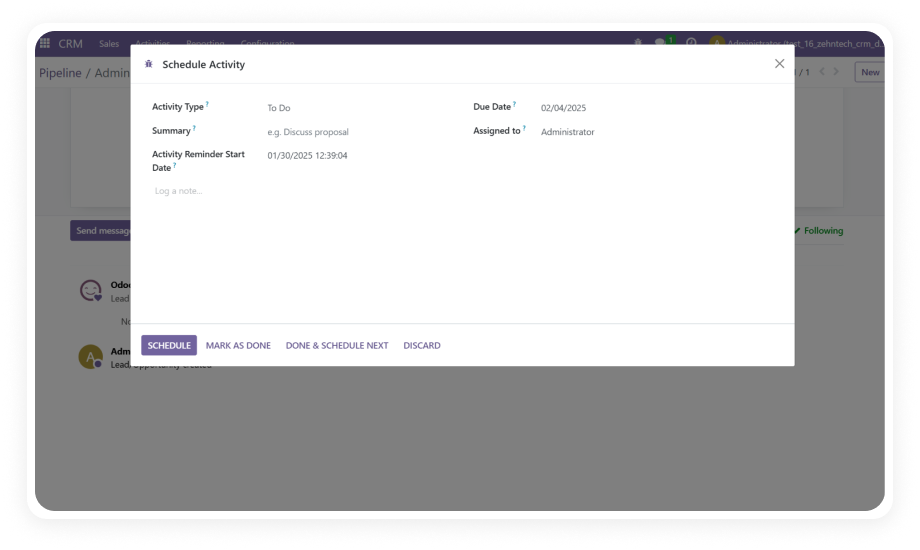
Choose from three reminder intervals: every 5 minutes for urgent deadlines, hourly for standard tasks, or daily for longer-horizon activities. Match reminder intensity to deadline criticality without custom development.
Why it matters: A critical invoice due today needs more aggressive reminders than a project review due next week.
Define exactly when reminders begin for each activity. Set a start date days or hours before the deadline to give users advance notice, or configure reminders to begin on the due date itself for time-sensitive tasks.
Why it matters: Starting reminders too early creates noise; starting too late defeats the purpose. Configurable start dates let you find the right balance.
Modify task details, deadlines, reminder intervals, and assignees on existing scheduled activities without deleting and recreating the entire configuration. Changes propagate immediately through the reminder system.
Why it matters: Deadlines shift, responsibilities transfer, and priorities change — the reminder system must accommodate updates without administrative friction.
The system uses Odoo scheduled actions (cron jobs) to send reminder emails at the configured frequency. Notifications are delivered directly to the assigned user's inbox with full activity context included.
Why it matters: Cron-based delivery ensures reliability without manual intervention — reminders continue to fire even when administrators are not logged in.
Reminders work across every Odoo module that supports scheduled activities — including Projects, Invoicing, CRM, Sales, Purchase, HR, and custom modules using the activity mixin. One installation covers your entire Odoo instance.
Why it matters: Organizations do not operate in a single module. A unified reminder system prevents deadline fragmentation across different business functions.
Activities that pass their deadline are surfaced in the deadline status view, where administrators can edit details, reassign ownership, or remove items that are no longer relevant.
Why it matters: Overdue activities represent organizational risk — surfacing them in a manageable interface prevents small delays from compounding into systemic problems.
The module installs from the Odoo App Store and configures entirely through the standard admin interface. No server-side scripts, no custom development, and no external dependencies beyond standard Odoo modules.
Why it matters: Operations teams can deploy deadline reminders independently — without developer involvement or technical debt.