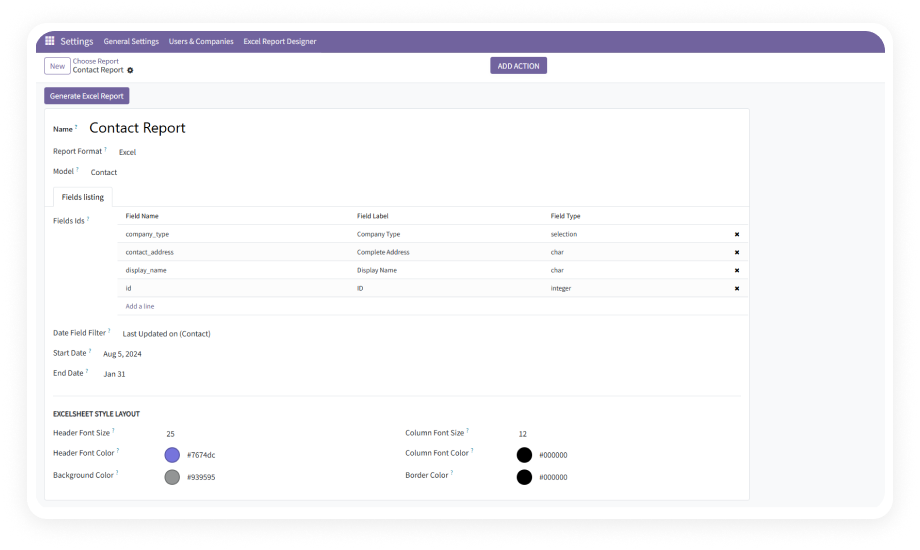
Create reports from any Odoo model — Sales Orders, Purchase Orders, Invoices, Inventory, CRM, HR, or any custom model. Select fields dynamically during configuration.
Why it matters: One module replaces unlimited custom report development requests, covering every department's needs.
Organize data from multiple Odoo models into separate sheets within a single XLSX workbook. Each sheet operates independently with its own field selection and filters.
Why it matters: Complex requirements spanning multiple business areas are handled in one file instead of many.
Preview your report layout populated with live Odoo data before generating the final output. Adjust fields, ordering, and filters while seeing exactly how results will look.
Why it matters: Eliminates the generate-check-adjust loop, ensuring first-attempt accuracy.
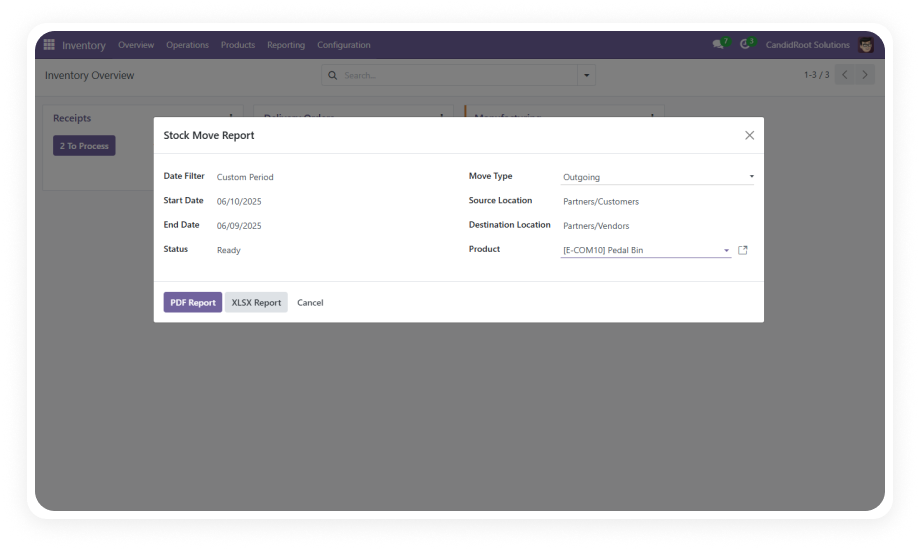
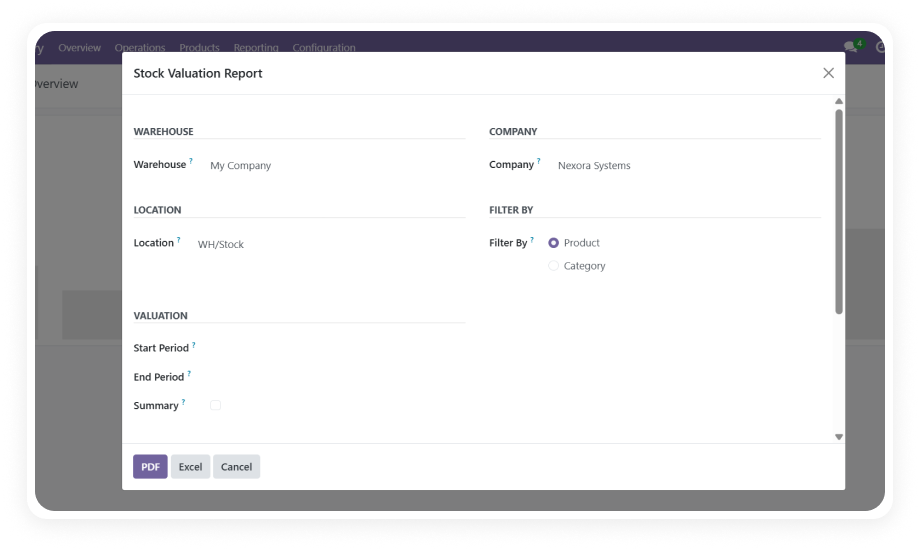
Generate reports in both Excel and PDF formats from the same report definition. Switch between formats without reconfiguring anything.
Why it matters: Teams needing Excel for analysis and PDF for distribution serve both needs from one design.
Automate recurring report generation at any interval — minutes, hourly, daily, weekly, or monthly. Reports are delivered as email attachments to defined recipients.
Why it matters: Recurring reports that depend on someone remembering are now fully automated.
Apply date-based filtering logic to reports so they dynamically pull data for the relevant time period at generation time. Set custom or relative periods.
Why it matters: Scheduled reports automatically pull the correct date window without manual adjustment.
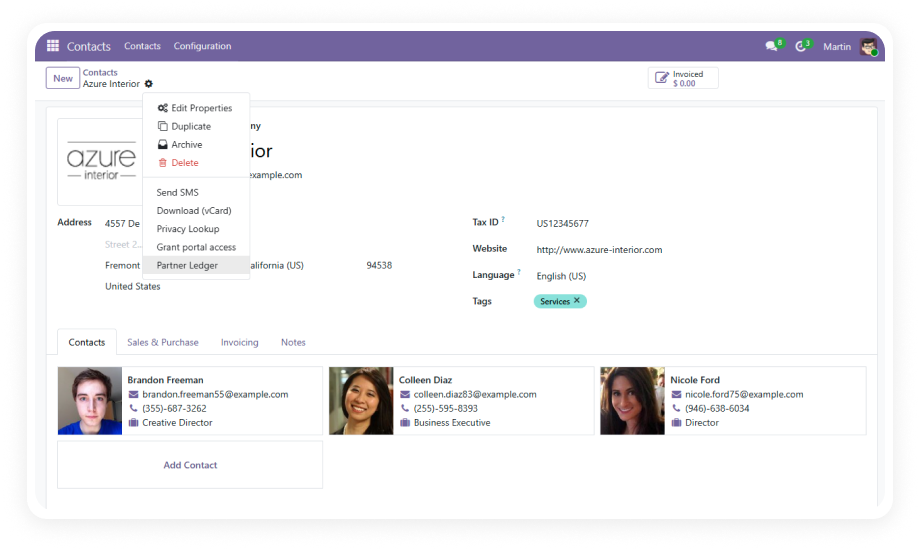
Add report generation to Odoo's action menus so users can select specific records from list views and generate reports for just those items.
Why it matters: Teams produce reports on specific subsets instantly without leaving their workflow.
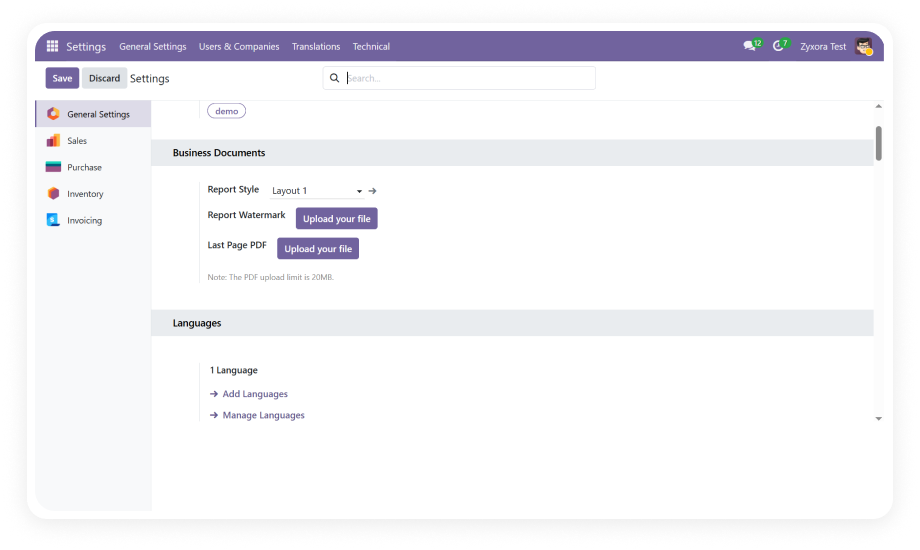
Define default styling including font size, font color, background color, and border styles that apply consistently across all generated reports.
Why it matters: Organizational branding and formatting standards are maintained automatically.
Assign custom names and identifiers to report configurations for easy management and retrieval as your report library grows.
Why it matters: Clear naming conventions prevent duplication and help any team member find the right report.
Generate and print reports directly from the configuration form during setup or review without navigating to separate menus.
Why it matters: The design-to-output workflow stays in one place, reducing clicks and context switching.