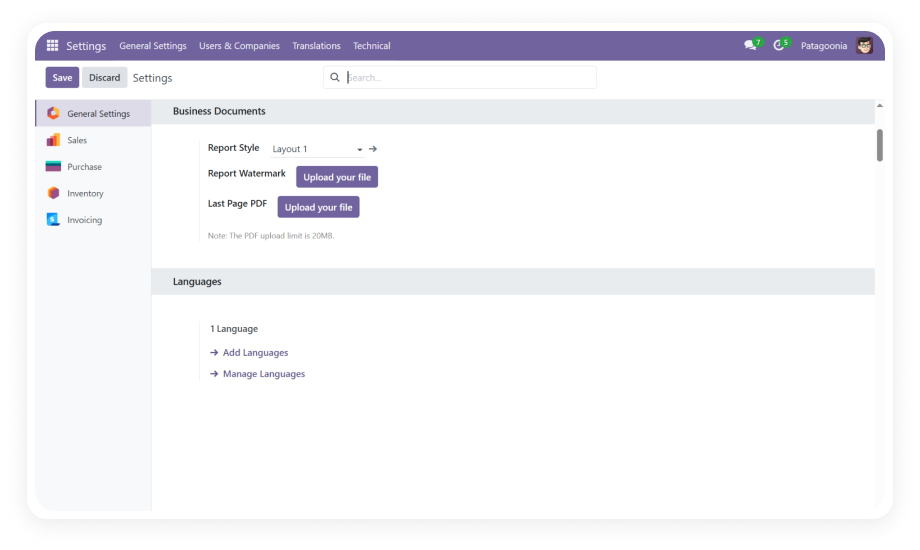
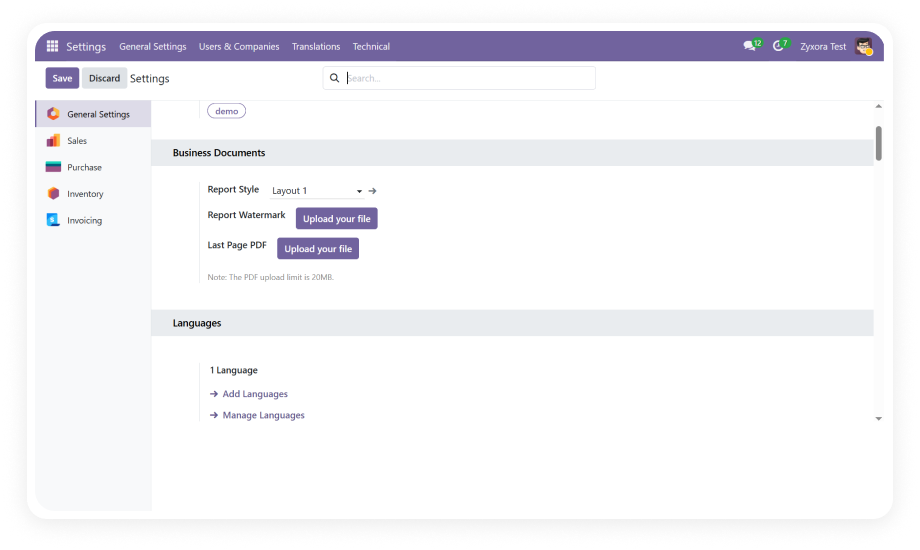
Define complete report styles for printed documents including layout structure, color schemes, and visual elements. Upload watermark PDFs and attach supplementary pages.
Why it matters: Centralizes all report design decisions in one configuration panel, eliminating scattered settings.
Access the style creation engine through Settings > Technical > Reports > Report Styles to design unlimited template variations with fonts, colors, and spacing.
Why it matters: Empowers non-technical staff to create professional designs without developer costs.
Define dynamic text watermarks with full control over position, font size, rotation angle, color, and opacity. Apply contextual watermarks like DRAFT, CONFIDENTIAL, or PAID.
Why it matters: Protects sensitive documents and communicates status instantly.
Compose detailed footers with company address, phone, email, website, bank account details, VAT/tax numbers, and optional logo placement.
Why it matters: Ensures legal compliance while maximizing footer as brand real estate.
View any configured template in real time before applying to production documents. Preview renders exact output including watermarks, headers, and footers.
Why it matters: Eliminates trial-and-error printing cycles, saving time and paper.
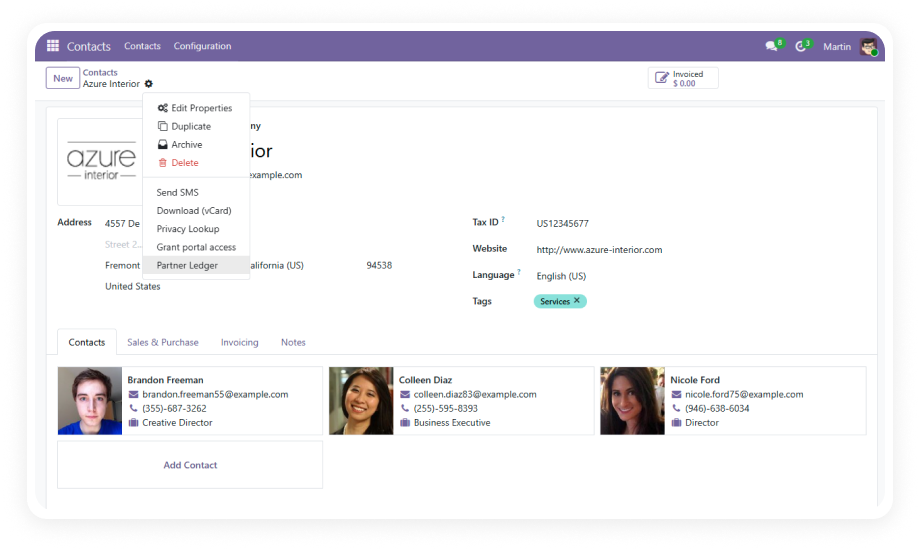
Override the default report style on individual partner records or specific documents. Assign dedicated templates to key accounts or regions.
Why it matters: Enables multi-brand operations and white-label scenarios from a single instance.
Upload full-page PDF watermarks that render behind document content. Use branded backgrounds, certificate borders, or decorative elements.
Why it matters: Creates distinctive documents that stand apart from competitors.
Automatically append additional PDF pages — terms and conditions, warranty info, return policies, or promotional materials — without manual intervention.
Why it matters: Ensures critical legal or marketing content accompanies every document.