Join us at GITEX 2025! Discover our solutions at Hall 4, Booth H-30 Schedule a Meeting Today.
Automate Marketing Initiatives with Salesforce Marketing Cloud Learn More
Join us at GITEX 2024! Discover our solutions at Hall 4, Booth H-30 Book your live demo today.

Create Professional Websites Using Odoo Website Builder

A professional and engaging presence is necessary for success in today’s business environment. A well-designed website establishes your brand’s credibility and increases customer trust by showcasing your products and services. Odoo ERP, According to Trends Built With’s research, 66,810 live websites use Odoo, and an additional 39,778 sites have historically used Odoo. Significantly, this well-known all-in-one business software suite offers an effective app called the Odoo Website Builder that enables creation of beautiful and functional websites. This blog demonstrates step-by-step how to build a professional website with Odoo Website Builder by highlighting its features, benefits, and steps.

Odoo Website Builder scaled

Benefits of Using Odoo Website Builder

User-Friendly Interface

Odoo Website Builder provides a simple drag-and-drop interface, making it accessible to users of all levels of expertise. 

Fully Customizable Designs

Choose from various templates and layouts to create a website that aligns with your brand’s identity. Create a one-of-a-kind and memorable user experience by modifying fonts, colors, images, and more 

Responsive Design

As mobile devices become the primary means of Internet access, it is essential to have a responsive website. Odoo Website Builder ensures that your site’s appearance and functionality are flawless across all screen sizes.

SEO-friendly

Search engine optimization SEO is crucial for generating organic website traffic. In addition, Odoo Website Builder implements SEO best practices, allowing you to optimize your content, meta tags, and URLs for enhanced search engine visibility.

E-commerce Integration

If you operate an e-commerce business, you will like the seamless integration of Odoo Website Builder with Odoo’s e-commerce capabilities. Develop a robust online store and efficiently manage products, inventory, and orders.

Engaging Content

Notably, enhance your website with interactive components like image galleries, videos, forms, and animations. These elements can assist you in capturing your visitors’ interest and encouraging them to explore your offerings.

Steps to Build a Professional Website with Odoo Website Builder

Configuring Odoo

To begin with before building your website, you must install Odoo. You can use Odoo’s cloud hosting or deploy the application on your server. After setting up your Odoo account, log in and navigate to the Website Builder module.

Selecting a Template

The Odoo Website Builder provides a variety of templates tailored to various industries and purposes. Initially, choose the template from the template library that best matches your business. Remember that you can later modify these templates to precisely match your brand’s identity.

Customization of Your Website

After selecting a template, you must customize your website. Through the use of the drag-and-drop editor to add and arrange text, images, buttons, and forms. Create a visually appealing design by modifying the color scheme, fonts, and layout.

Adding Content

Moving forward, begin adding content to the pages of your website. Create engaging and informative web pages featuring your products, services, about us, contact information and other relevant sections. Utilize high-quality images and persuasive copy to convey your brand’s message effectively.

SEO Optimization

As a result, enhancing your website’s search engine rankings requires effective SEO techniques. Utilize the built-in SEO tools of Odoo Website Builder to optimize your page titles, meta descriptions, headers, and URLs. Include appropriate keywords naturally to increase your chances of being discovered by potential clients. 

Integration and Functionality

Set up your online store using Odoo’s e-commerce features if you operate an e-commerce business. Additionally, configure product listings, categories, pricing, and payment gateways to facilitate a seamless shopping experience. Add interactive components like contact forms, subscription forms, and social media widgets to increase user engagement.

Testing and Previewing

Before proceeding to the final steps, thoroughly test its responsiveness and functionality. Test your website on various devices to ensure it appears and functions as intended. Fix any bugs or issues discovered during thorough testing.

Make Your Website Live

Once you are satisfied with the design and functionality of your website, it is time to publish it.  Subsequently you can easily use a subdomain that Odoo provides or connect your domain to the Odoo Website Builder. Ensure each page is linked correctly and accessible via the site’s navigation menu.

Maintenance and Monitoring

Your website is live, but the work is incomplete. Odoo’s analytics tools allow you to monitor your website’s performance regularly. To provide visitors with a positive experience, keep your content up-to-date, add new products and services, and address any issues quickly.

A place for big ideas.

Reimagine organizational performance while delivering a delightful experience through optimized operations.

Conclusion 

By concluding this blog, Odoo Website Builder enables businesses to create engaging and professional websites without requiring extensive technical knowledge. Following this blog’s steps, you can effectively utilize Odoo’s user-friendly interface, customizable templates, and integrated features to create a website. This website will engage your target audience, reflect your brand’s identity, and, with a well-designed and functional approach, establish a robust online presence. Consequently, enhancing your brand’s credibility and strategically driving business growth in today’s competitive digital business environment.

Top Stories

Odoo ERP Implementation (1)
How Indian MSMEs Can Use Budget 2026 Subsidies to Fund Their Odoo ERP Implementation
India’s Union Budget 2026–27 has sent a strong signal to small and medium enterprises: technology adoption is no longer optional — it is strategic. With a ₹10,000 crore MSME-focused fund, a ₹2,000 crore top-up for the Self-Reliant India Fund, and renewed emphasis on digital modernization, the government is actively encouraging
Sap’s critical 9.9 vulnerability
SAP’s Critical 9.9 Vulnerability: Why Mid-Market Companies Are Rethinking Their ERP Security
Resource Planning (ERP) systems sit at the center of business operations. When a vulnerability with a CVSS score of 9.9 is disclosed in SAP environments, it immediately draws attention — not because of hype, but because of operational risk. During the February 2026 SAP Security Patch Day, multiple high-severity security notes were released, including one
Odoo
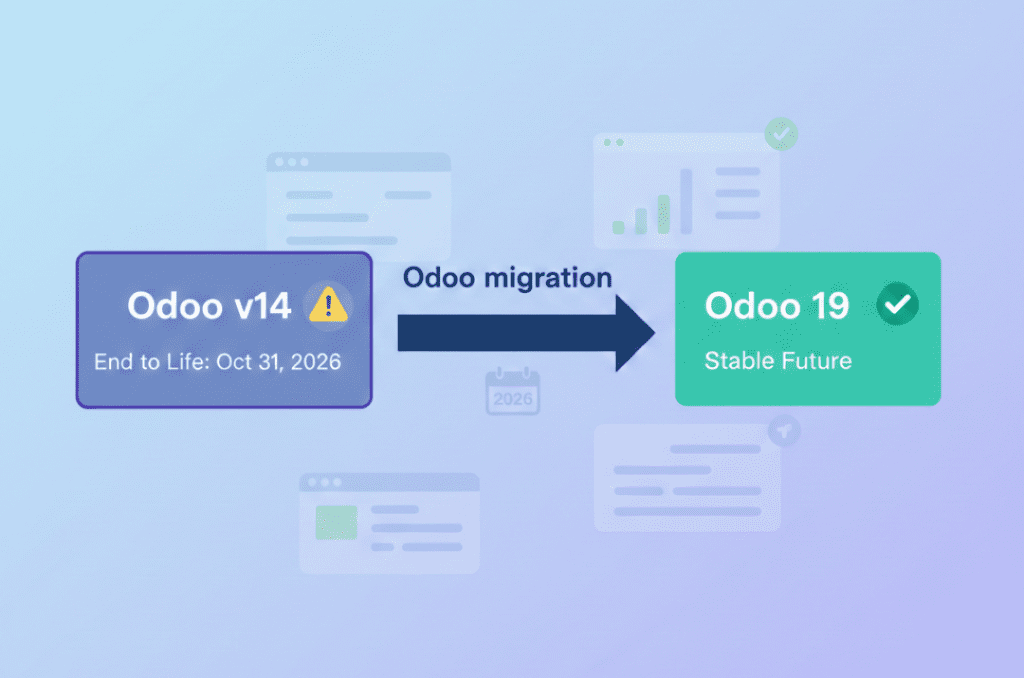
Odoo v14 End of Life: What the October 2026 Kill Date Means for Your Business
If you’re still running your business on Odoo v14, you now have a hard stop on the calendar 31 October 2026. That’s when Odoo v14 will reach the end of life on Odoo.sh, and any database still on that version will be blocked from normal use. It’s not just a technical detail it’s a real business continuity risk if you ignore
10 Proven Tips for Successful Odoo Module Customization
Odoo is famous for its customizable nature. Businesses from around the world choose Odoo because of its scalability and modality. Regardless of the business size, Odoo can cater to the unique and diverse needs of any company. Odoo has proven its capacity and robust quality in terms of helping businesses
How Odoo is Transforming Traditional Education with E Learning
How Odoo is Transforming Traditional Education with E-Learning?
Does your school need to centralize data to easily access and share information between applications? Odoo provides an ERP system that can do so. Using multiple software applications for every department can be dragging. With Odoo, you can systematize your operations for efficiency, user-friendly navigation, uniform cross-functional practice, and increased
How Can Odoo Module Customization Revolutionize Your Purchase Management Workflow
How Can Odoo Module Customization Revolutionize Your Purchase Management Workflow?
Odoo ERP’s modules are engineered with a robust structure to drive efficiency across your entire organization. Each module is specifically designed to address distinct business functions, from finance and inventory to sales, marketing, and purchase management. This tailored approach ensures that every part of your company has the tools it needs to excel. The true power of

          Success!!

          Keep an eye on your inbox for the PDF, it's on its way!

          If you don't see it in your inbox, don't forget to give your junk folder a quick peek. Just in case.


              You have successfully subscribed to the newsletter

              There was an error while trying to send your request. Please try again.

              Zehntech will use the information you provide on this form to be in touch with you and to provide updates and marketing.