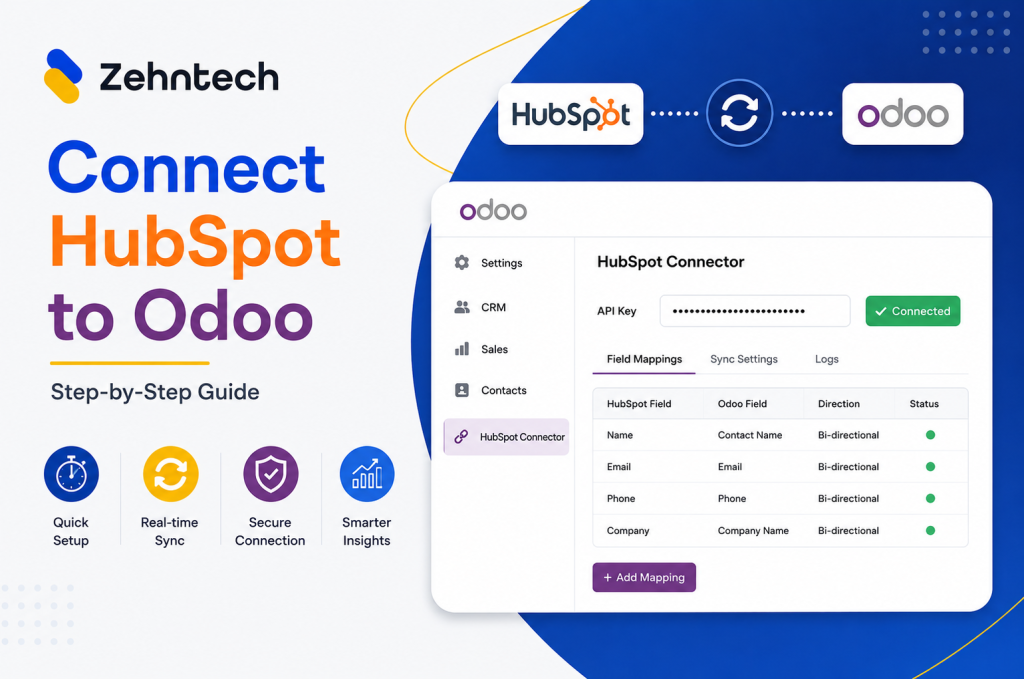
Businesses rely significantly on data synchronization platforms like Odoo to streamline operations and improve productivity. Now, the question arises: How do you keep your critical information safe during the syncing process? The answer lies in mastering the art of data security. This blog post goes into the world of data security within Odoo, presenting you with the seven best data security practices.
You’ll learn how to protect your data from potential risks while data syncing in Odoo CRM. Let’s have a look at managing the complex world of data security and keeping your company’s sensitive information safe.
Understanding of Odoo Data Syncing
Data syncing in Odoo is the seamless transfer of information between different modules and applications within the system. It involves updating and harmonizing data across various sections, ensuring consistency and accuracy. It employs real-time data sync in Odoo across the CRM and other modules. This process provides all stakeholders access to the latest automated information updates, promoting efficient decision-making and streamlined operations.
Practices of Real-time Data Sync in Odoo
1- User Access Control
One fundamental practice for secure data syncing in Odoo CRM is ensuring strict user access control. By implementing robust access policies, you can restrict data access to authorized personnel only. Assign roles and permissions based on job roles and responsibilities. For instance, sales teams might need access to customer data rather than financial records.
Regularly review and update these access controls as staff roles evolve within your organization. This foundational step in Odoo CRM data integration ensures that sensitive data is only accessible to those who need it, safeguarding your business from potential breaches.
2- Robust Encryption Techniques
End-to-end encryption assures the security of data during transmission and storage. Odoo CRM automation solutions provide a variety of encryption methods, allowing you to select the one that is best suited to your needs. Encrypting data adds an added degree of security, making it far more difficult for thieves to intercept or change. This essential practice not only protects your important data but also builds customer trust by guaranteeing their information is treated with the highest confidentiality and integrity.
3- Regular Data Back Ups
One crucial best practice is the automation in Odoo CRM of Data backup. This means setting up a scheduled process within Odoo CRM that automatically backs up all your data at specified intervals. By doing so, you create a safety net, safeguarding your critical information from unexpected data loss due to system failures, human errors, or cyber threats. Odoo CRM automation solutions not only save you time but also offer peace of mind, allowing you to focus on your business operations.
4- Strong APIs and Integration
Odoo CRM data integration provides strong APIs for data interchange with other apps. To ensure a high level of security, every API call must be meticulously authenticated and authorized. Use secure authentication mechanisms such as API keys to ensure that only authorized users and applications have access to your data. Update and patch your APIs on a regular basis. By adhering to these practices, you establish a strong foundation for secure data syncing in Odoo CRM.
5- Data Validation and Sanitization
The first best practice for data syncing in Odoo CRM is to emphasize data validation and sanitization. Before any data is synchronized, it must be appropriately validated, looking for inconsistencies, errors, or possibly dangerous content. This phase serves as a strong barrier against data corruption or illegal access. Sanitization, on the other hand, entails cleaning and formatting the data in accordance with defined standards.
6- Monitoring and Auditing
Monitoring and auditing play a crucial role in ensuring secure data syncing in Odoo CRM. By implementing a robust monitoring system, businesses can track data transfers in real time, identifying any unusual activities or potential security breaches promptly. By proactively monitoring and auditing data, Odoo CRM users can maintain the confidentiality and integrity of their data, fostering a trustworthy and secure environment for their business operations.
7- Staff Training and Awareness
It is critical to educate your team members on the importance of data security and recommended practices for Odoo CRM data integration. It is crucial that every member of staff understands the hazards connected with data mismanagement and is aware of the security options accessible within Odoo CRM.
Final Thoughts
Ensuring data security is paramount in today’s digital landscape, especially when it comes to managing sensitive customer information in CRM systems like Odoo. By following the best practices outlined in this article, you can safeguard your data and maintain customer trust. Remember to update your software regularly.
Don’t wait for a security breach to happen—take proactive measures now to protect your business and customers.
Click below to secure your data today!
Secure My Data NOW!