Automate Marketing Initiatives with Salesforce Marketing Cloud Learn More

Discover How the Odoo Project Management Module Boosts Productivity by 30%

Want to transform how you manage projects and boost your team’s productivity? Imagine a tool that can increase your efficiency by a staggering 30%. 

Understanding of Odoo Project Management Module

We’re about to reveal the Odoo Project Management module‘s magic in this article. Whether you’re an experienced project manager or starting, you’ll want to explore this game-changing solution. We’ll show you how Odoo’s module works, its exceptional capabilities, and how it can make your job easier. Get ready to alter your project management game and see your productivity skyrocket!

Features & Capabilities

It is an effective tool for organizing and managing projects. You can use this module to create and define projects, set deadlines, and assign tasks to team members. It enables you to track the progress of your projects, monitor timelines, and adequately manage resources. Odoo project management automatization process streamlines the management process of raw materials, products, and supply chains. You can also attach documents, files, and notes to keep all project-related material in one location. It simplifies project planning, implementation, and monitoring in simple terms.

Integration With Other Odoo Modules

Odoo project management Integration with other modules is one of its smooth and most notable features. It integrates with modules such as Sales, Invoicing, and Time Tracking. You can turn sales orders into projects, assign invoices to specific tasks, and manage work time for correct invoicing. It promotes a unified workflow by integrating different aspects of your business and helps to boost productivity by 30%.

User-Friendly Interface

Its simple and straightforward UI makes it suitable for tech-savvy and non-tech-savvy people. The dashboard simplifies project management by providing a clear overview of ongoing projects and their statuses. It’s all about making project management as simple and easy as possible. Odoo’s Project Management module takes pride in its ease of use.

How Odoo Project Management Enhance Productivity?

Streamlined Task Management

Consider having all your tasks neatly arranged in one location, similar to a digital to-do list on steroids. But this Project Management module helps accomplish this. It lets you easily track all your chores and projects, ensuring nothing goes through the cracks. There will be no more sticky notes or scattered emails; everything will be right there for you to see and handle. Odoo customization feature allows companies to personalize each project’s procedure, rename alerts and stages and alerts, and automate emails based on specific business actions.

Efficient Resource Allocation

Odoo is your treasure map; your time and expertise are like gold dust. It’s as if you were using a Compass for the abilities and availability of your staff. Odoo Project Management ensures that resources are allocated efficiently, allowing your team to focus on what they do best. It optimizes your resources for optimal productivity, whether Odoo Project Management customization to meet your specific demands or its seamless implementation.

Untitled design 7

Real-time Collaboration

In any project, collaboration is essential. Odoo Project Management takes things further by enabling real-time collaboration as if you’d gathered your team in one virtual room. Odoo Project Management Integration allows you to discuss ideas, share files, and make quick real-time decisions.

Comprehensive Reporting

Want to drive your project to success? Then you need proper insights, and the Odoo Project Management module gives them very accurately. It’s like having a dashboard showing you what’s functioning and needs some TLC. Whether you use it straight out of the box or with some Odoo Project Management customization, it provides the data you need to make informed decisions.

A place for big ideas.

Reimagine organizational performance while delivering a delightful experience through optimized operations.

Frequently Asked Questions

0NUXtAXHQ7 1 1

No, businesses of all sizes can use the Odoo Project Management, from small startups to large enterprises. It offers scalability and customization options to meet the unique needs of different organizations.

While some technical knowledge can be helpful for advanced customization, Odoo is designed to be user-friendly. You don’t need to be a tech expert to use its project management features. The interface is intuitive and user-oriented.

Odoo offers customer support services and has a community of users and developers who can assist. Depending on your subscription, you may have access to technical support from the Odoo team.

Real-World Case Studies

SUCCESS Story of ByteGenius Tech Company Using Odoo Project Management Module

Meet ByteGenius Tech, a mid-sized manufacturing company. They implemented Odoo Project Management to streamline their operations. With Odoo, they could track tasks, assign team members, and monitor project progress seamlessly. As a result, their project delivery time was reduced by 30%, and they completed projects with fewer errors.

Demonstrated Productivity Improvements

Take a look at ABC Tech, a growing IT firm. By Odoo Project Management Integration, they achieved remarkable productivity improvements. Their teams could collaborate effortlessly, leading to a 25% increase in project output. Plus, Odoo’s intuitive interface made it easy for their employees to adapt, further boosting efficiency.

Final Thoughts

The above discussion concludes that the Odoo Project Management Module is the most advanced game-changer tool, especially for businesses seeking to maximize productivity. With its user-friendly interface and powerful features, it can help you streamline your complex tasks, collaborate with your team seamlessly, and stay on top of project deadlines. By implementing this module, you can expect a significant boost in productivity, potentially up to 30%, and it’s proven. Imagine what that could mean for your business’s success. Don’t wait any longer to experience the benefits of this Project Management Module. 

Take action now and click the button below to explore how Odoo can transform your project management and drive your business to new heights.

Get Started With Odoo Today!

Top Stories

The Complete Guide to Odoo in 2026
The Complete Guide to Odoo in 2026: Implementation, Customisation, Integration, Migration and Cost
What Odoo actually is Odoo is a suite of business applications built on a shared database — CRM, sales, inventory, manufacturing, accounting, HR, website, point of sale, and several dozen more. The applications are modular. You switch on the ones you need and leave the rest off. The architectural point
How to Connect WooCommerce to Odoo
How to Connect WooCommerce to Odoo — Complete Setup Guide
Connecting WooCommerce to Odoo does not require a developer, a middleware tool, or weeks of implementation. The Zehntech Odoo WooCommerce Connector gives you real-time bi-directional sync between your WooCommerce store and your Odoo backend — set up in under 15 minutes. This guide is for Odoo administrators, eCommerce operations managers,
How to Connect Odoo to ShipStation — Step by Step Setup Guide
How to Connect Odoo to ShipStation A Step-by-Step Setup Guide
This guide walks you through connecting Odoo to ShipStation using the Zehntech Odoo ShipStation Connector — from generating your API credentials in ShipStation to your first automated order push and tracking import. Most setups take under 10 minutes. Prerequisites Before you begin: Odoo version: v17, v18 or v19 (Online, Odoo.sh
AI Agents Are Transforming Odoo ERP Operations in 2026
How AI Agents Are Transforming Odoo ERP Operations in 2026
Most ERP systems already hold the information needed to make better decisions. The problem is the work between the data and the decision: opening several modules, filtering records, exporting spreadsheets, comparing numbers and then updating Odoo manually. AI agents are beginning to remove that gap. Unlike a chatbot that only
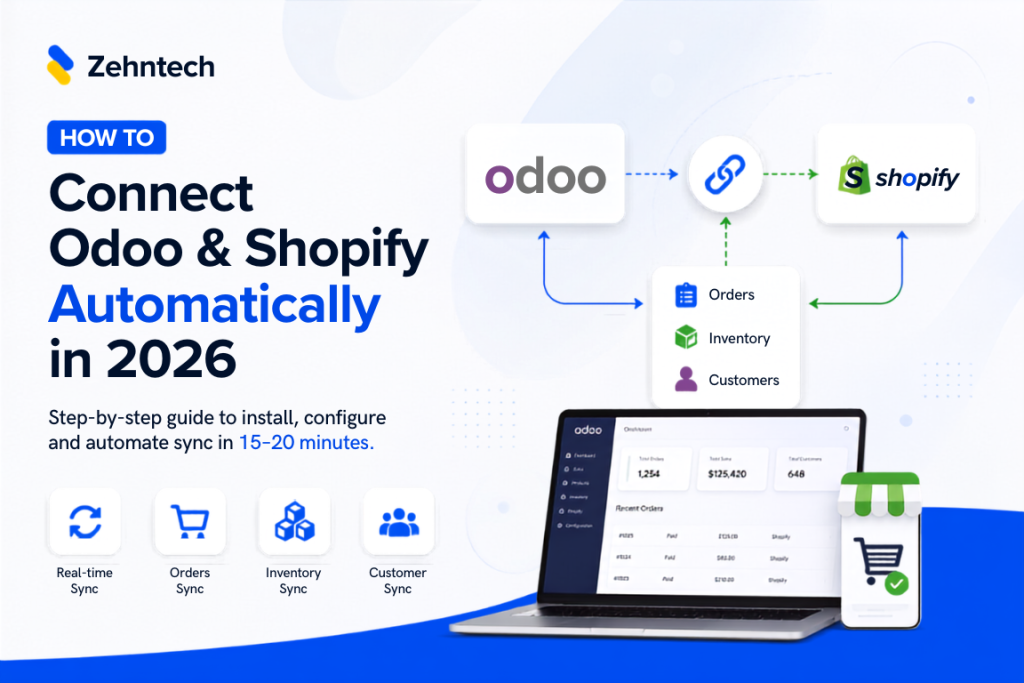
Connect Odoo & Shopify Automatically in 2026
How to Connect Odoo and Shopify Automatically (2026 Guide)
If you're running Shopify for your storefront and Odoo for everything behind it — inventory, accounting, fulfillment — you already know the two don't talk to each other out of the box. This guide walks through exactly how to connect them so orders, stock, and customer data sync automatically, with
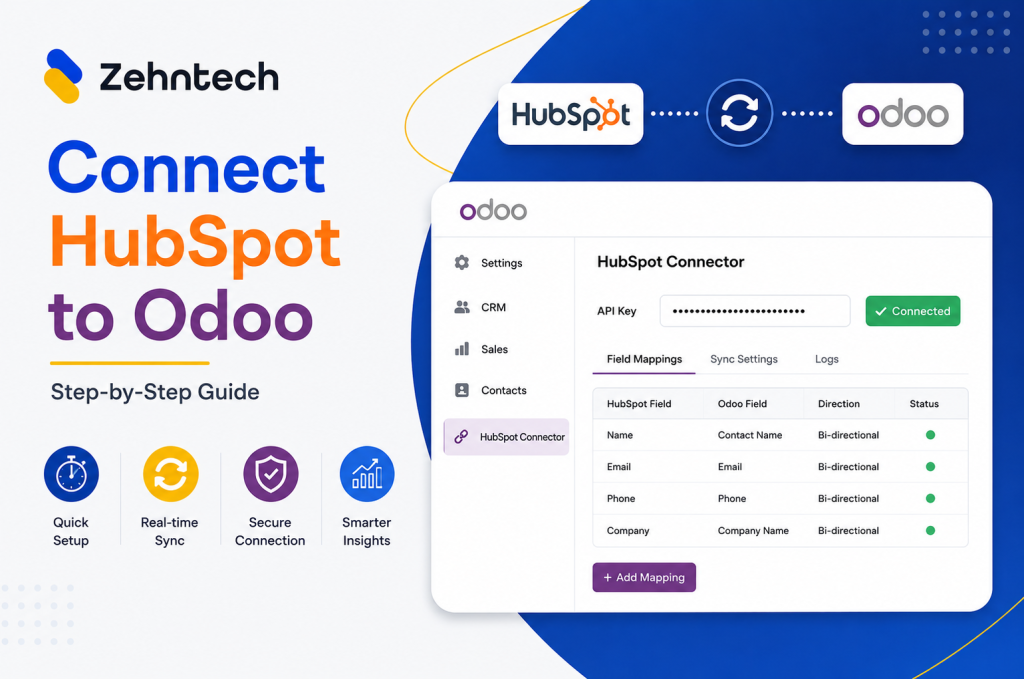
Odoo Hubspot Connector
How to connect hubSpot to odoo a step-by-step setup guide
This guide walks you through connecting HubSpot to Odoo using the Zehntech Odoo HubSpot Connector from generating your API key in HubSpot to your first live sync. Most teams complete this in under 10 minutes. Prerequisites Before you begin: Odoo version: v16, v17, v18 or v19 (Online, Odoo.sh or On-Premise)

          Success!!

          Keep an eye on your inbox for the PDF, it's on its way!

          If you don't see it in your inbox, don't forget to give your junk folder a quick peek. Just in case.


              You have successfully subscribed to the newsletter

              There was an error while trying to send your request. Please try again.

              Zehntech will use the information you provide on this form to be in touch with you and to provide updates and marketing.