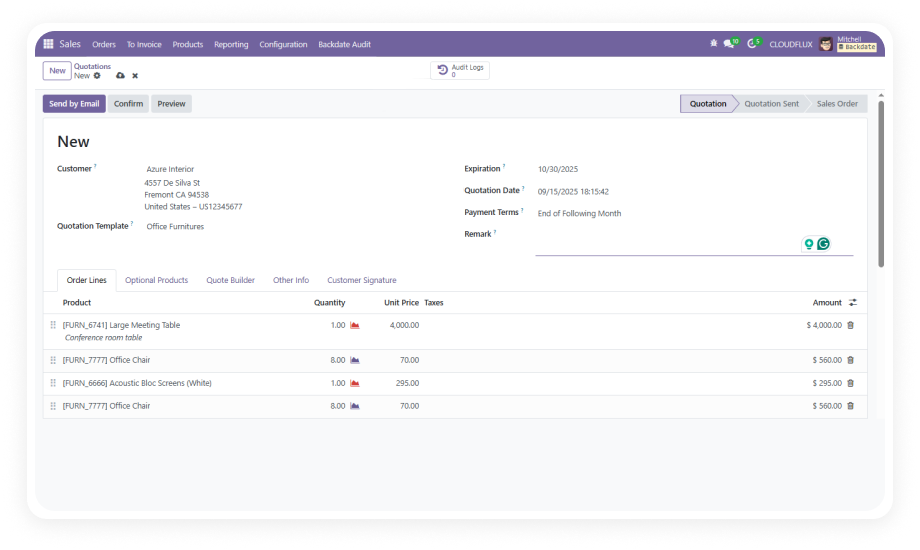
Assign a corrected date to any Sales Order, automatically pushing updates to Delivery Orders, Stock Moves, and linked Customer Invoices.
Why it matters: Fix deal dates without cancelling and recreating entire transaction chains.
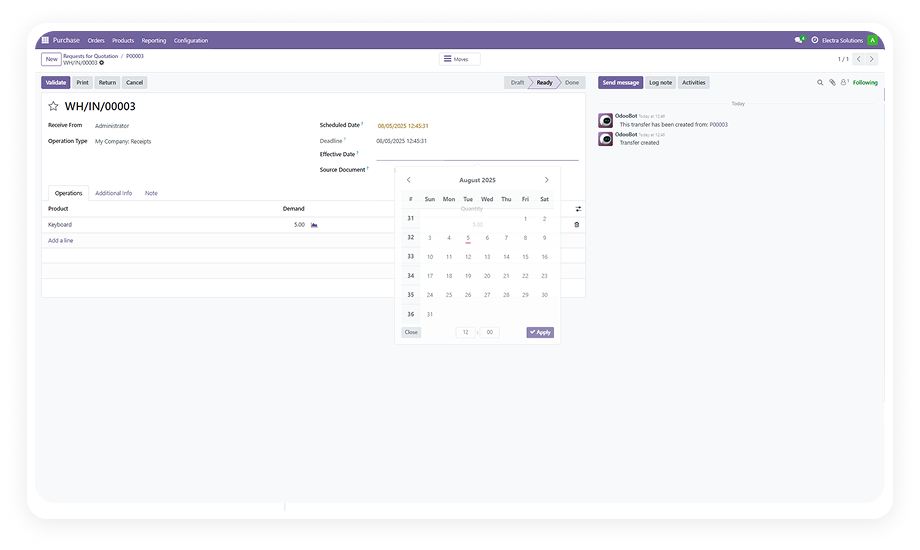
Apply a backdate to any Purchase Order and synchronize the corrected date across vendor receipts, vendor bills, and stock moves.
Why it matters: Vendor bill reconciliation matches delivery timelines accurately.
Backdate manufacturing orders with automatic reflection in stock movements and location transfers tied to the production run.
Why it matters: Manufacturing cost reports reflect real production dates.
Set corrected accounting dates on Customer Invoices and Vendor Bills without reversing or cancelling posted documents.
Why it matters: Clean accounting periods with full audit trails.
Assign corrected value dates to both Customer and Vendor Payments with a full audit trail capturing every change.
Why it matters: Reconciliation accuracy without manual adjustments.
Apply backdates to inventory receipts with automatic propagation to all associated stock moves for accurate valuation.
Why it matters: Stock valuation reports reflect actual receipt dates.
Backdate scrap operations and inventory adjustment entries independently for precise stock consistency.
Why it matters: Period-accurate stock counts and write-offs.
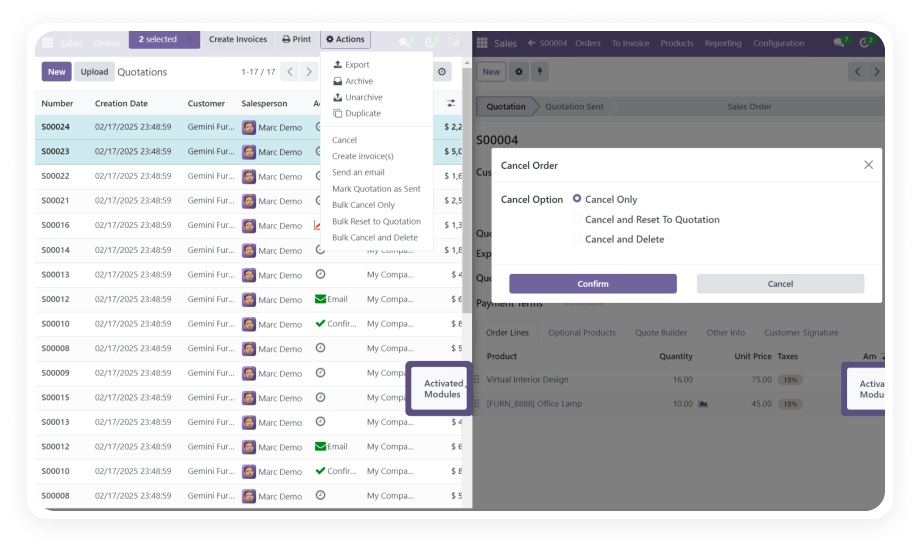
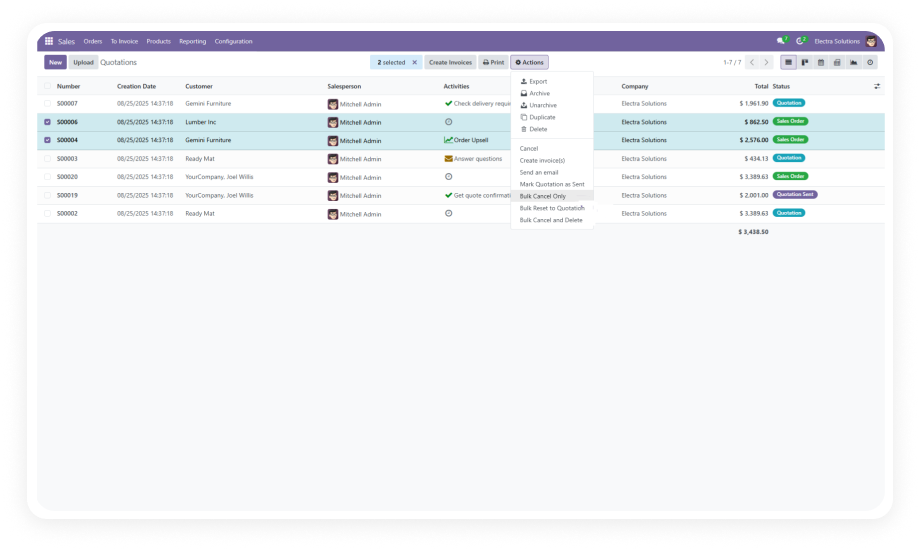
Select multiple records and apply a backdate — along with a remark — across all of them in a single bulk operation.
Why it matters: Batch corrections in minutes instead of hours.
Each backdate entry can carry an attached remark. Administrators configure remarks as optional or mandatory per model.
Why it matters: Compliance documentation built into the workflow.
Every backdate action is captured in an audit log, accessible via smart button or dedicated menu for compliance.
Why it matters: Full traceability for audits and internal reviews.
Backdate capabilities are enabled through the standard Odoo Settings interface with granular permission control.
Why it matters: Controlled access without custom development.
Updated dates and remarks are automatically reflected in all Odoo-generated reports without additional steps.
Why it matters: Reports stay accurate without manual re-runs.