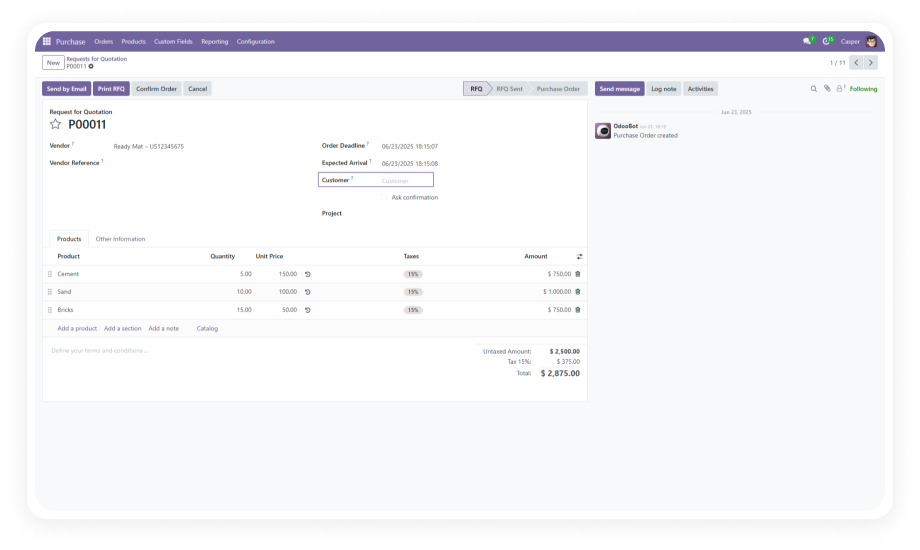
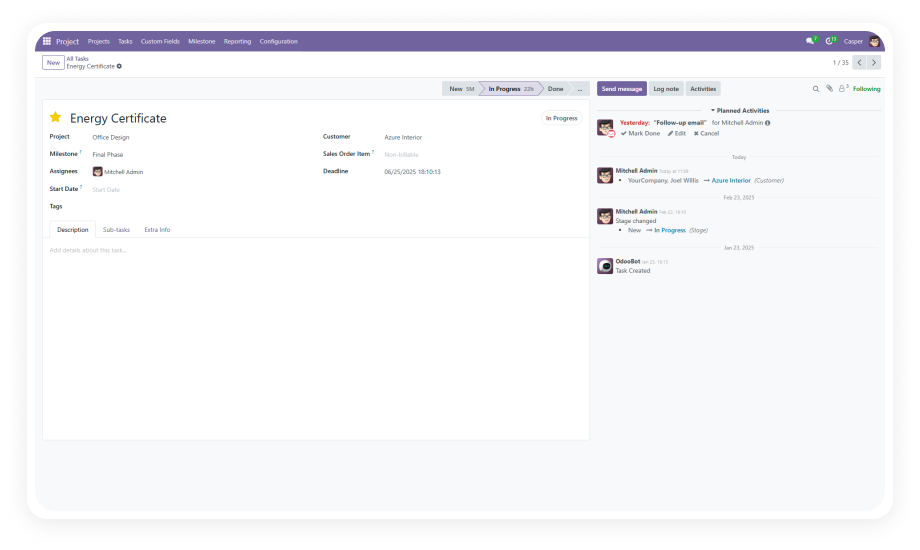
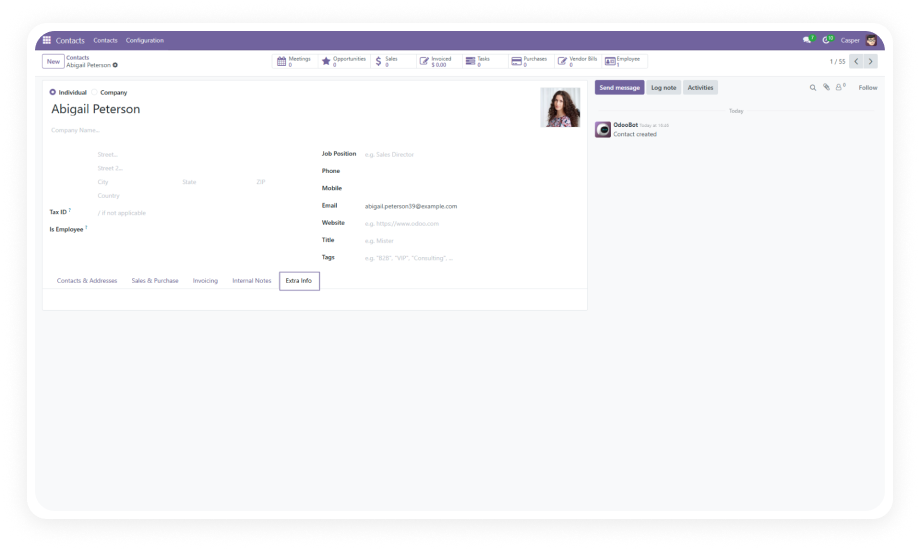
Add unlimited custom fields to your Odoo Purchase Order forms — no developer required. Capture every data point your procurement process demands.
Custom Fields For Purchase Order lets you add, edit, and manage custom fields on Odoo Purchase Order forms through a no-code interface. It supports eight field types — text, character, integer, float, selection, date, many2one, and one2many — with options for mandatory validation, flexible positioning, relational linking, and report visibility. Your procurement team captures exactly the data they need without waiting on developers.
Add custom fields to Purchase Orders entirely from the Odoo backend. No Python, no XML, no technical knowledge required.
Point, click, configure, save — fields go live immediately.
Choose from text, character, integer, float, selection (dropdown), date, many2one, and one2many fields.
Cover every data capture scenario — from simple notes to complex relational lookups.
Designate any custom field as required. The module enforces real-time validation, blocking form submission until all mandatory fields are completed.
Prevent incomplete purchase orders from being saved.
Place custom fields exactly where they belong on the Purchase Order form.
Control layout and ordering without constraints, keeping your form logical and user-friendly.
Display custom fields on Purchase Order and Quotation printed reports.
Your additional data carries through to PDF outputs, ensuring nothing gets lost between screen and paper.
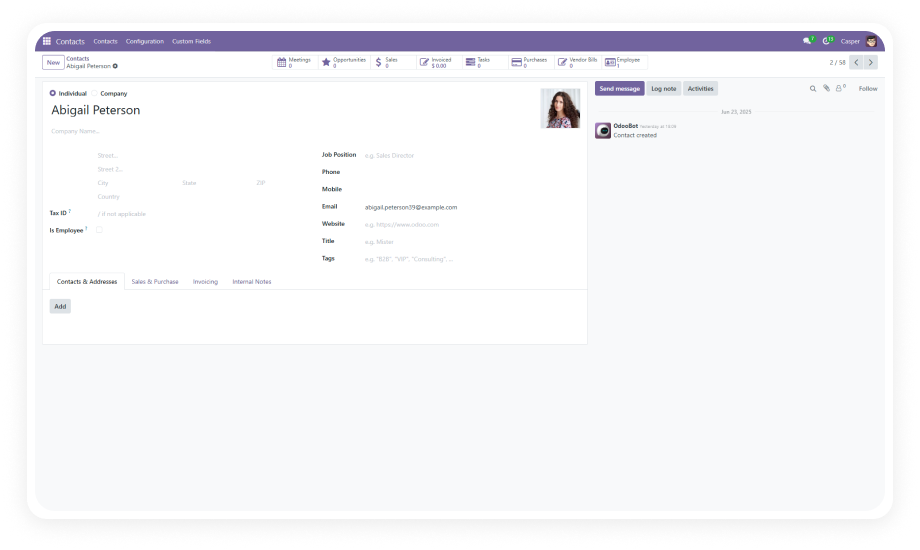
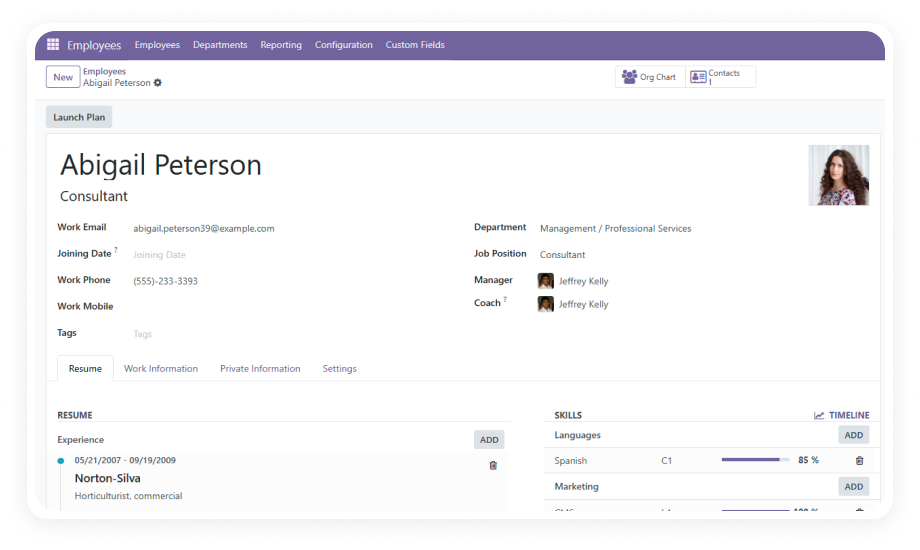
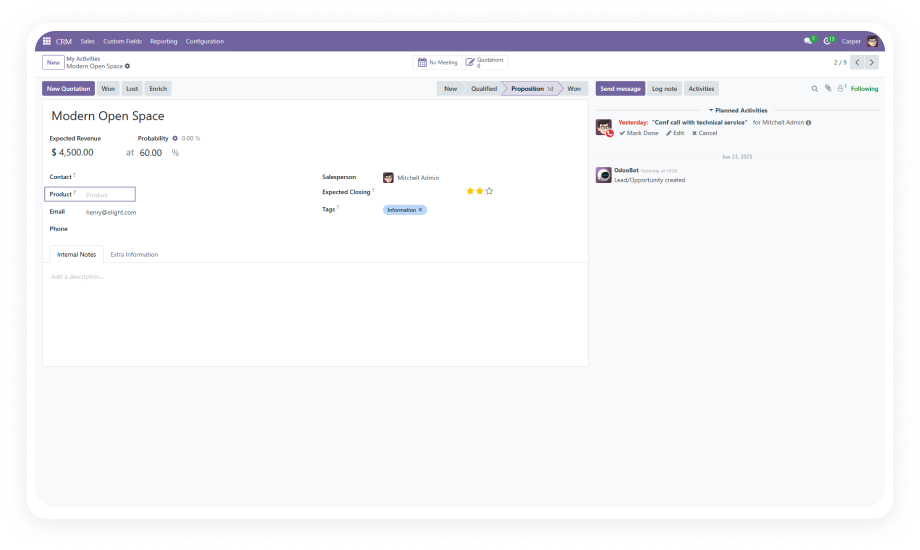
Link custom fields to related Odoo models — Customers, Products, Sales Orders, and more.
Many2one and one2many fields create powerful cross-references directly on the PO form.
Modify field labels, types, and options at any time. Remove fields the moment they become irrelevant.
Your Purchase Order form evolves with your business — no developer tickets required.
Decide which custom fields appear on documents and reports.
Keep internal-only fields hidden from printed outputs while maintaining full data capture on the form.
Built on Odoo's native architecture with dependencies on Purchase, Invoicing, and Mail modules.
Custom fields behave identically to standard Odoo fields — same UX, same reliability.

Choose your Odoo version and explore interactive documentation
No development environment. No custom code. No consultant required for standard setup.
Purchase from the Odoo App Store, upload to your addons path, update the apps list from Settings, and click Install. Dependencies (Purchase, Invoicing, Mail) resolve automatically.
Open the custom fields configuration. Select your field type, define the label, and choose where it appears on the Purchase Order form. Save to activate immediately.
Set fields as mandatory where required. For relational fields, select the target model (Customers, Products, Sales Orders). Configure visibility settings for documents.
Create a test Purchase Order, fill in your custom fields, and print the report. Confirm that all report-enabled fields appear correctly on the PDF output.
This covers virtually every data capture scenario on your Purchase Orders.
Your procurement forms should capture your business reality, not force you into generic templates. Add the exact fields you need in minutes.
Lifetime updates included. 90-day support. Works on Community and Enterprise.
You have successfully subscribed to the newsletter
There was an error while trying to send your request. Please try again.