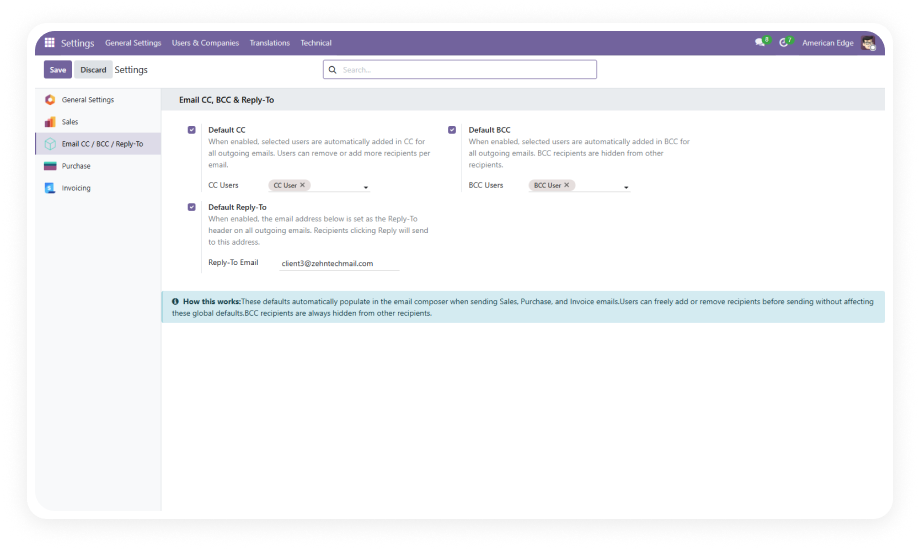
Centralized recipient management in General Settings with admin-only access. Define which internal users should be automatically CC'd or BCC'd on all outgoing emails.
Why it matters: eliminates reliance on individual users remembering to include compliance, management, or support teams on outgoing communications.
Set a default reply routing address for all outgoing emails sent through Odoo. All replies route to your designated shared mailbox, team inbox, or support address automatically.
Why it matters: prevents replies from going to individual sender addresses where they get lost or go unmonitored.
Configured defaults pre-fill the CC, BCC, and Reply-To fields in the mail composer. Users can add or remove recipients on any individual email without affecting the global settings.
Why it matters: provides the discipline of enforced defaults with the flexibility of per-email control for edge cases.
BCC recipients are delivered using SMTP envelope injection — no Bcc: header is ever exposed in the sent message. Recipients in the TO and CC fields have no way to identify BCC recipients.
Why it matters: true privacy compliance for sensitive communications where recipient lists must remain confidential.
The recipient fields display contact names as visual tags rather than raw email addresses. Selection is drawn from Odoo's partner database for instant recognition and accurate targeting.
Why it matters: reduces selection errors and speeds up the process of verifying or adjusting recipients before sending.
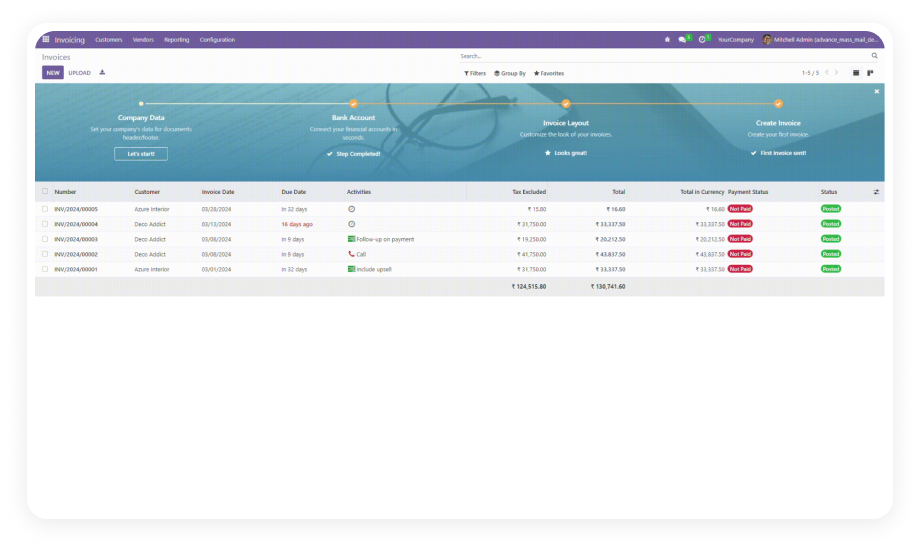
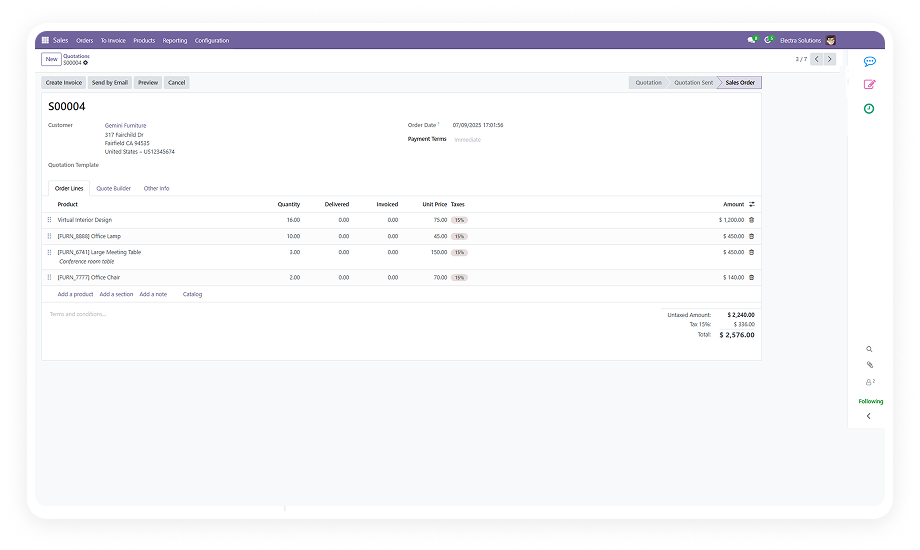
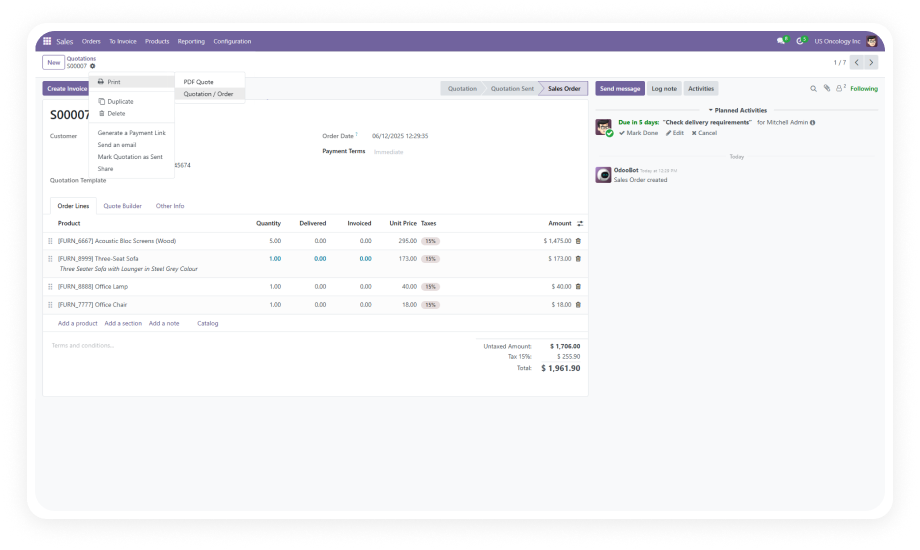
CC, BCC, and Reply-To settings apply consistently across Sales Orders, Purchase Orders, Customer Invoices, Vendor Invoices, and the general mail composer.
Why it matters: one configuration governs email behavior across your entire operational workflow — no per-module setup required.
Recipient selection is restricted to active internal users only. Deactivated accounts, external contacts, and portal users do not appear in the CC/BCC selection fields.
Why it matters: prevents accidental email delivery to inactive accounts or unauthorized external parties.
Regex-based validation on the Reply-To field prevents invalid email formats from being saved. The system blocks malformed addresses before they reach your mail server.
Why it matters: avoids silent delivery failures caused by typos or improperly formatted email addresses.
If the same contact appears in the TO, CC, and BCC fields simultaneously, the system auto-deduplicates to prevent redundant delivery.
Why it matters: recipients receive one clean email rather than duplicates, maintaining professional communication standards.
Default CC/BCC settings apply consistently when sending emails in bulk — such as mass invoicing or bulk order confirmations.
Why it matters: ensures compliance and notification rules hold even during high-volume batch operations.
Debug-level logs capture CC/BCC application, Reply-To routing, and delivery events for troubleshooting.
Why it matters: when an email doesn't arrive as expected, administrators have a clear trail to diagnose the issue without guesswork.