Control Chatter Visibility Across Every Odoo Form View. Take back control of your Odoo workspace. Toggle the Chatter widget on or off in any form view, collapse the Chat panel for focused data entry, and manage visibility rules by user group — all without touching a line of code.
Global Hide and Show Chatter is an Odoo utility module that gives users and administrators complete control over Chatter visibility in form views. Instead of forcing every user to see the full messaging thread, activity log, and follower list beneath every record, this module adds intuitive toggle controls that let individuals collapse or expand the Chatter — and lets administrators enforce visibility rules by user group. The result is a cleaner interface, faster workflows, and the flexibility to tailor the Odoo experience to each team's actual needs.
How Global Hide and Show Chatter Solves Odoo Interface Clutter
Problem
Zehntech Solution
Chatter takes up significant screen space on every form view
A single toggle hides the entire Chatter section instantly
Data entry teams are distracted by message threads they never use
Administrators can hide Chatter for specific user groups by default
Users must scroll past lengthy conversation histories
Collapsing Chatter eliminates the scroll, keeping form data in focus
No native Odoo setting to control Chatter visibility
Built-in toggle controls with no coding or XML editing
Different teams need different Chatter configurations
Group-based visibility rules let each team see what they need
Users who toggle Chatter off lose that preference when navigating away
Visibility preferences saved at user level and persist across sessions
Hiding only Chat or only Chatter log requires separate customizations
Independent toggle controls for Chatter and Chat panels
Custom CSS or JS hacks break during Odoo upgrades
Maintained module ensures compatibility across Odoo 16, 17, 18, and 19
Complete Chatter Visibility Management for Your Odoo Instance
1
Hide and Show Chatter
A dynamic toggle control appears in every form view, allowing users to instantly collapse or expand the full Chatter widget — including messages, activities, and followers.
Why it matters: users who do not need the messaging thread can reclaim screen space immediately, while those who rely on Chatter can keep it visible at all times.
2
Hide and Show Chat
The Chat panel can be toggled independently from the main Chatter section, giving users finer control over which collaboration elements remain visible during their workflow.
Why it matters: teams that use activity tracking but not real-time chat can hide the chat panel alone, maintaining a cleaner interface without losing visibility into scheduled activities.
3
Hide and Show Chatter by Groups
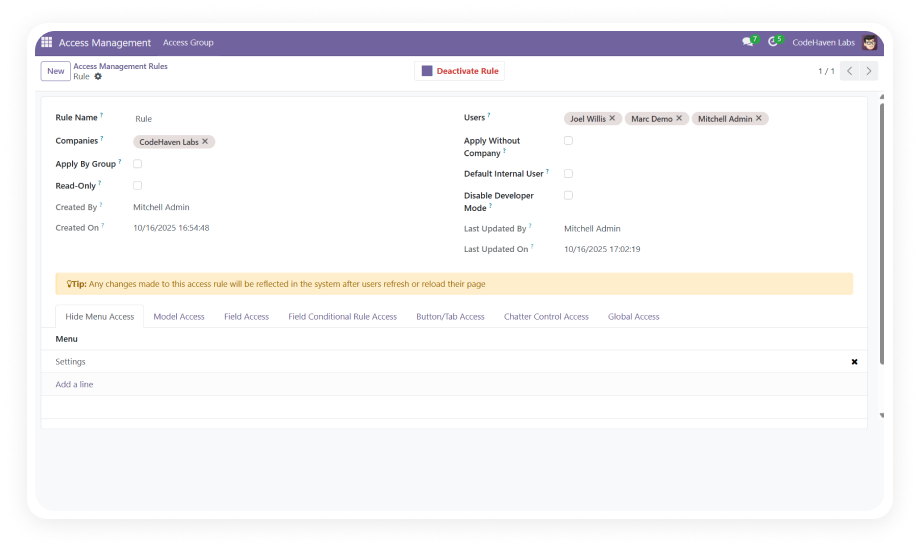
Administrators can assign Chatter visibility rules to specific Odoo user groups — automatically hiding or showing the Chatter based on a user's role in the system.
Why it matters: rather than relying on individual users to configure their own preferences, administrators can enforce workspace standards across entire departments.
Who Gets The Most Out Of This Module
Role
Primary Use Case
Key Outcome
Odoo Administrator
Enforce Chatter visibility rules across the organization by user group
Standardized workspace experience with zero ongoing maintenance
Data Entry Operator
Hide Chatter to focus exclusively on form fields during high-volume input sessions
Faster data entry with fewer distractions and reduced scrolling
Warehouse Manager
Collapse messaging panels on inventory records that rarely require collaboration
Streamlined operational views that prioritize stock data over conversation
Sales Manager
Keep Chatter visible for deal tracking while hiding it for internal admin records
Selective visibility that matches the communication needs of each workflow
CTO / IT Director
Eliminate custom CSS or JS workarounds for interface control
Maintainable, upgrade-safe configuration without technical debt
Small Business Owner
Give each team member the interface that fits their daily tasks
Higher productivity without investing in custom Odoo development
Versions & Documentation
Choose your Odoo version and explore interactive documentation
Native Odoo vs Zehntech Global Hide and Show Chatter
Capability
Zehntech Module
Native Odoo
Toggle Chatter visibility in form views
Yes
Not available
Toggle Chat panel independently
Yes
Not available
Chatter visibility control by user group
Yes
Not available
Persistent visibility preferences per user
Yes
Not available
Global control across all form views
Yes
Not available
No-code configuration
Yes
Not available
Works on both Community and Enterprise
Yes
Chatter always visible
Upgrade-safe across Odoo versions
Yes
Not applicable
Admin-enforced visibility rules
Yes
Not available
Get Started In Minutes
No development environment. No custom code. No consultant required for standard setup.
01
Install from the Odoo App Store
Search for zehntech_hide_and_show_chatter in your Odoo Apps menu and click Install. Compatible with Odoo 16, 17, 18, and 19 on both Community and Enterprise editions.
02
Enable Chatter visibility controls
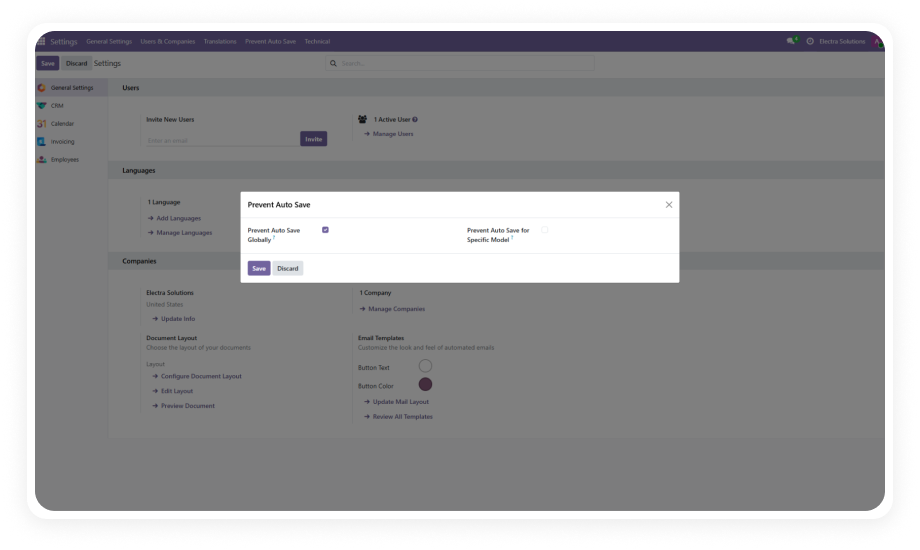
Navigate to Settings and activate the Chatter toggle feature. Once enabled, toggle icons appear automatically on all form views that include the Chatter widget.
03
Configure group-based rules (optional)
If you need to enforce Chatter visibility by role, navigate to the user group configuration and assign hide or show rules to specific groups.
04
Use the toggle in form views
Users can now click the toggle control in any form view to show or hide the Chatter and Chat sections. Preferences are saved automatically.
Yes — Global Hide and Show Chatter installs directly from the Odoo App Store with zero coding required. Toggle controls appear automatically on all form views after installation. Configuration is handled entirely through the standard Odoo admin interface in under 3 minutes.
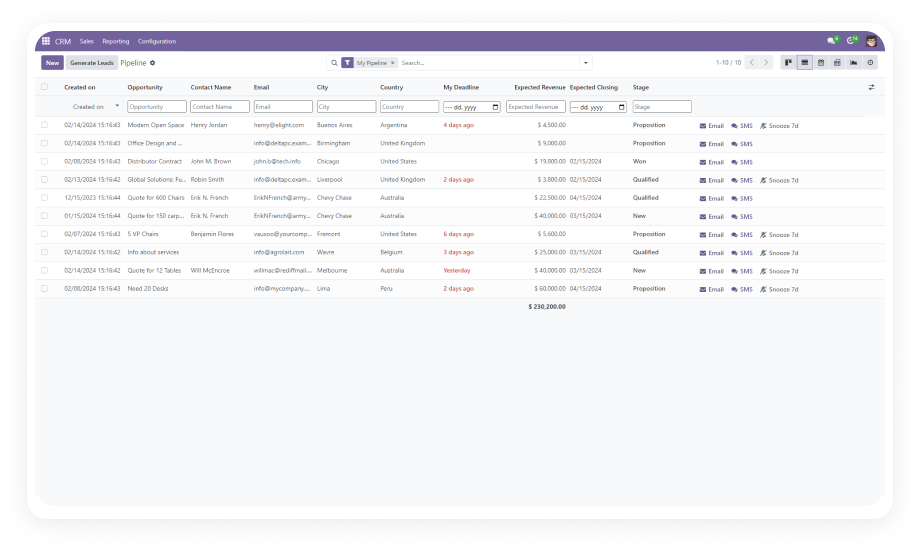
The module applies globally across every form view that includes the Chatter widget. This covers standard Odoo modules such as CRM, Sales, Inventory, and Accounting, as well as any custom modules with Chatter enabled. No per-view configuration is required.
Yes — administrators can assign hide or show rules to any Odoo user group. This allows you to enforce a clean, Chatter-free interface for groups like data entry or warehouse teams. Users in groups with Chatter visible can still toggle it off individually if they prefer.
The module supports Odoo 16, 17, 18, and 19. Both Community and Enterprise editions are fully compatible. All deployment models are supported: Odoo Online, Odoo.sh, and On-Premise hosting.
Yes — the module saves each user's visibility preference at the user level. Once set, the preference persists across sessions, page navigations, and browser refreshes. Users never need to re-toggle their preferred state when returning to a form view.
Your team already runs on Odoo — Global Hide and Show Chatter gives every user the power to control their own workspace. Includes lifetime updates and 90 days of dedicated technical support.