Advance Mass Mail routes all outbound bulk email through the Odoo Job Queue, enabling large email volumes to be dispatched within seconds rather than waiting for synchronous processing.
Why it matters: operations and sales teams can trigger large campaigns or batch notifications and see results immediately — not after a multi-minute wait.
Email jobs are processed entirely in the background, keeping the Odoo interface fully available while the send operation runs.
Why it matters: users are never forced to wait at a frozen screen — they can continue creating records, running reports, or managing tasks while thousands of emails are sent concurrently.
The module eliminates the long-standing Odoo discrepancy where templates render differently for individual emails versus mass emails.
Why it matters: every recipient — whether they receive a one-to-one or one-to-many email — sees exactly the same formatted, branded message with no layout or content inconsistencies.
Advance Mass Mail automatically embeds direct links to the relevant Odoo records inside each outbound mass email.
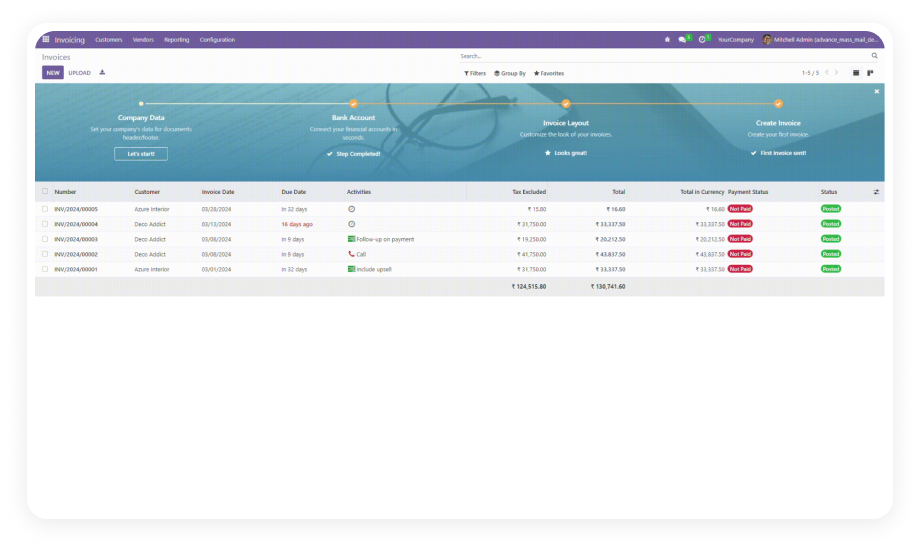
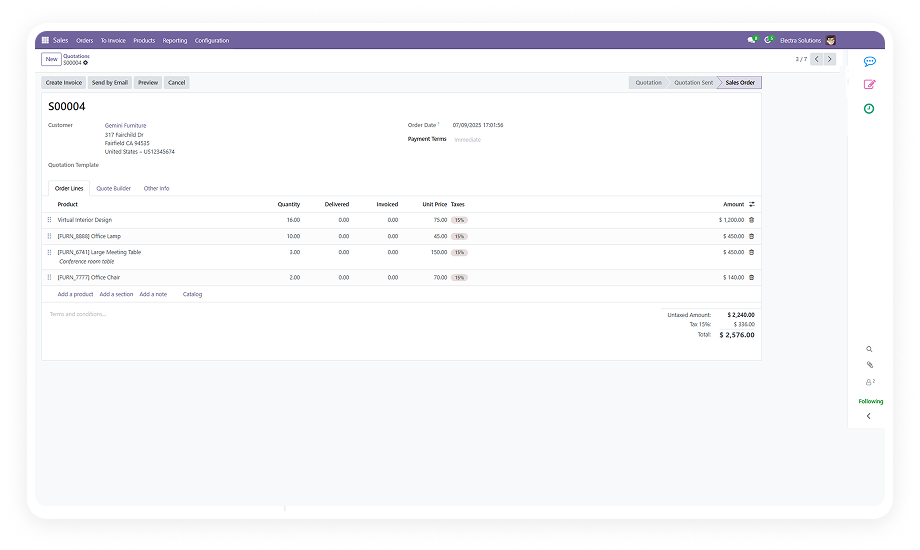
Why it matters: recipients can navigate in one click from the email to the exact invoice, sale order, contact, or other record — eliminating the need for manual link management in template design.
All email jobs are visible and trackable through the standard Odoo Job Queue module, giving administrators a live view of send status, queue depth, and job completion.
Why it matters: support and operations teams gain full transparency over bulk email activity without needing to query the database or rely on external email analytics tools.
The module is architected around the Odoo community Job Queue (queue_job) module, leveraging its robust retry, failure handling, and concurrency controls.
Why it matters: enterprises running high-volume Odoo environments get enterprise-grade job management for email — with built-in error handling — rather than a fragile custom workaround.