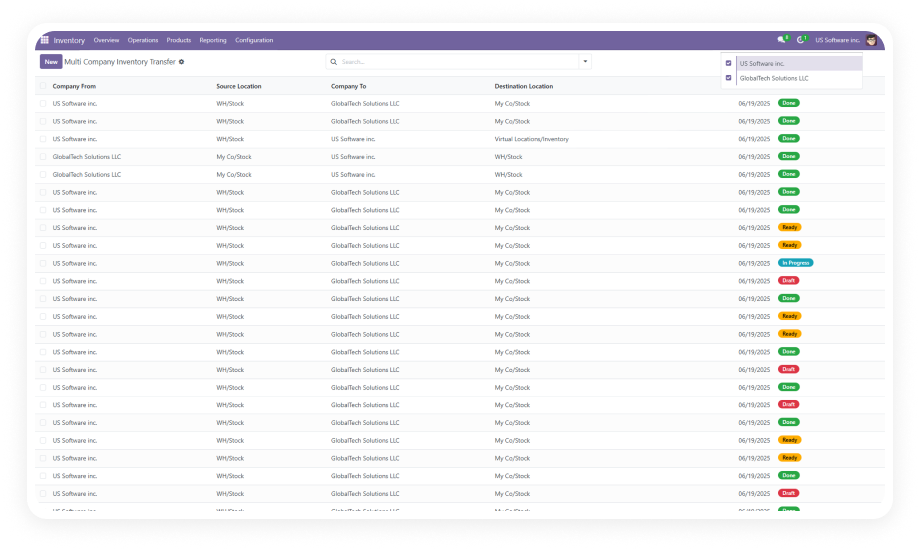
Stop processing duplicate orders one by one. This module automatically merges Sales Orders, Purchase Orders, Delivery Pickings, Invoices, and Vendor Bills in Odoo — with full audit trail, zero data loss, and no developer involvement.
All In One Merge Orders & Pickings is an Odoo module that consolidates duplicate or related draft documents — Sales Orders, Purchase Orders, Delivery Pickings, Customer Invoices, and Vendor Bills — into a single record automatically or on demand. It eliminates the manual overhead of order consolidation, replaces custom merge scripts and workarounds, and maintains a complete audit trail throughout.

Fully automatic consolidation based on configured rules, or admin-initiated manual merges for precise control.
Why: High-volume pipelines get automatic deduplication without touching a record.
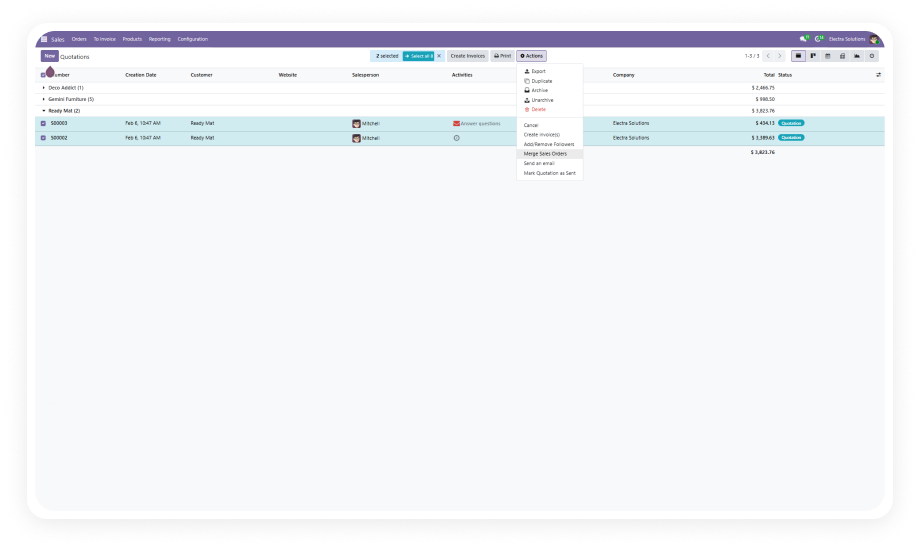
Select multiple draft Sales Orders from the same customer and merge them into a single confirmed order.
Why: Stop manually copying order lines between records.
Consolidate multiple draft Purchase Orders to the same vendor into one clean PO before sending.
Why: Eliminate duplicate vendor communications and reduce overhead.
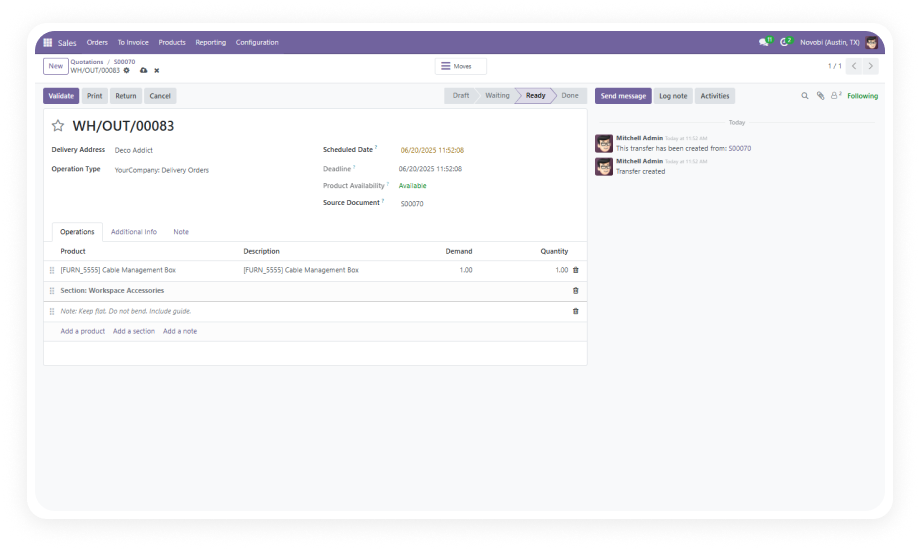
Merge multiple stock picking records into a single picking document.
Why: Fulfillment accuracy improves and unnecessary handling steps are eliminated.
Combine multiple Customer Invoices or Vendor Bills from the same partner into a single billing document.
Why: Finance teams reduce reconciliation work significantly.
Choose whether result goes into a newly created document or an existing one. Cancel or archive originals.
Why: Different workflows need different outcomes.
Every merge operation is fully logged. Original references preserved, chatter updated.
Why: Compliance, audit, and finance teams have complete records.
Product categories are automatically synchronized across Point of Sale and eCommerce channels during merge.
Why: Avoid reporting discrepancies from unsynchronized taxonomies.
Merge operations restricted to admin-level users with state and partner validation.
Why: Merges only happen when the right conditions are met by the right people.
Choose your Odoo version and explore interactive documentation.
No development environment. No custom code. No consultant required for standard setup.
Purchase from the Odoo App Store and install through the standard Odoo Apps interface. Compatible with Odoo 16-19.
Navigate to Settings > Auto Merge Menu to define document types, partner matching, and post-merge outcomes.
Select multiple draft records with matching partner data and trigger merge from the action menu.
Access Settings > Auto Merge Menu > Merge Logs to verify all completed merges with full detail.
Includes lifetime updates and 90 days of dedicated technical support.
You have successfully subscribed to the newsletter
There was an error while trying to send your request. Please try again.