Take complete control of your procurement workflow. Cancel, reset, or permanently delete purchase orders - individually or in bulk - with automatic handling of associated bills and receipts.
Cancel Purchase Orders is a free Odoo module by Zehntech Technologies that gives procurement teams granular, role-protected control over purchase order cancellations. Native Odoo requires manual, one-by-one cancellation and provides no bulk actions, no automatic cleanup of associated records, and no restore capability. This module fills every one of those gaps - making order lifecycle management fast, safe, and auditable.
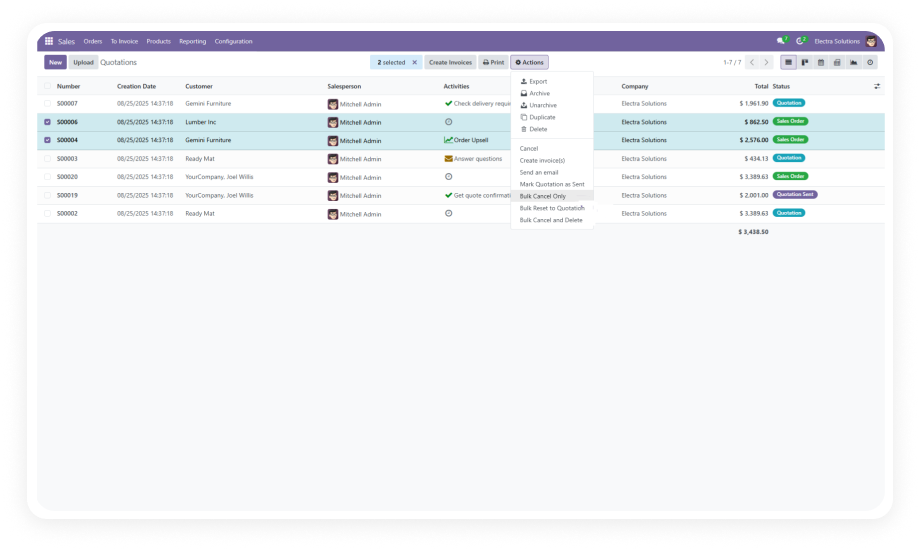
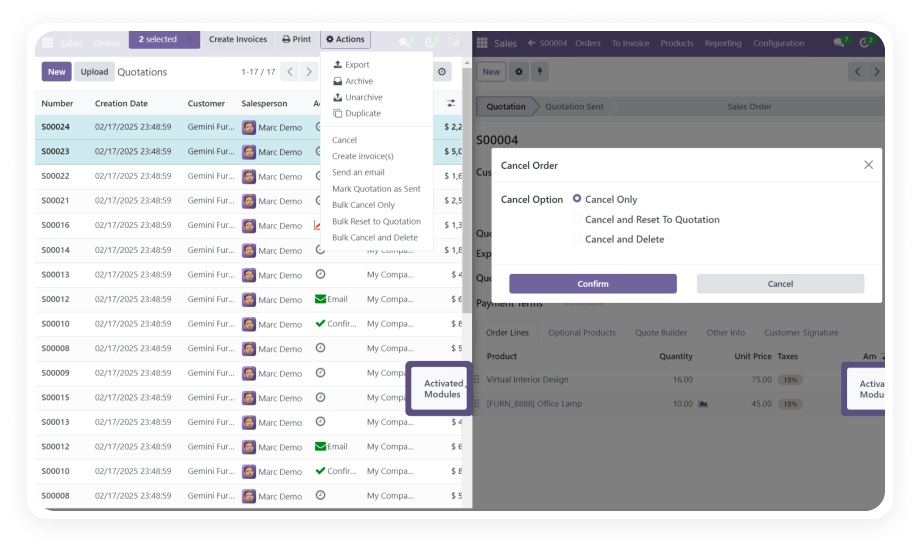
Select one order or hundreds - then choose from three targeted actions: Cancel Only, Cancel and Reset to Draft, or Cancel and Delete. All actions are available as bulk operations from the standard list view.
Why it matters: Procurement teams can execute month-end order cleanups in seconds rather than hours.
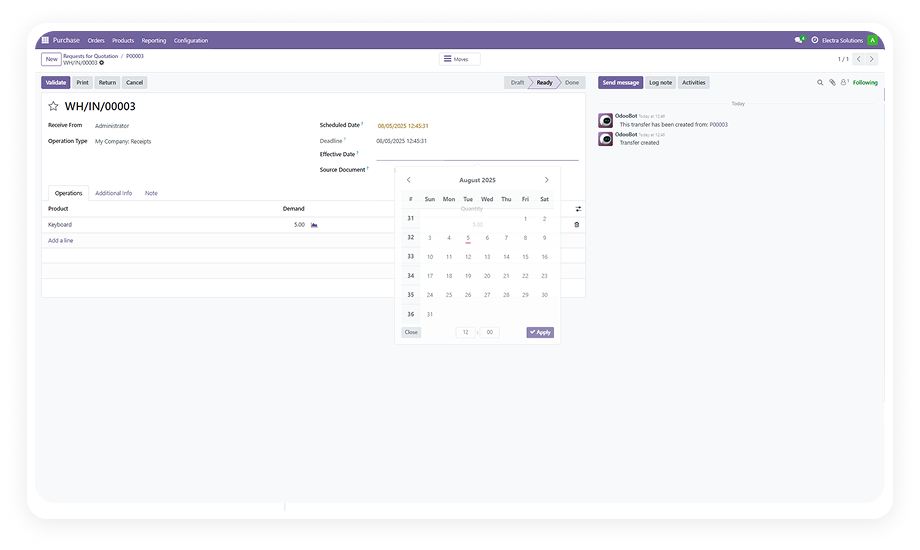
When a purchase order is cancelled, the module automatically manages all linked bills and receipts to maintain data synchronization across Inventory, Invoicing, and Purchase modules.
Why it matters: Eliminates the orphaned record problem that causes reconciliation failures and audit discrepancies.
Every cancellation, reset, and deletion event is logged with full detail - who performed the action, when, and on which records. Provides a complete audit trail for finance and compliance teams.
Why it matters: Creates the foundation for data restoration when needed.
Go beyond cancellation - permanently remove purchase orders that should not exist (duplicates, test records, erroneous entries) and restore accidentally deleted records from the history log.
Why it matters: Keeps your purchase order list clean without the fear of irreversible data loss.
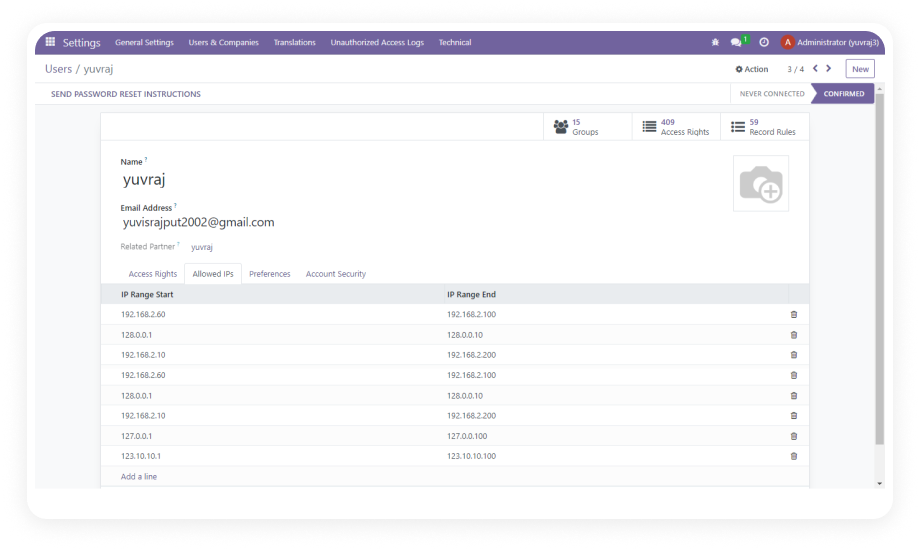
A role-based permission system restricts bulk cancellations and permanent deletions to explicitly authorized user groups. Standard users can perform routine cancellations; only authorized roles can trigger bulk or destructive actions.
Why it matters: Enforces procurement compliance policies.
A real-time dashboard displays purchase order status using bar charts and Kanban views, giving procurement managers an immediate overview of active, cancelled, and deleted orders without running reports.
Why it matters: Faster situational awareness means faster decision-making.
Access step-by-step interactive documentation for your exact Odoo version
No development environment. No custom code. No consultant required for standard setup.
Log in to your Odoo App Store account, download the module (FREE), and install via the Apps menu. The module activates immediately.
Navigate to Settings > Users & Companies > Users. Assign standard cancellation or bulk/delete access to appropriate users.
Open Purchase Orders and confirm the new Action menu items appear. Test with a draft order to verify bill/receipt synchronization.
Open the Cancel Purchase Orders dashboard from the Purchase menu. Confirm bar chart and Kanban views display current status data.
Stop manually cancelling purchase orders one by one. Cancel Purchase Orders gives your procurement team the bulk actions, access controls, and audit history they need - installed and running in under five minutes. Includes lifetime updates and 90 days of dedicated technical support.
You have successfully subscribed to the newsletter
There was an error while trying to send your request. Please try again.