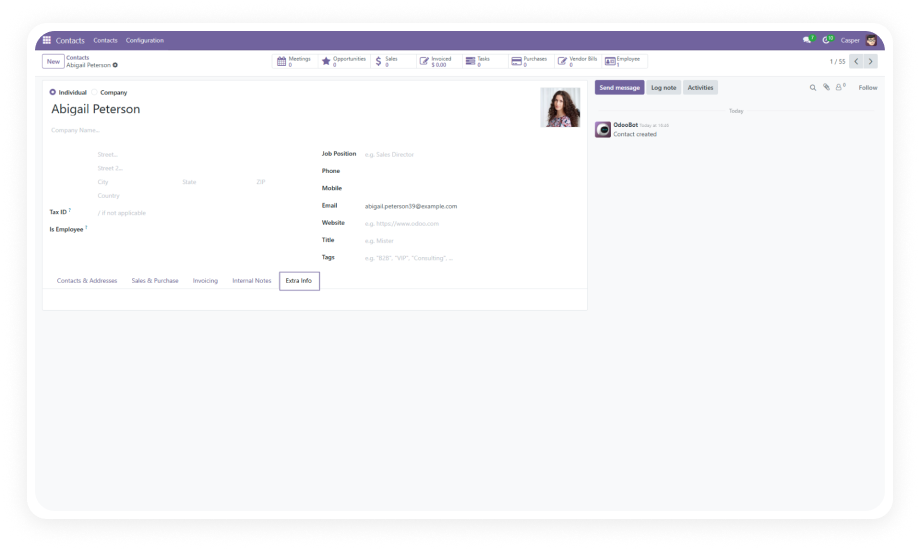
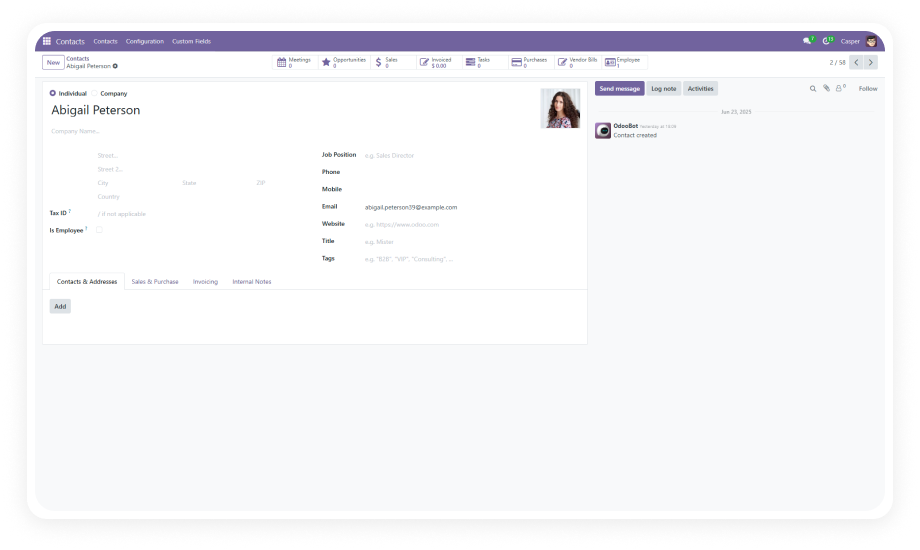
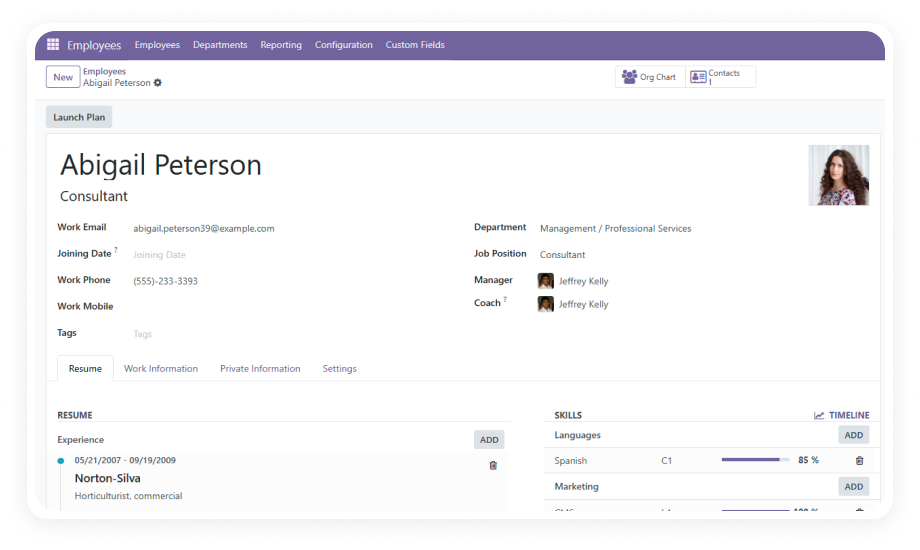
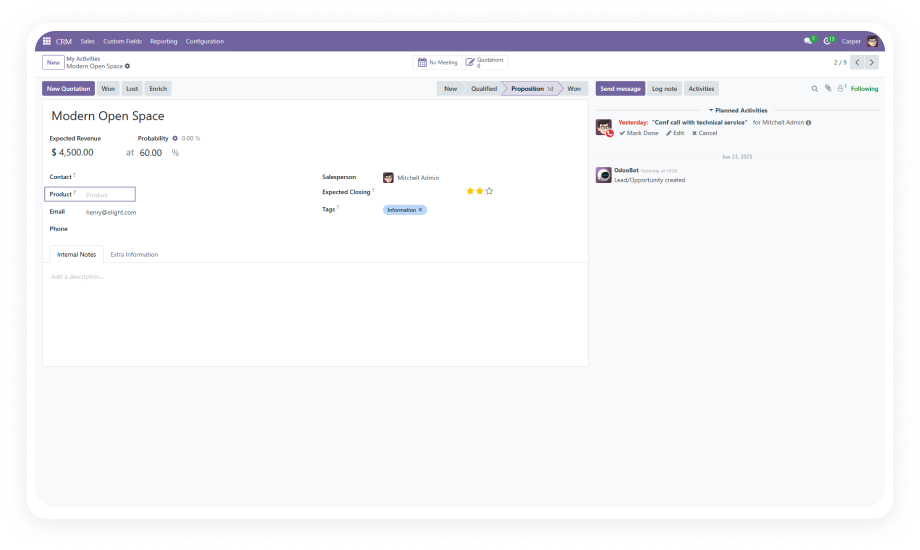
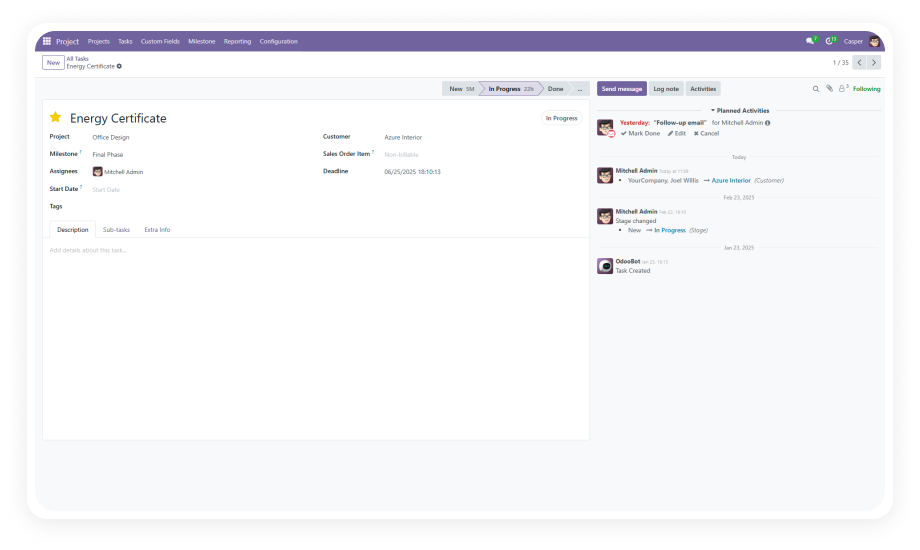
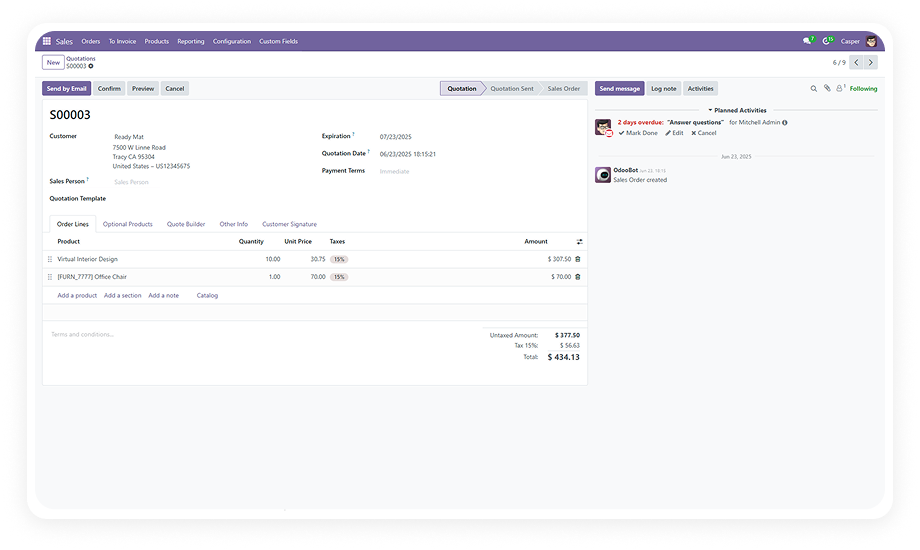
Add custom fields to any Odoo form through an intuitive action button available across all supported modules.
Why it matters: One consistent interface works everywhere — your team learns the workflow once and applies it to any module without switching tools.
Supports text, date, number, selection/dropdown, Many2one, One2many, and additional field types for comprehensive data capture.
Why it matters: Whether you need a free-text note, a numeric reference, a date stamp, or a full relational link, the module handles it natively.
Edit field properties or remove unnecessary fields through a clean management interface.
Why it matters: Business requirements evolve — renaming a field or removing deprecated fields should happen in seconds without development tickets.
Establish data connections across different Odoo models using Many2one and One2many relational fields.
Why it matters: Your records become interconnected — link contacts to products, sales orders to reference models, or employees to compliance data.
Place custom fields in existing tabs or at specific locations on any form rather than defaulting to the bottom.
Why it matters: Form usability depends on field placement — logically grouped fields reduce data entry time and decrease errors.
Create dedicated tabs on forms and group related custom fields together within them.
Why it matters: As you add more fields across modules, organization becomes critical — custom tabs prevent form clutter.
Mark any custom field as mandatory and enforce completion with built-in validation.
Why it matters: Critical data points — compliance IDs, contract references, approval codes — cannot be skipped.
Restrict form structure modification to authorized users through role-based permissions.
Why it matters: Access control ensures only designated administrators can add, modify, or remove fields while all users benefit.