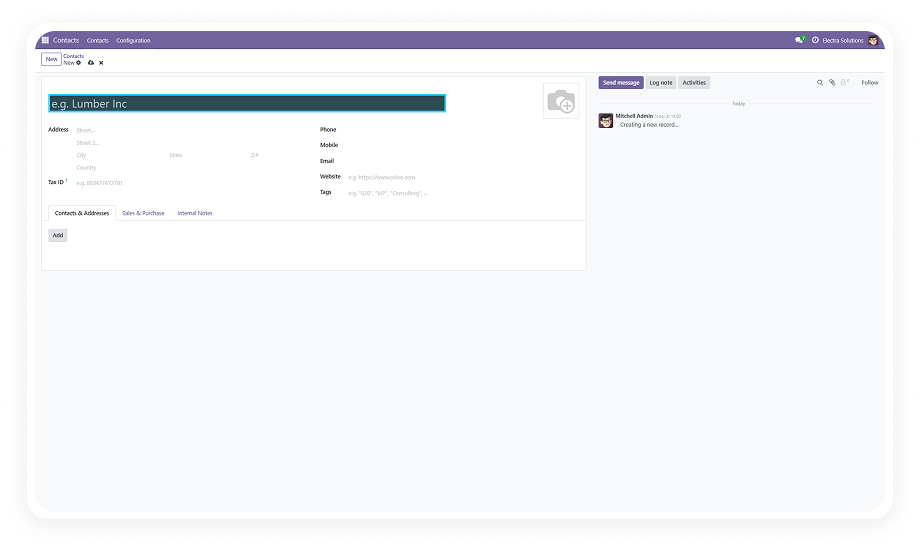
The module reads Odoo's field metadata and identifies every field marked as required on any form view. No manual tagging needed.
Why it matters: eliminates setup overhead and ensures no required field is ever missed, even as new models or fields are added.
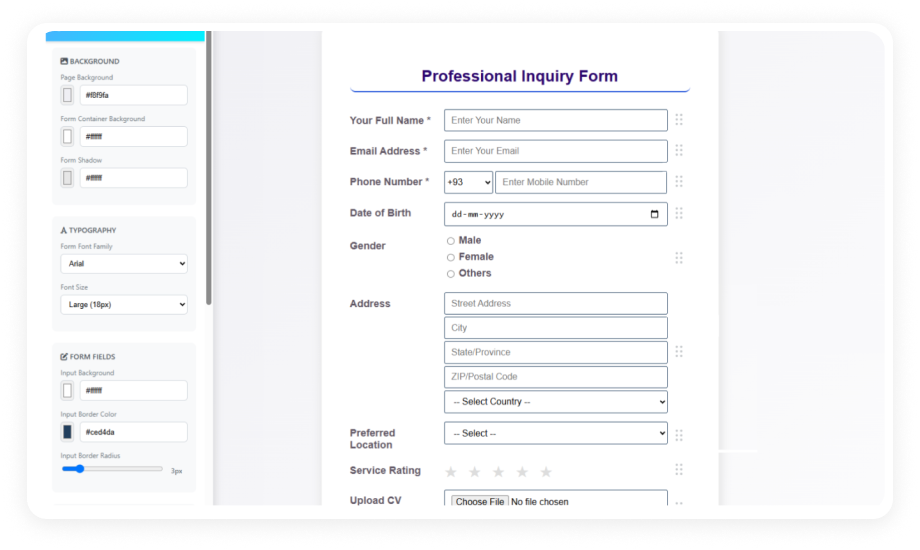
Set distinct border colors for left, right, top, and bottom edges independently. Each border side has its own color picker.
Why it matters: granular design control allows visual patterns aligned with branding or accessibility guidelines.
Apply a background color to mandatory field inputs in addition to or instead of border styling with full RGB control.
Why it matters: background shading remains visible even when content is entered, maintaining the "required" signal.
Configure border thickness in pixels with a default of 2px. Increase for maximum visibility or decrease for subtle indication.
Why it matters: different screen sizes and environments require different levels of emphasis — pixel-level control delivers.
Once configured, highlighting applies automatically to every form view in Odoo without per-model or per-form activation.
Why it matters: a single configuration session covers your entire Odoo instance — new modules inherit the same rules.
Field highlighting renders dynamically as forms load and responds in real time to form state changes.
Why it matters: users always see current required-field status even on forms with conditional required logic.
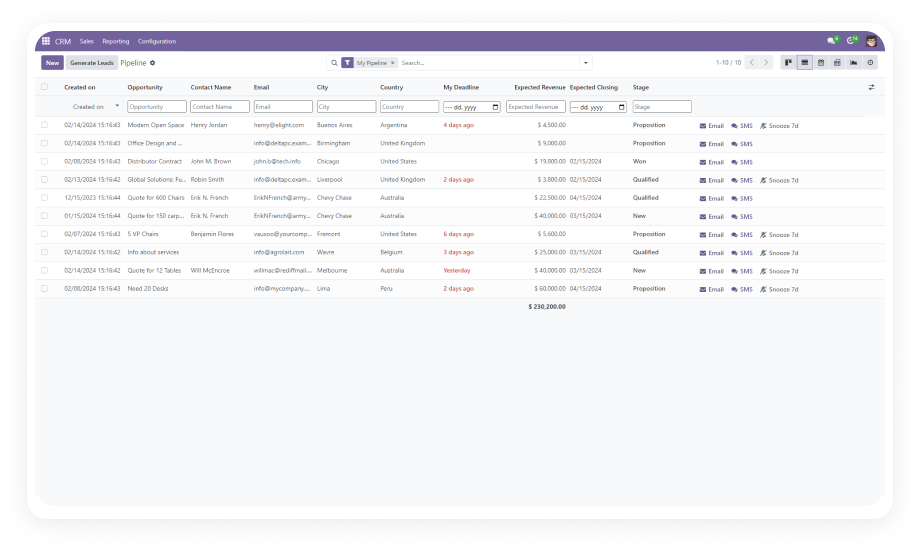
Styling applies exclusively to form views. List views, kanban boards, and other Odoo interfaces remain unaffected.
Why it matters: keeps visual emphasis on data entry screens without cluttering overview interfaces.
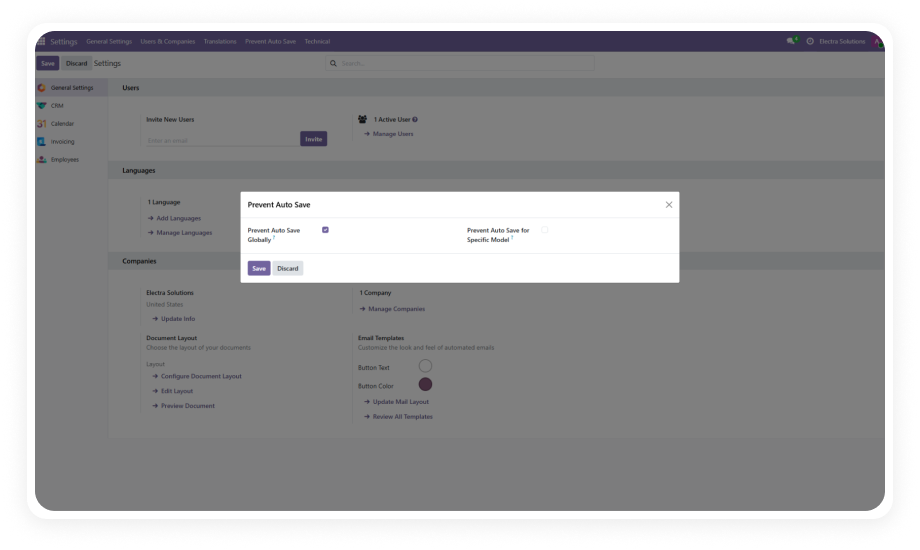
All highlighting preferences managed from Settings → General Settings → Field Settings. No XML templates to edit.
Why it matters: simplifies administration to a single page any admin can manage — updates take 30 seconds.