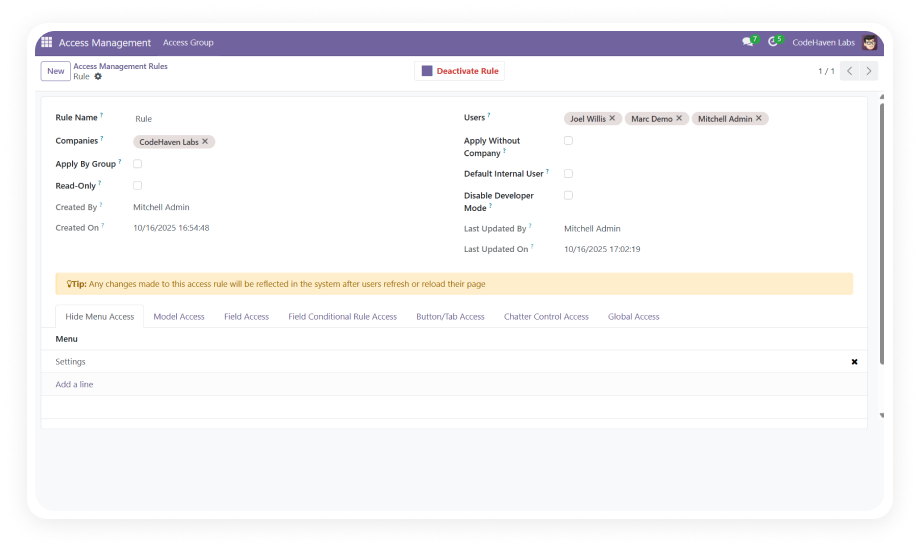
Organize credentials into bundles that can be shared with specific users or user groups. Each vault operates as an isolated container with its own access permissions.
Why it matters: Teams get controlled access to exactly the credentials they need — nothing more — reducing both security risk and administrative overhead.
Manage all stored passwords through a single, searchable dashboard with tagging, sorting, and filtering capabilities. Credentials displayed in a clean list view with quick-access actions.
Why it matters: Users find the credential they need in seconds rather than navigating fragmented storage locations.
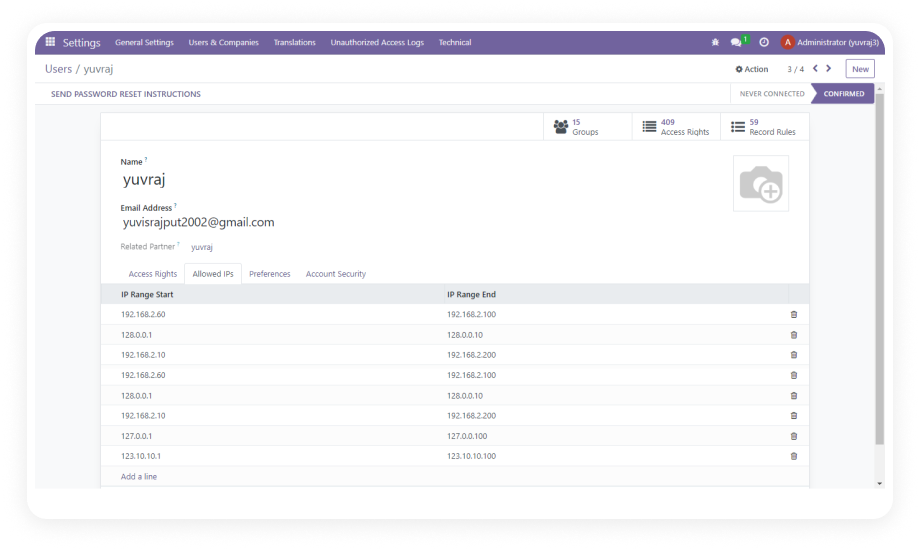
Extend secure credential access to external Odoo contacts — vendors, contractors, or clients — through the Odoo portal without granting backend system access.
Why it matters: Businesses that collaborate with external partners can share credentials securely without compromising internal system integrity.
Generate strong, randomized passwords directly within the module using configurable rules for length, character types, and complexity requirements.
Why it matters: Teams consistently use strong credentials without the friction of manually creating them, eliminating weak or reused passwords.
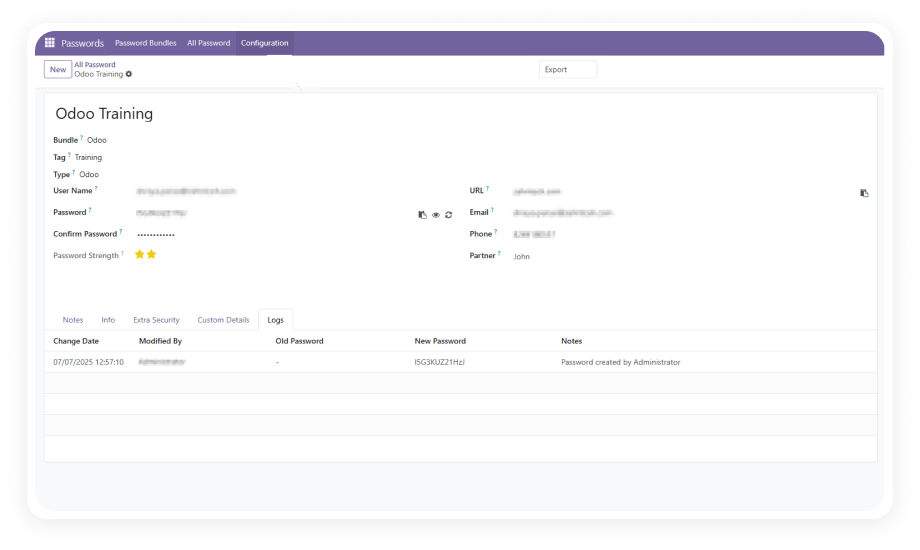
Real-time strength scoring evaluates every credential as it is entered. The system also flags duplicate credentials across vaults automatically.
Why it matters: Weak and repeated passwords are identified before they become security liabilities — maintaining credential hygiene organization-wide.
Perform mass actions on credentials including bulk export, import, update, archive, and restore. Entire vault contents can be managed at scale through a single operation.
Why it matters: Password rotation campaigns, system migrations, and offboarding workflows are completed in minutes instead of hours.
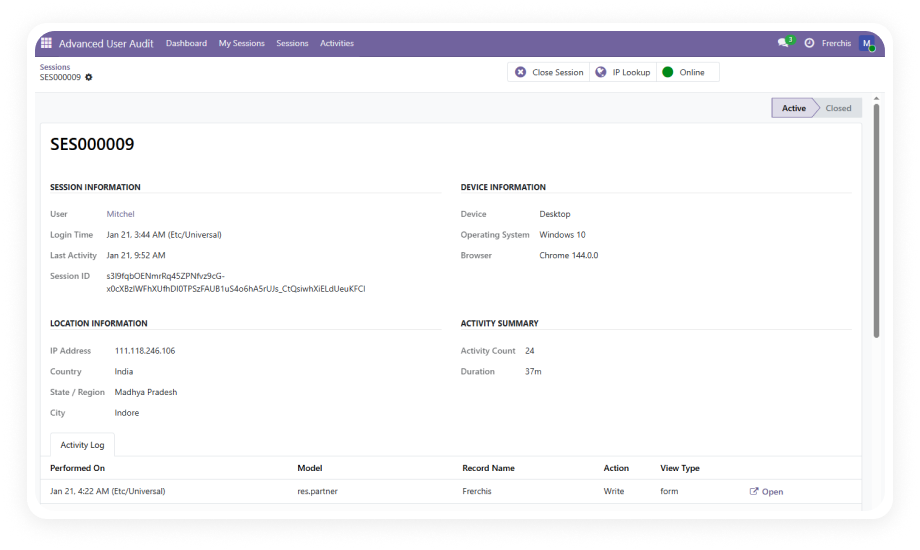
Every modification and access event is recorded in a detailed activity log — capturing the user, action type, timestamp, and affected credential.
Why it matters: Security teams maintain full visibility into credential lifecycle events, supporting compliance requirements and forensic investigation.
Define custom password categories and add custom attribute fields to credential records — extending the default data model to match your organization's specific needs.
Why it matters: Every business stores different types of credentials with unique metadata requirements; custom fields ensure the vault adapts to your workflow.