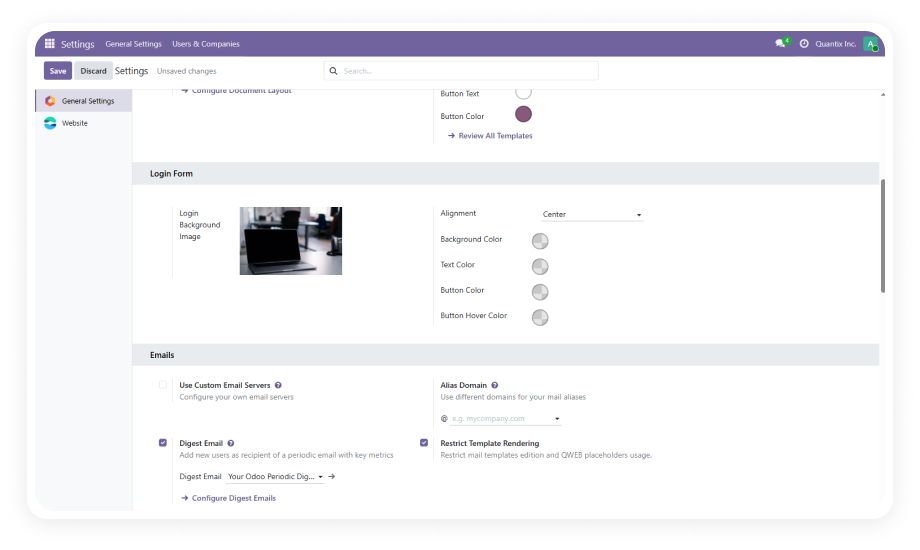
Upload any image directly through the Login Form settings and apply it as the full-page background behind the login form.
Why it matters: a branded visual backdrop instantly communicates organizational identity and professionalism.
Position the login form container to the left, center, or right of the page to complement your chosen background image.
Why it matters: visual composition directly affects perceived quality; a well-placed form creates a cohesive experience.
Set the color of all text elements on the login form — labels, input text, links, and headings — to match your brand palette.
Why it matters: consistent typography color ensures readability and reinforces brand guidelines.
Define the primary button color used for the login/submit action. Align it precisely with your brand's accent color.
Why it matters: the login button is the most-clicked element; matching it maintains visual consistency.
Configure the color state that appears when users hover over the login button for clear interactive feedback.
Why it matters: intentional hover states improve usability by signaling the button is interactive.
Set the background color of the login form container independently from the page background for optimal contrast.
Why it matters: proper contrast ensures accessibility and readability against complex backgrounds.
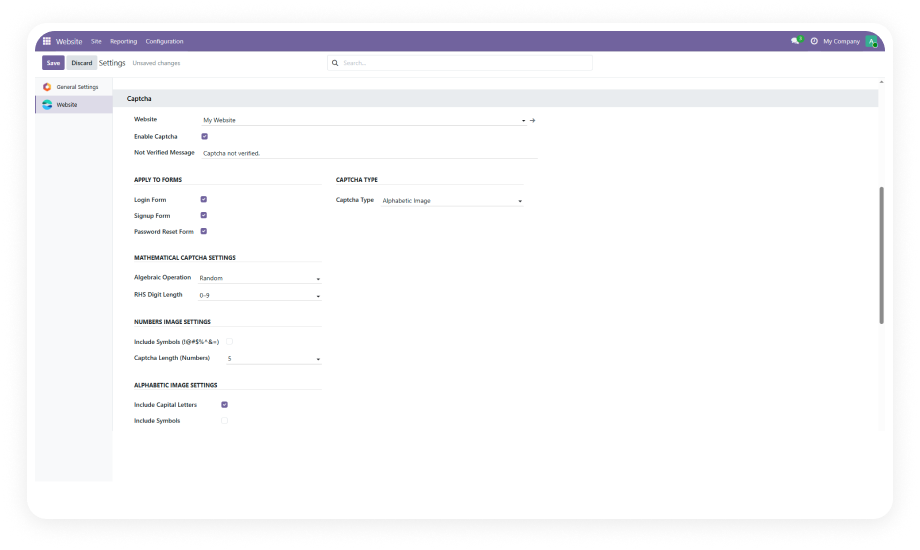
Activate built-in validation requiring at least 8 characters including uppercase, lowercase, digits, and special characters.
Why it matters: eliminates weak passwords across your user base, reducing credential-attack surface.
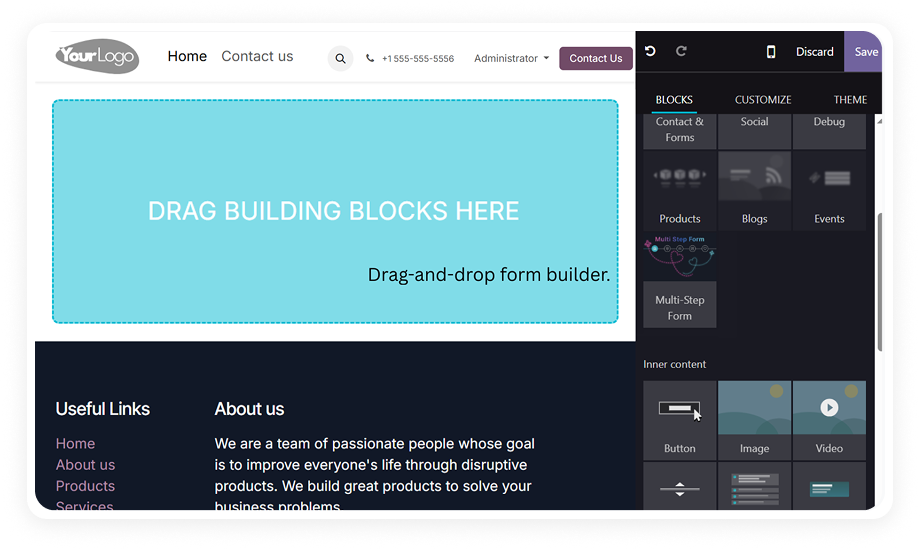
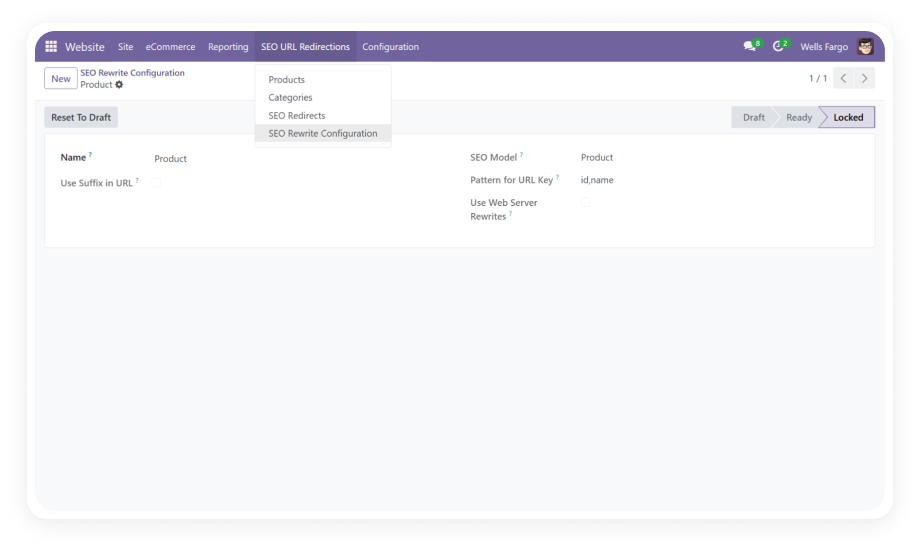
Every setting is managed through the Odoo backend UI. No template editing, no SCSS overrides, no developer intervention.
Why it matters: empowers non-technical staff to maintain branding without support tickets.