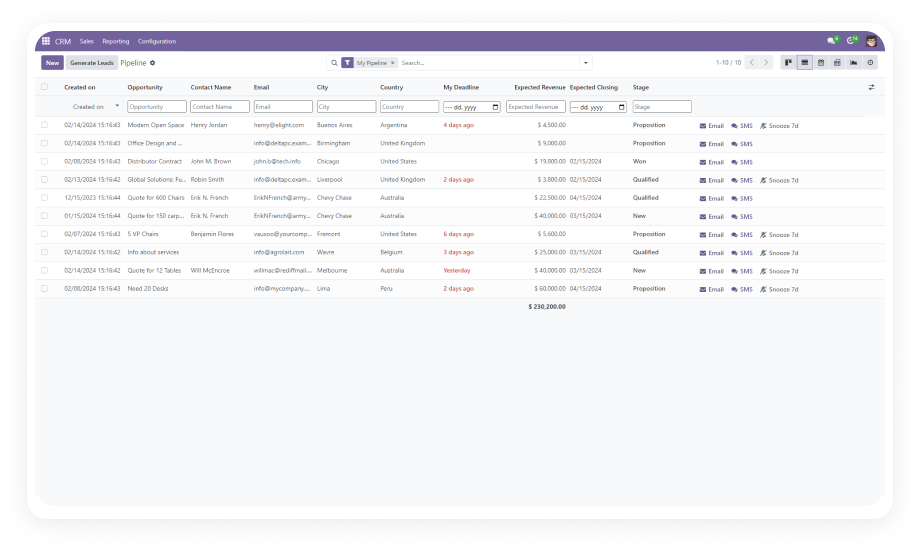
Access your most-used Odoo applications — Sales, CRM, Inventory, Invoicing, and more — from visually organized tiles on a single dashboard screen. No nested menus, no memorized paths.
Why it matters: reduces the daily click-count for reaching core tools across your organization, particularly for users who work across multiple modules throughout the day.
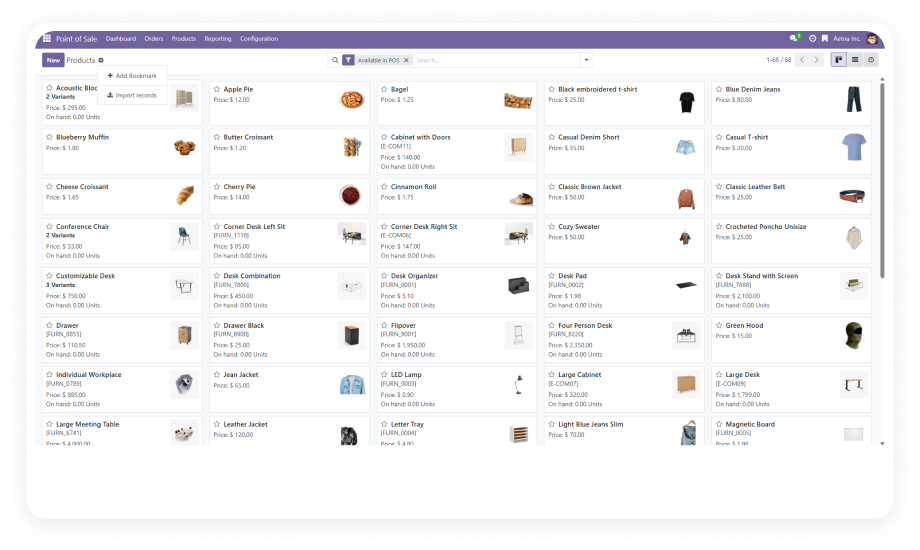
Save links to any frequently accessed internal Odoo menu or external URL. Each bookmark stores a custom name and destination, creating a personalized quick-access panel unique to each user.
Why it matters: transforms repetitive multi-click navigation into a single-click action, compounding time savings across every session for every team member.
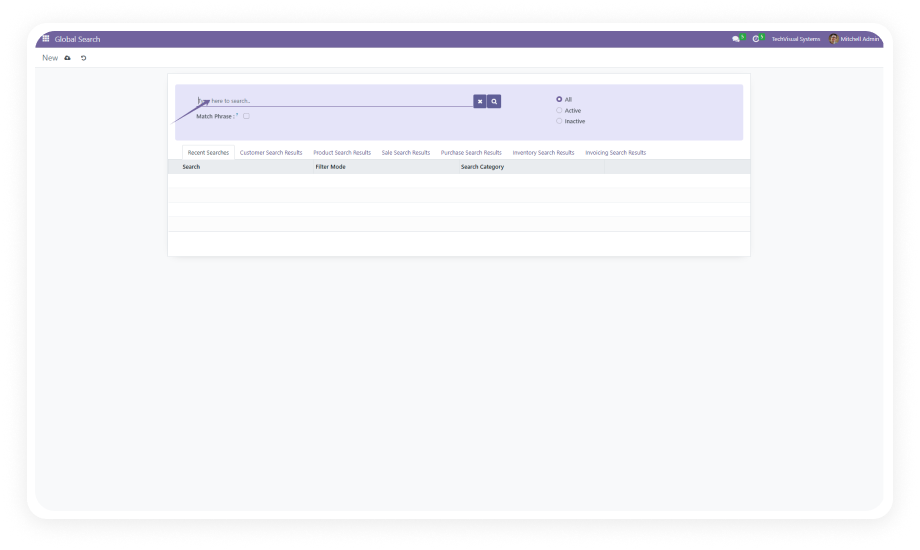
Find any saved bookmark instantly using built-in search functionality. Sort bookmarks to organize them in the order that matches your workflow.
Why it matters: as bookmark collections grow, search and sort prevent them from becoming as cluttered as the navigation problem they were created to solve.
Choose whether each bookmark opens in the current browser tab or launches in a new tab. This setting is available per bookmark, giving users precise control over their browsing behavior.
Why it matters: users working across multiple Odoo views simultaneously can open references in new tabs without losing their current context.
Administrators create and publish announcements that appear on the Main Menu dashboard for all users. Announcements are managed through Settings and display prominently when any user opens the dashboard.
Why it matters: provides a built-in company-wide communication channel directly within Odoo — ideal for system maintenance notices, policy updates, or operational reminders.
The dashboard displays the current date and time prominently upon entry, providing immediate context without requiring users to check external sources.
Why it matters: teams coordinating across time zones or tracking deadline-sensitive operations benefit from persistent time visibility integrated directly into their primary navigation screen.
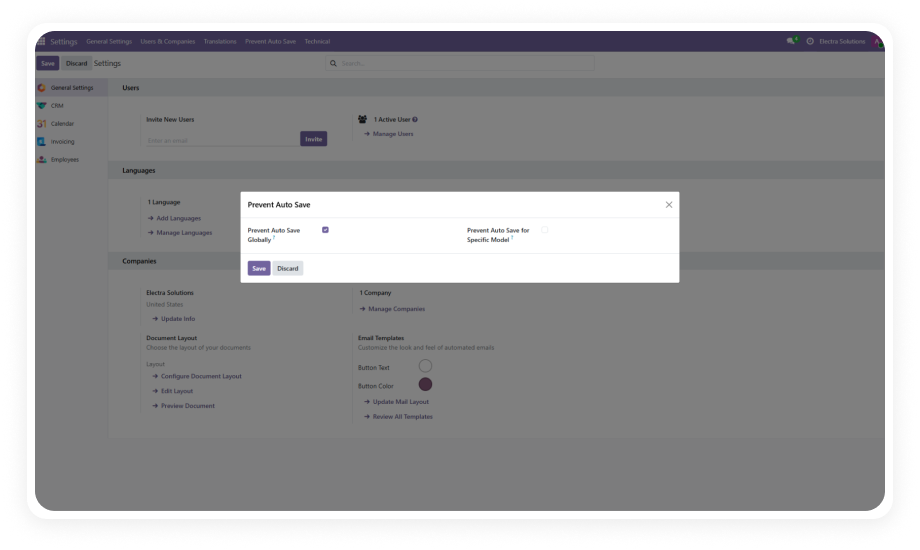
Administrators control which dashboard widgets are visible through Settings > General Settings. Enable or disable the date/time display and announcement panel based on organizational needs.
Why it matters: keeps the dashboard relevant and uncluttered by allowing admins to show only the widgets that serve their team's actual workflow requirements.