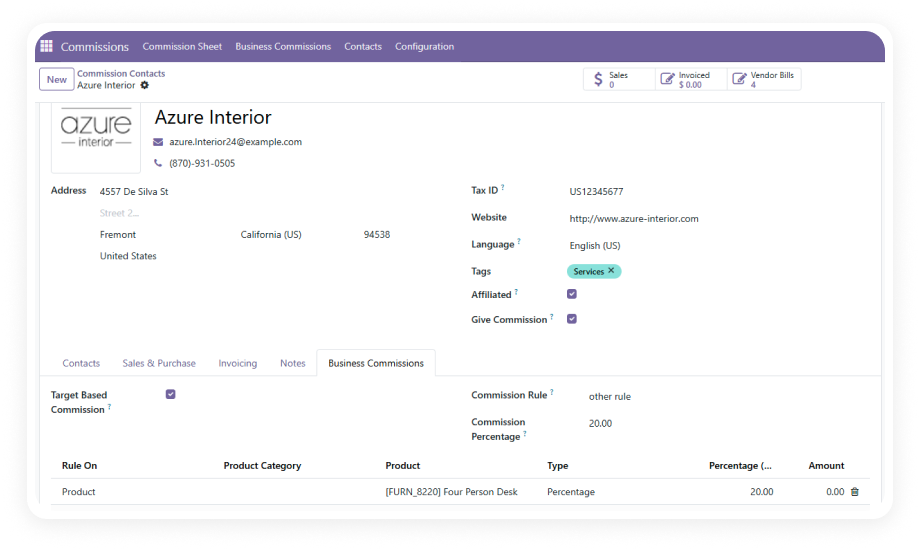
Define commission rules at multiple levels with clear priority. Contact-level rules take highest priority, followed by global rules, with base percentages serving as the final fallback.
Why it matters: every partner earns the exact commission percentage your agreement specifies, calculated automatically without manual lookups.
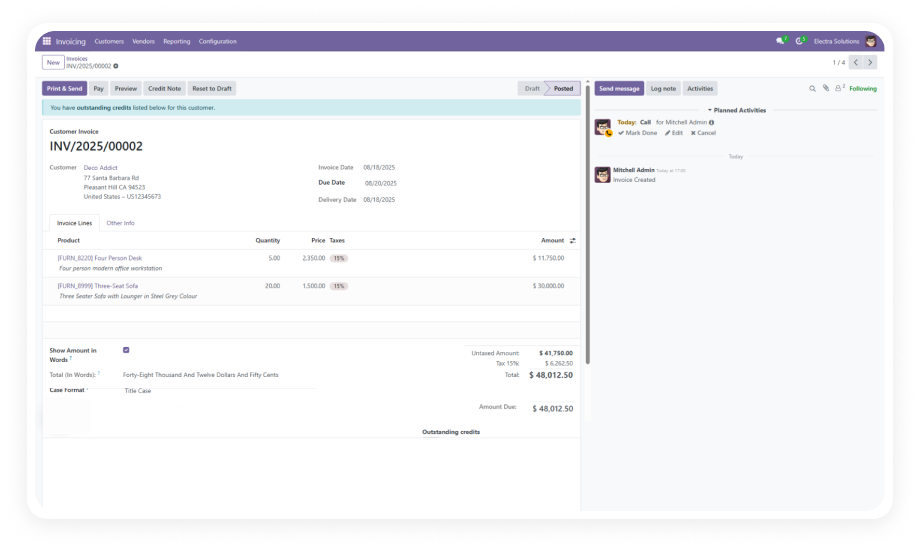
Choose when commissions are calculated: on confirmed Sales Orders, validated Invoices, or received Payments. Each mode triggers computation based on your business policy.
Why it matters: you match commission timing to your actual payout policy — whether you pay on the sale, on invoicing, or only after cash is collected.
Run commission calculations automatically when triggering events occur, or execute manual calculations on demand for specific periods, partners, or transaction batches.
Why it matters: routine commissions process hands-free while edge cases or period-end reconciliations remain under your direct control.
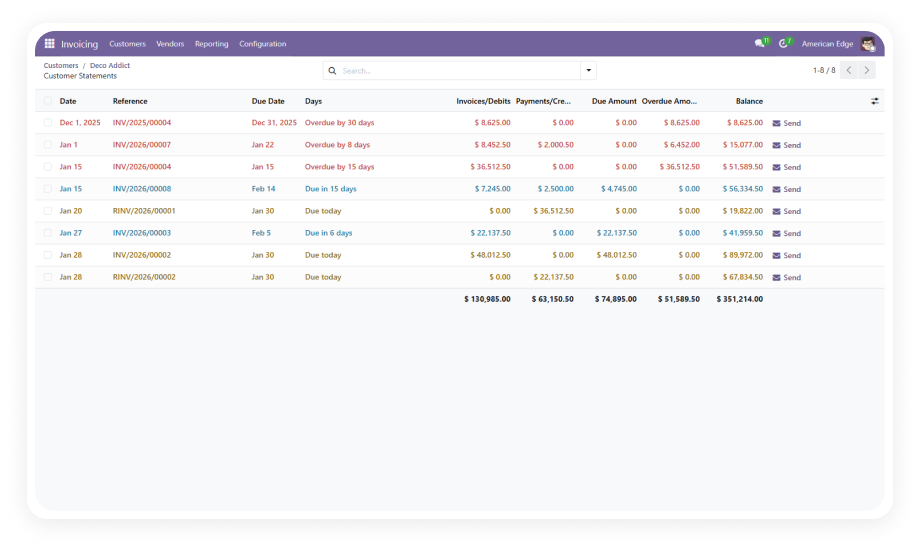
A dedicated dashboard consolidates all commission data — calculated amounts, pending payouts, generated bills, and payment statuses — in one view.
Why it matters: finance teams get instant visibility into commission obligations without assembling reports from scattered data.
Generate consolidated commission sheets that summarize what each partner has earned. From those sheets, create vendor bills directly within Odoo — no manual data entry.
Why it matters: the path from calculated commission to payable bill takes one click instead of a manual process prone to transcription errors.
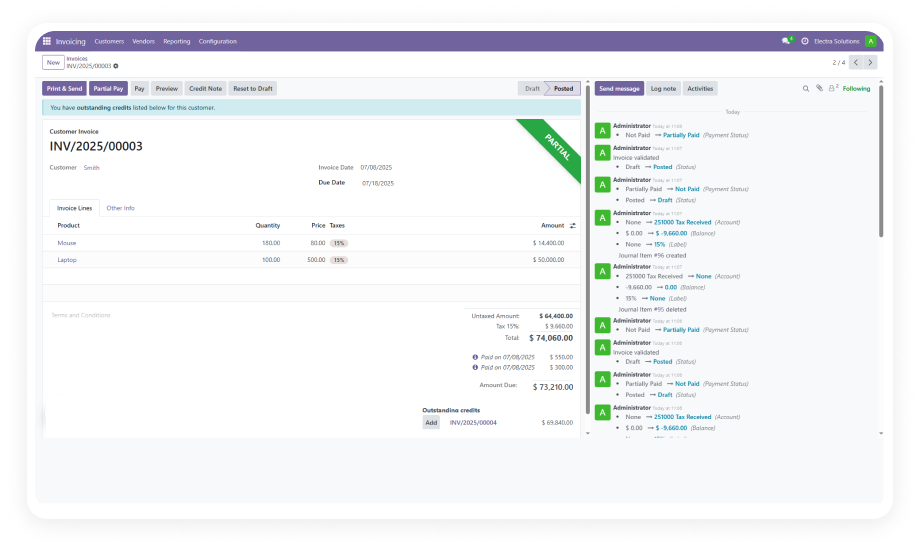
When vendor bills generated from commission sheets are paid, the system automatically updates the commission record's payment status. No manual reconciliation required.
Why it matters: your commission dashboard always reflects current reality — you know instantly which partners have been paid and which are pending.
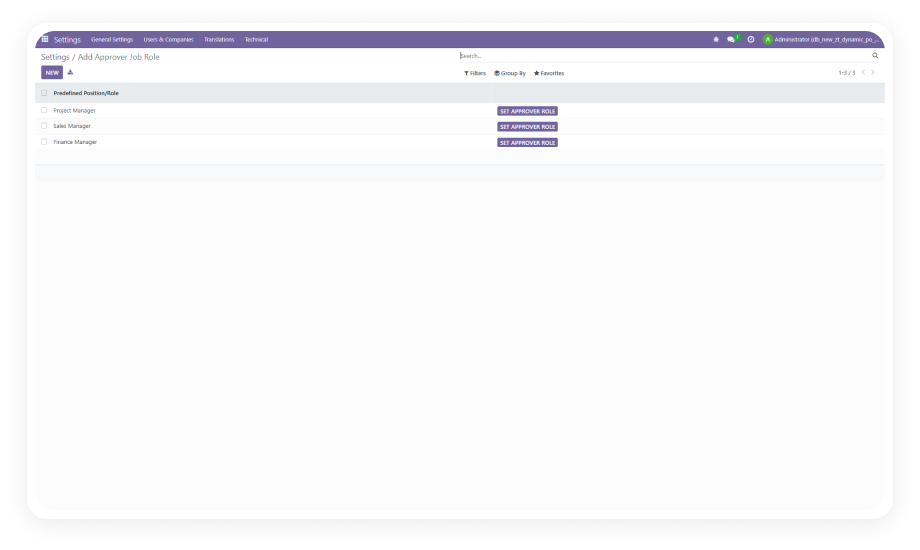
Control who can view commission data, configure rules, generate sheets, or create vendor bills. Assign permissions based on organizational roles.
Why it matters: sensitive financial data stays visible only to authorized users, maintaining confidentiality across your partner network.