Automate Payment Provider Fees in Odoo — Transparent Checkout, Zero Manual Work. Automatically apply and display payment gateway fees — Stripe, PayPal, Razorpay, Wire Transfer — at checkout so customers see exactly what they pay, and your books stay accurate.
Payment Fee Manager for Odoo automates payment gateway fee calculations and displays them transparently at checkout. No manual fee adjustments, no accounting surprises — just accurate, real-time fee handling across every payment provider.
How Payment Fee Manager Solves Checkout Confusion and Accounting Headaches
Problem
Payment Fee Manager Solution
Cart abandonment from unexpected totals
Fees displayed before payment confirmation
Manual journal entries for fee reconciliation
Automatic, clean fee line items in accounting
Same rules applied to all payment gateways
Individual fee structures per provider
Manual spreadsheet lookups for fee calculation
Automated real-time computation per provider
Configuration requires developer changes
Self-service admin panel
Typically one fee type (flat or percentage)
Percentage, fixed, or combined structures
Low customer trust from surprise charges
Upfront transparency builds confidence
Scattered data with unclear audit trail
Full traceability with detailed reports
Key Features
1
Automated Fee Computation Engine
The module calculates payment fees in real-time based on the selected payment provider and the transaction amount. No manual intervention, no formula errors, no missed charges.
Why it matters: Eliminates human error from fee calculations and ensures every transaction is correctly assessed.
2
Flexible Fee Structure Configuration
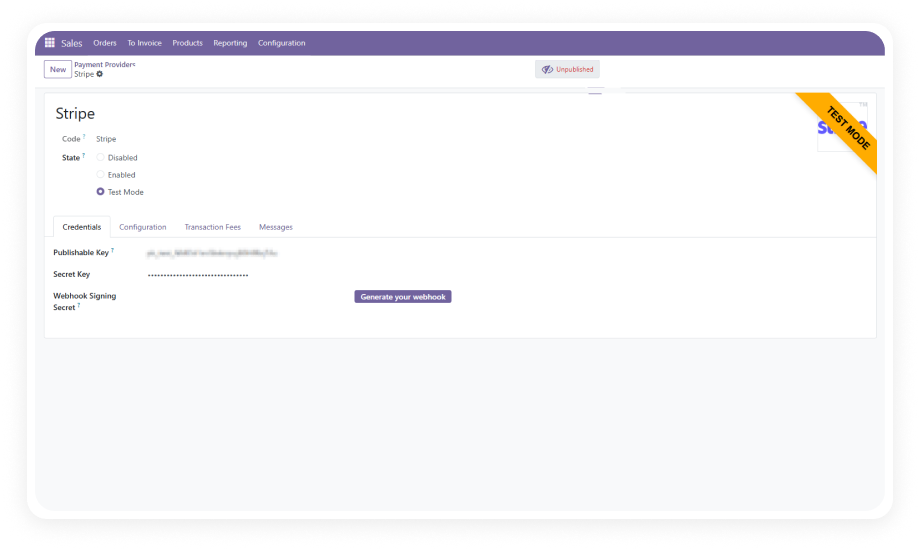
Set up percentage-based fees, fixed-amount fees, or a combination of both for each payment provider. Configure distinct rules for Stripe, PayPal, Razorpay, Wire Transfer, and any other Odoo-supported gateway.
Why it matters: Different payment providers charge differently. Flexible configuration means accurate fee pass-through for every provider.
3
Seamless E-commerce Checkout Integration
Fees appear transparently on the checkout page before the customer confirms the order. The integration works natively with Odoo's website sale module — no custom templates required.
Why it matters: Transparent pricing builds trust and reduces cart abandonment.
4
Multi-Provider Support Out of the Box
Configure and manage fees for multiple payment providers simultaneously — Stripe, PayPal, Razorpay, Wire Transfer, and more. Each provider carries its own independent fee rules.
Why it matters: Businesses rarely rely on a single payment gateway. Multi-provider support means accurate fee handling across all options.
5
Clean Accounting & Reporting
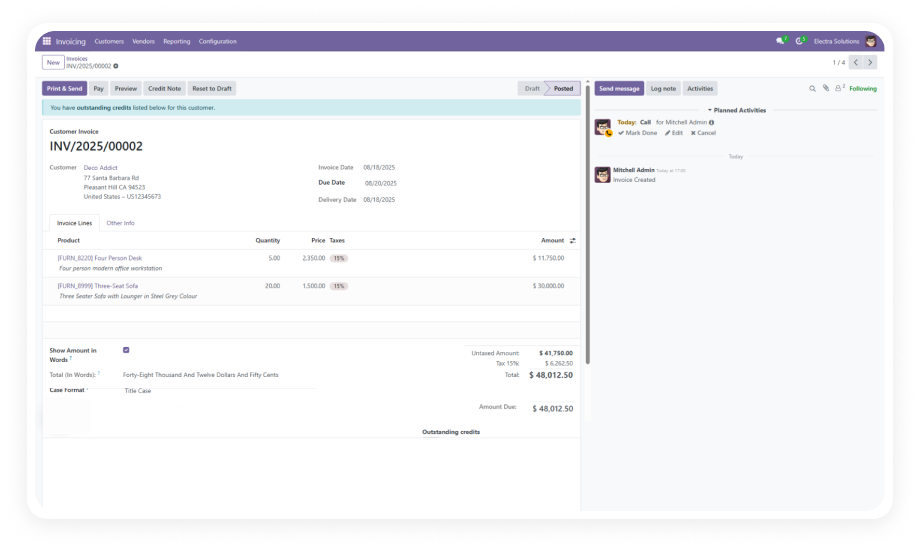
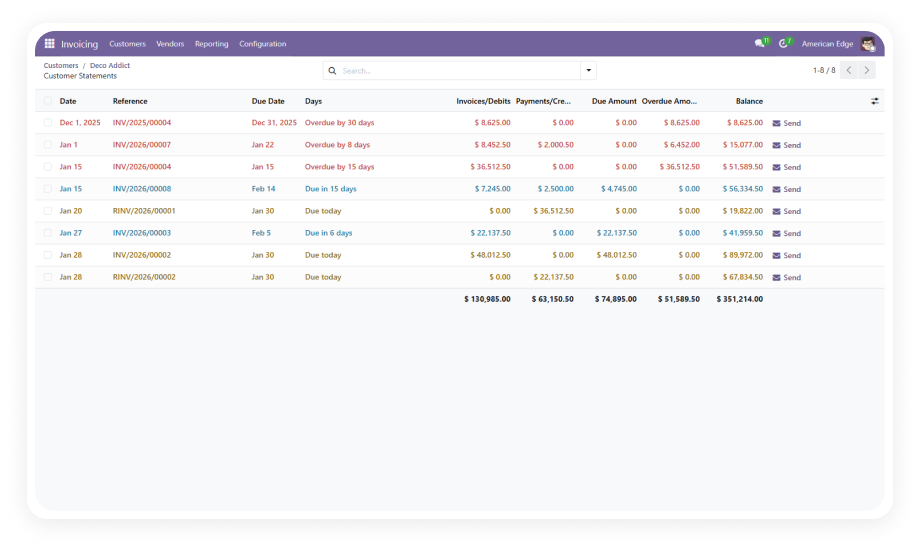
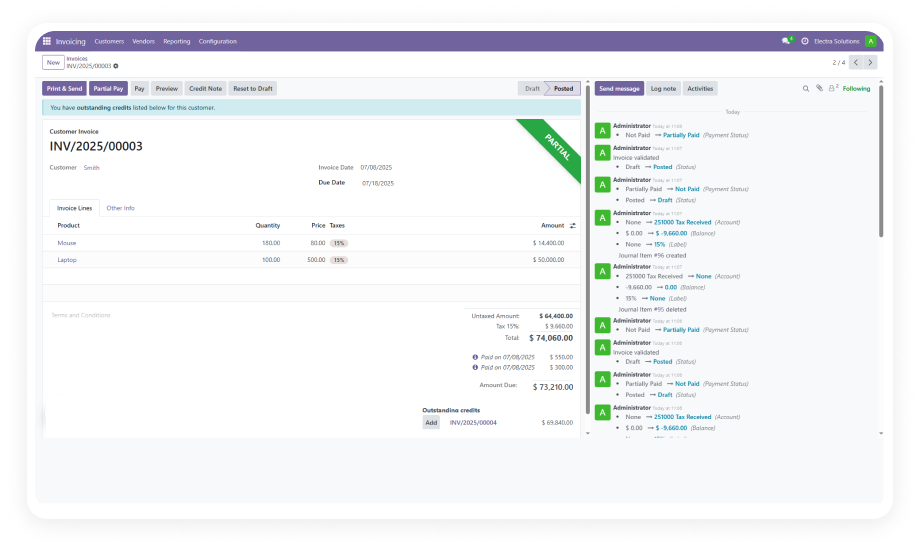
Every fee is recorded as a separate line item with full traceability. Transaction reports show fee breakdowns by provider, by period, and by amount.
Why it matters: Auditors and controllers need clear fee documentation. Clean journal entries eliminate reconciliation guesswork.
6
User-Friendly Setup Interface
The configuration panel is intuitive and requires no technical knowledge. Define fee rules in minutes, not hours. No code changes, no server restarts, no developer dependency.
Why it matters: Operational teams can update fee percentages as provider rates change without filing IT tickets.
Who Gets The Most Out Of This Module
Role
Primary Use Case
Key Outcome
Finance Director
Apply provider-specific transaction fees to invoices automatically
Accurate cost allocation without manual fee calculations per payment
eCommerce Manager
Pass payment gateway fees to customers transparently at checkout
Protected margins with clear fee disclosure on every transaction
Accounts Receivable
Reconcile payments against invoices with fees already accounted for
Clean reconciliation without post-hoc fee adjustments
Operations Manager
Configure different fee rules per payment method across multiple companies
Centralized fee governance with company-specific flexibility
CFO
Track total payment processing costs across all providers in one report
Complete visibility into transaction cost as percentage of revenue
Online Store Owner
Add convenience fees for specific payment methods like credit cards
Revenue recovery on high-cost payment channels without custom code
Versions & Documentation
Choose your Odoo version and explore interactive documentation
No development environment. No custom code. No consultant required for standard setup.
01
Install the Module
Purchase Payment Fee Manager from the Odoo App Store. Install it on your Odoo instance (Online, Odoo.sh, or On-Premise). The module integrates automatically with your existing Sales, Invoicing, and E-commerce modules.
02
Configure Fee Rules by Provider
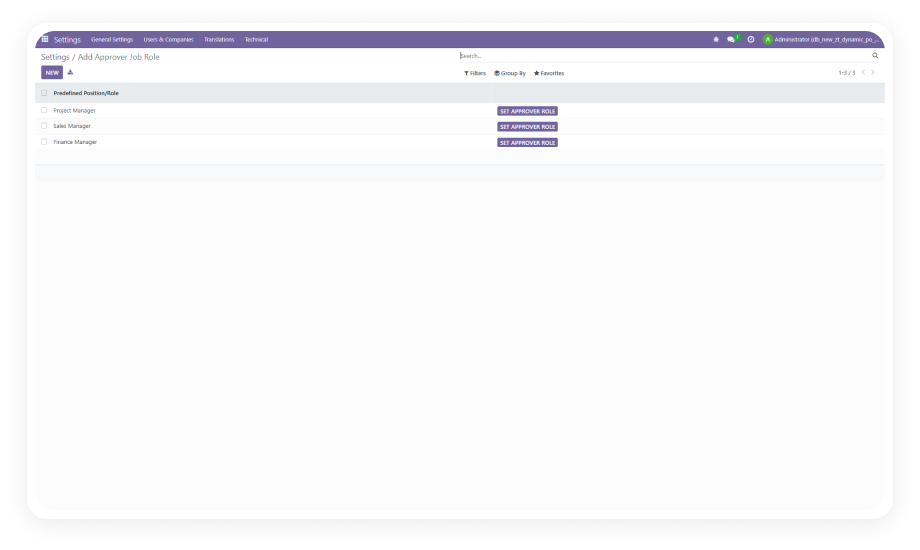
Navigate to the Payment Fee Manager configuration panel. For each payment provider (Stripe, PayPal, Razorpay, Wire Transfer), define whether the fee is percentage-based, fixed, or a combination.
03
Enable Checkout Display
Activate the fee display on your e-commerce checkout page. Customers will now see the applicable fee as a separate line item before confirming their order.
04
Monitor & Adjust
Review fee reports to track collections by provider and period. Adjust fee rules anytime from the admin panel as provider rates change — no developer needed, no downtime required.
The module supports all Odoo-integrated payment providers including Stripe, PayPal, Razorpay, and Wire Transfer. Each provider can have its own independent fee configuration — percentage-based, fixed, or combined. As you add new payment providers in Odoo, you can configure their fees in the same panel.
Yes. The fee is displayed as a transparent line item on the checkout page before the customer confirms the order. This upfront visibility reduces disputes, refund requests, and cart abandonment caused by surprise charges. The display integrates natively with Odoo's website sale module.
Absolutely. Each payment provider has its own fee rule — you can set a 2.9% fee for Stripe, a flat $1.50 for Wire Transfer, and a 3.5% + $0.30 for PayPal. Fee rules are fully independent, so changing one provider's configuration has no effect on others.
Yes. Fees are automatically recorded as separate accounting entries with full traceability. Journal entries are created cleanly, so your reconciliation process remains straightforward. Finance teams can generate reports showing fee breakdowns by provider, amount, and time period.
Payment Fee Manager is a one-time purchase at $99.56. There are no recurring fees or subscriptions. Lifetime updates are included with your purchase for the supported Odoo versions. If you need customization or implementation support, Zehntech's team is available at odoo-support@zehntech.com.
Explore More Finance & Accounting Apps by Zehntech
One-Time Purchase. No Subscription. No Recurring Fees.
Get Payment Fee Manager for Odoo today and automate payment gateway fee handling across your entire checkout and accounting workflow. $99.56 — Lifetime Access | All Supported Versions | Free Updates