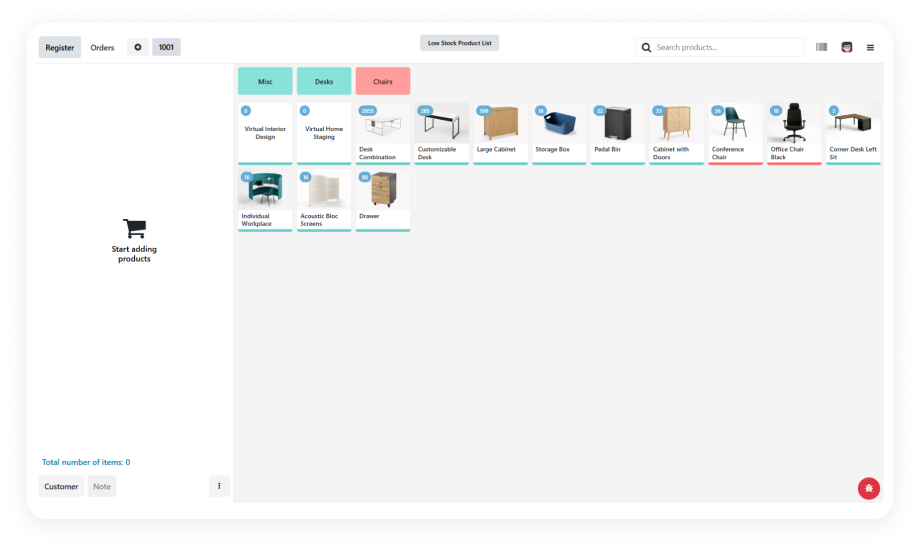
Live inventory quantities appear directly on each product card in the POS interface. Cashiers see exactly how many units are available without navigating away from the sales screen or consulting another system.
Why it matters: Cashiers make informed decisions instantly. No tab-switching, no calling the stockroom, no guessing — just accurate counts visible at the moment of sale.
Choose between displaying on-hand quantity (physical stock in the warehouse) or available quantity (on-hand minus reserved/committed stock). Configure the mode that matches your fulfillment workflow.
Why it matters: The right mode prevents promise-what-you-can't-deliver scenarios for both dedicated retail stock and shared warehouse operations.
Set minimum stock thresholds per product or globally. When inventory drops below the configured level, the product tile is visually highlighted — giving cashiers and managers an instant heads-up before stockout occurs.
Why it matters: Proactive awareness beats reactive discovery. Staff can alert purchasing, suggest alternatives, or prioritize restocking before the shelf is empty and sales are lost.
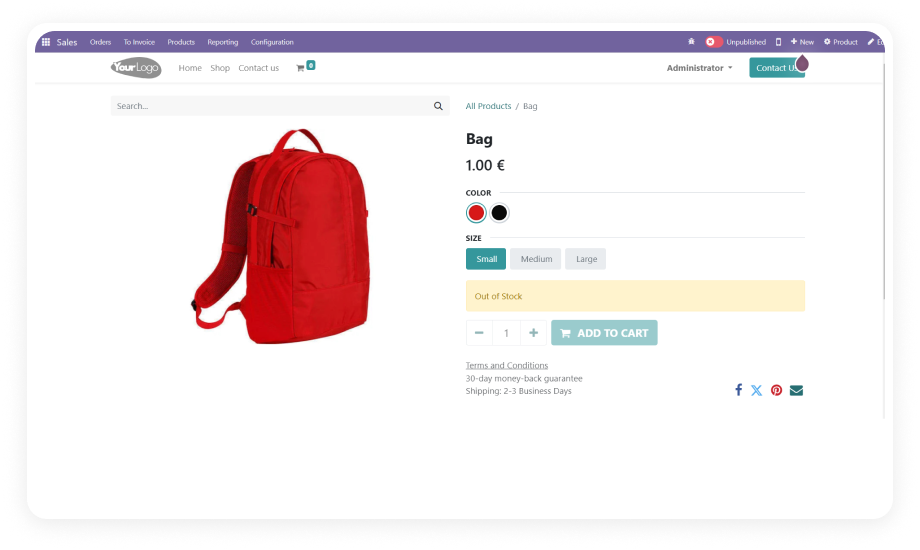
When a product hits zero stock, the module blocks the sale and displays a clear alert message. This prevents negative inventory, avoids fulfillment failures, and stops orders that can't be completed.
Why it matters: A single oversold order costs more than the sale itself — refund processing, customer service time, reputation damage. Blocking at the source eliminates the entire chain.
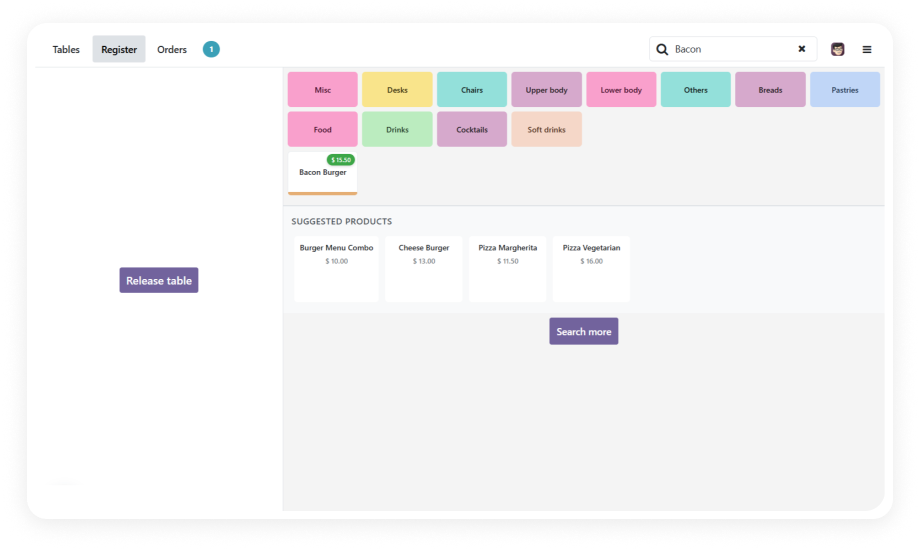
Optionally remove out-of-stock items from the POS product grid entirely. Cashiers only see sellable products, reducing visual clutter and eliminating the chance of accidentally selecting unavailable items.
Why it matters: A cleaner interface means faster service. Cashiers don't waste time scrolling past products they can't sell.
Generate centralized reports listing all products below their configured low-stock threshold. Export in PDF for quick review or CSV for further analysis in spreadsheets or purchasing systems.
Why it matters: Store managers and procurement teams need actionable data, not dashboard exploration. One-click exportable reports accelerate reorder decisions.