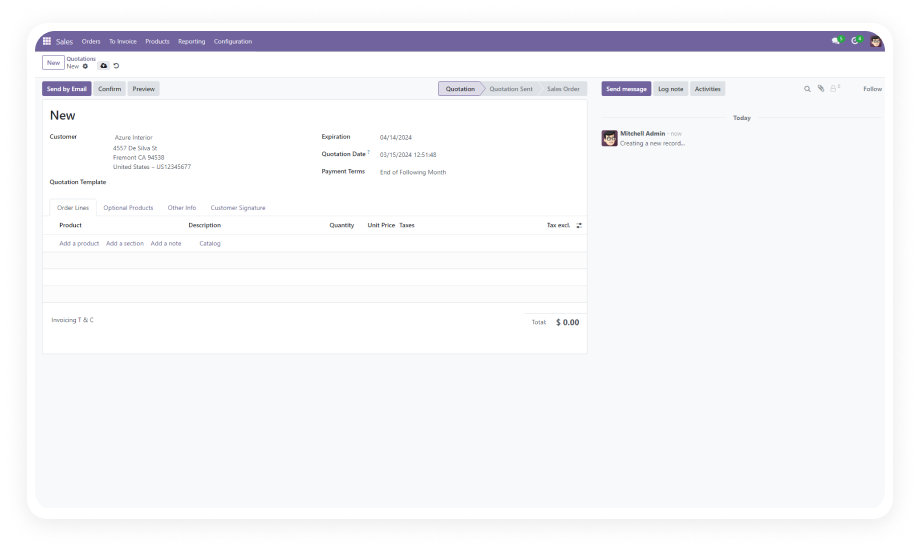
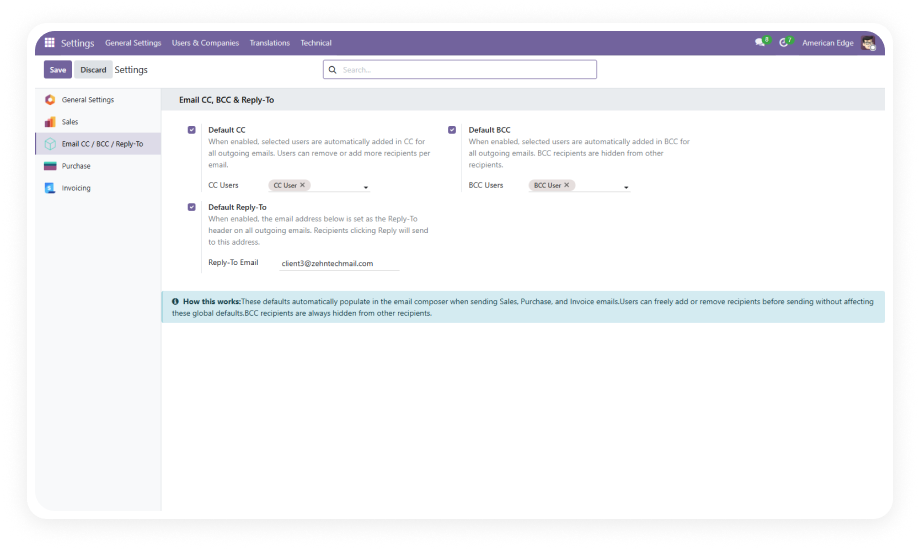
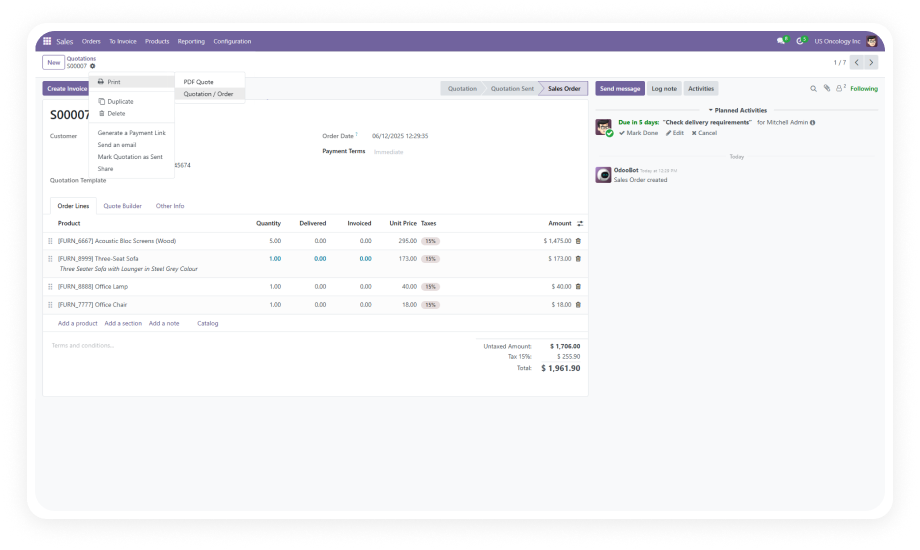
Configure your standard sales terms and conditions in the Odoo Settings panel. Every new Sales Order created by any user automatically inherits these terms without manual input.
Why it matters: sales teams move fast — this ensures legal coverage keeps pace with deal velocity without adding friction.
Set your standard purchasing terms and conditions from the same centralized settings page. All new Purchase Orders carry your configured language by default.
Why it matters: vendor agreements depend on consistent contractual language — inconsistent terms create procurement risk.
Define default terms for all Customer Invoices through the settings configuration. Every new invoice reflects your approved payment and billing language.
Why it matters: invoices without explicit terms weaken your position in payment disputes.
All three document types — Sales Orders, Purchase Orders, and Invoices — are configured from one unified settings area. No scattered configuration across multiple menus.
Why it matters: centralized control means one person can manage the organization's entire terms landscape.
When you modify the default terms in settings, all subsequently created documents inherit the updated language. No migration step, no manual refresh.
Why it matters: legal language evolves — contract updates need to flow immediately into operational documents.
The entire configuration is accessible through the standard Odoo Settings interface with plain text fields. No coding, no XML editing, no developer mode required.
Why it matters: legal and operations teams should own their terms content directly — this removes IT dependency.
While default terms auto-populate on new documents, users retain the ability to edit terms on individual records when exceptions are needed.
Why it matters: not every transaction follows the standard template — flexibility without losing the safety net of defaults.
Sales terms, purchasing terms, and invoice terms are configured independently — each document type can carry completely different language.
Why it matters: your sales terms, purchasing terms, and invoice terms serve different legal purposes and should never be identical.