






Automate Marketing Initiatives with Salesforce Marketing Cloud Learn More

Exemplary Communication is an Important Key To Making Remote Working More Effective

In this coronavirus situation when we are all forced shut in our houses, remote working is something that has come as a great backup plan in keeping the operations going. While not every industry has been able to achieve this, the IT industries have been able to pull it off well and they are coming as a great support to the falling economy in this crisis.

However, remote working comes with its own challenges. There are connectivity issues, network glitches, and a lot more. But there are also several tools that you could use to overcome these issues. We have discussed them in an earlier blog and also described how they could be of help. However, just the tools will not serve your purpose. The essence lies in the management of the work and the team. And to make sure that this is effective all you need to do is make sure of effective and exemplary communications with your team because that is what the key is.

Tips for Making Communications More Effective for Your Remote Team

Make Sure of Better Connections and Connectivity

Effective communication is very important when you are managing a remote team. This is how all the work flows. You need to take daily standups, team meeting, and delegate the works and operations, and all this takes place through calls. And there are often some issues with the connections in the calls. So, you need to be more responsible with the communications for them to stay effective. You could do this with help of installing better connections for higher connectivity.

Make Time for Small Talks to Improve Personal Communications

Another important thing about communications is that you need to keep a personal touch with them as well. When you work in an office, you keep meeting your colleagues and along with the work you do take time for personal communications. But when you are working remotely, this is hardly possible. Usually, all you do is do your meetings, delegate the work, and talk just important stuff. And this is fine when you are running on tight deadlines and have some really important works to finish off. But there is also a need to build a rapport with your team. So, you must take time for small talks with your team and make an effort to know your team members as a person. This will help building strong relations with your colleagues and your colleagues will feel more connected to you. This will also make them more confident in approaching you with any problems they have and they will also be comfortable in sharing their ideas and suggestions with you. This will help in making your team performance more effective.

Engage in Video Calls

You must engage in video calls more often. Verbal and written communications do not let gauge through the visual expressions of the person which can give you an essential insight into what the person is thinking. So, any way that could offer you that visual communication will be really helpful in enhancing the quality of your communications. So, it is good that you more often switch to video calls with your team. Also, you can use various emoticons and relevant GIFs to communicate your expressions and feeling over the written means of communication.

A place for big ideas.

Reimagine organizational performance while delivering a delightful experience through optimized operations.

Have One on One Meetings at Regular Intervals

One on ones could also be very helpful. As a manager, you have to work with a number of people and you need to make sure of their comfort in their working. So, it will be good that you more often engage in one on one meeting with every member of your team so that you can discuss with them their concerns and problems and make their working experiences better and ensure of a good performance.

You need to remember that effective communication is the key for having the proper management of your remote team and make sure that the operations are working well. So, make sure of that with different tools, and other means such as video calls, small talks, more one on one meetings while also making sure that you never miss on any such meetings and communications.

We, at Zehntech have also been working remotely with all these communication tips in our attempt to contribute positively during this crisis that the pandemic has caused, and all these have helped us manage our work and operations well. The situation is bad, but together we can all make through it. As IT companies, there is a big onus and responsibility upon us to help in a positive manner and support the economy because when everyone is shut in their houses, we as IT companies can still work and carry on our operations. So, let us take this onus and work in a more effective and productive way with proper communication strategies and other important things for good performance in remote working.

Top Stories

The Complete Guide to Odoo in 2026
The Complete Guide to Odoo in 2026: Implementation, Customisation, Integration, Migration and Cost
What Odoo actually is Odoo is a suite of business applications built on a shared database — CRM, sales, inventory, manufacturing, accounting, HR, website, point of sale, and several dozen more. The applications are modular. You switch on the ones you need and leave the rest off. The architectural point
How to Connect WooCommerce to Odoo
How to Connect WooCommerce to Odoo — Complete Setup Guide
Connecting WooCommerce to Odoo does not require a developer, a middleware tool, or weeks of implementation. The Zehntech Odoo WooCommerce Connector gives you real-time bi-directional sync between your WooCommerce store and your Odoo backend — set up in under 15 minutes. This guide is for Odoo administrators, eCommerce operations managers,
How to Connect Odoo to ShipStation — Step by Step Setup Guide
How to Connect Odoo to ShipStation A Step-by-Step Setup Guide
This guide walks you through connecting Odoo to ShipStation using the Zehntech Odoo ShipStation Connector — from generating your API credentials in ShipStation to your first automated order push and tracking import. Most setups take under 10 minutes. Prerequisites Before you begin: Odoo version: v17, v18 or v19 (Online, Odoo.sh
AI Agents Are Transforming Odoo ERP Operations in 2026
How AI Agents Are Transforming Odoo ERP Operations in 2026
Most ERP systems already hold the information needed to make better decisions. The problem is the work between the data and the decision: opening several modules, filtering records, exporting spreadsheets, comparing numbers and then updating Odoo manually. AI agents are beginning to remove that gap. Unlike a chatbot that only
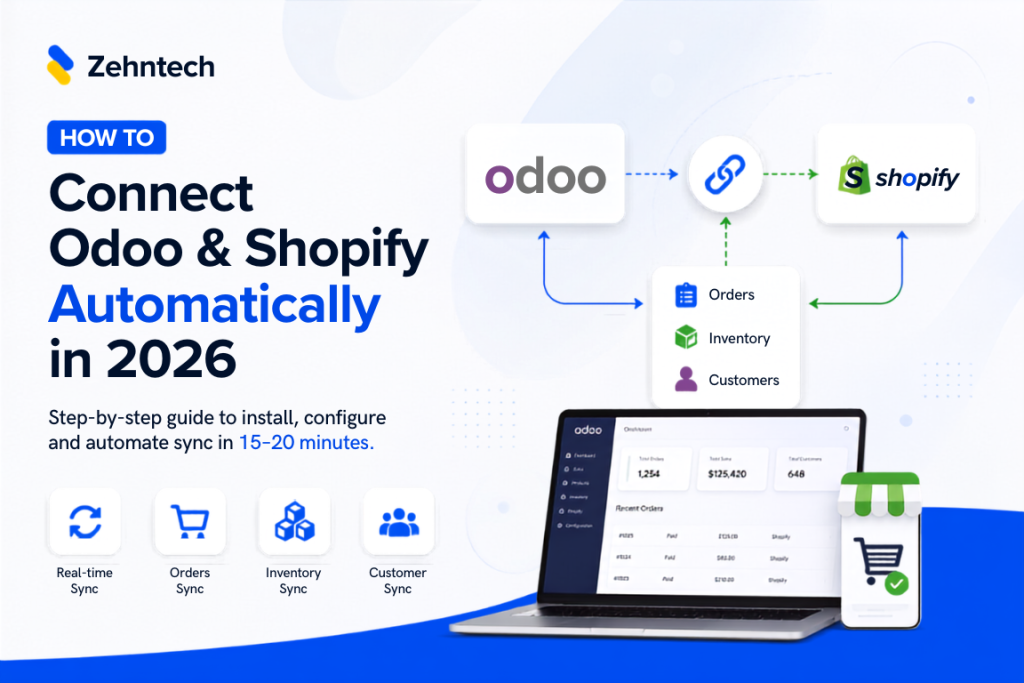
Connect Odoo & Shopify Automatically in 2026
How to Connect Odoo and Shopify Automatically (2026 Guide)
If you're running Shopify for your storefront and Odoo for everything behind it — inventory, accounting, fulfillment — you already know the two don't talk to each other out of the box. This guide walks through exactly how to connect them so orders, stock, and customer data sync automatically, with
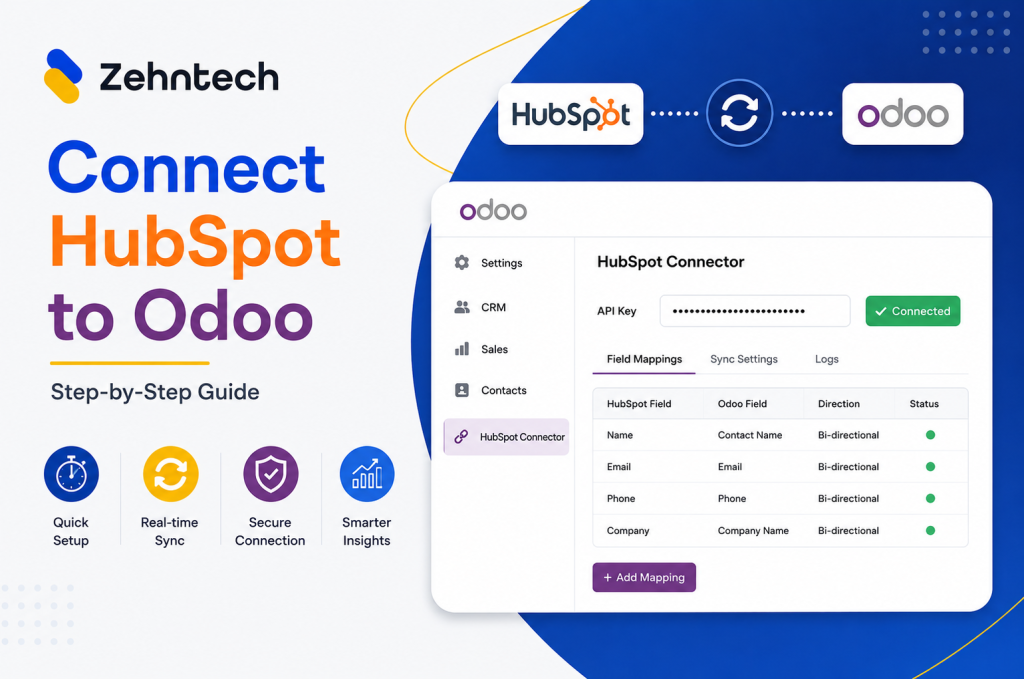
Odoo Hubspot Connector
How to connect hubSpot to odoo a step-by-step setup guide
This guide walks you through connecting HubSpot to Odoo using the Zehntech Odoo HubSpot Connector from generating your API key in HubSpot to your first live sync. Most teams complete this in under 10 minutes. Prerequisites Before you begin: Odoo version: v16, v17, v18 or v19 (Online, Odoo.sh or On-Premise)

          Success!!

          Keep an eye on your inbox for the PDF, it's on its way!

          If you don't see it in your inbox, don't forget to give your junk folder a quick peek. Just in case.


              You have successfully subscribed to the newsletter

              There was an error while trying to send your request. Please try again.

              Zehntech will use the information you provide on this form to be in touch with you and to provide updates and marketing.