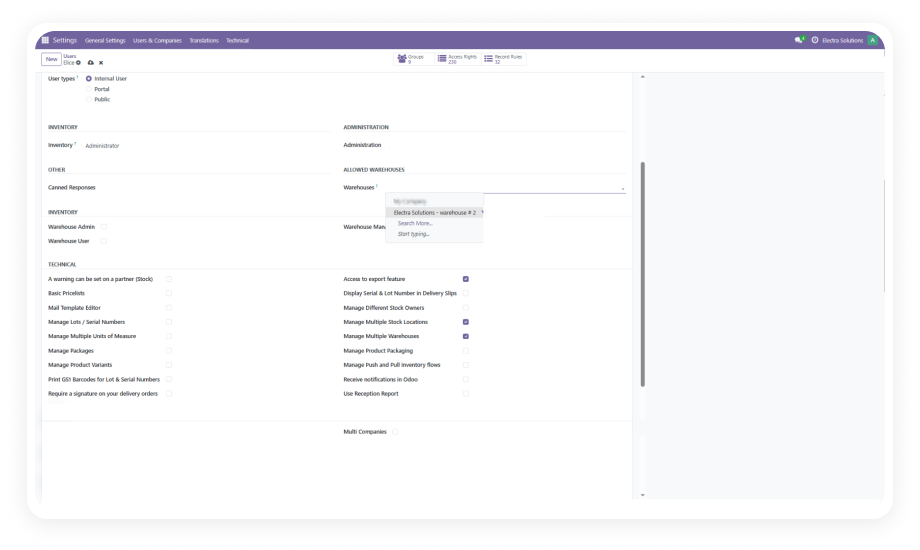
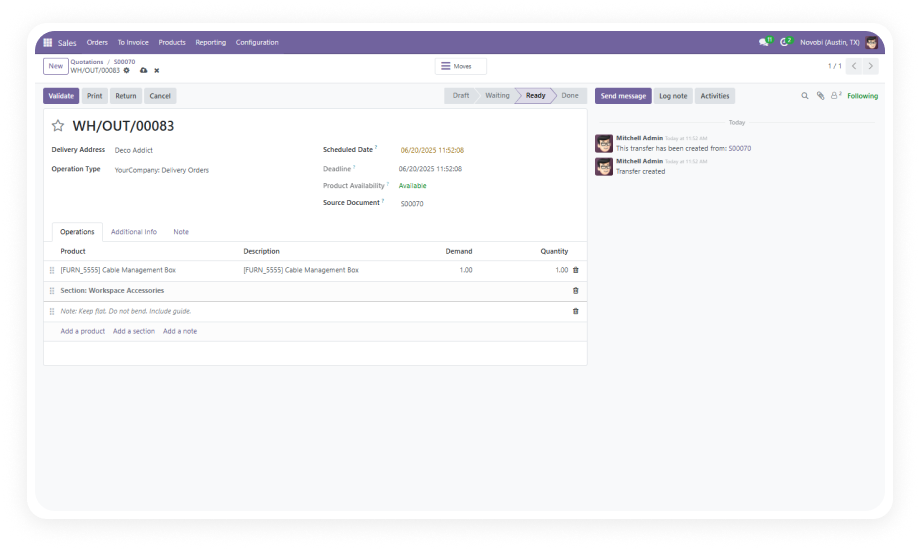
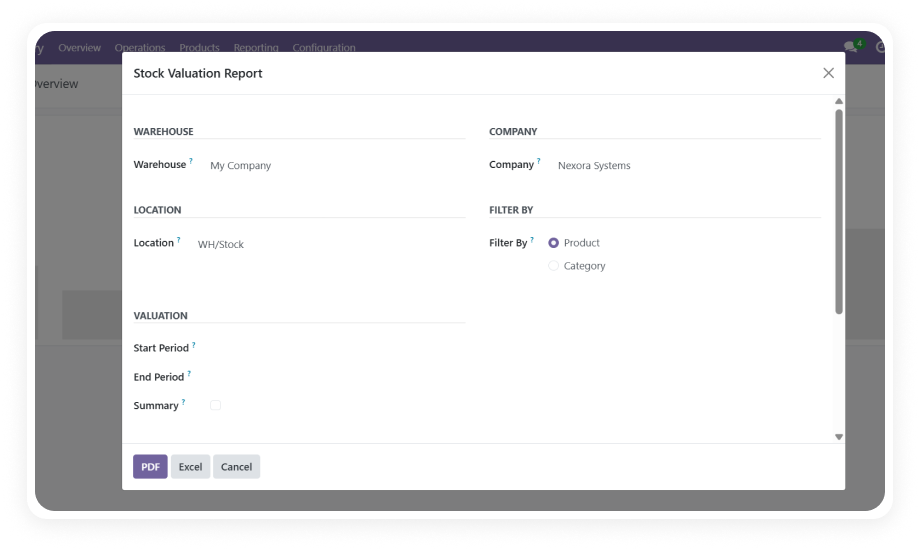
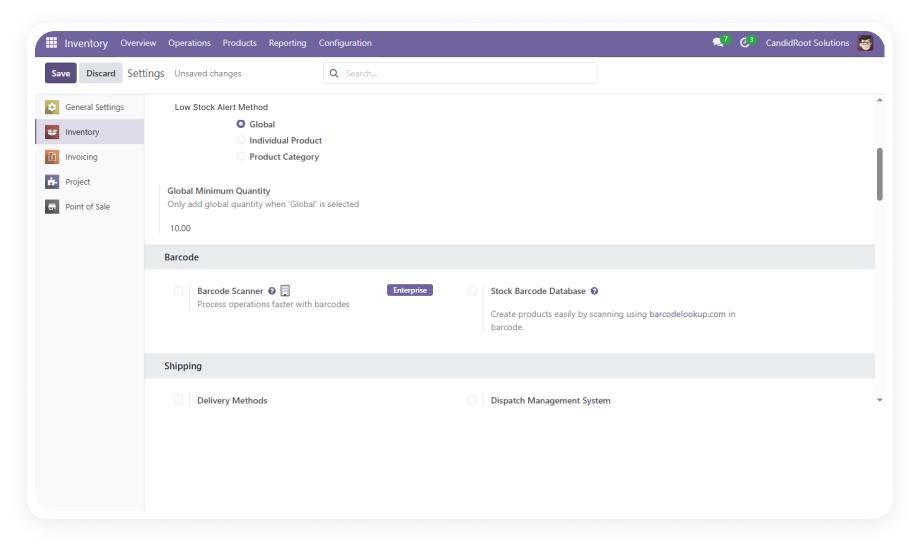
Assign one or multiple specific warehouses to each Odoo user directly from their user profile. Only assigned warehouses appear in dropdown selections and inventory views.
Why it matters: Eliminates accidental access to unauthorized warehouse data and ensures users only see operations relevant to their assigned facilities.
Define warehouse access at the user group level, enabling administrators to manage permissions for entire departments or teams simultaneously rather than configuring each user individually.
Why it matters: Reduces administrative overhead during onboarding or team restructuring — assign a group and permissions cascade automatically.
Modify, add, or revoke warehouse permissions instantly through a user-friendly interface. Changes take effect immediately without requiring system restarts or cache clearing.
Why it matters: Supports agile operations where temporary access for seasonal workers, cross-training, or emergency coverage must be granted and revoked quickly.
When users attempt to access a restricted warehouse, the system displays a clear, informative error notification explaining the restriction — rather than silently hiding data or crashing.
Why it matters: Provides transparency about access boundaries, reducing support tickets and confusion while maintaining security enforcement.
Every modification to warehouse permissions — assignments, revocations, and changes — is recorded with timestamps, user details, and action descriptions for full traceability.
Why it matters: Meets compliance and audit requirements with documented proof of access control changes, essential for regulated industries and ISO certifications.
Engineered to handle large-scale operations with up to 1,000 users and warehouses without degrading system performance or introducing latency in inventory operations.
Why it matters: Enterprise organizations with complex multi-warehouse networks can implement access controls without sacrificing Odoo's responsiveness.