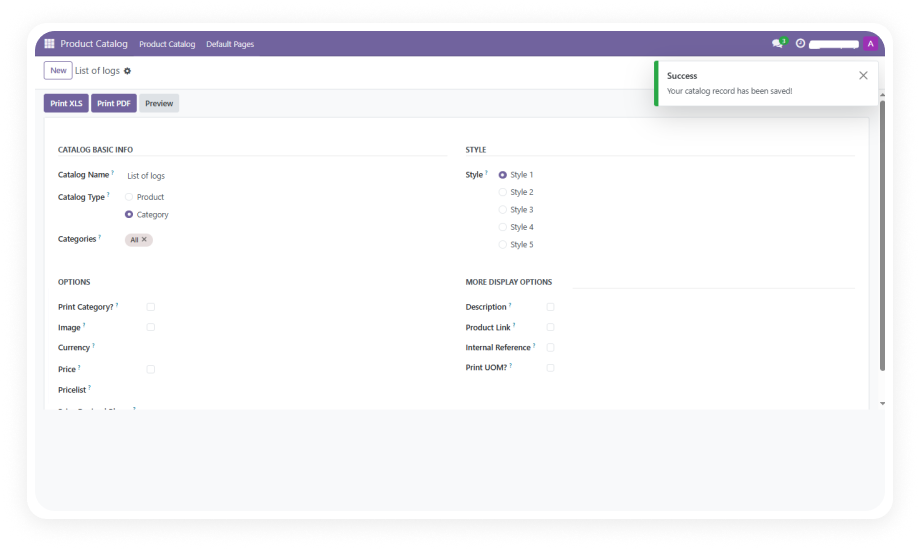
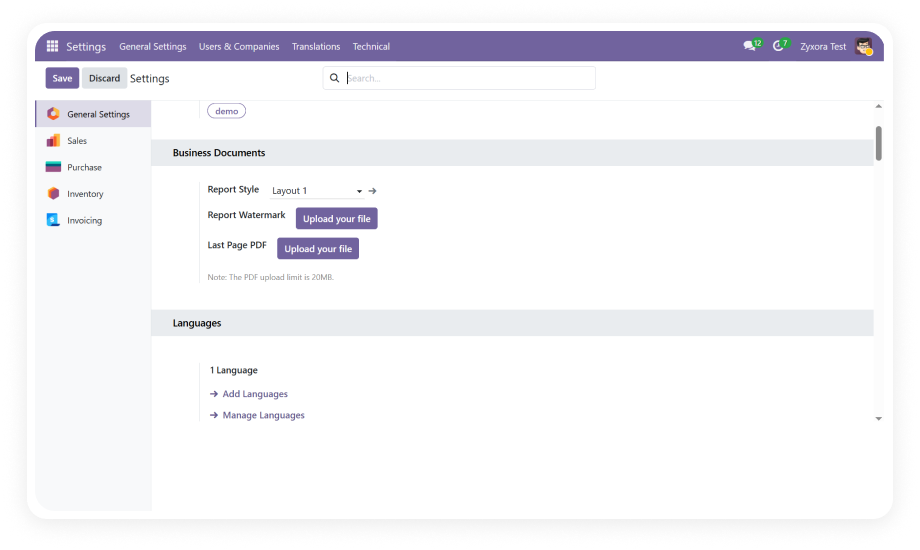
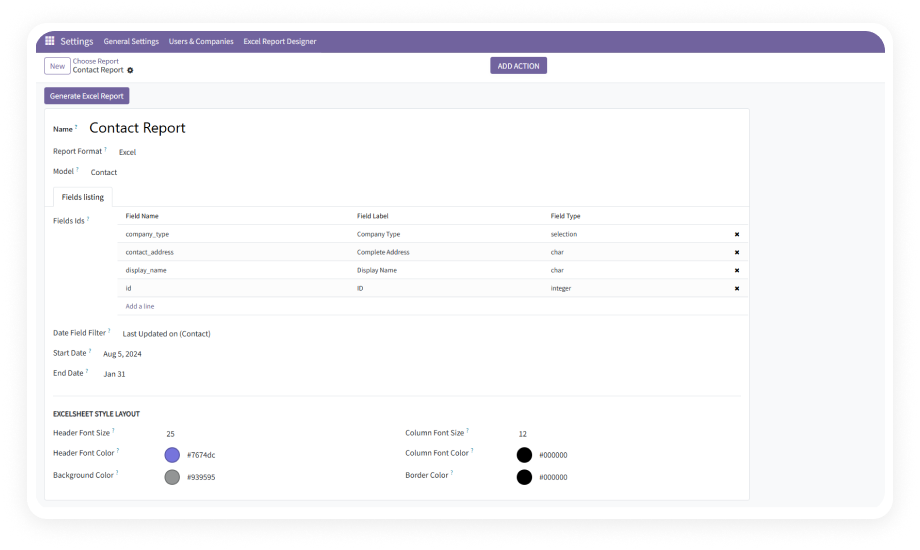
Create custom label templates through a section-based visual interface. Add multiple sections to a label, define their layout, and arrange product fields, barcodes, and text elements without writing code.
Why it matters: business users design labels independently, eliminating the development queue and reducing time-to-print from days to minutes.
Generate barcodes directly on labels with support for multiple barcode styles. Place barcodes precisely within label sections and configure their size and positioning through the template settings.
Why it matters: every product label includes a scannable barcode for inventory tracking, POS scanning, and logistics without separate barcode printing software.
Pull any product field — name, internal reference, price, weight, description, category, or custom fields — directly onto labels. Fields populate dynamically from live product data at print time.
Why it matters: labels always display current, accurate product information without manual data entry or outdated static text.
Labels display prices that respect Odoo pricelist rules, ensuring the correct price appears based on the selected pricelist. Switch between pricelists for different label runs — retail, wholesale, promotional.
Why it matters: retail operations maintain pricing accuracy across stores, promotions, and customer segments without manually adjusting prices on each label batch.
Select multiple products and define individual quantities for each, then generate all labels in a single print operation. Handle large label runs efficiently across product catalogs of any size.
Why it matters: warehouse relabeling, new product launches, and seasonal pricing updates affecting hundreds of SKUs are completed in one operation instead of product-by-product.
Specify starting positions on a label sheet to skip already-used positions. Print only on remaining blank positions of a partially consumed label sheet.
Why it matters: eliminates sheet waste when printing small batches, ensuring every position on expensive label stock is used before moving to a new sheet.
Define label page size, margins, padding, section width, section height, and inter-label spacing. Match any physical label stock your organization uses — from small price tags to full shipping labels.
Why it matters: the module adapts to your label stock rather than forcing you to buy specific formats, supporting any printer and any label sheet dimension.
Customize each label section independently with font type, font size, font color, background color, border style, border width, and text alignment. Create visually distinct zones within a single label.
Why it matters: professional-looking labels with clear visual hierarchy — bold product names, highlighted prices, and separated barcode zones — achieved without graphic design tools.
Preview the complete label layout with actual product data before printing. See exactly how text, barcodes, and formatting will appear on the physical label.
Why it matters: the preview-first approach eliminates wasted print runs caused by layout errors, misaligned fields, or truncated text — saving time and label stock.
Save configured label templates and apply them across different product selections and print runs. Maintain a library of templates for different use cases — shelf labels, shipping tags, inventory stickers, promotional price cards.
Why it matters: consistent label output across your organization with zero reconfiguration effort, and new team members produce correctly formatted labels immediately using existing templates.