Map the Gantt to any standard or custom model using the configuration interface — no code, no XML editing.
Why it matters: Your planning tool works on the models you actually use, not just the ones Odoo ships with.
Draw new tasks by dragging across the timeline; move existing records by dragging the bar. Odoo updates the record automatically.
Why it matters: Rescheduling takes seconds instead of a sequence of form edits.
Switch planning horizons instantly — daily ops to annual roadmap, same dataset, same module.
Why it matters: One module covers sprint planning and annual roadmap reviews without a separate tool for each.
Expand to full screen for focused scheduling sessions with large teams or complex timelines.
Why it matters: Enterprise scheduling needs visual space — full-screen delivers it without additional tooling.
Group by team, project, stage, or any Odoo field; stack levels, apply filters, save as favorites.
Why it matters: Every team lead sees the slice of the schedule that matters to them, without a separate dashboard.
Click a record bar to edit fields, dates, and assignments without leaving the Gantt view.
Why it matters: Updates happen where planning happens — reducing the friction of keeping the schedule current.
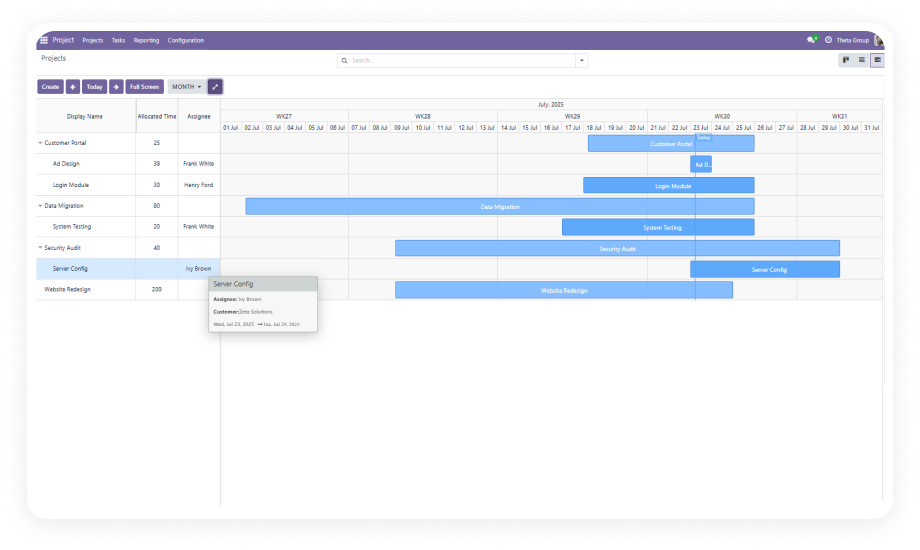
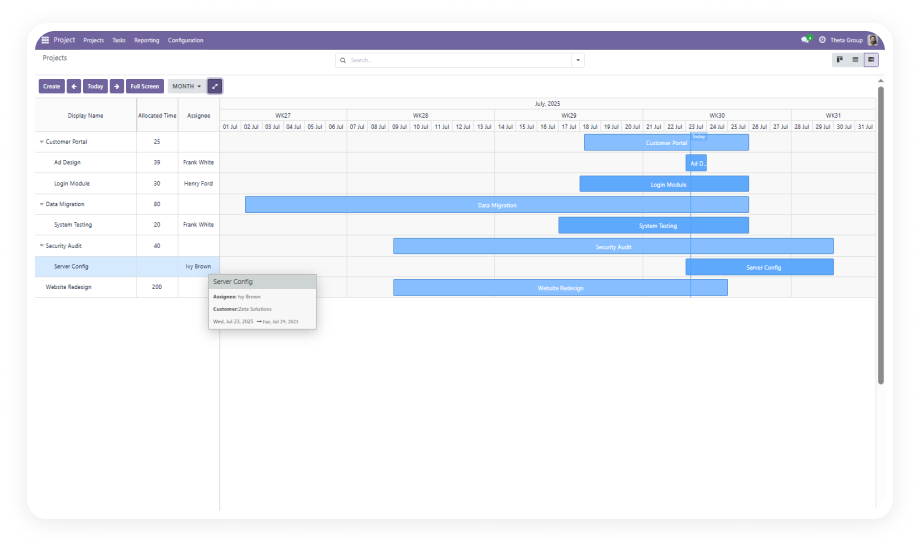
Structure subtasks under parent tasks; collapse to summary or expand to full detail directly on the timeline.
Why it matters: Complex project plans stay readable at any level — collapse for the overview, expand for the breakdown.
Assign one of seven colors to categories, teams, or priorities — turns a dense timeline into a scannable view.
Why it matters: A 50-task timeline without color differentiation is a wall of bars. Color makes it readable.
Non-working days shade automatically from your Odoo company calendar. Schedules reflect working time, not raw calendar days.
Why it matters: Plans that ignore non-working days are wrong before they start.
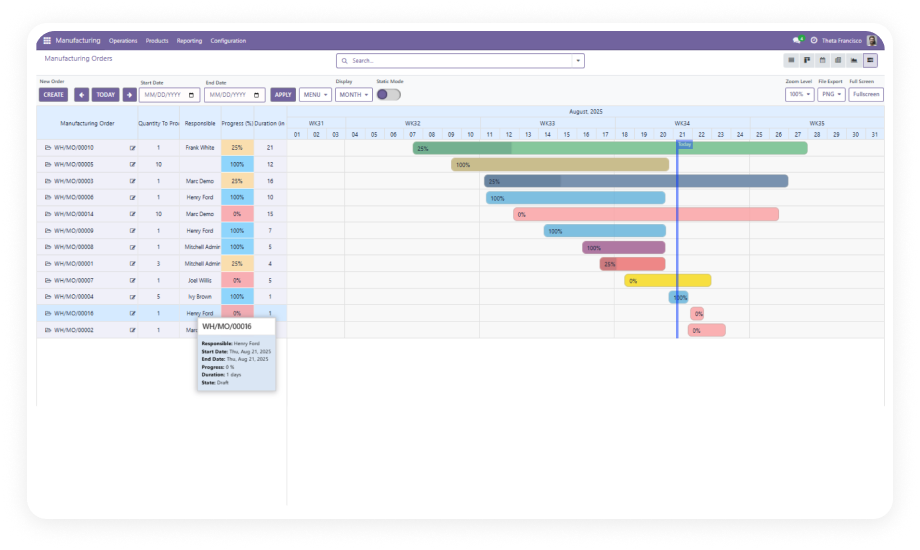
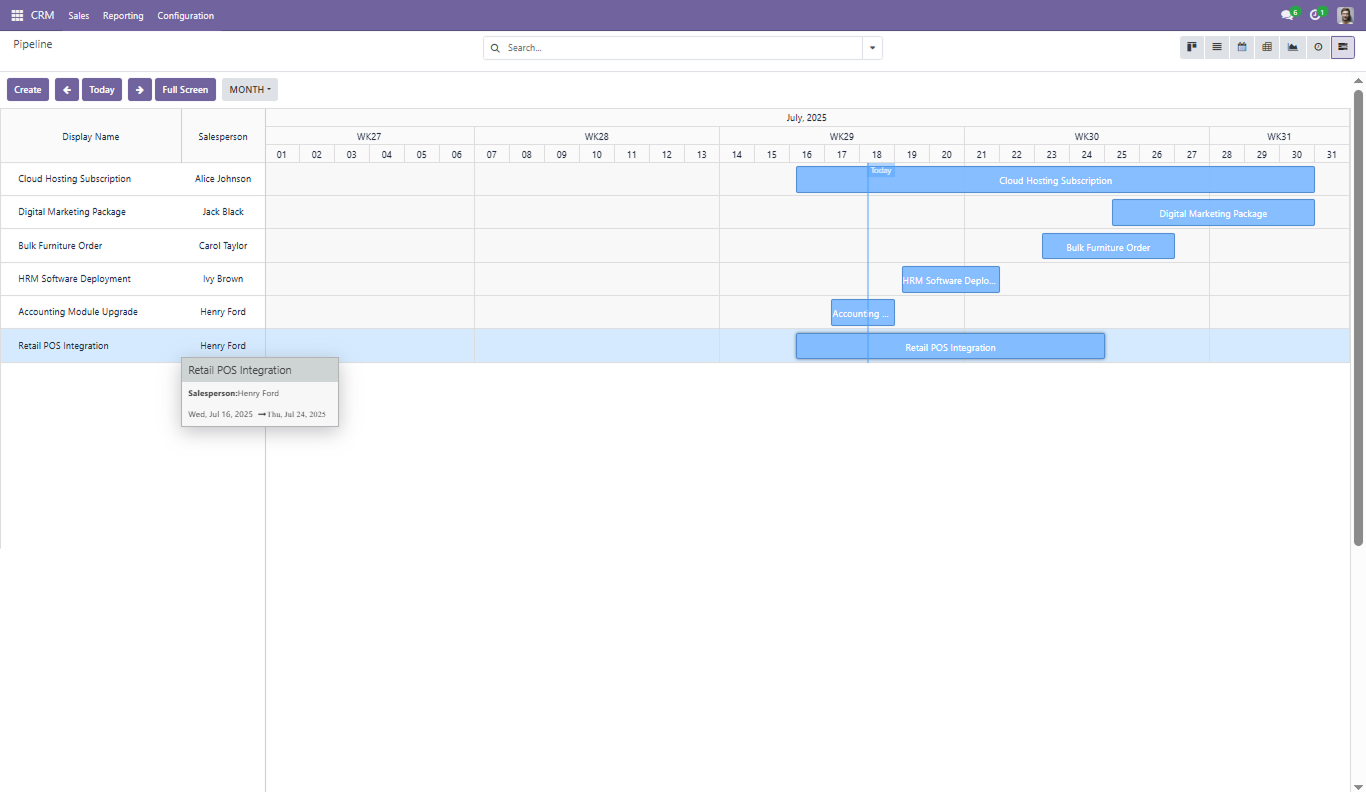
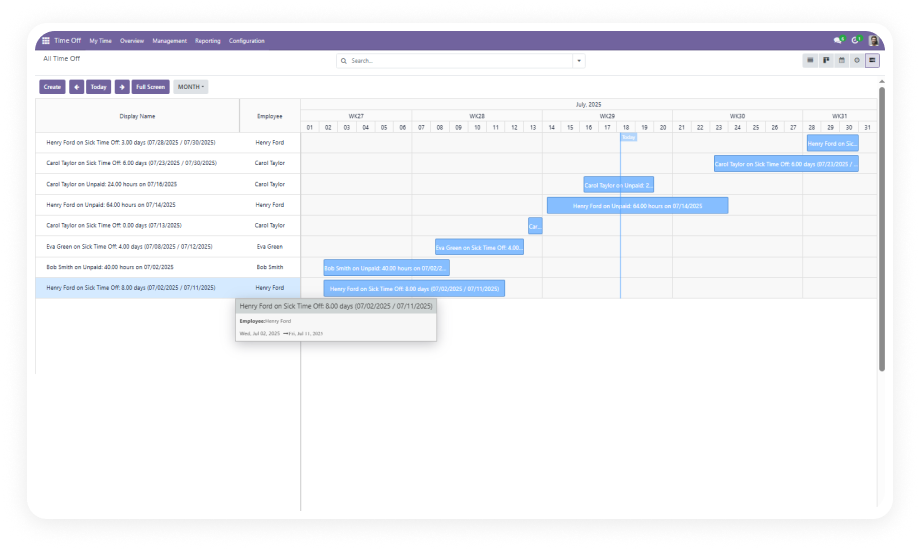
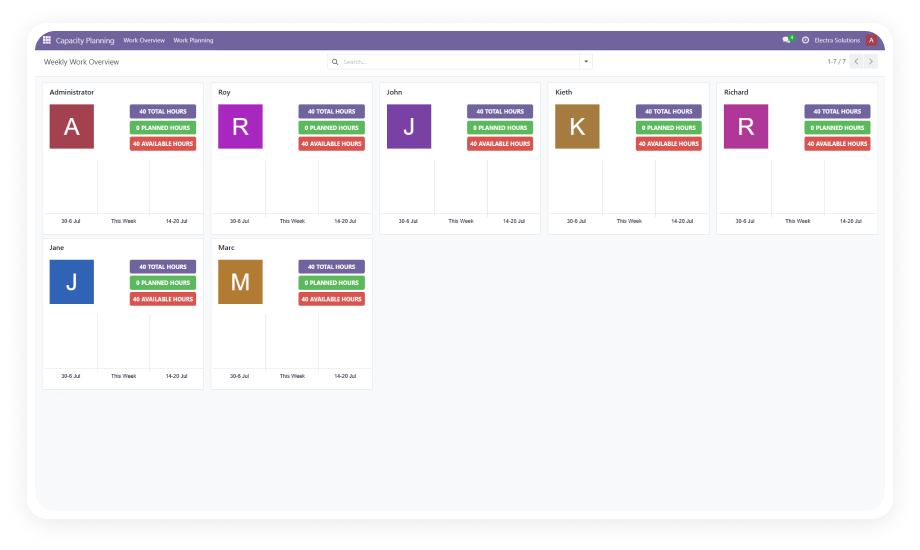
The base module powers the full Zehntech Gantt ecosystem — Project, Manufacturing, CRM, Time Off, and Capacity Planning all extend it.
Why it matters: One base module powers your entire visual planning stack across every department.