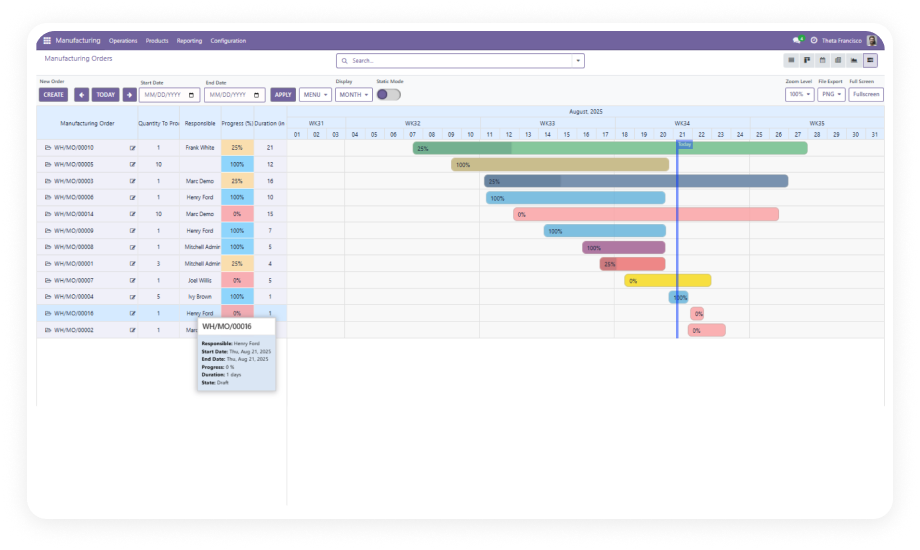
Visualize every project task, milestone, and deadline on a single interactive Gantt timeline. Built for Odoo Project, this module transforms flat task lists into a structured time-based schedule — giving project managers the visibility they need to plan work, track progress, and adapt to change without leaving Odoo.
The Odoo Gantt App for Project Module adds a fully interactive Gantt chart interface directly inside Odoo's native Project module. Where the default project views give you lists, kanbans, and calendars, this module adds a time-based task timeline — so project managers can see all tasks across projects, identify scheduling overlaps, and adjust deadlines in real time. It removes the need for external project timeline tools, manual spreadsheets, or costly custom Gantt development inside Odoo.
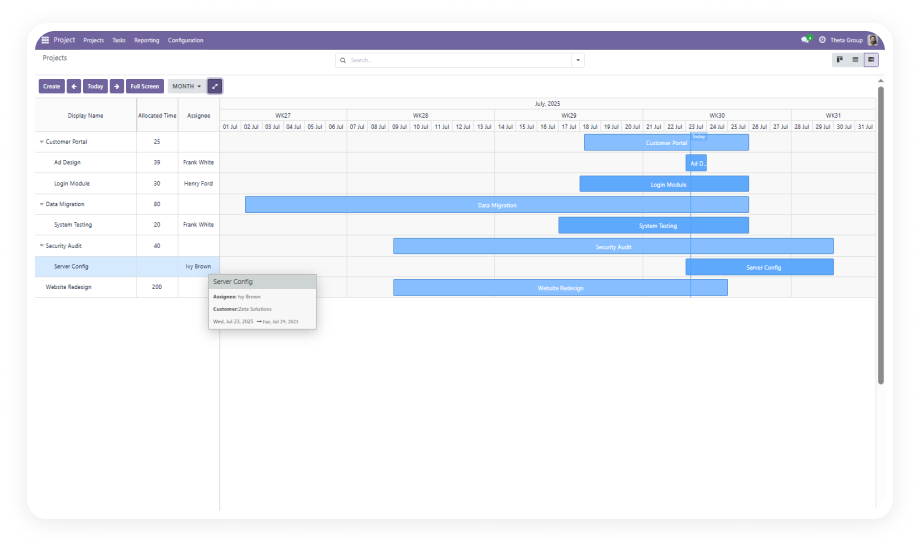
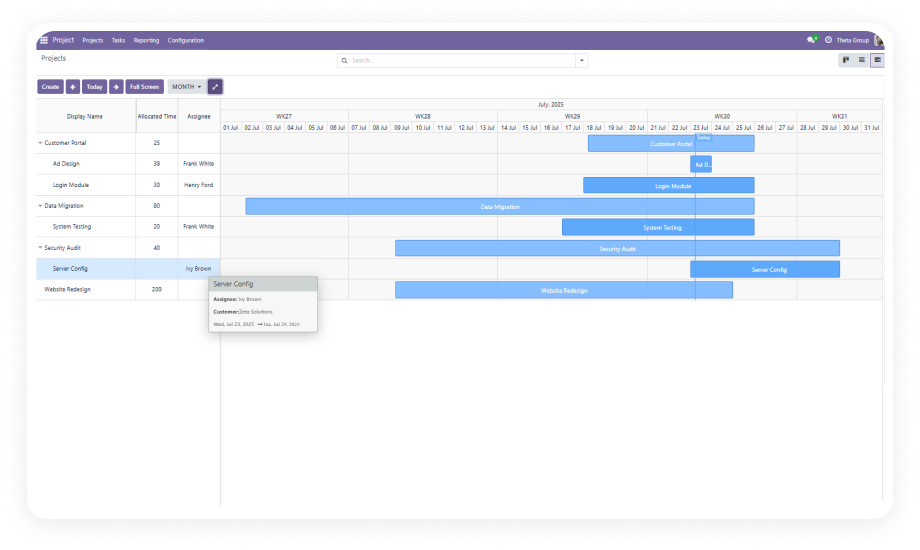
The Gantt view is available directly inside the Odoo Project module — accessible via the Gantt icon in the standard view switcher. No navigation away from the module, no separate dashboard.
Why it matters: project teams stay inside their existing workflow and gain timeline visibility without learning a new tool.
New project tasks can be created from within the Gantt view using the standard Create button. After entering task details and saving, the task appears immediately on the timeline.
Why it matters: project managers can add new tasks to the schedule and verify their placement in a single step.
A single click expands the Gantt chart to fill the entire browser window, removing navigation bars, sidebars, and other interface elements.
Why it matters: during sprint planning or stakeholder reviews, the full-screen view provides a comprehensive, distraction-free overview.
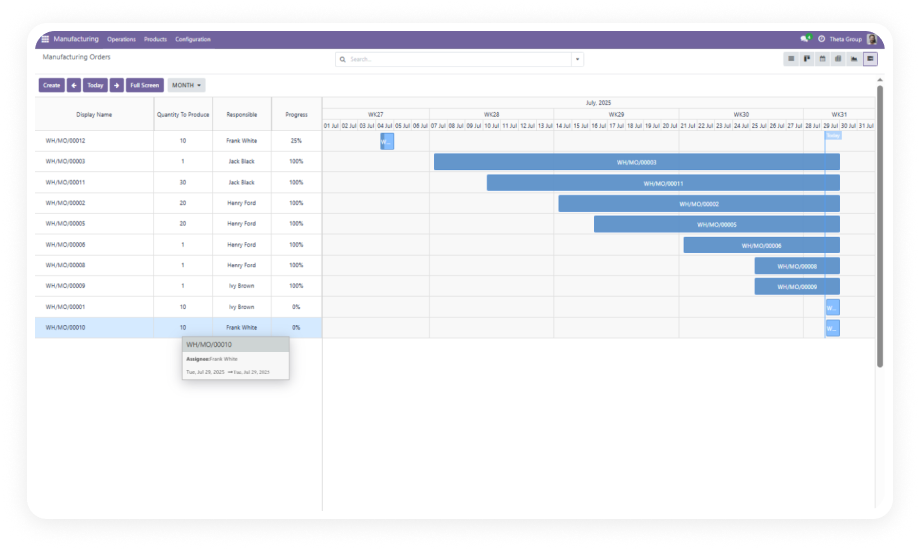
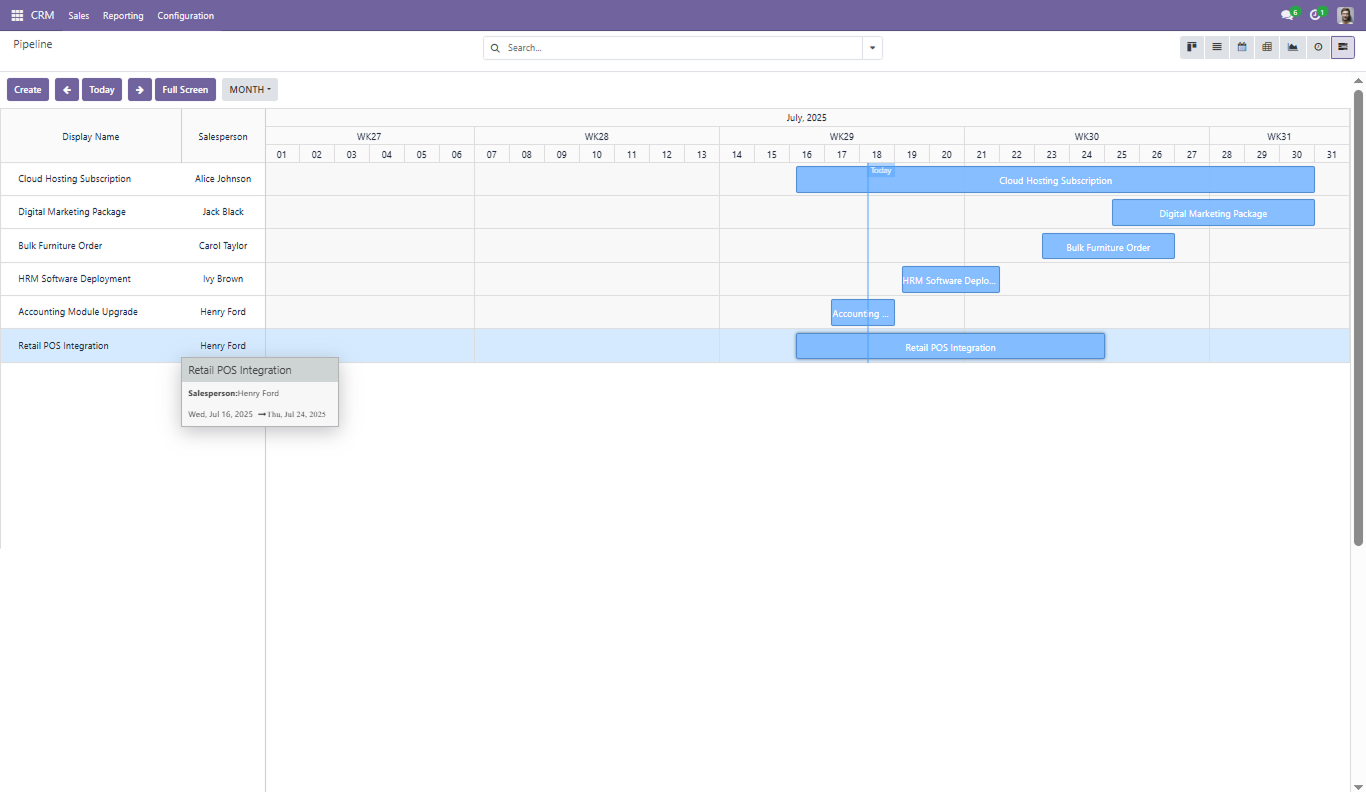
The timeline supports day, week, month, and yearly zoom levels, switchable with a single click. Previous and Next buttons move the visible window, and Today button snaps to current date.
Why it matters: project planners can shift between detailed daily task views and broader quarterly overviews without leaving the Gantt interface.
Tasks grouped by project, assignee, or any field can be expanded and collapsed within the Gantt view. This hierarchical display lets users drill into specific groupings.
Why it matters: large projects with dozens of tasks become manageable through structured expand/collapse controls.
Project tasks can be edited by double-clicking any bar on the timeline, or removed via dedicated delete controls. Changes are reflected immediately without page refresh.
Why it matters: the ability to modify or remove a task directly on the timeline significantly reduces the time cost of schedule adjustments.
The Gantt view supports the same grouping, filtering, and favorites functionality found in Odoo's list and kanban views. Group tasks by any available field and save views as favorites.
Why it matters: project managers working across multiple projects can focus the timeline on exactly what they need.
New project tasks can be created directly on the Gantt timeline by dragging across any empty space in the schedule. The system automatically sets the task date range.
Why it matters: this intuitive drag interaction reduces the steps required to add tasks and allows planners to visually position new work.
Existing project tasks can be rescheduled by dragging their timeline bar to a new date position. The task's start and end dates update automatically.
Why it matters: project timelines shift constantly — drag-to-reschedule makes these changes instant and keeps the Gantt view current in real time.
Choose your Odoo version and explore interactive documentation
Documentation coming soon for Odoo 19.
No development environment. No custom code. No consultant required for standard setup.
Purchase the Odoo Gantt App for Project Module from the Odoo App Store at $109.50. Download the module package. Your license covers lifetime access with no recurring fees.
Upload the module to your Odoo instance via the Apps menu. Search for zt_gantt_app_project and click Install. The module will also install Odoo Gantt App Base if not already present.
Navigate to the Project module. The Gantt icon will appear in the view switcher. Click it to open the Gantt timeline. No additional configuration is required.
Your entire project task schedule is now visible on the Gantt timeline. Create new tasks by dragging, reschedule by dragging bars, and use grouping and filtering to focus your view.
One-Time Purchase. No Subscription. No Recurring Fees. Your team already uses Odoo Project to manage tasks and deadlines — this module adds the timeline layer that makes it possible to plan, adjust, and track every task visually. Includes lifetime updates and 90 days of dedicated technical support.
You have successfully subscribed to the newsletter
There was an error while trying to send your request. Please try again.