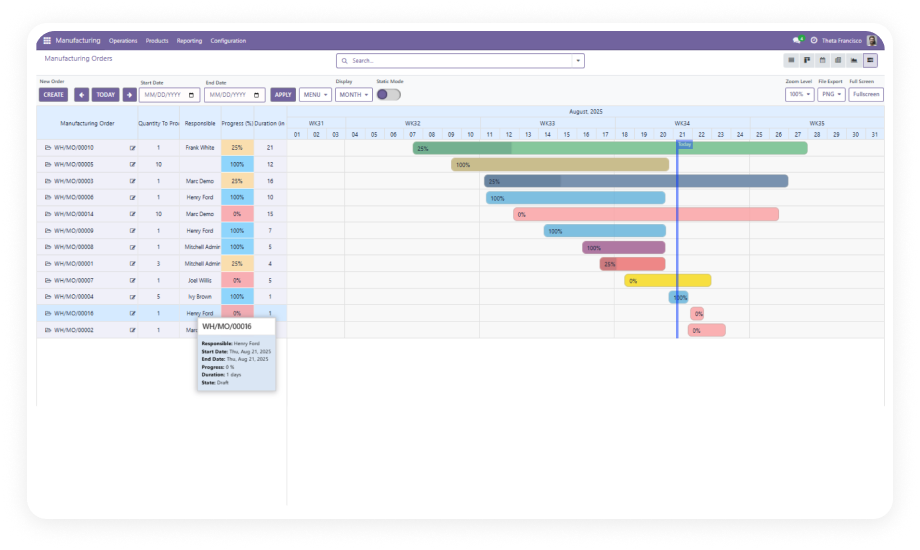
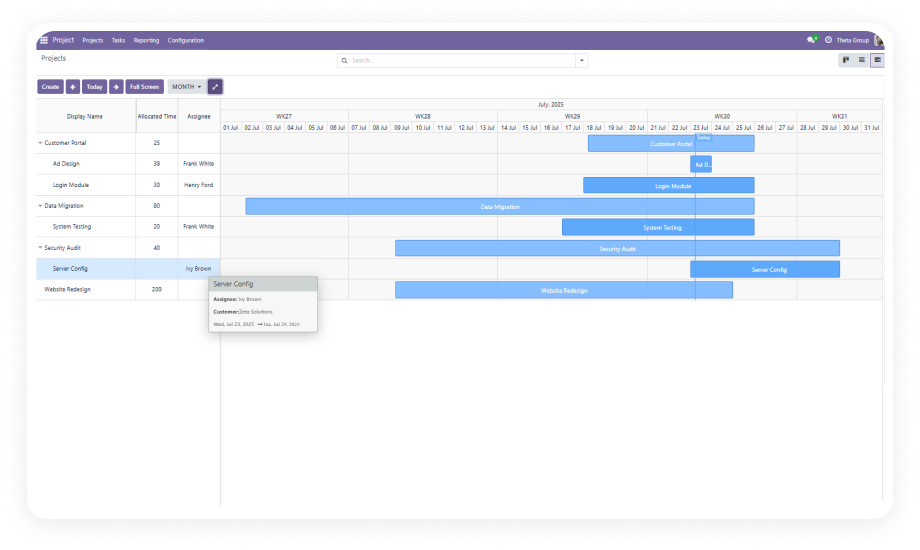
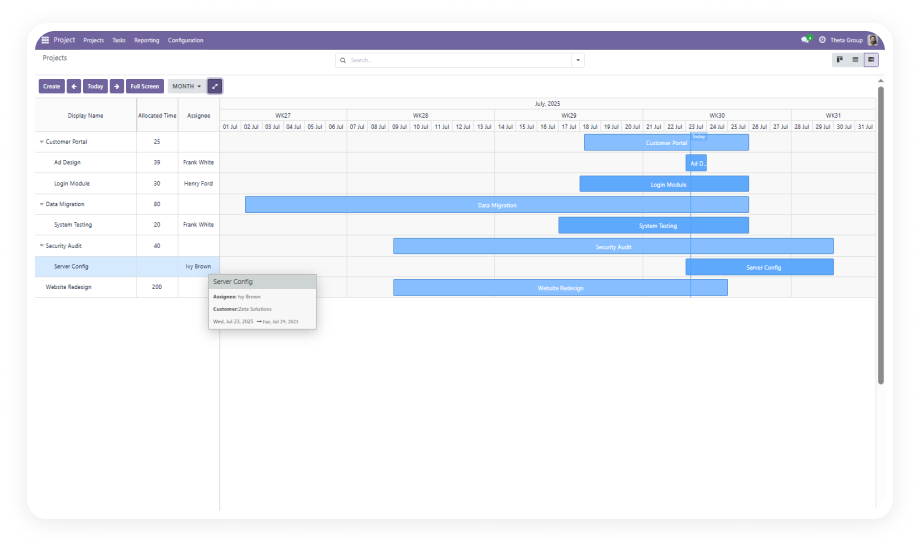
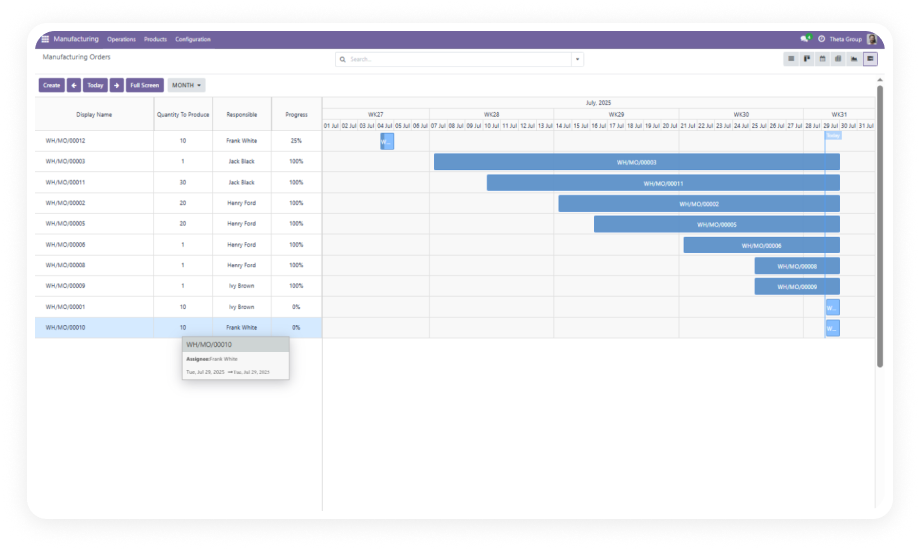
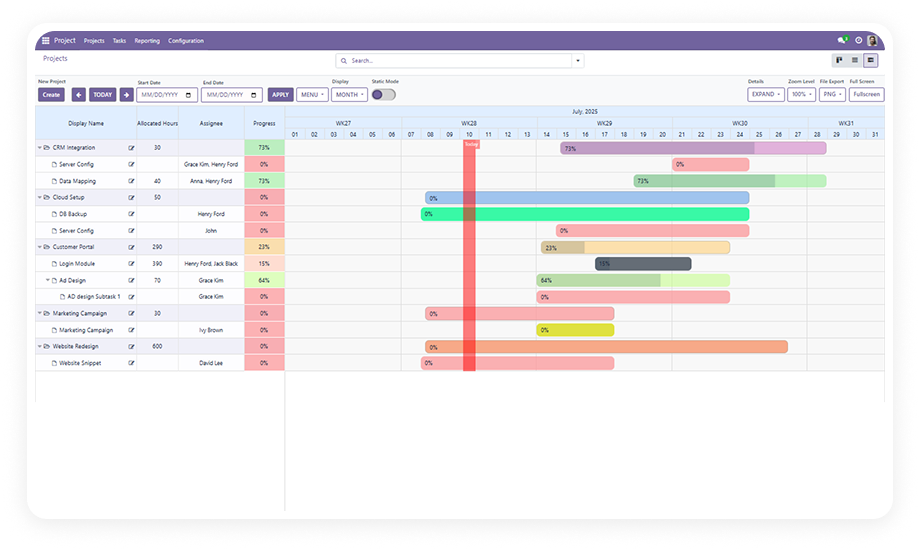
Create, edit, and delete manufacturing orders directly within the Gantt interface. Every action synchronizes immediately across your Odoo system.
Why it matters: production teams work from a single source of truth, and schedule changes propagate instantly.
Switch between day, week, month, and year timeframes with a single click. Adjust zoom level continuously from 0% to 100%.
Why it matters: a daily floor supervisor and a quarterly capacity planner use the same tool at their own zoom.
Group manufacturing orders by product, responsible person, work center, status, or any custom field. Expand or collapse groups for summary-level or detail views.
Why it matters: production environments with hundreds of active orders stay navigable.
Generate shareable reports in PDF, PNG, or Excel format directly from the Gantt view. Color-coded progress indicators on each order bar.
Why it matters: production reporting moves from manual screenshot workflows to one-click export.
Assign resources to manufacturing orders using drag-and-drop directly on the Gantt timeline. Reassign by dragging an order from one resource row to another.
Why it matters: capacity balancing and workload distribution happen visually and immediately.
Reschedule manufacturing orders by dragging timeline bars to new dates. The system enforces validation rules during the move.
Why it matters: production planners make rapid adjustments with confidence that constraints are respected.
Enter full-screen mode for maximum timeline workspace during planning sessions. Switch to static (read-only) mode to share the schedule with stakeholders.
Why it matters: a single interface serves both active planners and passive reviewers.
Filter the Gantt view by order status, priority level, date range, or any combination of criteria. Applied filters persist within the session.
Why it matters: production teams isolate exactly what needs attention without scrolling through irrelevant data.
Assign color themes to manufacturing orders based on status, priority, or category. Orders automatically render in their assigned color on the timeline.
Why it matters: a production manager scanning 200+ orders can instantly distinguish urgent items by color alone.
Hover over any order bar on the Gantt timeline to see a customizable tooltip displaying key order details — product, quantity, responsible person, dates, and status.
Why it matters: quick context checks happen without opening records, keeping planners in the timeline flow.
Apply date-range filters to focus the timeline on specific production windows. Customize timeline labels to display shift labels, week numbers, or custom date formats.
Why it matters: the timeline adapts to how your production team thinks about time.
Streamlined controls for creating, editing, and deleting manufacturing orders. Dedicated action buttons reduce the steps between identifying a scheduling need and executing it.
Why it matters: in high-velocity production environments, every eliminated click compounds into meaningful time savings.