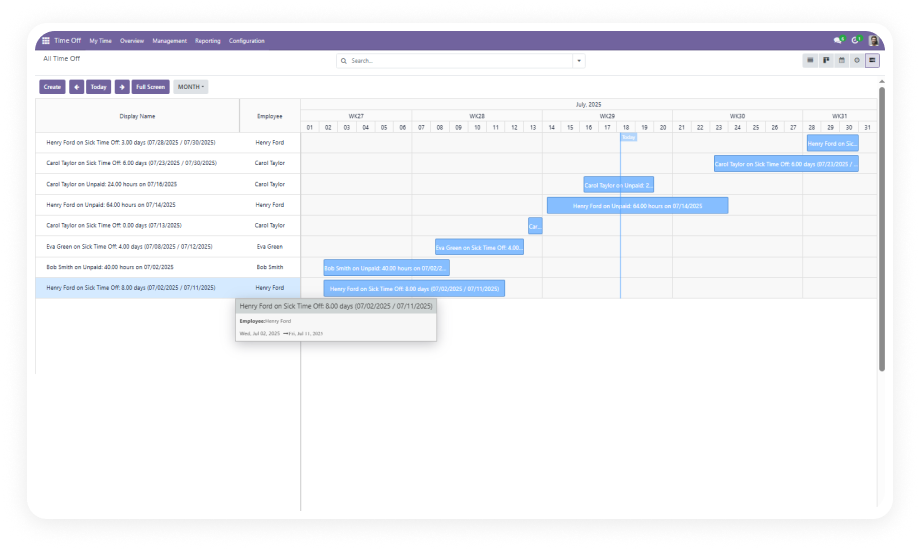
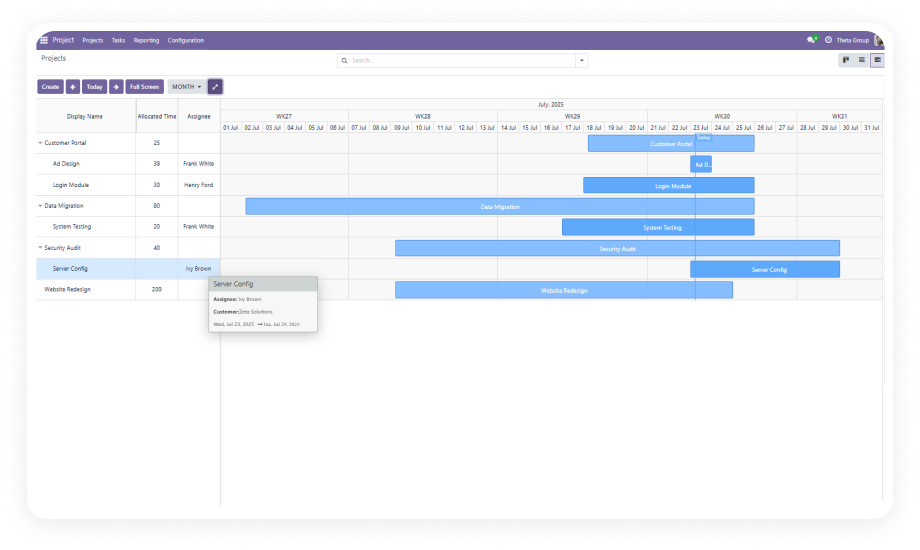
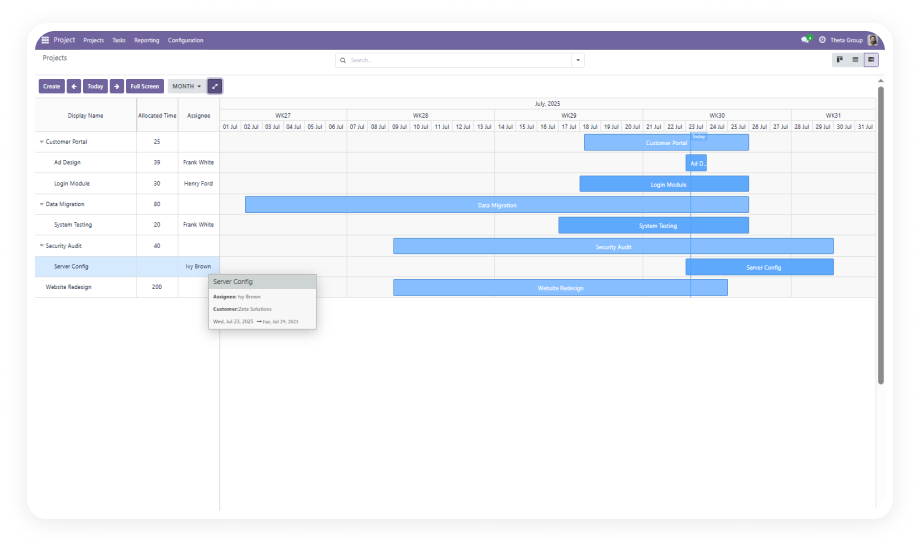
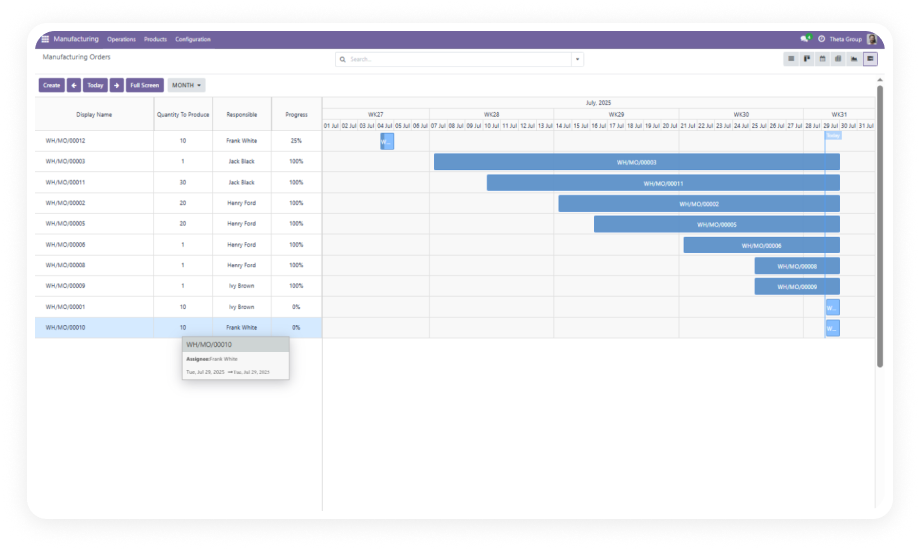
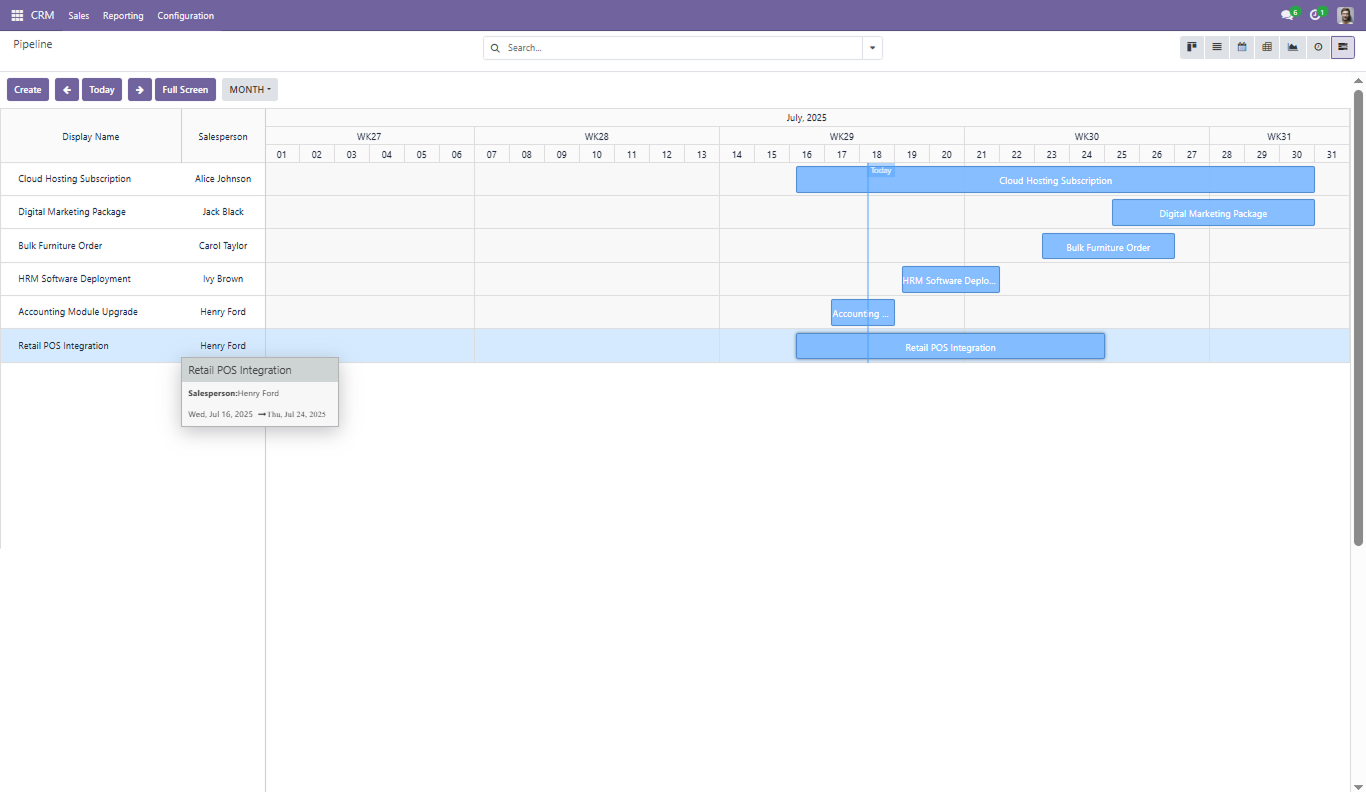
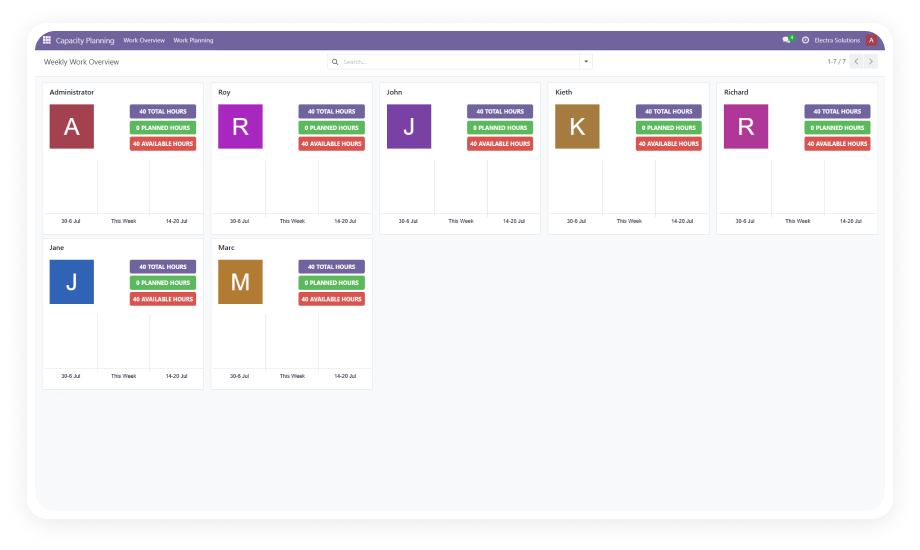
Every approved and pending leave request appears as a bar on the timeline, grouped by employee, department, or team.
Why it matters: Managers see the full absence picture in one view instead of scrolling through lists.
Draw a new time-off entry directly on the timeline by dragging across the desired date range. A form opens to select leave type, confirm dates, and add descriptions.
Why it matters: Creating leave requests takes seconds without navigating away from the planning view.
Move approved or pending leave entries by dragging the bar to new dates. Odoo updates the underlying record automatically.
Why it matters: When plans change, rescheduling happens visually — no need to open forms and recreate entries.
Switch between daily, weekly, monthly, and yearly perspectives using built-in zoom controls. Navigate forward and backward or jump to today.
Why it matters: Daily zoom helps resolve specific team conflicts; yearly zoom reveals seasonal absence patterns.
Expand the Gantt timeline to fill the entire browser window for focused leave planning sessions.
Why it matters: Large teams with dozens of employees need screen real estate — full-screen mode delivers uncluttered visibility.
When multiple employees in the same team have overlapping leave periods, the timeline makes the conflict immediately apparent through the bar layout.
Why it matters: Coverage gaps caught during planning prevent last-minute staffing scrambles.
Group the timeline by department, manager, leave type, or any relevant field. Layer filters, then save the view as a favorite.
Why it matters: HR sees the full company; a team lead sees only their department. Everyone gets the view they need.
Double-click any time-off bar to open it for editing or deletion. Modify dates, leave types, or descriptions without leaving the Gantt view.
Why it matters: Quick corrections happen inline — maintaining planning flow without disruptive context switches.
New requests created from the timeline include all standard fields: leave type, start and end dates, and description. The form respects your existing approval workflows.
Why it matters: The Gantt view accelerates creation but does not bypass governance — all allocation rules still apply.
Move the visible timeline window forward or backward in time, or jump to the current date instantly.
Why it matters: Reviewing upcoming holiday season coverage or checking last month's actuals takes one click.