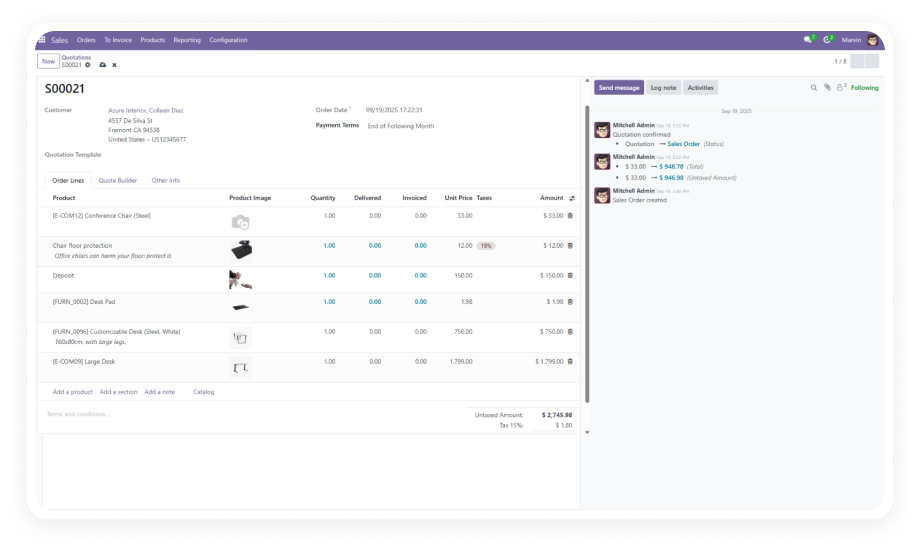
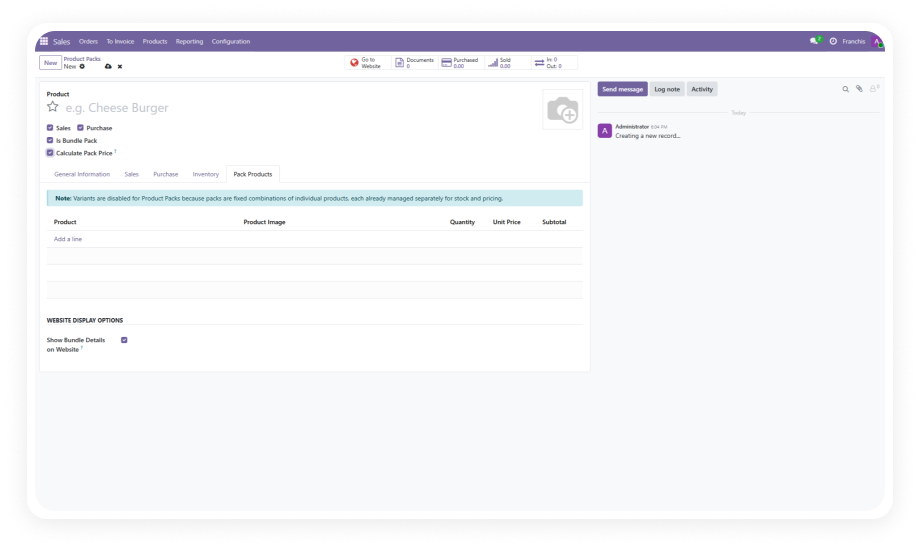
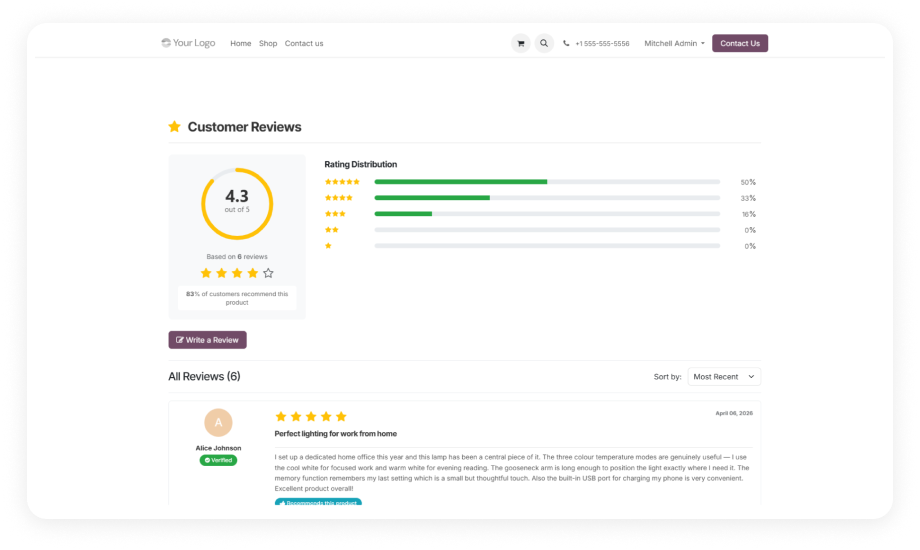
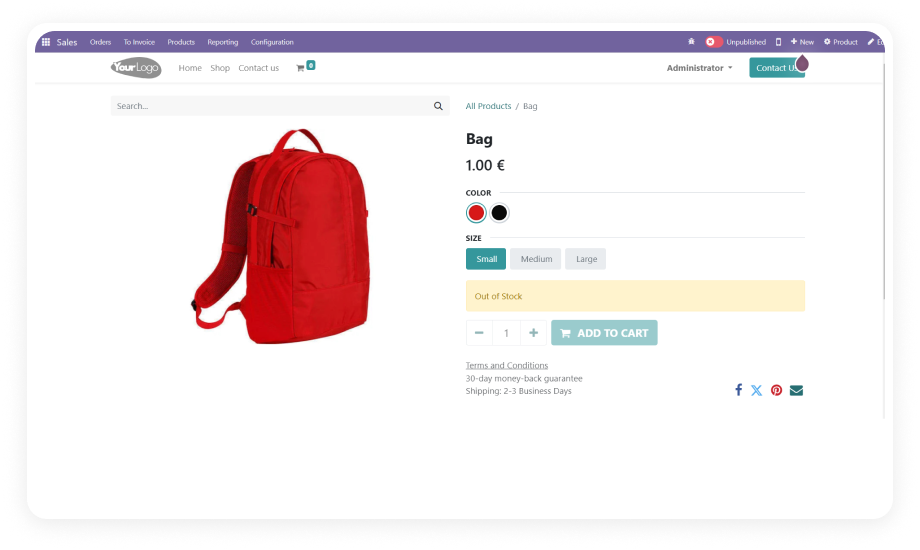
Enhance Your Sales Documents with Clear Product Images in Odoo. Display product and variant images on quotations, sales orders, and invoices — directly within Odoo. Give your customers instant visual confirmation of what they are purchasing.
Sale Order Line Image brings visual clarity to your quotations, sales orders, and invoices by automatically displaying product images alongside each order line. Standard Odoo displays product names and codes — but no images. This module changes that.
The Problem: Faceless Order Lines Create Confusion
Problem
With Sale Order Line Image
Order confirmation delays as customers seek visual verification
Instant visual confirmation on every document
Increased return rates from misidentified products
Clear product images reduce ordering errors
Unprofessional document appearance
Enhanced documents matching eCommerce standards
Internal picking errors from text-only descriptions
Visual verification for warehouse staff
No variant-specific visual identification
Variant-specific images displayed automatically
Key Features
1
Product Images on Sales Order Lines
Display the assigned product image next to each line item in your sales orders and quotations. Customers and internal teams immediately see what each line refers to.
Why it matters: Visual confirmation eliminates ambiguity, reducing back-and-forth communication and speeding up order approvals.
2
Variant-Specific Image Support
When products have multiple variants (size, color, configuration), the module displays the specific variant image rather than the generic product image.
Why it matters: Customers ordering a "Blue, Large" variant see exactly that image — preventing costly fulfillment errors.
3
Images in PDF Reports
Product images carry through to generated PDF reports for both quotations and invoices. Your printed and emailed documents maintain visual richness.
Why it matters: PDF reports are often the final touchpoint before payment; embedded images reinforce professionalism.
4
Placeholder Image for Missing Products
Products without an assigned image display a clean placeholder graphic instead of a broken image icon or empty space.
Why it matters: Maintains a polished, professional appearance even when your product catalog is still being built out.
5
Configurable Toggle in Sales Settings
A simple enable/disable switch in Odoo Sales Settings gives administrators full control over image visibility. No code changes required.
Why it matters: Provides operational flexibility for businesses that may want images on customer-facing documents but not on internal ones.
6
Invoice Line Images
Images extend beyond sales orders into invoice documentation. Each invoice line item displays the corresponding product or variant image.
Why it matters: Consistent imagery across the entire sales-to-invoice workflow builds customer confidence.
Who Benefits from Sale Order Line Image
Role
Primary Use Case
Key Outcome
Sales Manager
Sending visually rich quotations to prospects
Higher quote-to-order conversion rates
eCommerce Manager
Aligning online store experience with backend documents
Consistent brand presentation across channels
Warehouse Supervisor
Verifying picked items against order images
Reduced picking and packing errors
Accounts Receivable
Issuing invoices with product visuals
Fewer billing disputes and faster payment
Customer Service Rep
Referencing order images during support calls
Quicker issue resolution with visual context
Business Owner
Presenting professional documents to clients
Enhanced brand perception and trust
Procurement Officer
Reviewing multi-product orders for accuracy
Faster internal approval cycles
Versions & Documentation
Choose your Odoo version and explore interactive documentation
Yes, the module fully supports product variants and displays variant-specific images when assigned. If a variant does not have its own image, the parent product image is used as a fallback.
Absolutely. Product images are rendered in both on-screen views and generated PDF reports. The images appear in quotation PDFs, sales order PDFs, and invoice PDFs. For optimal rendering quality, JPEG format images are recommended.
Yes. A simple enable/disable toggle is available in Sales > Configuration > Settings. Turning off the toggle removes images from all sales documents instantly — no code changes or technical intervention required.
Products without images display a clean placeholder graphic automatically. This prevents broken image icons or empty spaces in your documents, maintaining a professional, consistent appearance.
Yes, the module works on all Odoo deployment types: Online, Odoo.sh, and On-Premise. Installation on Odoo Online follows the standard app store installation process. No server-level configuration is needed.
Add professional product imagery to every quotation, sales order, and invoice your business sends. Free forever — no hidden charges. Lifetime updates included.